Template details
Gatsby Redux Starter
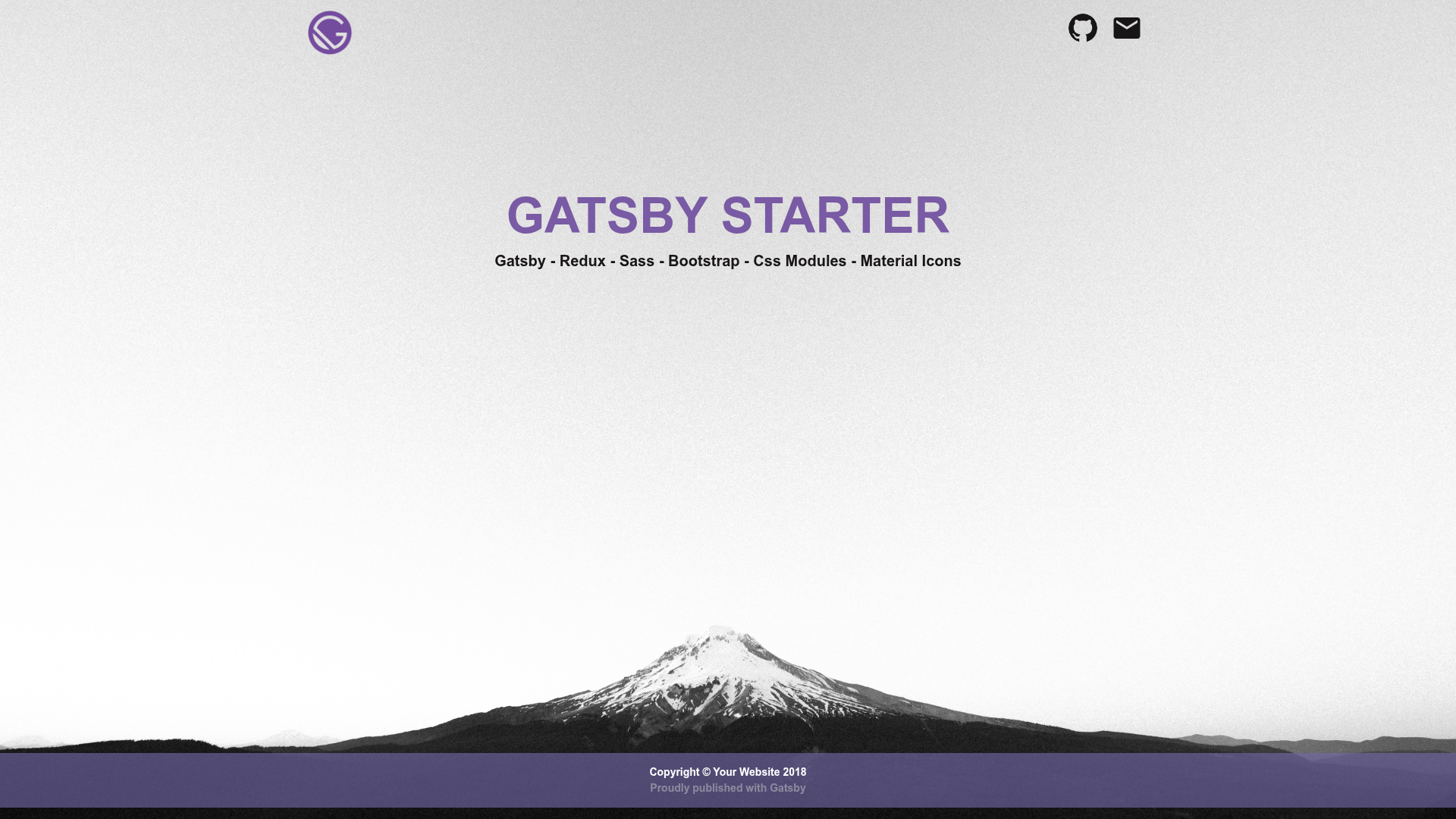
A GatsbyJS starter with Redux, Sass, and Bootstrap preconfigured, based on the default starter.
About this template
Gatsby Redux Starter is a GatsbyJS boilerplate that scaffolds a new static site with Redux state management, Sass styling, and Bootstrap already wired together, based on Gatsby's official default starter.
What is the Gatsby Redux Starter?
This starter is a GitHub-hosted project template that starts from the official gatsby-starter-default and adds Redux, Sass, and Bootstrap so you don't have to integrate them yourself. It runs on Gatsby, a React-based static site generator, and is designed to be used through the Gatsby CLI. The repository itself displays the Gatsby monogram at the top of the README and is published on GitHub for anyone to use.
Key Features
- Redux integration — Redux is preconfigured as a global state management layer, letting you write actions and reducers immediately without setting up the store from scratch.
- Sass support — Sass (SCSS) is included, so you can author styles using variables, nesting, and mixins that compile through Gatsby's build pipeline.
- Bootstrap styling — Bootstrap is bundled, giving you a responsive grid, utility classes, and prebuilt components out of the box.
- Default Starter structure — The project inherits the full gatsby-starter-default file layout, including src, gatsby-browser.js, gatsby-config.js, gatsby-node.js, gatsby-ssr.js, .prettierrc, and more.
- Gatsby CLI workflow — Scaffold a site with
gatsby new, run a development server with hot reloading at localhost:8000, and produce a production build with Gatsby's build command. - GraphiQL explorer — The dev server exposes a second URL at localhost:8000___graphql to experiment with GraphQL queries against the site's data.
- Prettier configuration — A .prettierrc file is included to keep code formatting consistent across the project.
- Netlify deploy button — The README includes a one-click deploy link that can publish the starter to Netlify.
Who is it for?
- Gatsby developers who want a ready-made base with Redux, Sass, and Bootstrap so they can start building features instead of configuring tooling.
- Front-end learners following Gatsby tutorials who want a default-starter project with a state management example to study.
- Teams building static marketing sites that require a familiar CSS framework and a predictable state layer without rolling their own setup.
Use cases
- Rapid prototyping: run
gatsby newwith this starter and immediately start building pages styled with Bootstrap and managing UI state through Redux. - Learning Redux in Gatsby: inspect how the store plugs into Gatsby's browser APIs and server-side rendering through the supplied gatsby-browser.js and gatsby-ssr.js files.
- Publishing to Netlify: use the deploy button in the README to connect the repository and get a live URL in a few clicks.
How does the Gatsby Redux Starter work?
Install the Gatsby CLI globally with npm install -g gatsby-cli. Then create a new site with gatsby new my-default-starter using this starter. Navigate into the folder, run gatsby develop, and the site runs at localhost:8000 with live updates when you edit src/pages/index.js. A second link, localhost:8000___graphql, opens GraphiQL for querying your data.
FAQ
Is the Gatsby Redux Starter free?
Yes, it is an open-source Gatsby starter hosted on GitHub, licensed under the MIT license, so it is free to use and modify.
Do I need the Gatsby CLI to use this starter?
The quick start instructions install the Gatsby CLI globally. The starter itself is just a repository template, but the standard workflow expects you to use the CLI to scaffold and develop the project.
What is the second link shown in the terminal during development?
The link localhost:8000___graphql opens GraphiQL, a tool for experimenting with GraphQL queries against the data in your Gatsby site, as mentioned in the README's quick start notes.