Template details
Nextjs Boilerplate Advanced
Next.js boilerplate made with Chakra-UI + Typescript + React-table + React-hook-form
About this template
Nextjs Boilerplate Advanced is a free, open-source Next.js starter repository that combines Chakra UI, TypeScript, React Table, and React Hook Form to scaffold production-ready admin panels and dashboards.
What is Nextjs Boilerplate Advanced?
Nextjs Boilerplate Advanced is a Next.js boilerplate built with Chakra UI, TypeScript, React Table, and React Hook Form. It provides pre-built authentication screens, a data table with inline editing, and a suite of form inputs compatible with react-hook-form. The project is maintained by Patrick Santos Bitonti Teixeira and includes community contributions from Lincoln M. Costa and João Paulo Rodrigues. It runs on Next.js and can be deployed to Netlify or Vercel using the provided one-click deploy buttons.
Key Features
- TypeScript & linting setup — TypeScript is preconfigured with ESLint and Prettier; running
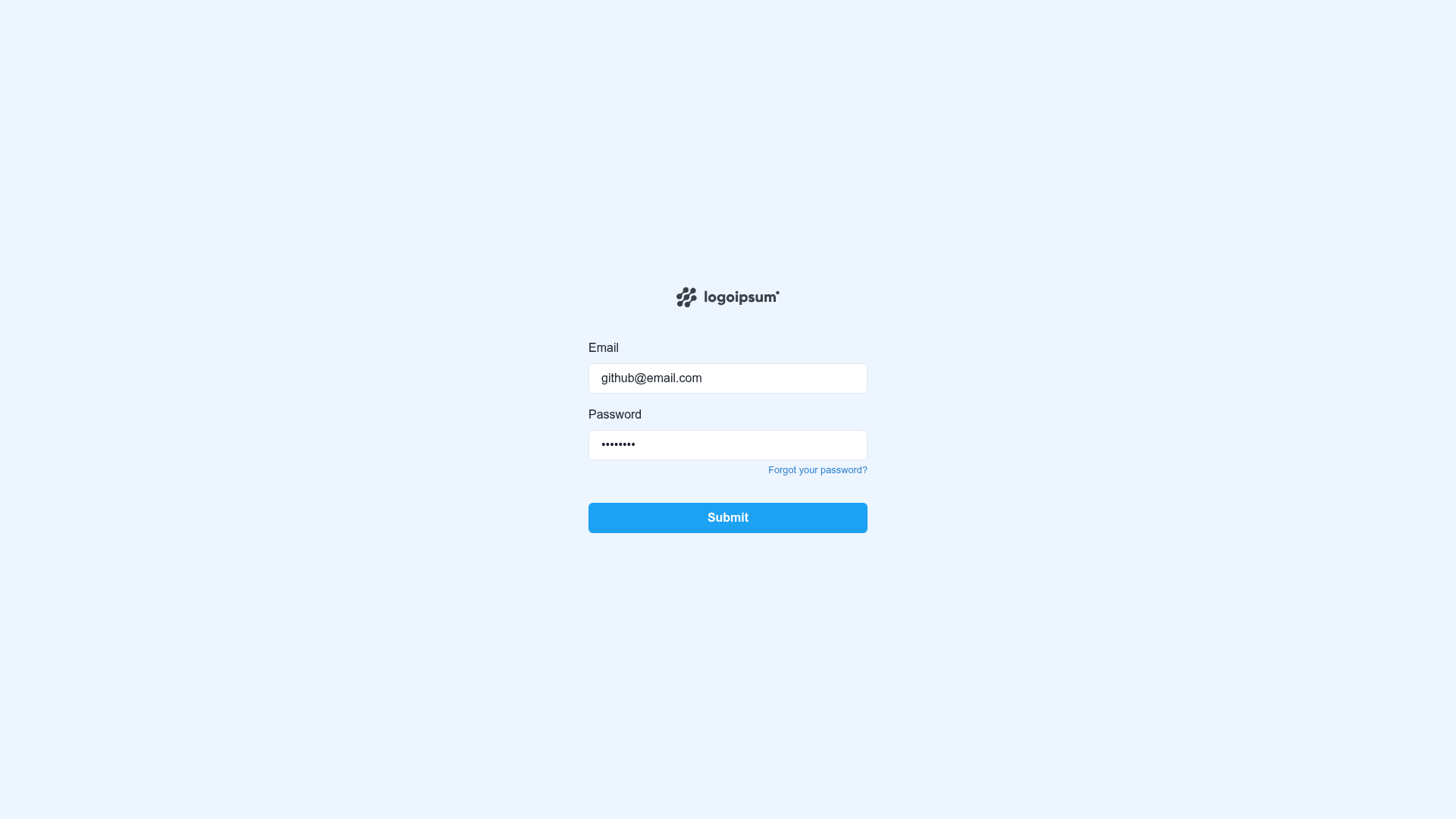
yarn buildfails if TypeScript or lint errors exist. - Pre-built authentication screens — Includes login, signup, and password reset pages wired for server-side rendering.
- Form components — Ready-made inputs include masked/normalized text, date, upload, autocomplete/select, number, phone, and textarea, all compatible with react-hook-form and validated with yup.
- Data table with inline editing — Built on React Table, the table supports editing rows directly in place.
- Email template generation — MJML email templates for authentication flows are compiled to HTML by running
yarn emails;yarn emails:watchrebuilds on file changes. - Code generator — Plop-based generator creates components, forms, and pages from the command line.
- Component documentation — Storybook is included; run
yarn storybookto start a component explorer at localhost:6006. - Development tooling — Includes React Query, Next SEO, NProgress, Perfect Scrollbar, Git hooks, Utility Types, useHooks TypeScript, VSCode workspace recommendations, and a VSCode debug configuration.
Who is it for?
Full-stack developers and front-end teams who want to start a Next.js application with the plumbing already wired. It's suited for building admin dashboards, internal tools, and CRUD applications. Agencies building client projects can reuse the authentication and form patterns to ship faster. Developers learning Chakra UI or react-hook-form can study the pre-built components as reference implementations.
What can you do with it?
- Admin dashboard builders: assemble data tables with inline editing and connect them to React Query for API state.
- Startup founders: launch a UI with authentication, profile editing, and a collapsable nested menu without designing from scratch.
- Team leads: enforce consistent code style with ESLint/Prettier and TypeScript, and generate new components, forms, and pages via Plop.
- Email developers: maintain authentication email templates in MJML and export them as HTML for use in the app.
How does it work?
Create a new project by running yarn create next-app -e https://github.com/santospatrick/nextjs-boilerplate-advanced. Duplicate .env.example to .env.local and fill in the variables. Install dependencies with yarn install, then start the development server with yarn dev. Production builds run through yarn build && yarn start.
FAQ
How do I deploy this boilerplate?
You can deploy with Netlify or Vercel using the one-click deploy buttons on the repository page, or build locally with yarn build && yarn start. The build command fails if TypeScript or lint errors are present.
How do I generate email templates from MJML?
Run yarn emails to compile all .mjml files in the ./emails/templates folder into .html files in ./emails/dist. Use yarn emails:watch to rebuild whenever the source files change.
What form inputs are included?
The boilerplate ships with masked/normalized text inputs, date inputs, upload inputs, autocomplete/select inputs, number inputs, phone inputs, and textareas. All are compatible with react-hook-form and can be validated with yup schemas.
Is there a live demo?
Yes. A live demo is hosted at https://sample-nextjs-app.santospatrick.com, and a Storybook demo is available on Chromatic.
Does the build fail on errors?
Yes. The yarn build command is configured to fail if there are any TypeScript or lint errors, ensuring code quality before deployment.