Template details
Venefish
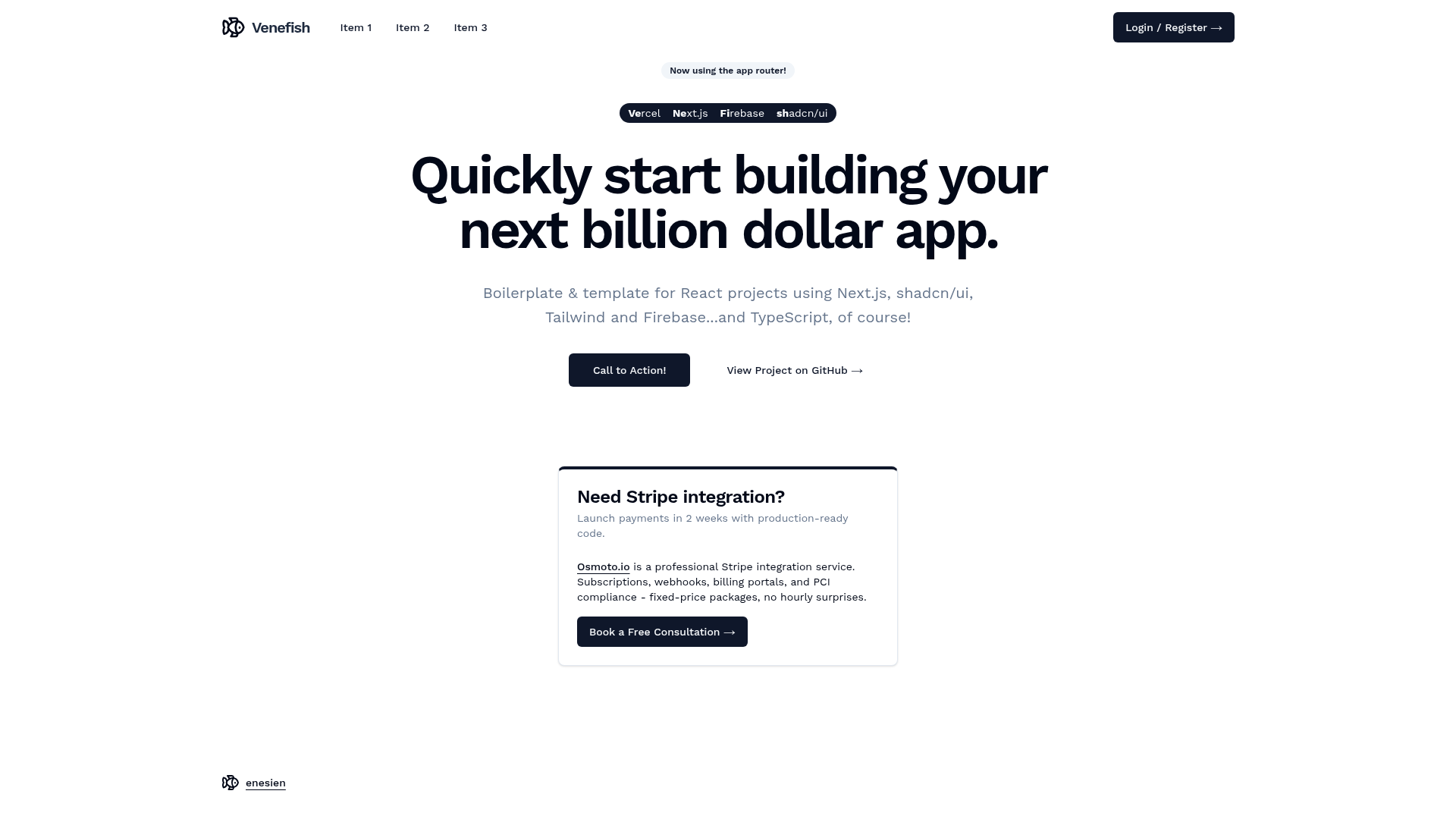
Boilerplate for React TypeScript projects using Next.js, shadcn/ui, Tailwind and Firebase on Vercel!
About this template
Venefish is a free boilerplate for React TypeScript projects that combines Next.js (App Router), shadcn/ui, Tailwind CSS, and Firebase to run entirely on Vercel's free tier. It scaffolds a full-stack app with Firebase Authentication and Firestore wired up out of the box, so you can start building immediately.
What is Venefish?
Venefish is a starter template that uses the Next.js App Router for file-based routing and server components, Tailwind CSS for utility-first styling, and shadcn/ui for accessible, copyable UI components. Firebase provides authentication and the Firestore database, while Vercel handles automated deployments. The template is intentionally minimal so you can understand every piece and deploy to production without a backend server.
Key Features
Venefish provides a lean set of pre-configured technologies that cover the full stack, from UI components to serverless deployment.
- Next.js App Router — Uses the modern App Router structure, giving file-based routing, server components, and API routes out of the box.
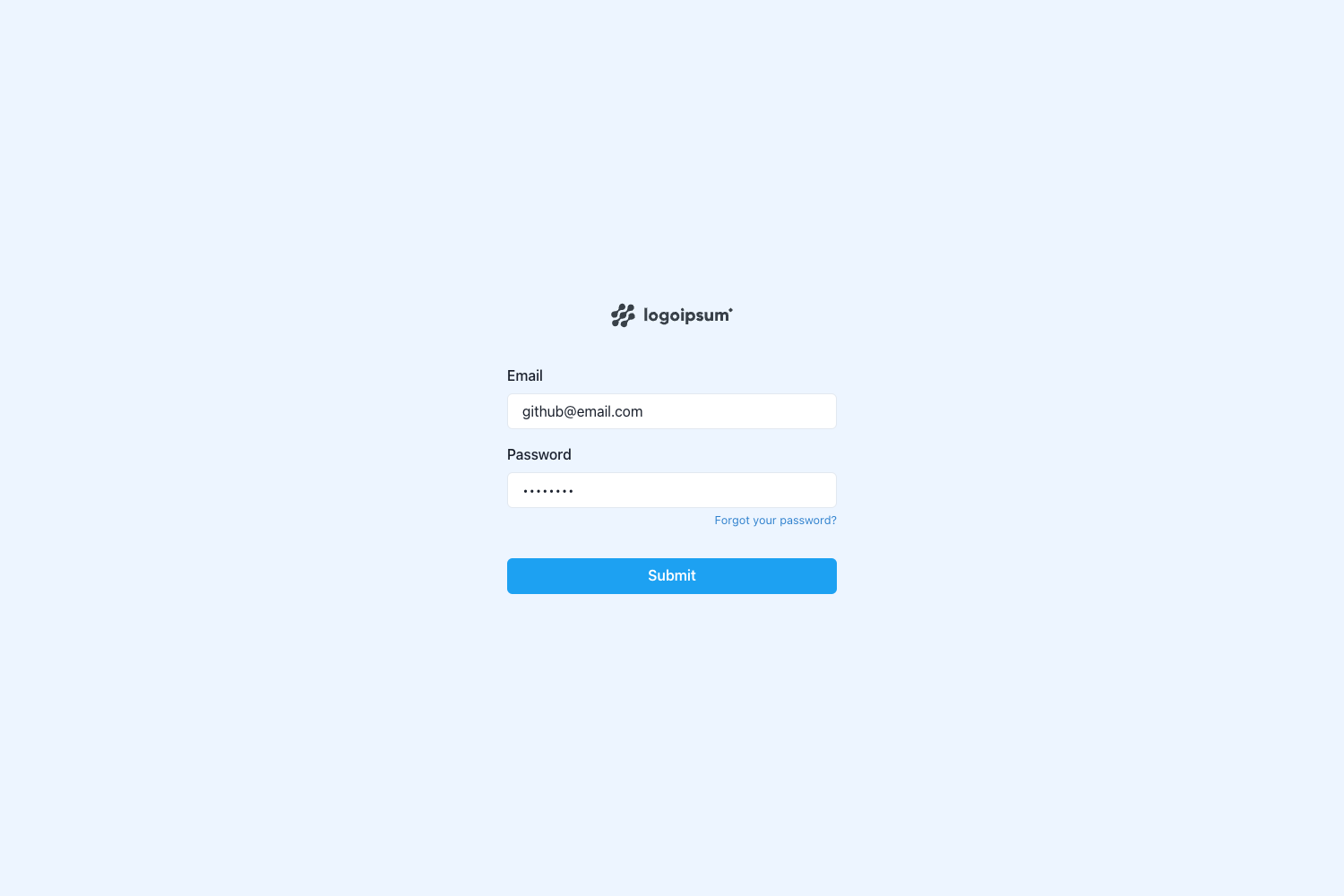
- Firebase Authentication — Pre-configured auth provider setup; paste your Firebase config into
components/firebase-providers.tsxto enable sign-in. - Firestore Database — Includes Firebase Firestore integration for storing and syncing application data in real time.
- shadcn/ui Components — A collection of accessible UI components you copy into your project and customize with Tailwind.
- Tailwind CSS Styling — Utility-first CSS framework for rapid styling without leaving your markup.
- Vercel Deployment — Optimized for deployment to Vercel with automated builds and preview URLs for every commit.
- Optional Firebase Admin SDK — Includes
api/test.tsto help stringify a service account private key for server-side Firebase admin operations via aFIREBASE_ADMIN_SDKenvironment variable.
Who is it for?
Venefish suits developers who want a ready-made foundation rather than spending time on boilerplate setup.
- Indie hackers — Launch a MVP quickly with auth and a database, then scale to paid Vercel/Firebase tiers only after reaching many daily active users.
- React developers — Start a new Next.js project with authentication and styling already wired up, avoiding repetitive setup.
- Startup teams — Use as a foundation for customer-facing products that need Google login and Firestore, deployable to production in minutes.
What can you do with Venefish?
The template's pre-built integrations open up several practical starting points.
- SaaS founders: Build a subscription app with Firebase Authentication handling user sign-ups and Firestore storing customer data, deployed free on Vercel until traffic grows.
- Front-end developers: Customize the shadcn/ui components and Tailwind theme to create a branded UI without fighting a pre-built design system.
- Prototype builders: Spin up a full-stack Next.js app with API routes and serverless functions, using the included
api/test.tsas a starting point for server-side logic.
How does Venefish work?
Setup takes four steps: add Authentication to a Firebase project, copy the public Firebase config into components/firebase-providers.tsx, install dependencies with npm i, and start the dev server with npm run dev. For server-side Firebase admin access, create .env.local, add a FIREBASE_ADMIN_SDK variable containing the stringified service account private key, and replicate that variable in Vercel's environment settings.
FAQ
Is Venefish free to use?
Yes, the template itself is free and openly available. The intended stack runs on Vercel and Firebase free tiers, which the author notes only become paid once a project gets lots of daily active users and exceeds the free quotas.
Does Venefish use the Next.js App Router?
Yes. The boilerplate explicitly states "Now using Next.js app router!" meaning the project structure uses the modern app directory rather than the legacy pages router.
Why is the template named Venefish?
The name is a portmanteau of its main services: Vercel, Next.js, and Firebase. The fish emoji in the title matches this "Venefish" branding.
Do I need to set up Firebase myself?
You need an existing Firebase project with Authentication enabled. The template provides the firebase-providers.tsx file where you paste your public Firebase config; no additional Firebase SDK setup is required.
What is the api/test.ts file for?
It's a helper to stringify your Firebase service account private key so you can easily copy it into a FIREBASE_ADMIN_SDK environment variable. This is only needed if you use the Firebase Admin SDK for server-side operations, which is not part of the project by default.