Template details
Gatsby Simple Blog
A Gatsby starter blog with overreacted design, tags, Algolia search, i18n, Disqus, breadcrumbs, and ESLint support.
About this template
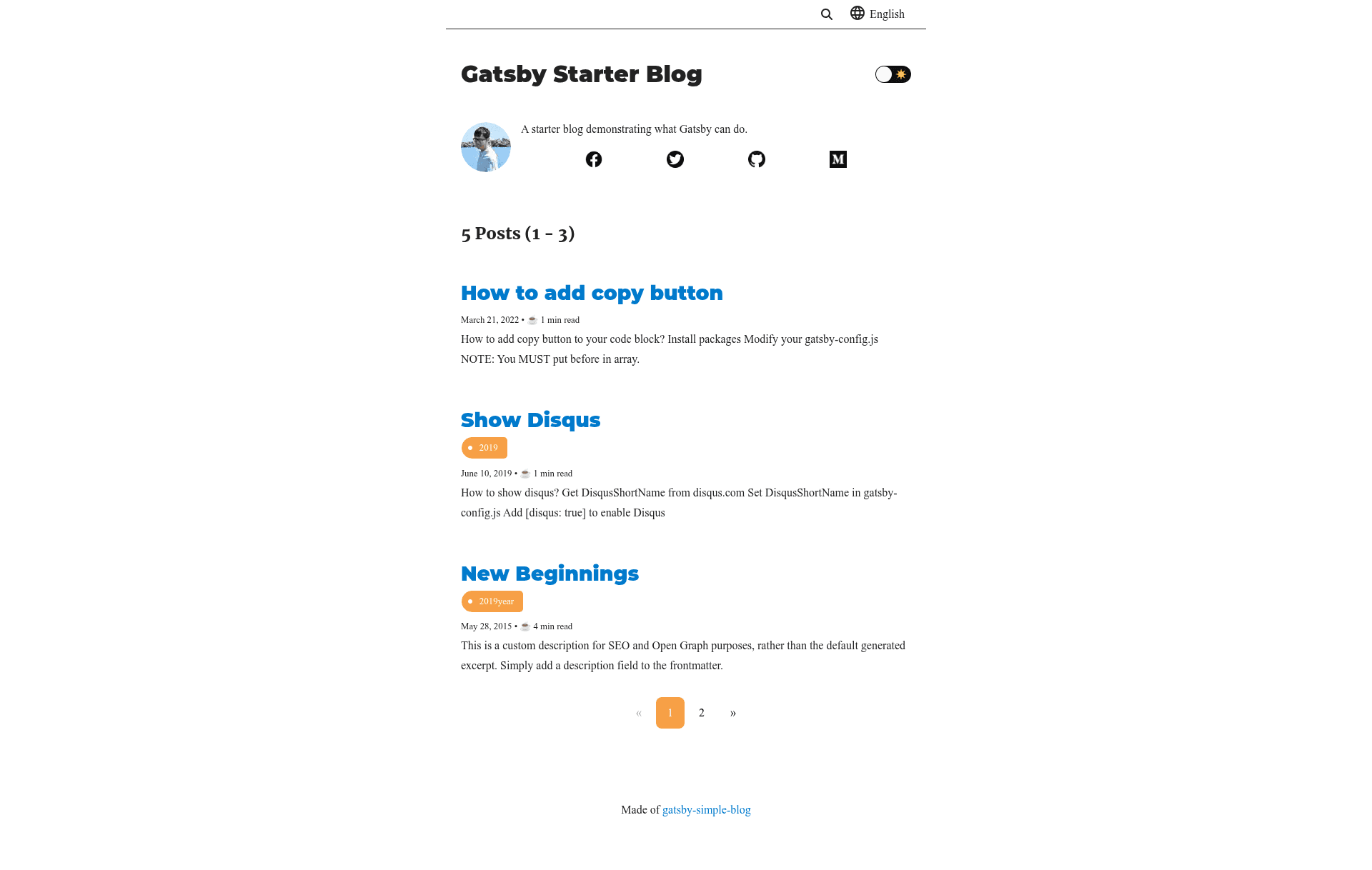
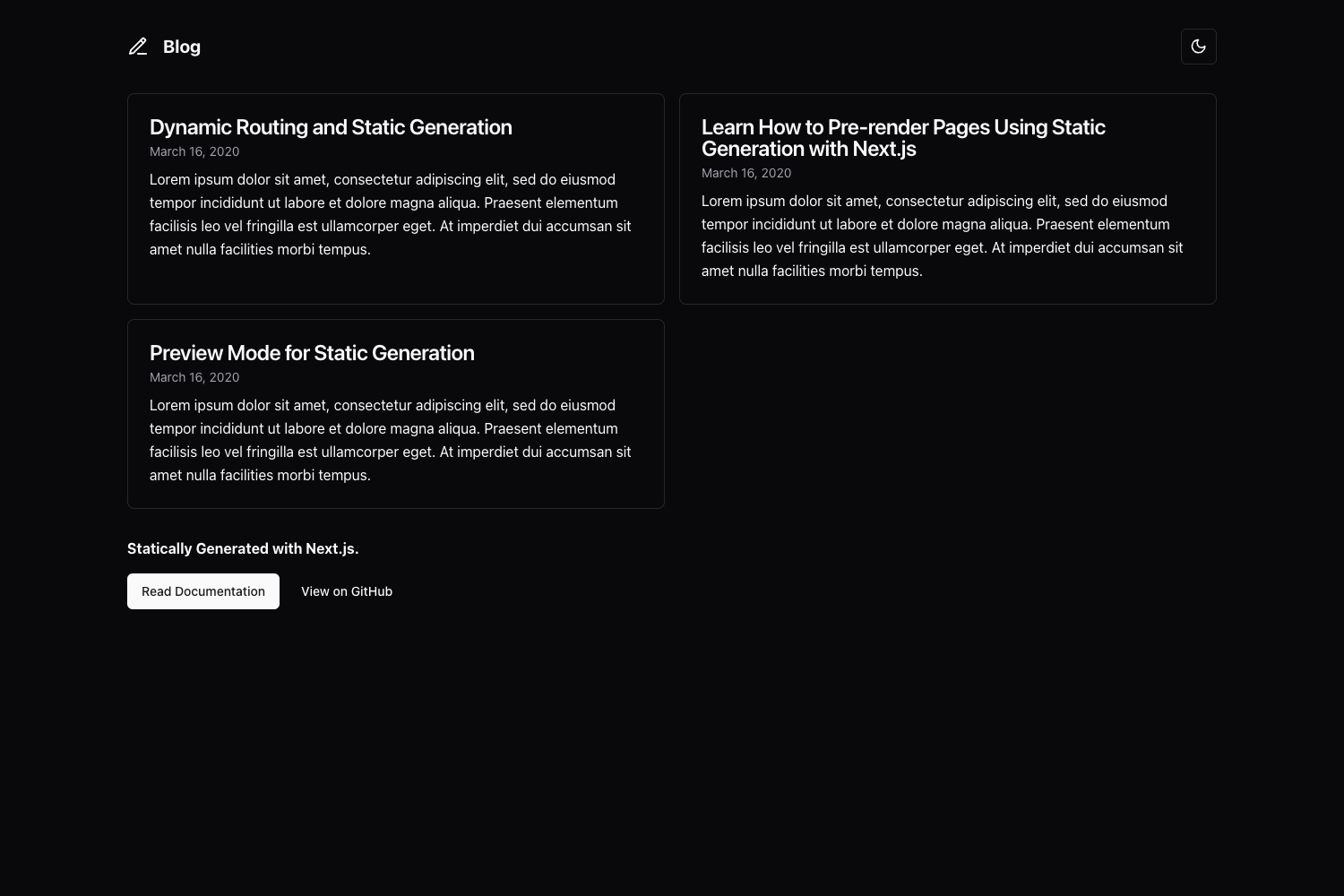
Gatsby Simple Blog is a Gatsby.js starter for building multilingual personal blogs with the overreacted.io visual style, including tag pages, Algolia search, Disqus comments, and breadcrumbs.
What is Gatsby Simple Blog?
Gatsby Simple Blog is a starter template forked from gatsby-starter-blog, designed to produce a static blog with a light or dark theme that mimics overreacted.io. It takes markdown content and configuration from a central config/index.js file and outputs a site ready for deployment to GitHub Pages, Netlify, or Gatsby Cloud. The project runs on Gatsby v4, with dedicated branches for Gatsby v3 and v2, and is maintained by thundermiracle on GitHub.
Key Features
- i18n (internationalization) — Supports multiple languages; add locale files, set
supportedLanguagesinconfig/index.js, and write markdown files with language suffixes likepost.en.md; language links appear on each post and can be disabled viadisplayTranslations: false. - Overreacted design — Visual style matches overreacted.io, with light and dark top sections shown in the README screenshots.
- Tags — Posts can be grouped by tag, with dedicated tag pages and an all-tags index; relative previous/next posts within the same tag are shown in the post footer.
- Algolia search — Per-language search powered by Algolia; enable it by copying
.env.sampleto.envand filling in real Algolia credentials, following the Gatsby Algolia plugin guide. - Breadcrumbs — Breadcrumb navigation displayed in the header area of posts and pages.
- Disqus comments — Commenting via Disqus is integrated, per the README.
- ESLint — ESLint is included for consistent code quality during development.
- Module resolver — Babel module resolver is configured to avoid deeply nested relative imports.
Who should use Gatsby Simple Blog?
Developers who want to create a personal or technical blog without starting from scratch. Bloggers who need multilingual posts and want a built-in language switcher. Content creators who want site search via Algolia and a comments system via Disqus. Developers who prefer the overreacted.io aesthetic and want a Gatsby-based implementation.
What can you do with Gatsby Simple Blog?
- Multilingual bloggers: Publish the same post in several languages by adding language suffixes to markdown filenames; the site shows translation links and filters search by the current language.
- Technical writers: Organize posts with tags and show related posts from the same tag at the bottom of each article.
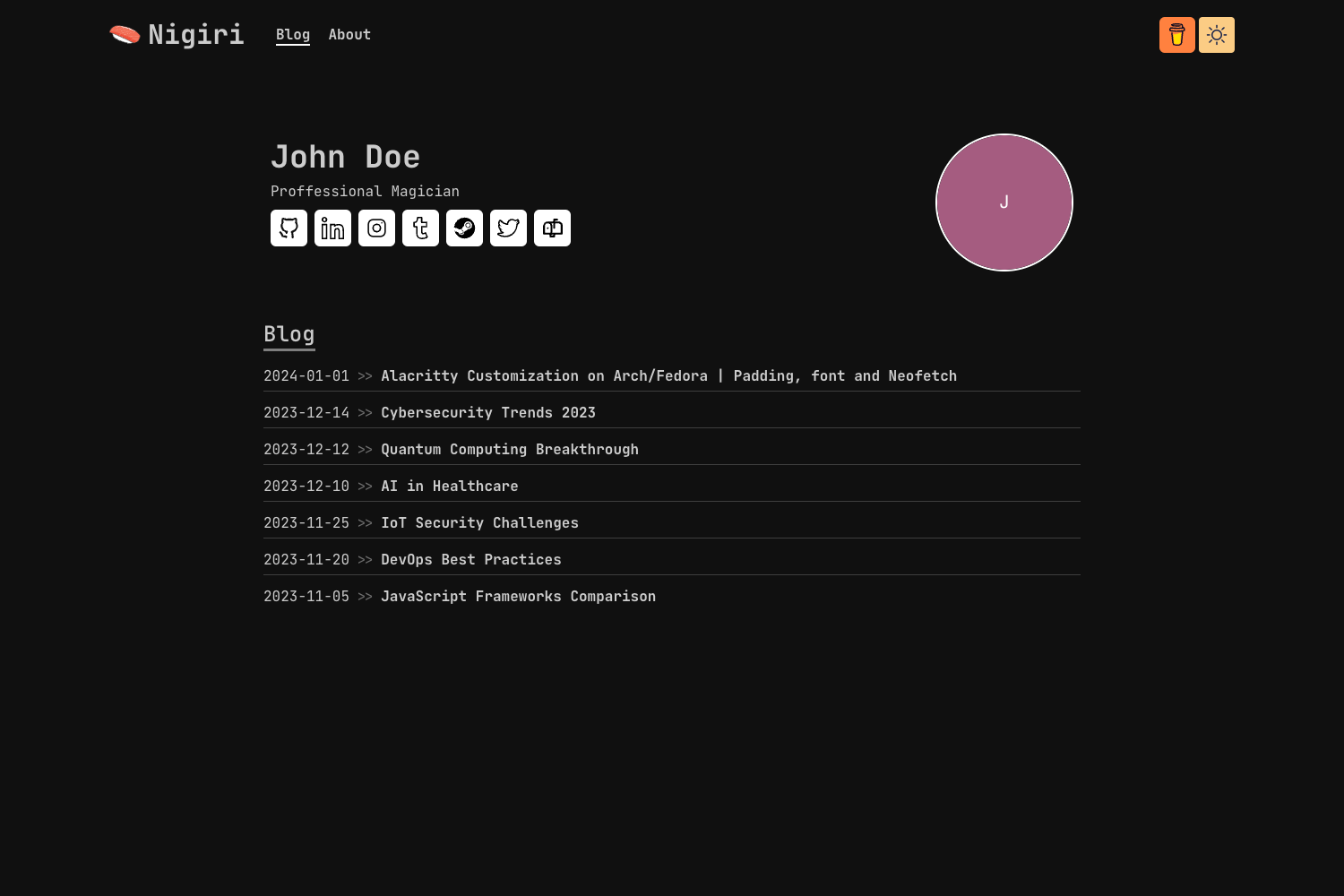
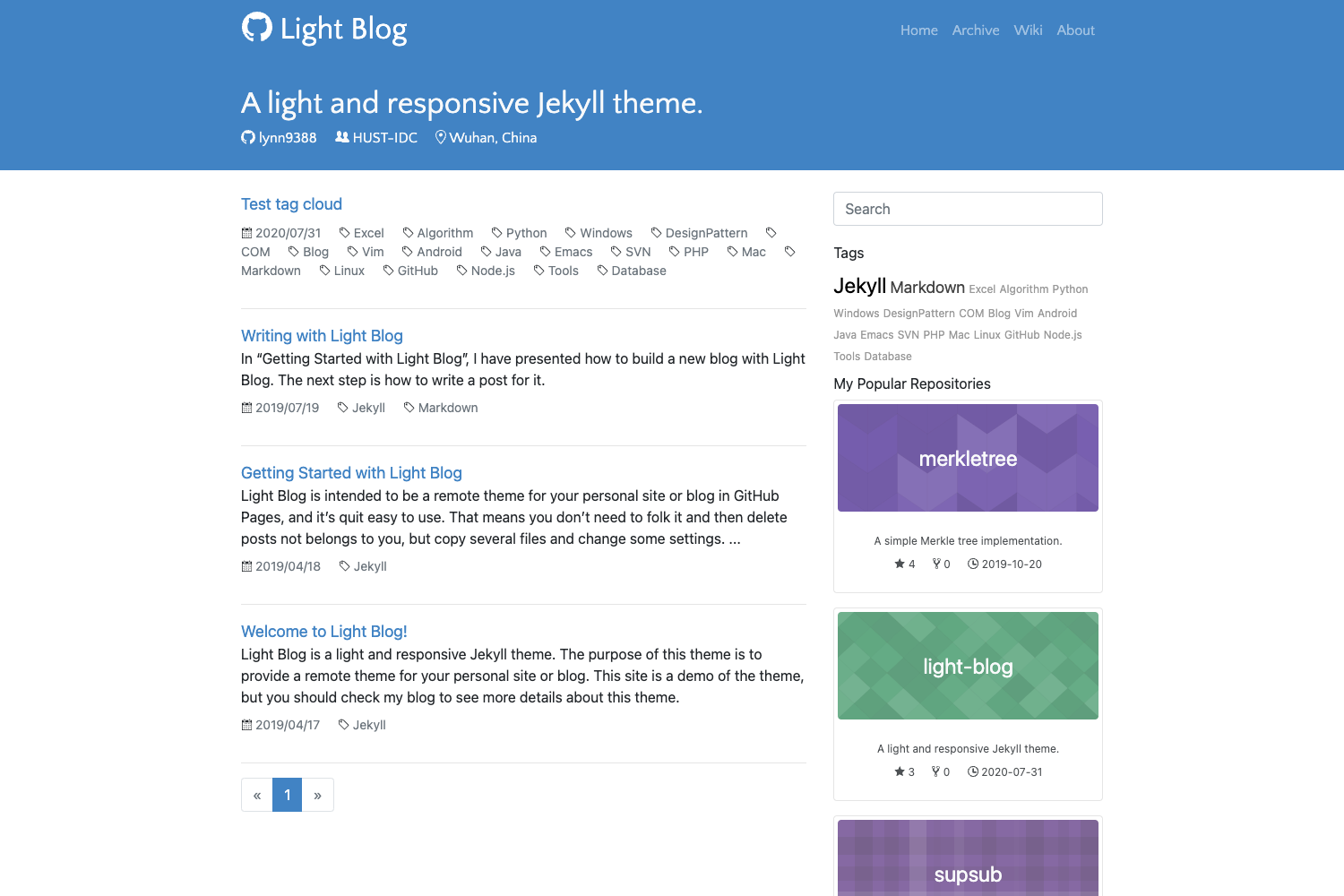
- Developers evaluating deployment options: Deploy the generated static site to GitHub Pages, Netlify, or Gatsby Cloud as demonstrated by the three sample links in the README.
How does Gatsby Simple Blog work?
Create a new site with gatsby new my-blog-folder https://github.com/thundermiracle/gatsby-simple-blog. Site-wide settings live in config/index.js; enabling Algolia requires copying .env.sample to .env and entering real API keys. For i18n, add a language file in config/locales, update supportedLanguages, set the default site.lang, and name content files with the language extension.
FAQ
Is Gatsby Simple Blog free?
Yes, this project is open source under the MIT license, so it is free to use and modify.
What Gatsby versions does it support?
The main branch is migrated to Gatsby v4; separate branches provide Gatsby v3 and v2 versions.
How do I enable Algolia search?
Copy .env.sample to .env, fill in your Algolia credentials, and follow the linked Gatsby documentation for configuring the Algolia plugin.
How do I add a new language to the blog?
Create a lang.js file in config/locales, add the language to supportedLanguages in config/index.js, set site.lang as the default, and name markdown posts with the language extension (e.g., post.en.md).
Are there live demo sites?
Yes, the README links to sample deployments on GitHub Pages, Netlify, and Gatsby Cloud.