Template details
Next Template Blog
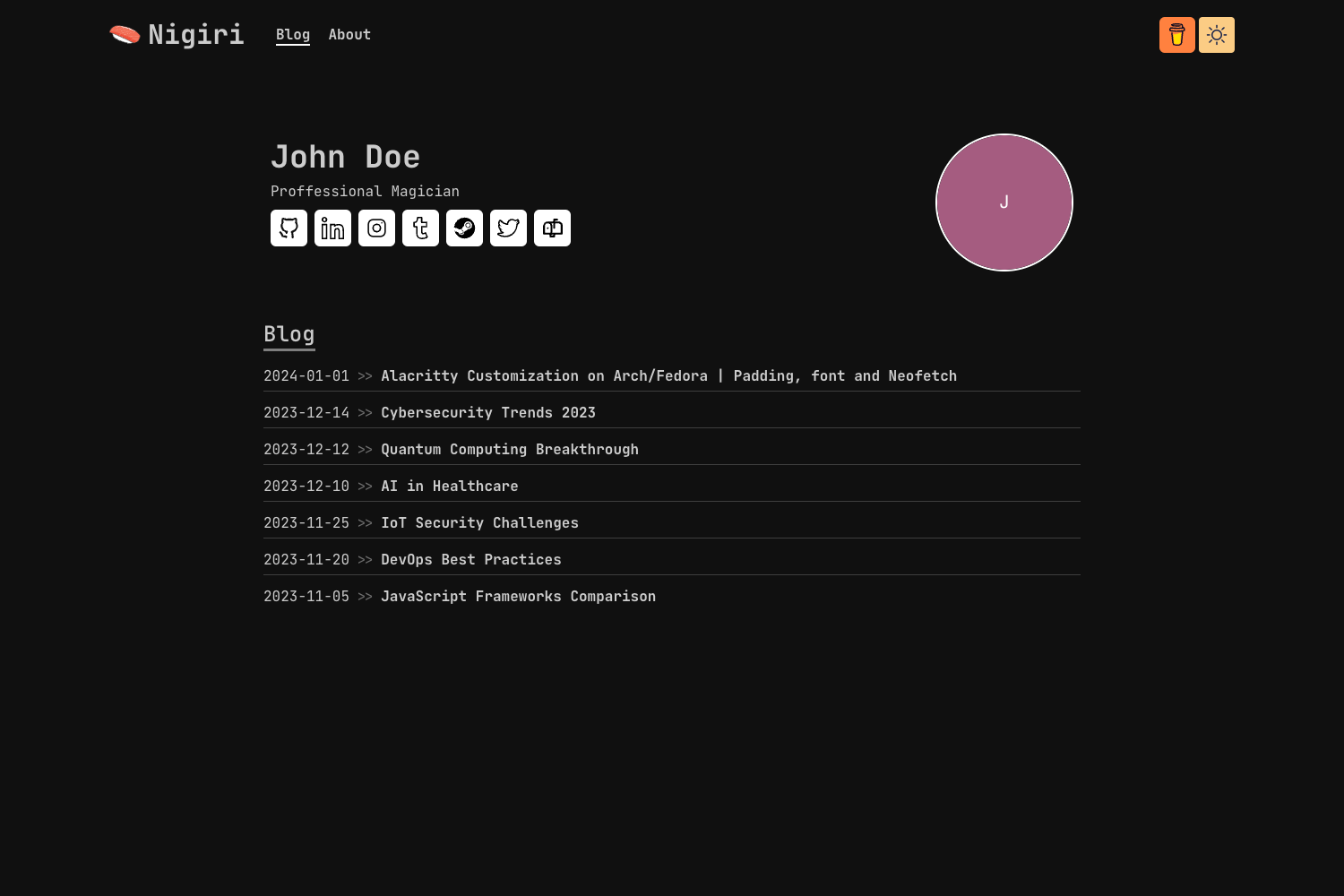
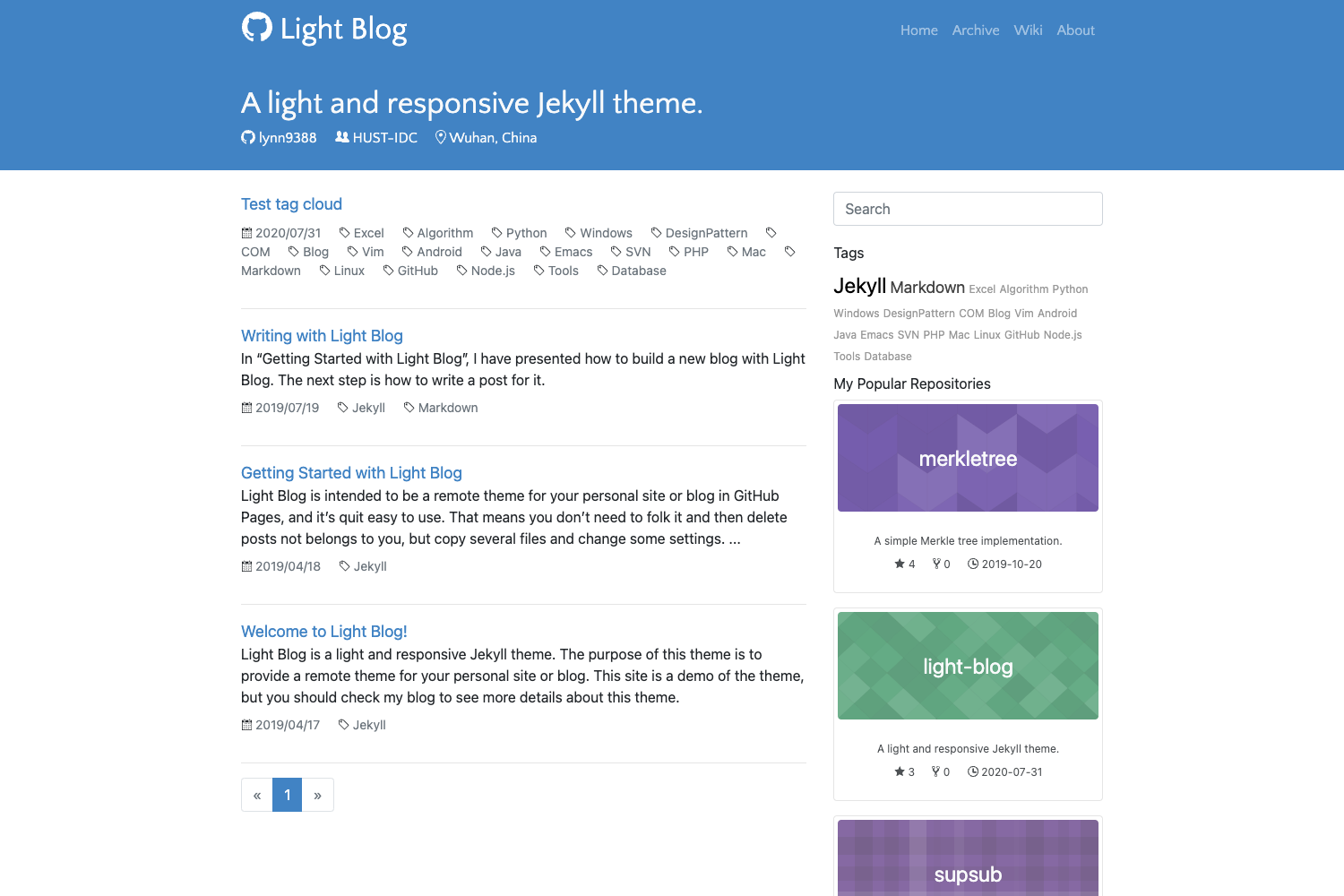
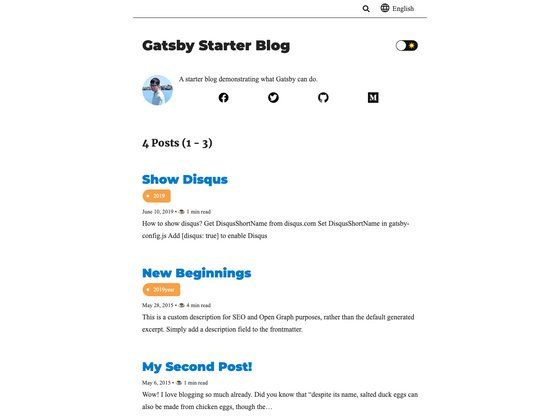
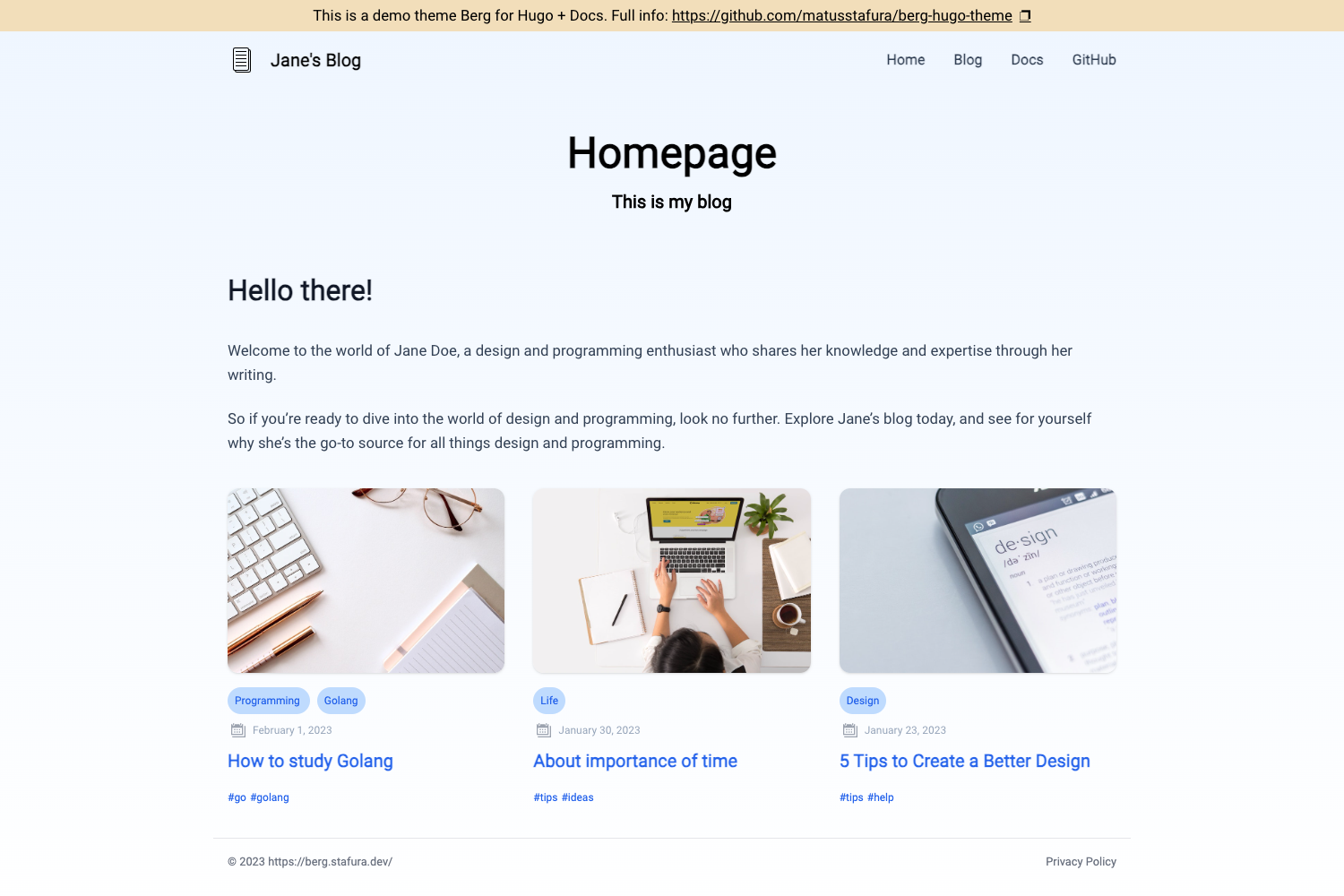
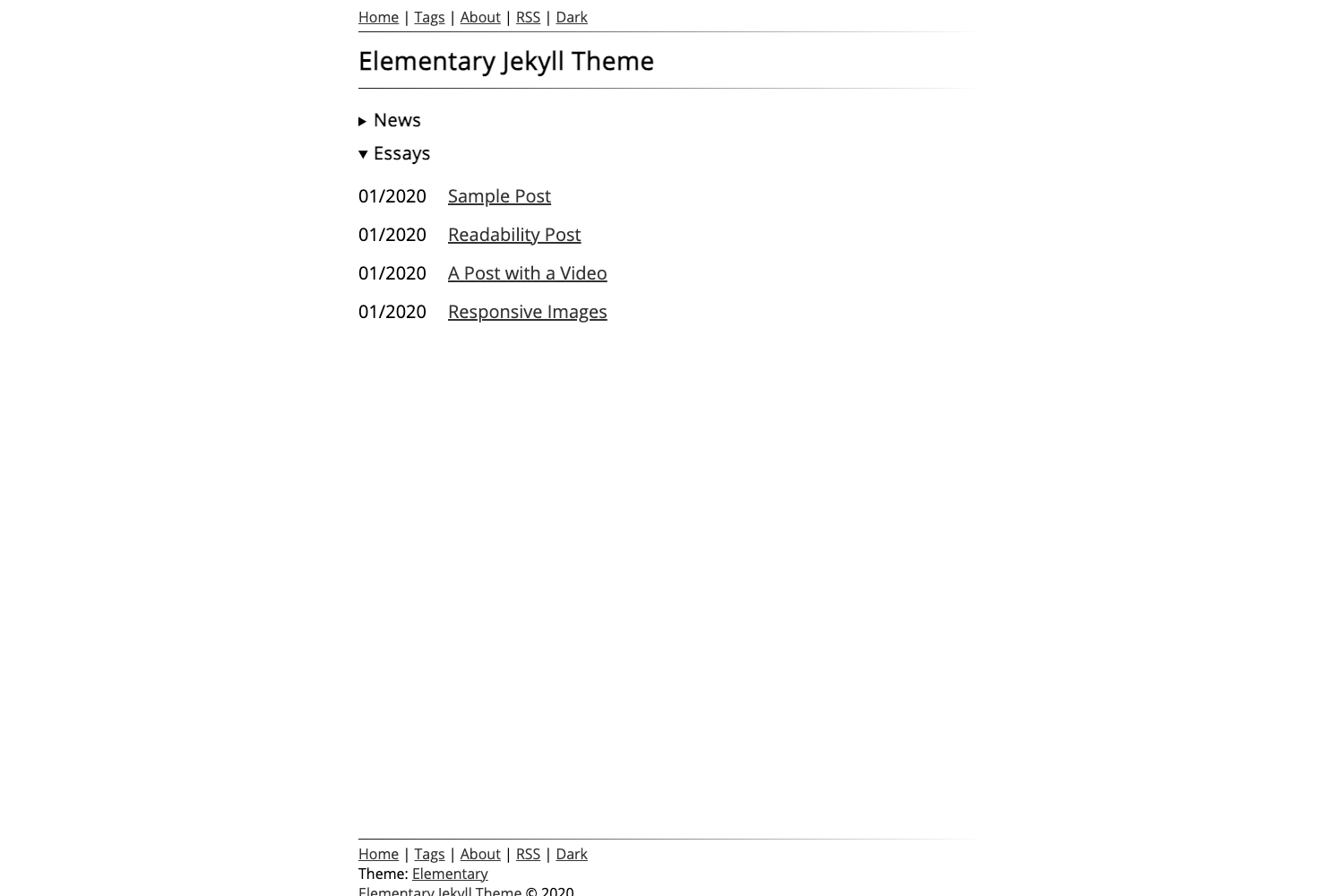
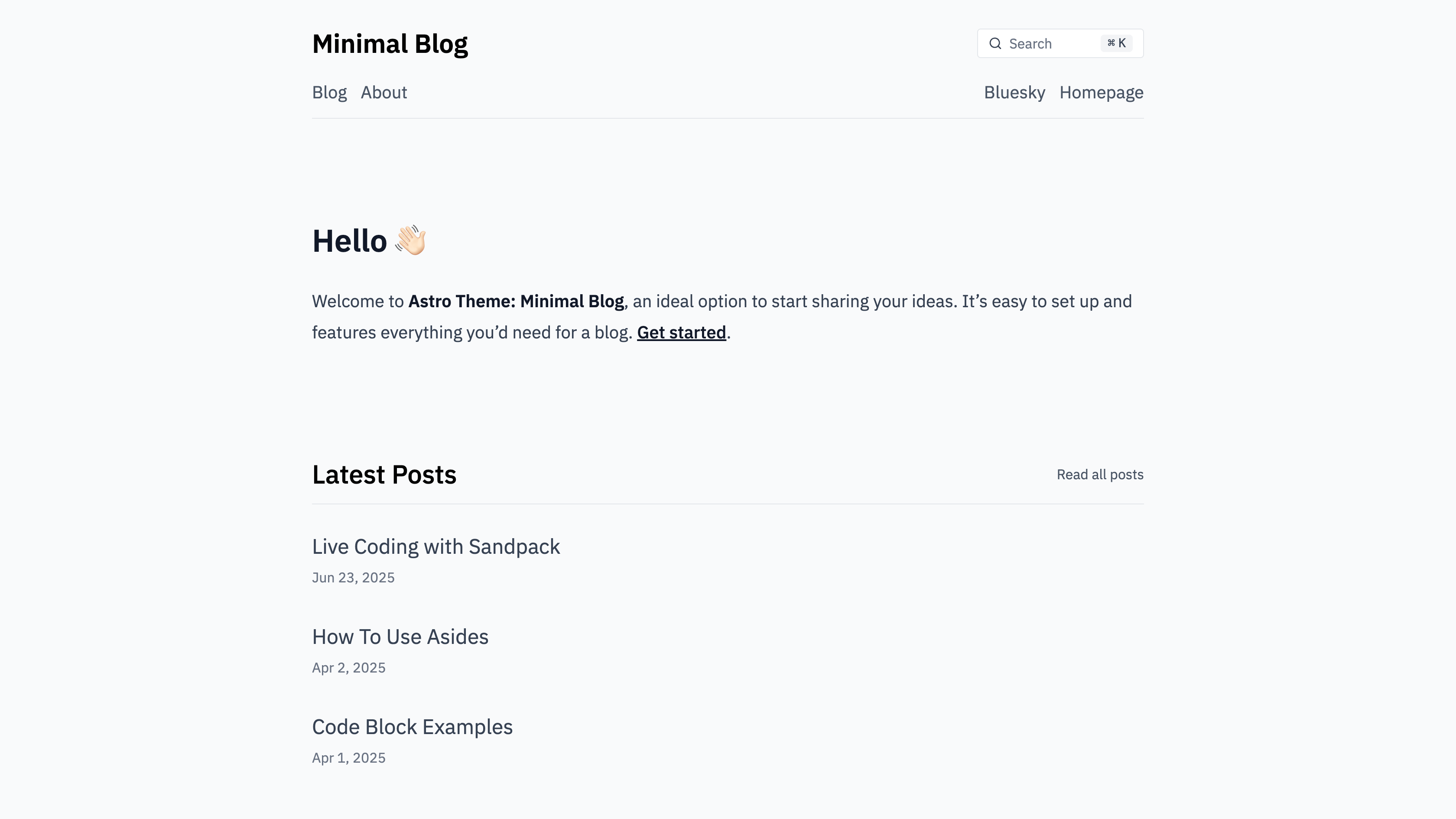
A minimal blog template built with Next.js, Tailwind CSS, and shadcn/ui, ready for static export.
About this template
Next Template Blog is a minimal blog template built on Next.js with Tailwind CSS and shadcn/ui components, providing a clean, lightweight starting point for developers who want to publish a static blog.
What is Next Template Blog?
This is a starter project for a blog. It uses the Next.js React framework for page rendering, Tailwind CSS for utility-first styling, and shadcn/ui for accessible, copy-paste components. The template is intentionally minimal, focusing on content and performance. Developers install dependencies with npm i and run npm run dev to preview, then produce a static export with npm run build. The build output lands in an out directory, which can be served with npx serve out.
Key Features
- Next.js framework — Provides file-based routing, server-side rendering, and static site generation capabilities.
- Tailwind CSS — Utility-first styling is included for rapid, consistent UI development.
- shadcn/ui components — The template integrates shadcn/ui, a collection of components built with Radix UI primitives and styled with Tailwind CSS.
- Minimal design — The template prioritizes readability and simplicity, with a focus on articles rather than complex layouts.
- Static export workflow — The
npm run buildcommand outputs a static site to theoutfolder, ready to be hosted on any static file server. - npm scripts — Standard commands:
npm run devfor development,npm run buildfor production build.
Who is it for?
- Individual developers — who want a no-frills blog starter to write and publish articles quickly.
- Designers — who need a clean canvas to customize colors, typography, and layout using Tailwind and shadcn/ui.
- Content teams — who want a lightweight, static site that is fast to deploy and easy to maintain.
What can you do with it?
- Start a personal blog — Install, run
npm run dev, and begin writing content in a minimal, focused environment. - Generate a static website — Use
npm run buildto produce anoutdirectory containing static HTML, CSS, and JS files. - Deploy to any static host — The output from
npx serve outcan also be uploaded to services like Netlify, Vercel, or GitHub Pages. - Customize the UI — Modify Tailwind config and shadcn/ui components to adapt the blog's appearance to your brand.
How does it work?
The template uses a straightforward workflow: install dependencies with npm i, run a local development server with npm run dev, and create a production build with npm run build. Because the build outputs to an out folder, you can serve the site with npx serve out or any static file server. This indicates the project is configured for static export, meaning the final site does not require a Node.js server at runtime.
FAQ
What is the build output of this template?
Running npm run build generates a production build in the out directory, which contains static files that can be served by any web server. This suggests the template is configured for static export.
Can I use this template without a server?
Yes, the presence of npx serve out in the build instructions indicates that the final output is a static site, which can be hosted on static file hosting services without a backend.
What styling approach does the template use?
The template uses Tailwind CSS for utility-first styling and includes shadcn/ui components, which are styled using Tailwind, allowing for easy customization.