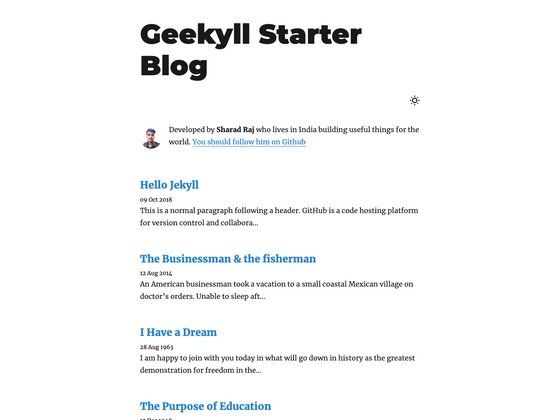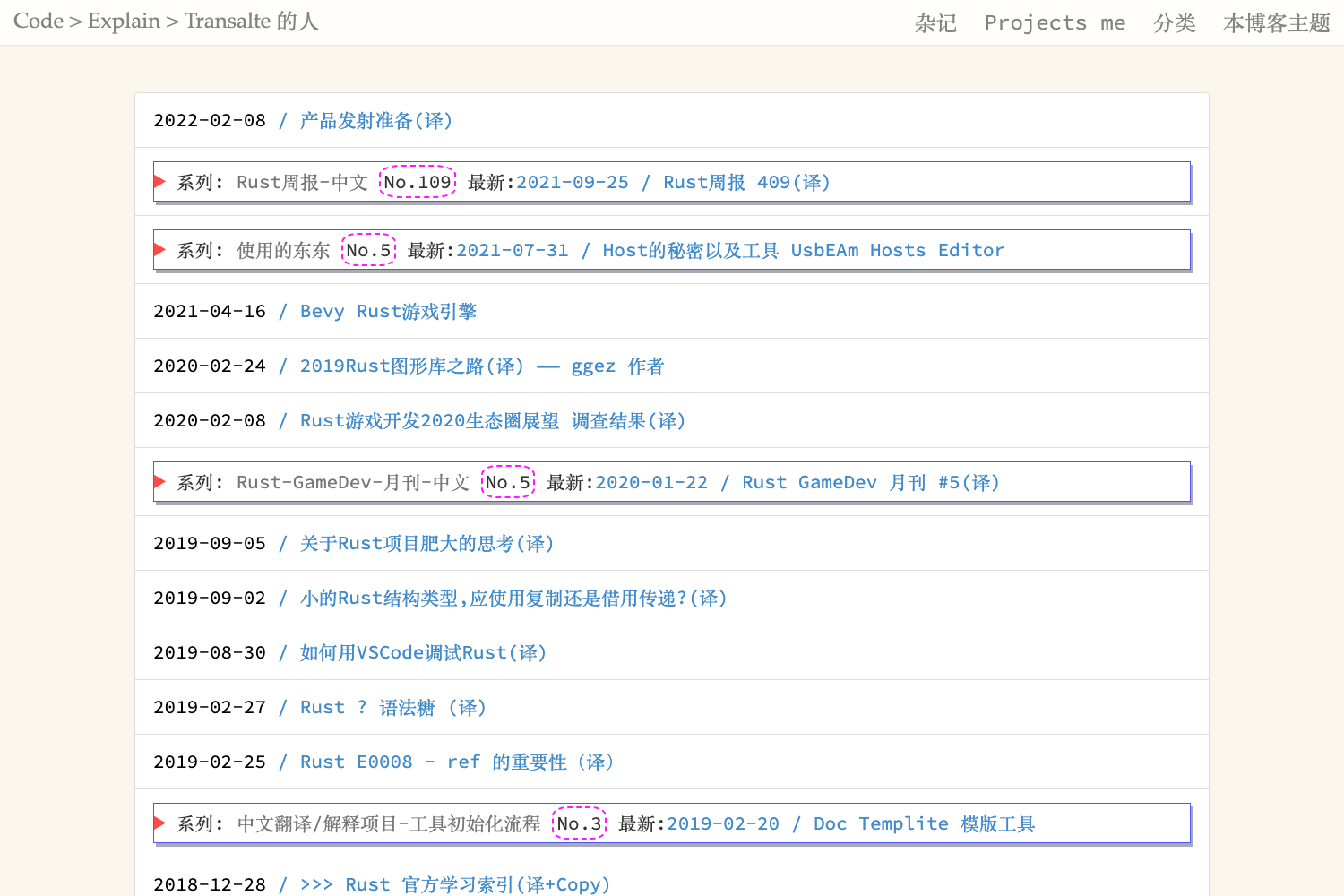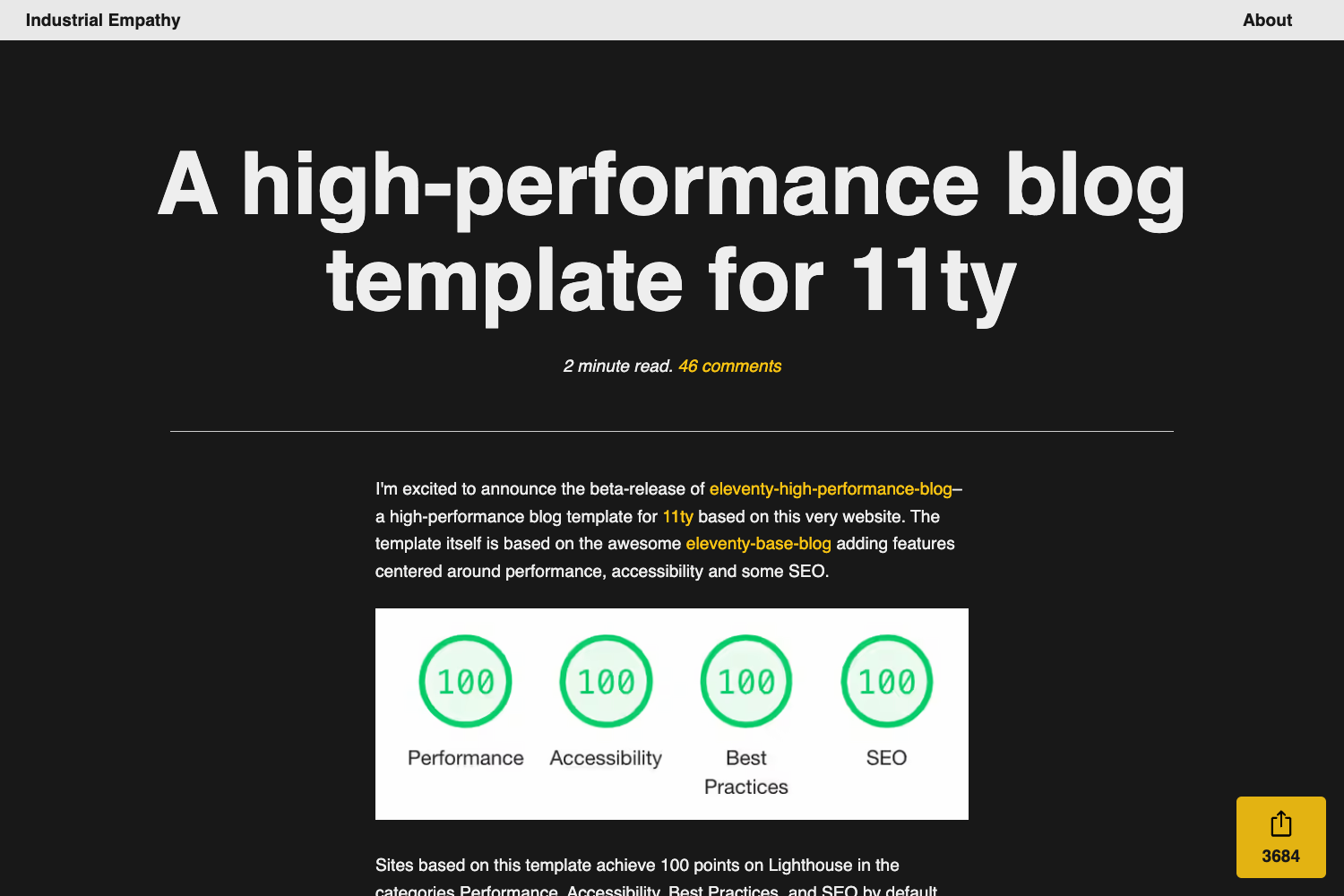
Template details
Gatsby Starter Blog Grommet
Gatsby v2 blog starter based on Grommet v2 UI with TypeScript, styled-components, theme switching, and sticky sidebar.
About this template
Gatsby Starter Blog Grommet is a Gatsby v2 blog starter that builds a static blog site on the Grommet v2 UI framework, with TypeScript, styled-components, and built-in light/dark theme switching.
What is Gatsby Starter Blog Grommet?
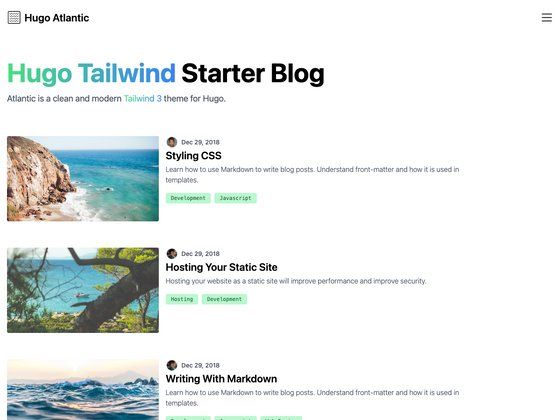
Gatsby Starter Blog Grommet is a starter repository for creating a blog with Gatsby v2, using the Grommet v2 component library for all UI elements. You provide Markdown files in the content/blog folder, and the starter generates a static site with card-style post previews, a sticky sidebar, and responsive layouts. It is maintained by Ganevru on GitHub and has a live demo at https://gatsby-starter-blog-grommet.netlify.com/.
Key Features
- Easily configurable — Site-wide settings live in a single site-config.js file at the root, where you set the title, description, and theme.
- Theme switching — Switch between five Grommet themes — dark, base, dxc, aruba, and grommet (default) — or toggle light/dark mode at runtime.
- Markdown blog posts — Drop Markdown files into the content/blog folder; the starter renders each post with optional cover image and pre-renders static HTML.
- Sticky sidebar — Uses the react-sticky library to keep the sidebar and navigation fixed while the user scrolls.
- TypeScript + linting — The codebase is written in TypeScript and ships with ESLint plus typescript-eslint configs for static checking.
- Pre-commit build guard — lint-staged and husky run ESLint and the full
gatsby buildon every commit, so broken builds are caught before they reach the repo. - State management — redux and react-redux are included, following Gatsby's official example, so you can add global app state out of the box.
- Responsive design — The layout is optimized for mobile phones and tablets using Grommet's responsive grid and breakpoint utilities.
Who is it for?
- Developers who want a blog without hand-writing UI styles and components, because Grommet provides the entire component system and the default themes are ready to use.
- TypeScript adopters who need a starter with type safety and an ESLint setup already wired.
- Gatsby learners who want a working example combining Gatsby v2 with a UI library, redux, and Git hooks to study.
- Teams shipping content sites who can configure the whole blog from one config file and keep posts as Markdown files.
What can you do with it?
- Launch a personal blog — Write posts in Markdown, drop them in content/blog, and the starter generates a static blog with a list of card previews and a sticky sidebar.
- Experiment with Grommet themes — Change the
themesetting in site-config.js to dark, base, dxc, aruba, or grommet to see how the same content looks under different design systems. - Deploy to Netlify — The repository includes a Netlify badge and a Travis CI badge, so you can connect the repo and deploy with continuous build and deploy.
How does it work?
Install the Gatsby CLI globally with npm install --global gatsby-cli, then run gatsby new blog-grommet https://github.com/Ganevru/gatsby-starter-blog-grommet. After that, cd blog-grommet and start the development server with gatsby develop. Write a blog post by copying one of the example Markdown files in the content/blog folder.
Pros and cons
Pros
- Pre-commit hook runs
gatsby build, so every commit is guaranteed to compile. - Five Grommet themes and light/dark mode are available without custom CSS.
- TypeScript is built in from the first line.
Cons
- The pre-commit build makes commits slower, as noted in the README.
Alternatives
For a more minimal blog starter, the official gatsby-starter-blog from the Gatsby team avoids UI libraries and theme switching, relying only on core Gatsby plugins.
FAQ
Is the starter free?
Yes, this is an open-source repository on GitHub. You can clone it or use it as a starter with the Gatsby CLI at no cost.
How do I install it?
Run gatsby new blog-grommet https://github.com/Ganevru/gatsby-starter-blog-grommet, then cd blog-grommet and gatsby develop to start a local development server.
Which Grommet themes does it include?
Dark, base, dxc, aruba, and grommet themes are bundled. The theme field in site-config.js controls which one is used by default; you can also switch between light and dark mode.
Why are commits so slow?
The husky pre-commit hook runs ESLint and a full gatsby build on every commit, which intentionally slows down commits to catch build errors that gatsby develop would not surface.
Is there a live demo?
Yes, the project has a Netlify demo at https://gatsby-starter-blog-grommet.netlify.com/ with the default grommet theme.