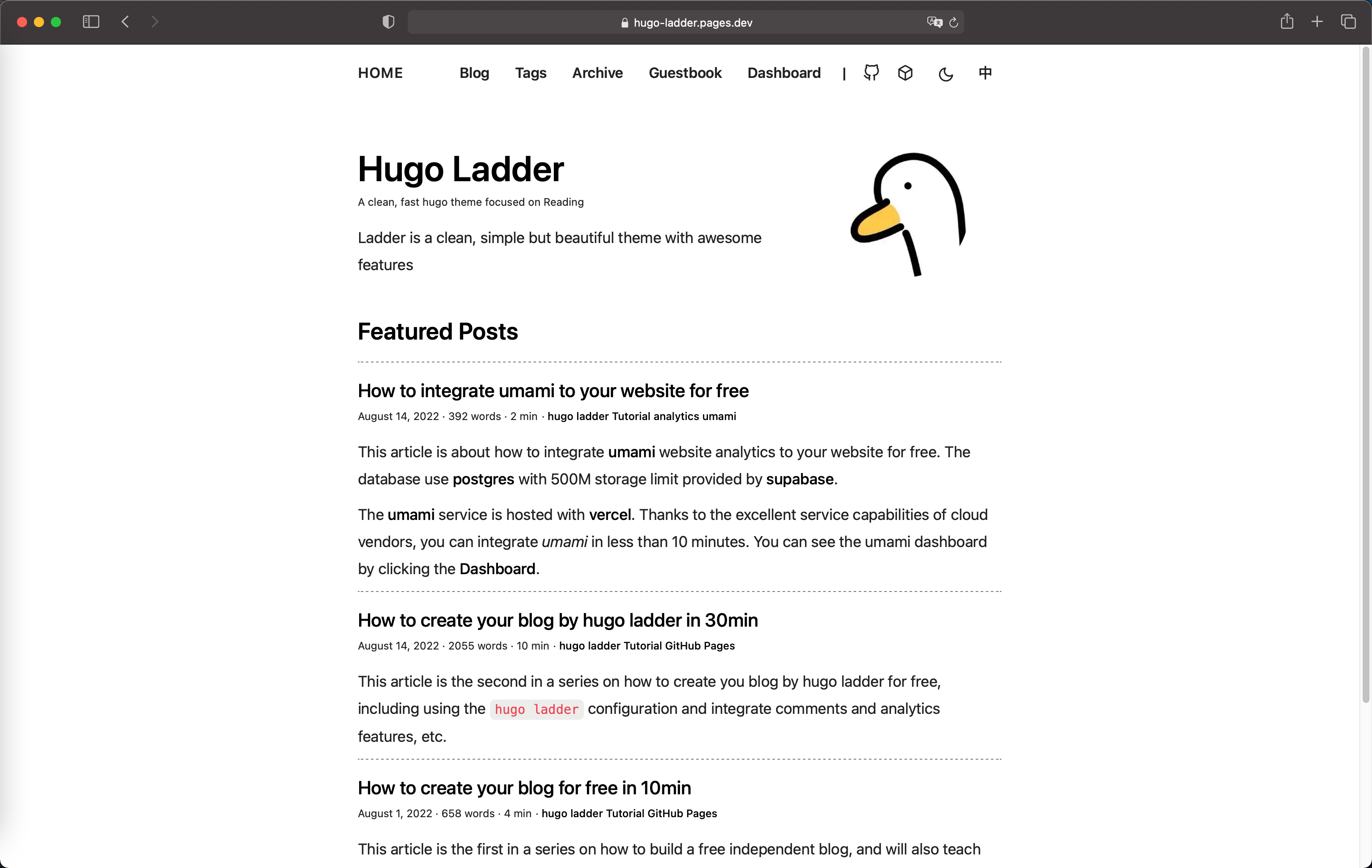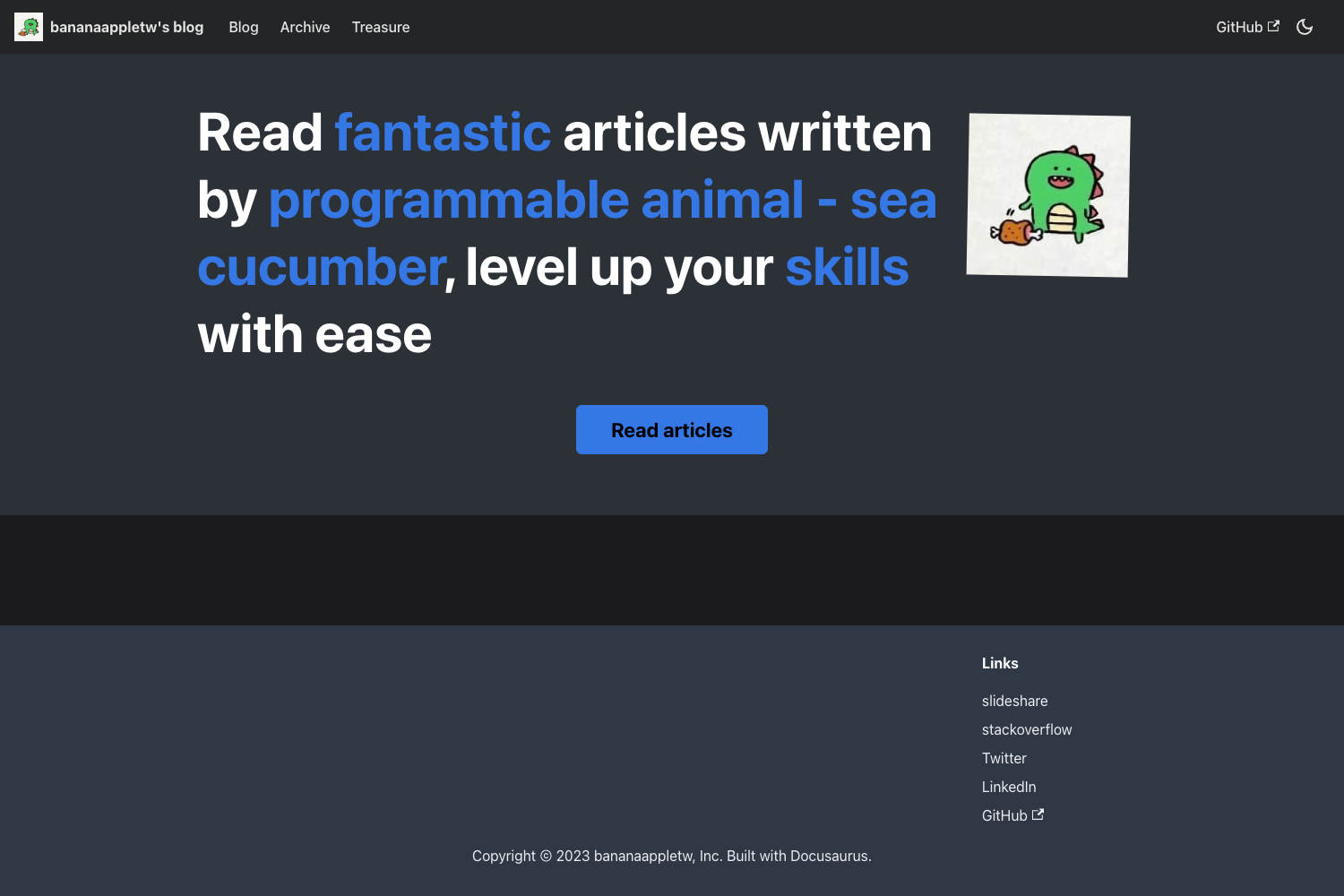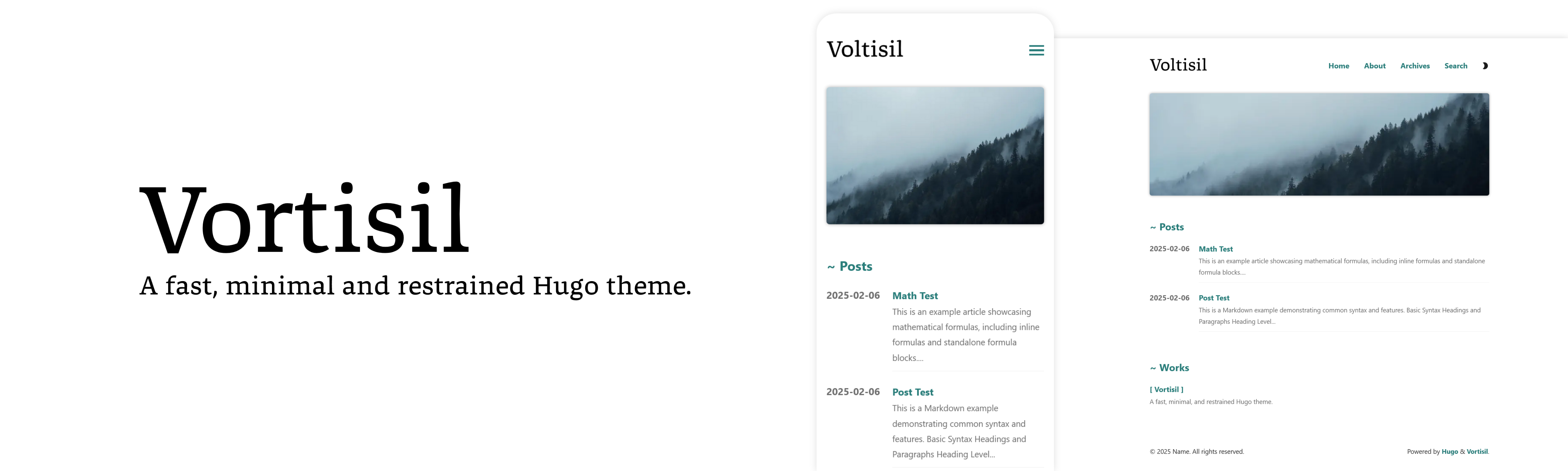
Template details
Gatsby Starter Calpa's Blog
GatsbyJS v2 starter that builds a blog system with Netlify CMS, Gitalk comments, SEO, and offline support.
About this template
Gatsby Starter Calpa's Blog is a GatsbyJS v2 starter that generates a complete static blog system with Netlify CMS, Gitalk comments, SEO, and offline support, based on the personal blog of Calpa Liu at calpa.me.
What is Gatsby Starter Calpa's Blog?
Gatsby Starter Calpa's Blog is a GatsbyJS v2 starter template that turns Markdown files into a static blog site with pagination, tags, guestbook, and stats pages. It takes content as Markdown from /src/content/ or via Netlify CMS and produces a deployable static site with built-in SEO, sitemap, and analytics. The starter is maintained by Calpa Liu, the developer behind calpa.me, and is available on GitHub under a license that accepts pull requests.
What makes Gatsby Starter Calpa's Blog stand out?
- GatsbyJS v2 core — Built on Gatsby v2 with React, this starter delivers a static site with the performance of a single-page app and a GraphQL data layer for content.
- Netlify CMS integration — Editors can create and edit posts from a web-based CMS interface instead of editing Markdown files directly.
- Gitalk comments — A comment system powered by Gitalk that stores comments as GitHub issues; configuration requires clientID, clientSecret, repo, owner, and admin.
- SEO and analytics — Includes Google Analytics tracking ID and Google Optimize ID support, plus meta fields for description, keywords, theme color, favicon, and Google site verification.
- Offline and PWA features — Offline support and a Web App Manifest are included so the site can work on mobile devices.
- Pagination and navigation — Set maxPages in the config to control pagination; navbarList, redirectors, and friends list are also configurable in data/config.
- SCSS styling — Styles are written in SCSS, with responsive web design, smooth scrolling via the smooth-scroll library, and Font Awesome icons via react-fontawesome.
- Multiple deployment targets — One-click deploy to Netlify is provided through a button, and GitHub Pages deployment via npm run deploy is documented.
Who should use Gatsby Starter Calpa's Blog?
- Developers who want to start a personal blog quickly — Use the gatsby new command to scaffold a blog, then edit data/config to set the title, meta, and social links.
- Writers and content managers — If Netlify CMS is configured, they can publish posts through a browser interface without touching Git or Markdown.
- Gatsby learners — The starter shows a real-world Gatsby v2 project structure with configuration, plugins, and troubleshooting notes for common issues like window is defined.
What can you do with Gatsby Starter Calpa's Blog?
- Personal bloggers — Publish Markdown posts and get an SEO-friendly static site with pagination, tags, guestbook, and GitHub-issue comments.
- Developers deploying to GitHub Pages — Run npm run deploy to publish the generated site to GitHub Pages.
- Site owners using Netlify — Use the Deploy to Netlify button to create a repo and auto-build the site, then connect Git for continuous deployment.
How does Gatsby Starter Calpa's Blog work?
After installing Gatsby CLI, run gatsby new to create a project from this starter. Edit the configuration object in data/config with site title, meta descriptions, social usernames, and Gitalk credentials. Write posts as Markdown in /src/content/ or through Netlify CMS. Start the development server with npm start, then open localhost:8000 to preview; deploy using Netlify auto-deploy or npm run deploy for GitHub Pages.
FAQ
How do I deploy to Netlify?
Click the Deploy to Netlify button in the README. It authenticates with GitHub, creates a repository from the template, and automatically builds and deploys the site, bringing you to the blog when finished.
How do I write a blog post?
Add a Markdown file to /src/content/ using the expected frontmatter format, or use Netlify CMS admin if configured. The starter's gatsby-transformer-remark plugin parses the Markdown at build time.
Does the starter support comments?
Yes. Gitalk loads GitHub issues as comments. You must set clientID, clientSecret, repo, owner, and admin in the gitalk section of data/config for it to work.
Is there a cost to use this starter?
The repository is open source and free to use. No pricing is mentioned; you only pay for the hosting service you choose, such as Netlify or GitHub Pages.