Template details
Hugo Theme Ladder
A fast, clean Hugo blog theme with multi-language, dark mode, and mobile support. Now unmaintained, migrated to nextjs-blog-template.
About this template
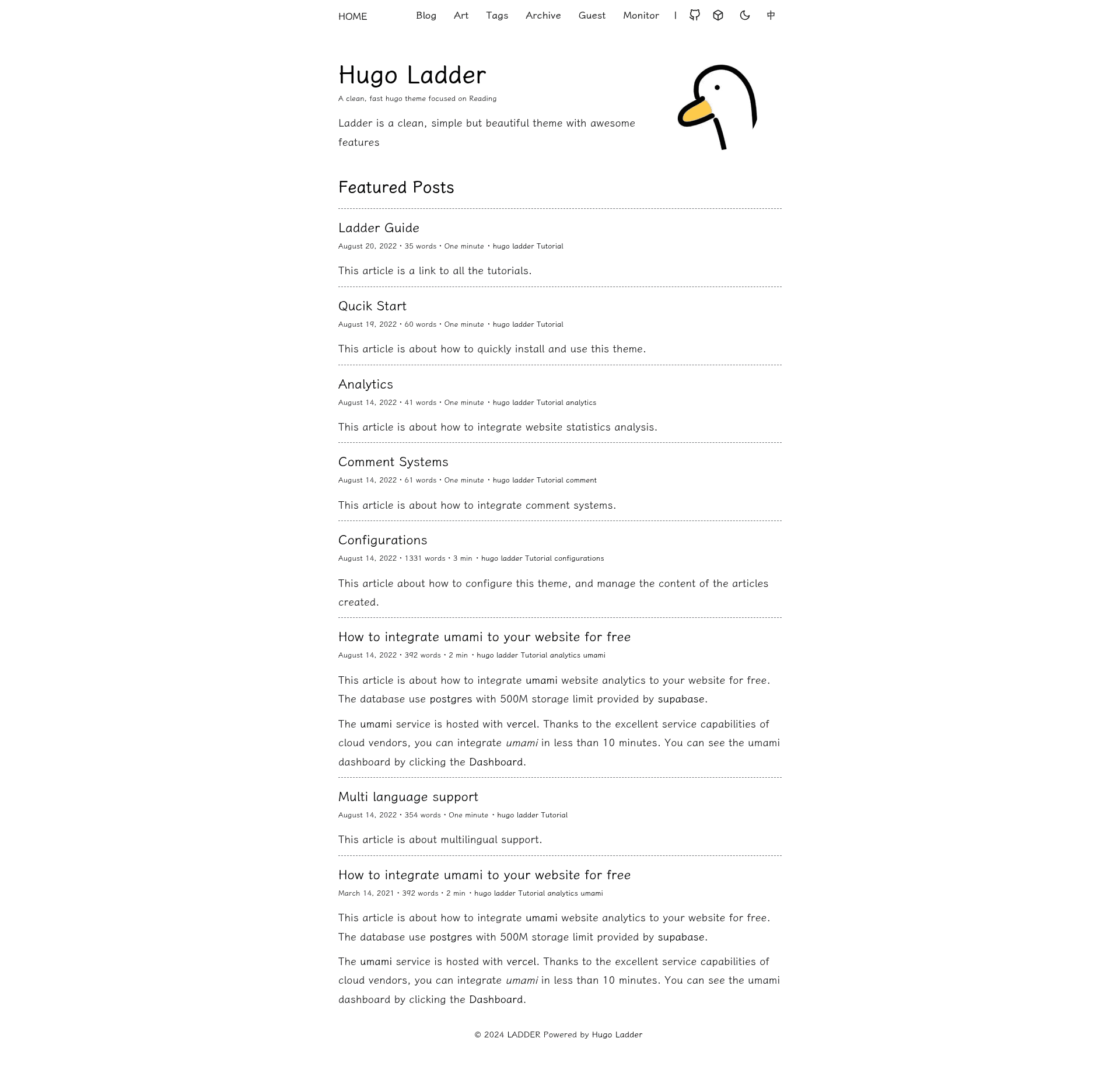
Hugo Theme Ladder is a free, open-source Hugo blog theme designed for fast, clean, reading-focused personal sites with multi-language and dark mode support.
What is Hugo Theme Ladder?
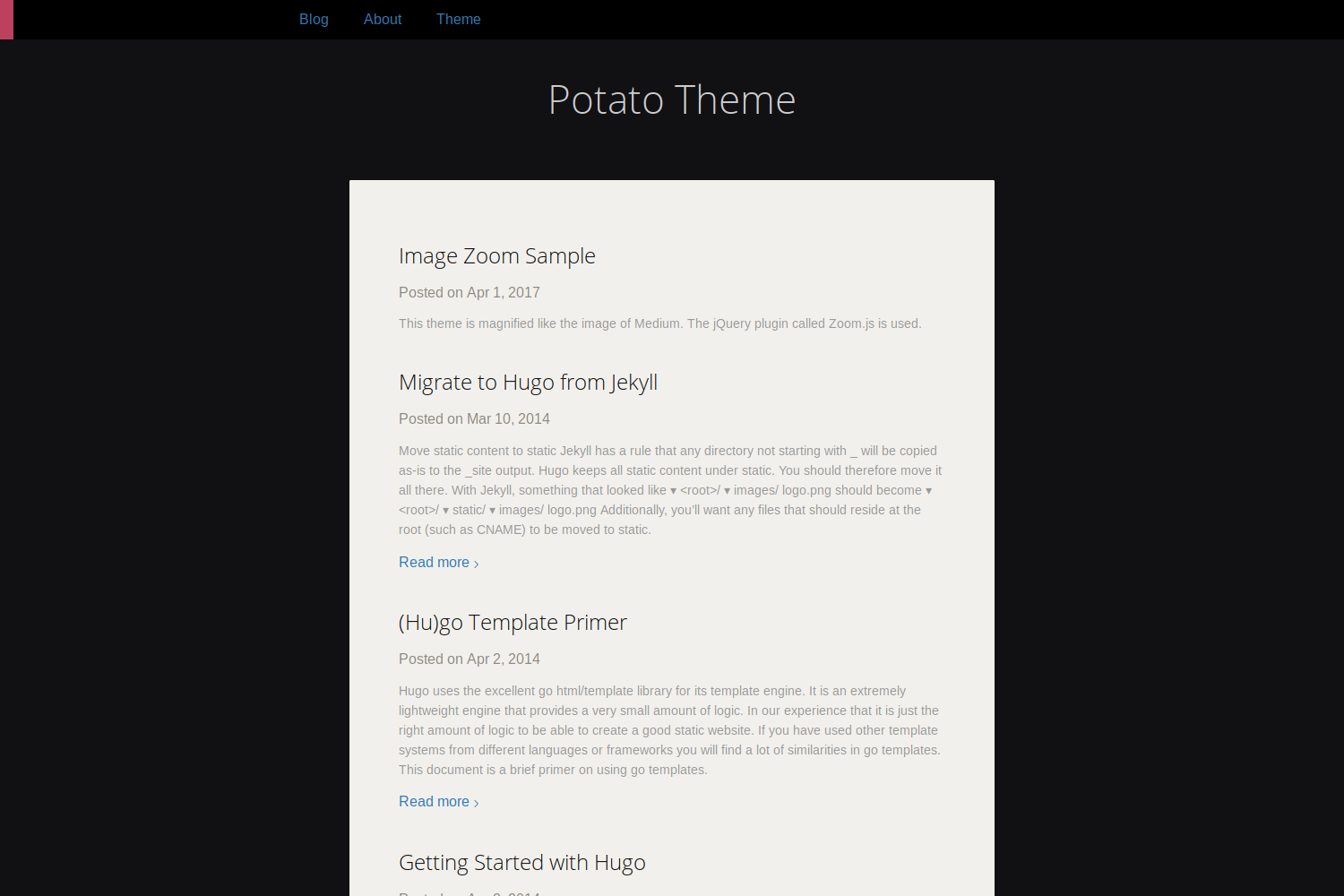
Hugo Theme Ladder is a Hugo-based blog theme created by guangzhengli, with a live demo at hugo-ladder.pages.dev. It takes standard Hugo site content (Markdown files, images, config) and renders a static blog with features like dark mode, language switching, and responsive layout. The theme is no longer maintained; the author migrated to a Next.js blog template at github.com/guangzhengli/nextjs-blog-template.
Key Features
- Clean design — Minimal layout focused on readability, with support for standard Hugo content types and a clear typographic hierarchy.
- Multi-language support — Built-in language switcher with configurable default language (e.g.,
defaultContentLanguage: 'en'); a dedicated multi-language guide is included. - Dark mode — A toggle button controlled by the
showDarkModeoption, plus support for multiple dark themes as advertised in the feature badge. - Mobile responsive — Layout adapts to phones and tablets; mobile support is explicitly listed as a core feature.
- Fast performance — Built on Hugo, a static site generator that produces small HTML pages and quick builds, aligning with the theme's "Fast" claim.
- Comment system — A documentation guide explains how to integrate third-party comment systems.
- Analytics integration — Guides cover both general analytics and the privacy-focused Umami analytics, with a separate Umami configuration doc.
- Example site — The hugo-ladder-exampleSite repository provides a ready-to-use template for quick deployment to GitHub Pages.
Who is it for?
- Bloggers and writers who want a minimal, fast personal blog without a heavy JavaScript framework.
- Developers familiar with Hugo who need a customizable theme with documented configuration options, such as brand, avatar, and author metadata.
- Readers who prefer dark mode and multi-language sites, as the theme ships with both out of the box.
- GitHub Pages users looking to set up a blog quickly using the exampleSite template and the step-by-step deployment instructions.
Use cases
- Indie bloggers: set up a personal blog with a clean reading experience and deploy it to GitHub Pages using the exampleSite template.
- Multilingual authors: publish posts in multiple languages and let visitors switch languages with the built-in toggle.
- Open-source maintainers: host project documentation or changelogs in a blog-style layout while keeping the site fast and lightweight.
How does Hugo Theme Ladder work?
The quick start is straightforward: clone the exampleSite repository or use the "Use this template" button, then run hugo server -s exampleSite --themesDir=../.. --disableFastRender. Configure baseURL, author, avatar, and other settings in the YAML config, then push to GitHub Pages. The theme renders Markdown content into static HTML pages.
Pros and cons
- Open source under a free license, as shown by the GitHub license badge.
- Easy to deploy via the exampleSite template and GitHub Pages instructions.
- The main drawback is that the theme is now unmaintained; the repository header explicitly says it is no longer supported and recommends migration to the Next.js successor.
Pricing
Free and open source — no cost to use or modify.
Alternatives
- hugo-PaperMod, another popular Hugo blog theme that inspired Ladder.
- nextjs-blog-template, the author's successor project built with Next.js and actively maintained.
FAQ
Is Hugo Theme Ladder still maintained?
No. The repository header states the theme is not supported anymore and points to the nextjs-blog-template migration. Users are advised to migrate for continued updates.
Is Hugo Theme Ladder free?
Yes, it is open source under a free license. You can use, modify, and deploy it without paying any fees.
What Hugo version does it require?
The badge on the repository indicates Hugo version 0.99.0 or higher is needed.
How do I deploy Hugo Theme Ladder to GitHub Pages?
Use the exampleSite repository as a template, rename it to username.github.io, and enable GitHub Pages in the repository settings. Then push your changes and the site is live.