Newsletter
Join the Community
Subscribe to our newsletter for the latest news and updates

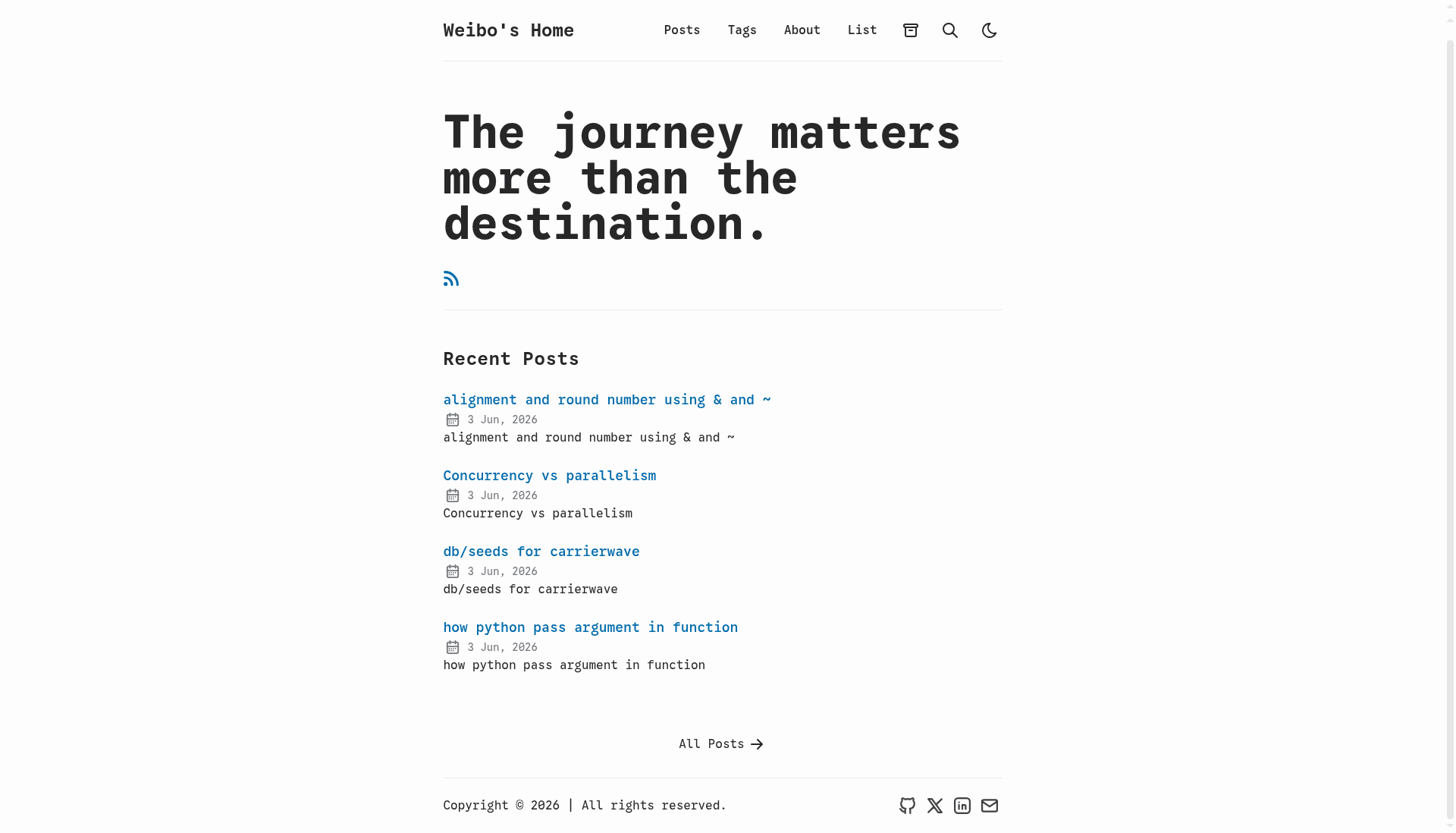
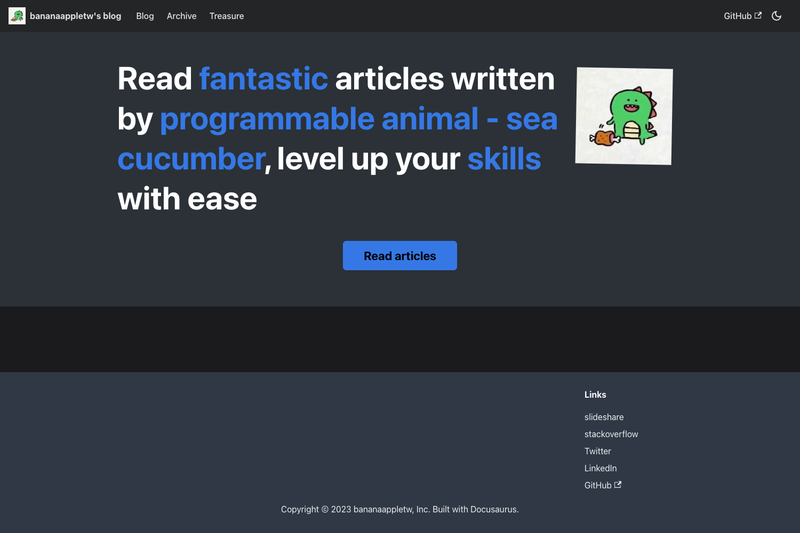
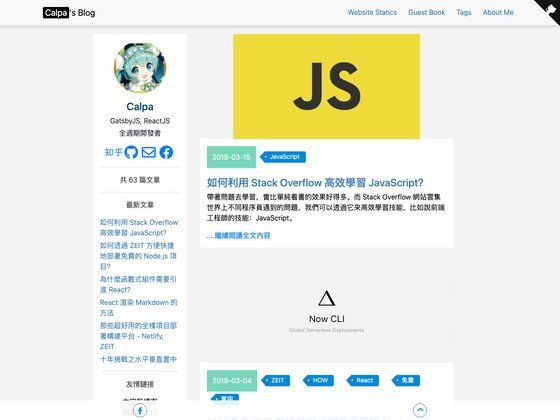
A Jekyll blog theme built with Bulma.css, featuring Disqus comments and Google Analytics.
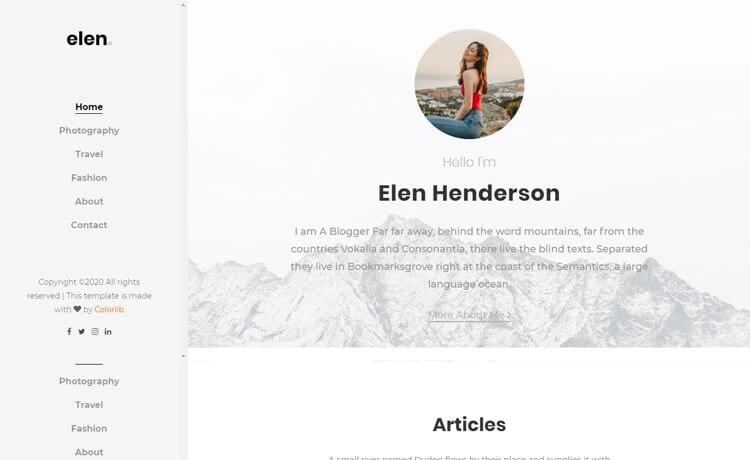
Free Bootstrap 4 HTML5 blog website template with hero header, sticky sidebar, image slider, and 7 HTML pages.
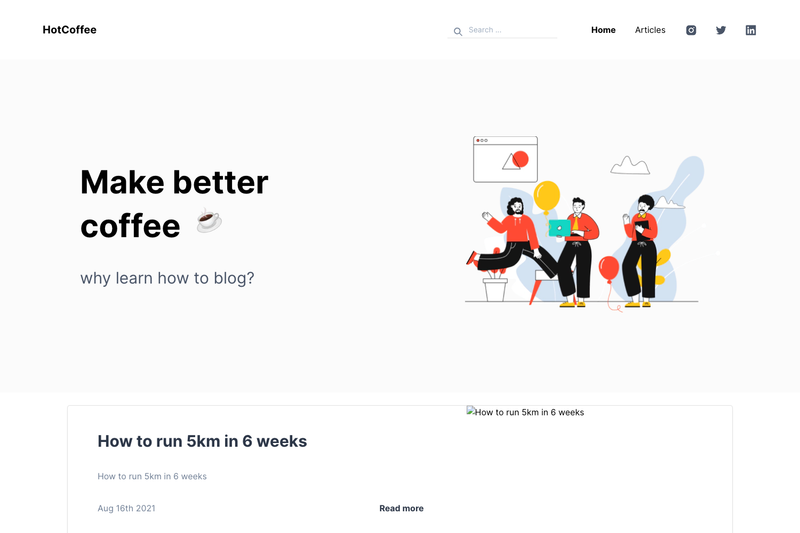
Blog using GraphCMS to manage content and posts. Made with Next.js, Markdown and Chakra UI.
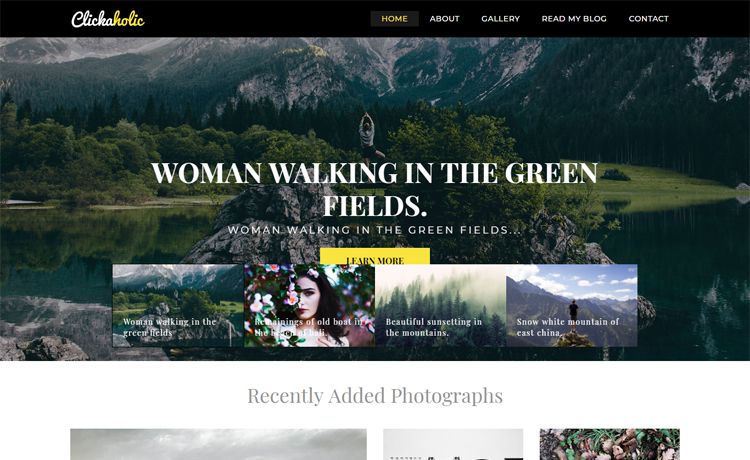
Free Bootstrap 4 HTML5 personal travel blog website template with multi-page design, hero slider, lightbox gallery, and PHP/AJAX contact form.
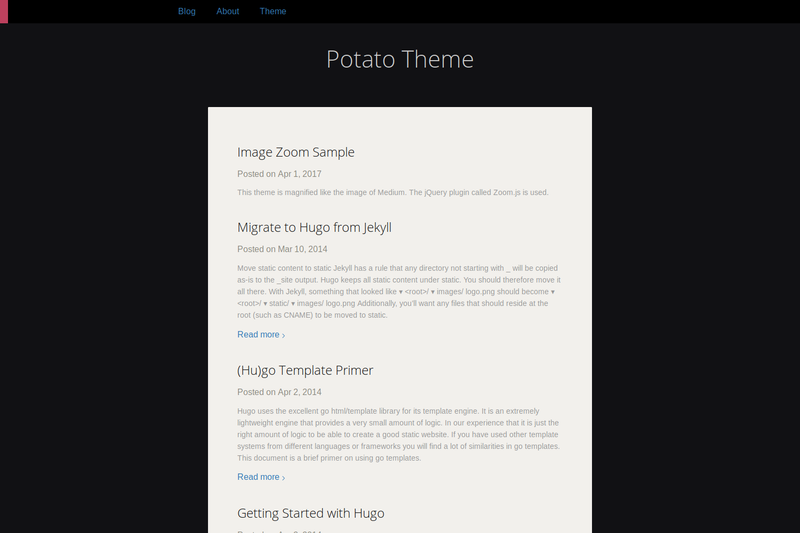
Dark and elegant Hugo theme for blogs with tags, related content, Google Analytics, and image zoom.
Simplicity is a Jekyll theme styled with Bulma.css, designed for personal blogs and GitHub Pages, that converts a folder of Markdown files into a static website with Disqus comments and Google Analytics integrated.
Simplicity is a Jekyll theme built with the Bulma.css framework. It takes a Jekyll site containing Markdown posts and configuration in _config.yml and produces a static HTML blog. The theme runs on Jekyll, a Ruby-based static site generator, and is designed to be deployed to GitHub Pages. The repository is maintained by bananaappletw and is released under the MIT License.
_config.yml; individual posts can opt out with comments: false in YAML Front Matter.google_analytics: UA-NNNNNNNN-N line to _config.yml to enable tracking, and the snippet loads only in production environments (JEKYLL_ENV=production).JEKYLL_ENV=production, so local development builds stay clean of third-party widgets.git clone ... [username].github.io) is structured to deploy directly to a GitHub Pages user site.Simplicity is aimed at developers and writers who want a minimal, low-dependency blog theme. It suits Jekyll users who prefer a tiny CSS framework over a full-featured design system, and GitHub Pages users who want to host a personal site with comments and analytics without configuring a separate static site generator.
username.github.io repo and adding Markdown posts._config.yml and get a comment section on every production post.Installation follows the standard Jekyll workflow: clone the repository into your GitHub Pages repository, run bundle install to install dependencies, and start a local server with jekyll serve. To enable comments, add a disqus.shortname to _config.yml; for analytics, add a google_analytics tracking ID. Both features activate only when you build with JEKYLL_ENV=production.
Yes, the theme is open-source under the MIT License, so you can use and modify it freely.
Add a disqus: shortname: your_shortname block to your _config.yml file. Comments are enabled by default and appear only in production builds (JEKYLL_ENV=production). You can disable comments on a specific post by setting comments: false in that post's YAML Front Matter.
Add a line google_analytics: UA-NNNNNNNN-N to your _config.yml file. The analytics snippet is injected only when the site is built with JEKYLL_ENV=production.
The README instructs cloning the theme directly into a [your_github_username].github.io repository, and the theme runs under Jekyll, which GitHub Pages supports natively.
Simplicity uses Bulma.css, a modern CSS framework based on Flexbox, to provide responsive layout and components.