Template details
Potato Dark
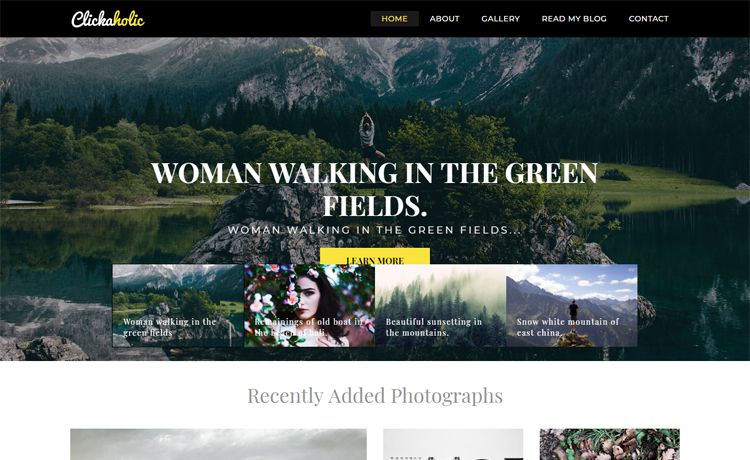
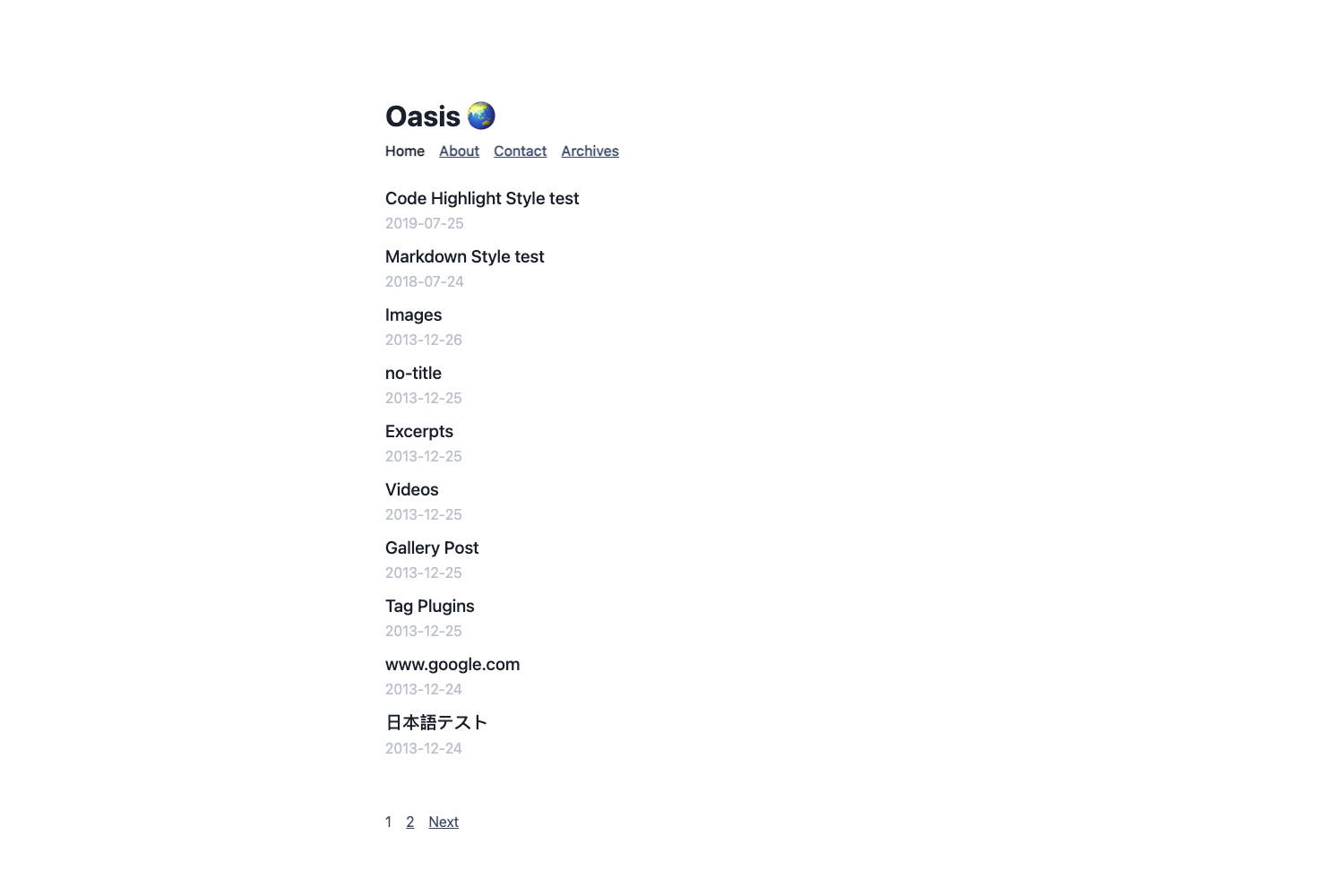
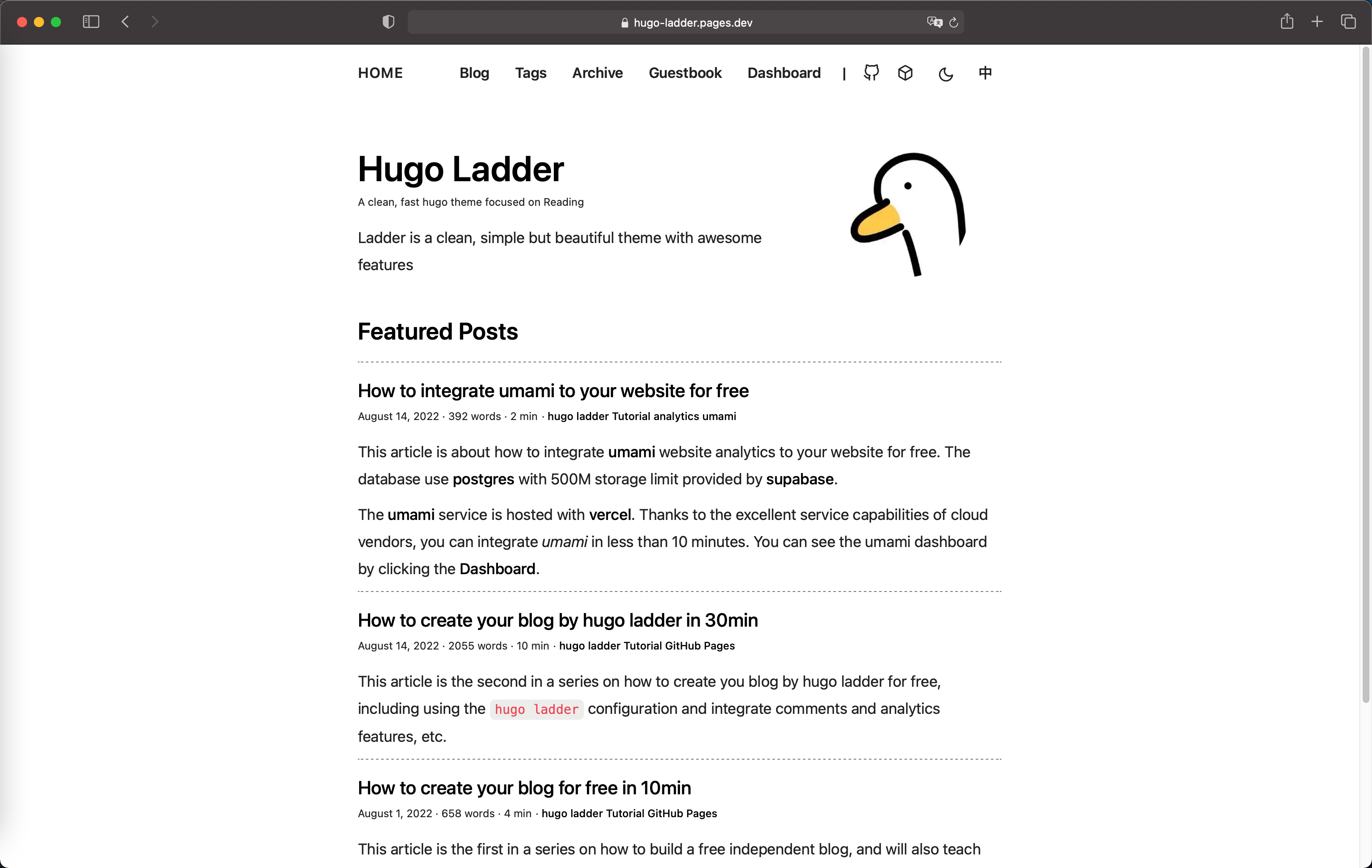
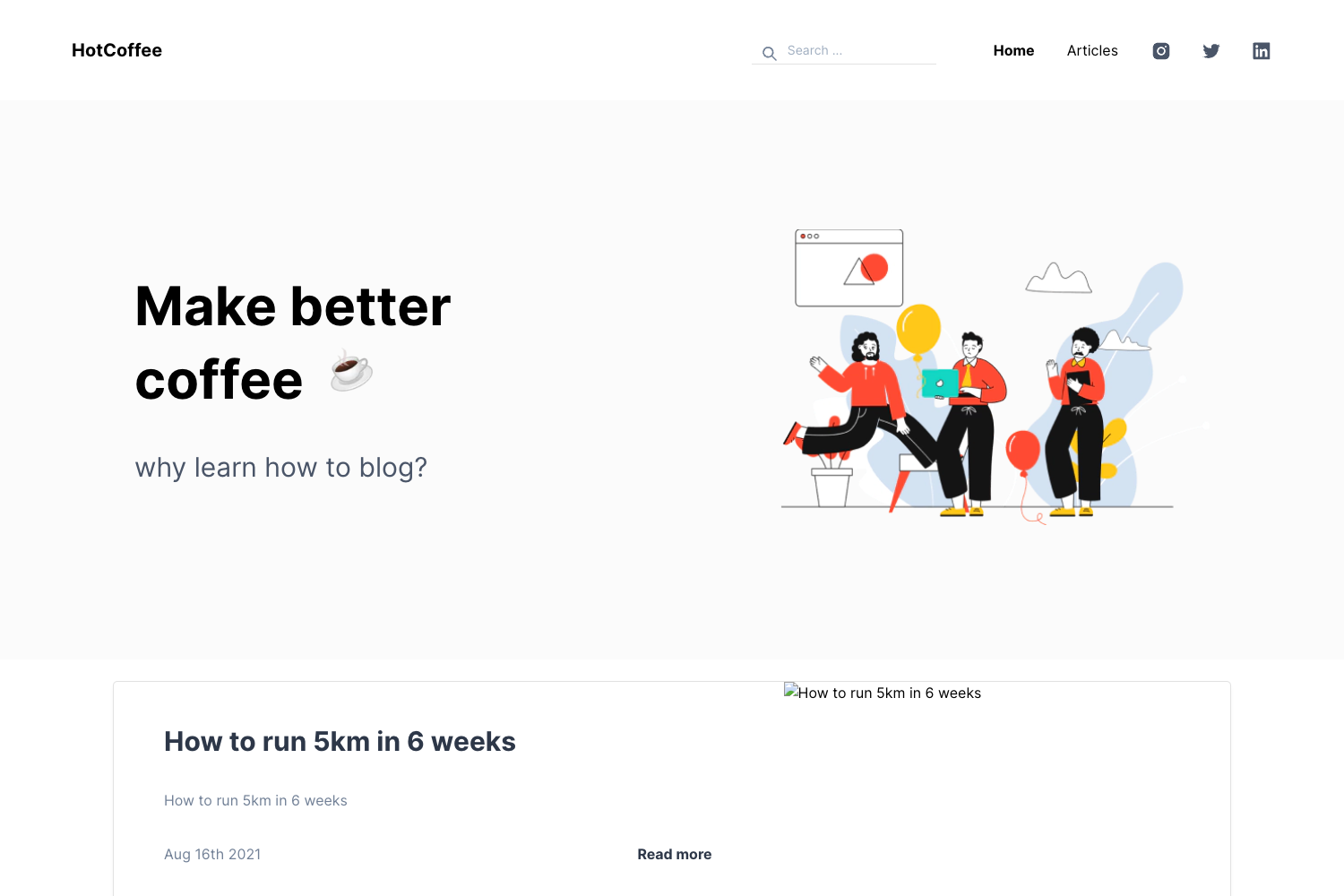
Dark and elegant Hugo theme for blogs with tags, related content, Google Analytics, and image zoom.
About this template
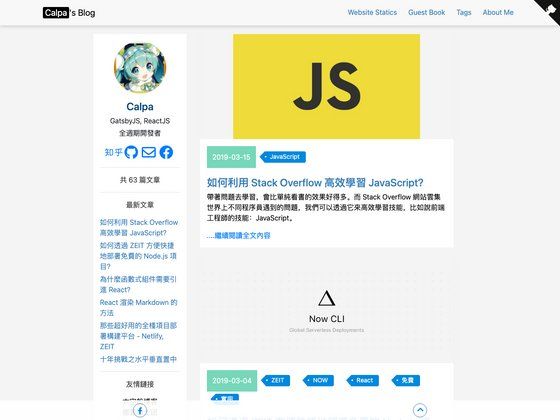
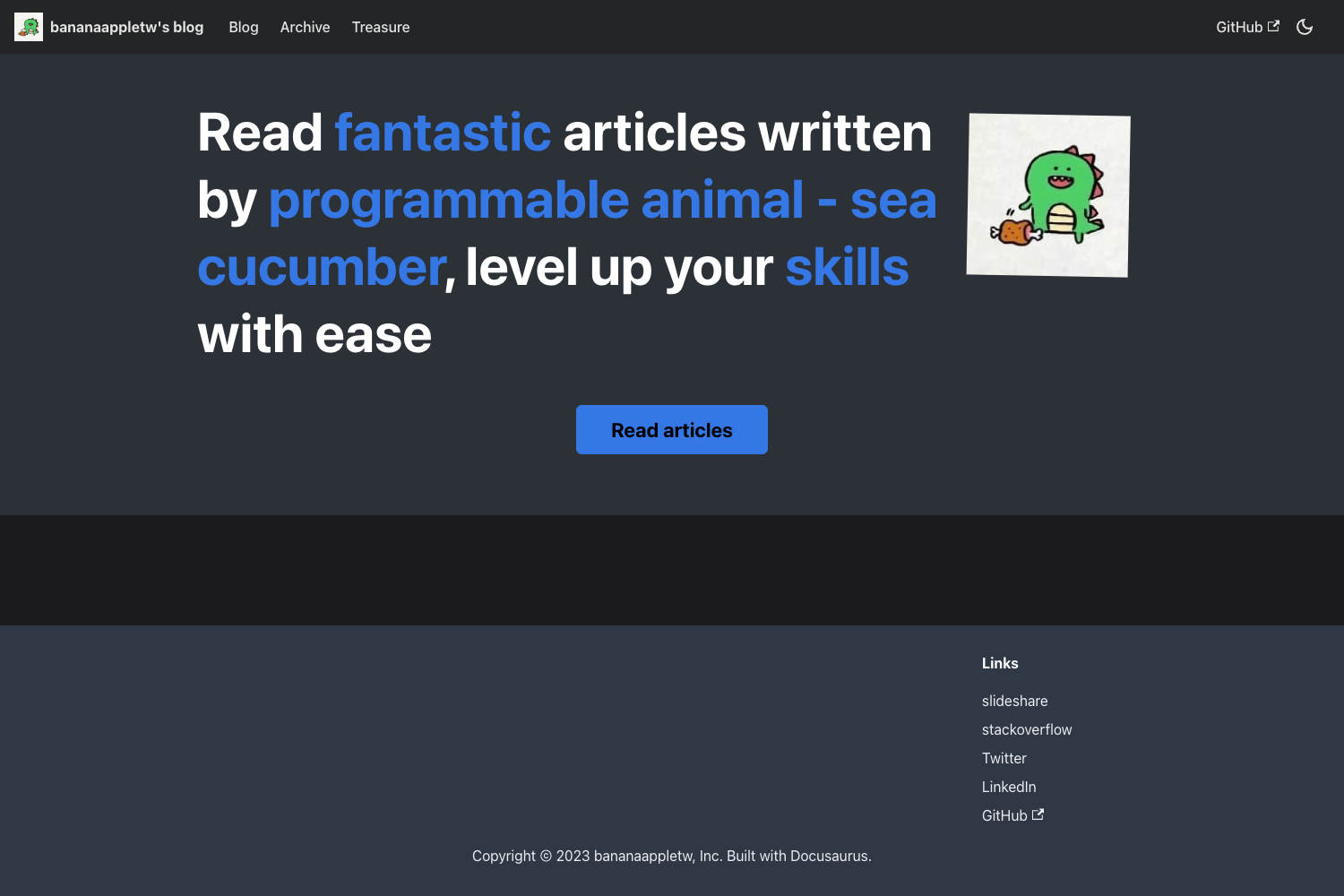
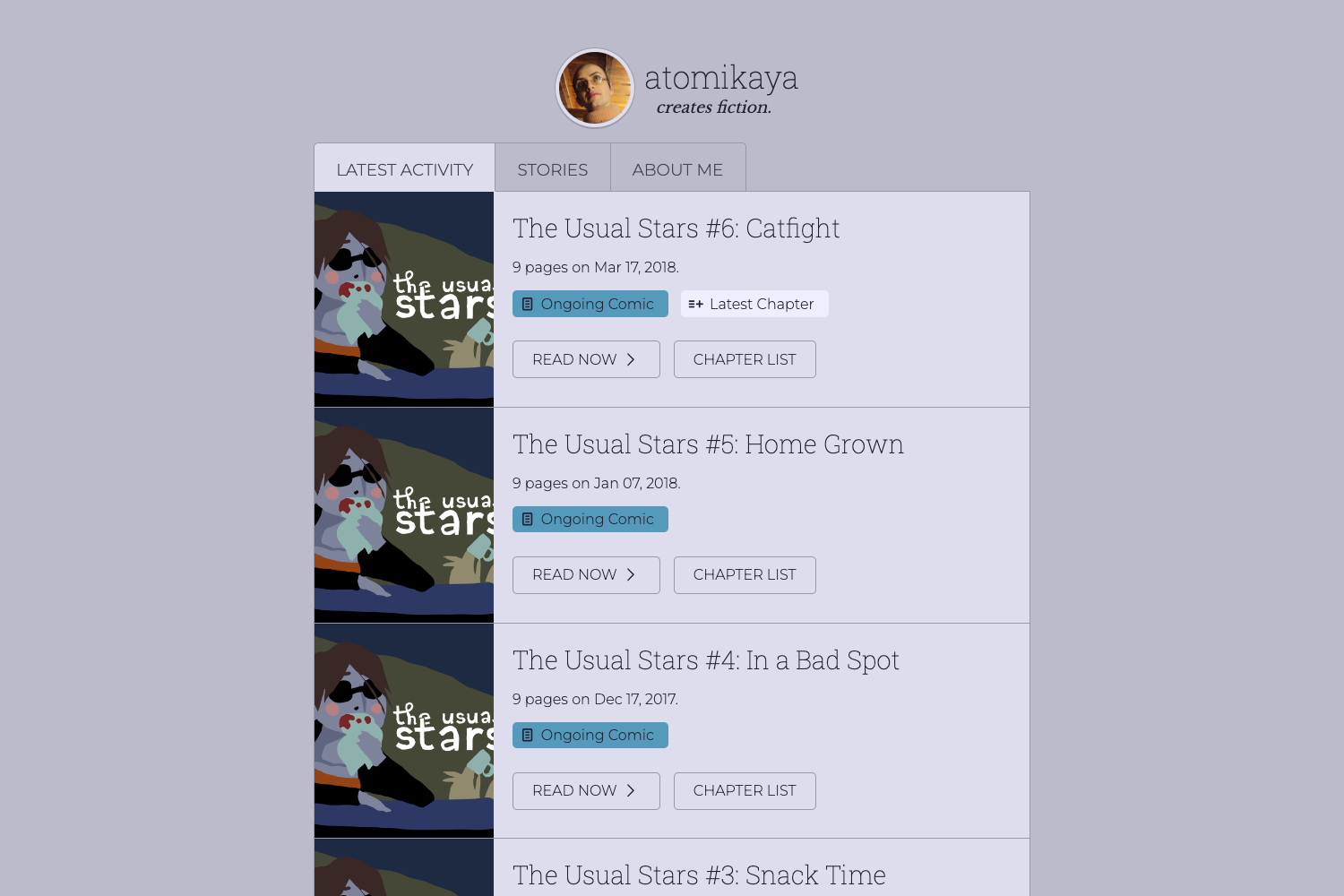
Potato Dark is a dark, elegant Hugo theme for static site blogs, providing tag support, related content, Google Analytics, and Medium-style image zoom.
What is Potato Dark?
Potato Dark is a modern, simple and beautiful Hugo theme designed for blogs and personal sites. It runs on the Hugo static site generator and is maintained by surajmandalcell, available on GitHub. It takes Hugo content files and produces a responsive, dark-themed website with tag support, related content, social links, and image zoom integration.
Key Features
- Responsive design — the layout adapts to screen sizes without extra configuration, working on desktop, tablet, and mobile visitors.
- Tag support — posts can be organized and filtered by tags, with generated tag pages.
- Related content — Hugo's built-in related content feature is enabled so readers see relevant posts at the bottom of an article.
- Google Analytics — connect the theme to Google Analytics through config.toml options to measure site traffic.
- Medium's Image Zoom — via zoom.js, clicking an image opens a zoomed overlay; usage through the provided
{{% zoom-img src="/images/default.jpg" %}}shortcode. - Social links — supports most social networks through configuration options in config.toml.
Who is it for?
- Bloggers who use Hugo and want a dark, elegant presentation for long-form writing, with tag and related-content features to help readers discover more posts.
- Developers building a personal site or portfolio who need a minimal, static-site theme with Google Analytics and image zoom built in.
- Technical writers documenting projects who want a clean, readable dark theme with social profile links and a simple setup.
What can you do with Potato Dark?
- Hugo users: quickly set up a new blog by cloning the theme as a git submodule, copying the exampleSite config.toml, and running
hugo server -t potato-dark -w -D. - Photographers: display image-heavy posts with Medium-style zoom on click, making galleries more engaging.
- Content creators: categorize posts with tags and surface related articles at the end of each post, increasing time on site.
How does Potato Dark work?
Install the theme as a git submodule (or download from the release branch), copy the exampleSite config.toml into your site root, and run Hugo with the -t potato-dark theme flag. The theme reads your Markdown content and config.toml options to render a full blog with all configured features.
FAQ
Is Potato Dark free?
Yes, Potato Dark is open sourced under the MIT license, so it is free to use, modify, and distribute, including in commercial projects.
How do I install Potato Dark?
Inside your Hugo site folder, run git submodule add https://github.com/surajmandalcell/potato-dark themes/potato-dark, then copy the config.toml from themes/potato-dark/exampleSite/ into your site root and start Hugo with the theme flag.
How do I add image zoom to a post?
Use the provided shortcode in your Markdown: {{% zoom-img src="/images/default.jpg" %}}, which applies Medium-style zoom via zoom.js on click.
Does Potato Dark support social links?
Yes, it includes social links for most social networks, configured through the config.toml options.
How do I update the theme?
Since it's installed as a git submodule, navigate to themes/potato-dark and run git pull to fetch the latest changes, then commit the updated submodule reference in your site repository.