Template details
Gatsby Starter Minimal Blog
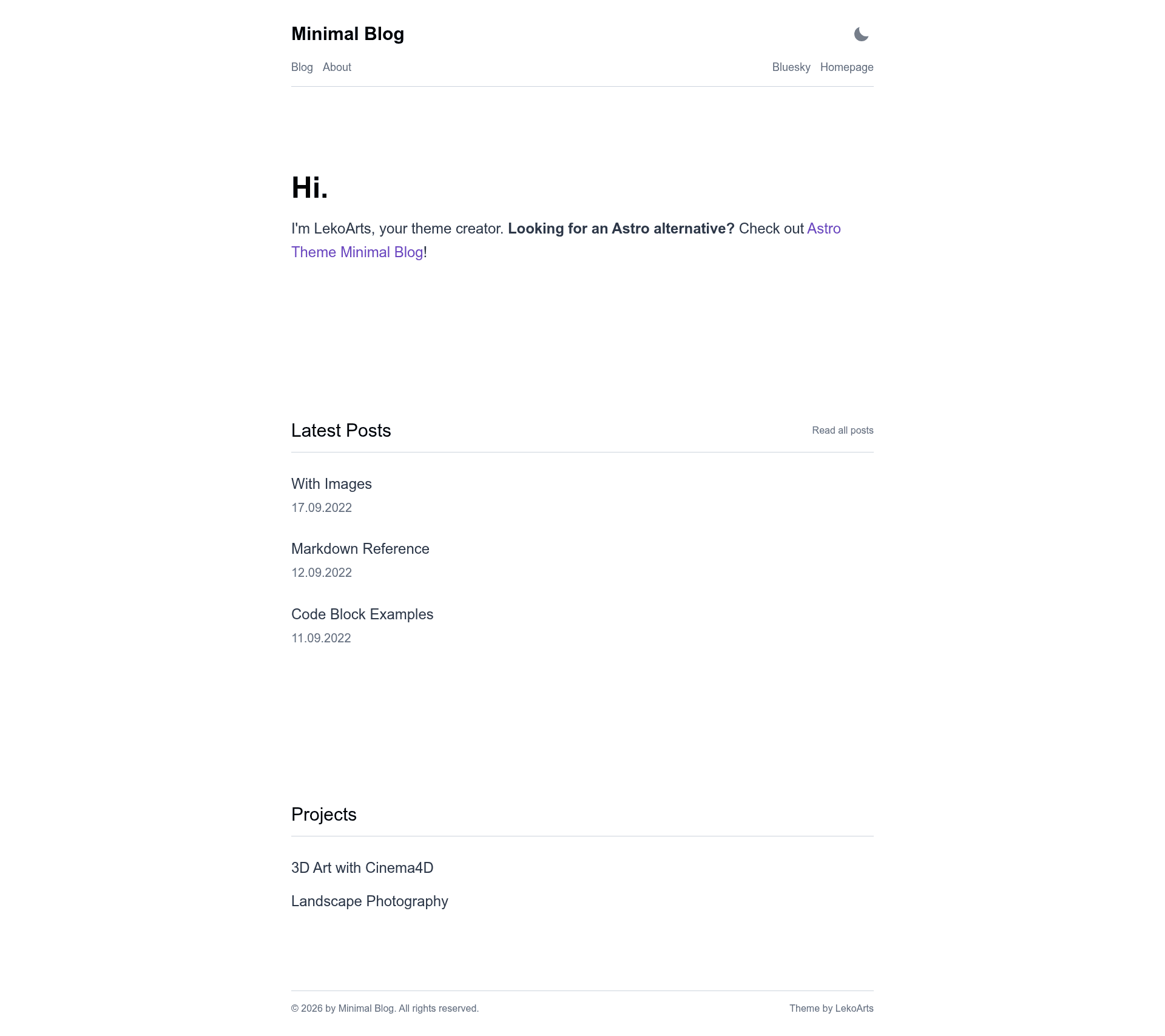
Free, open-source Gatsby starter for a typography-driven blog with MDX, tags, dark mode, and advanced code highlighting.
About this template
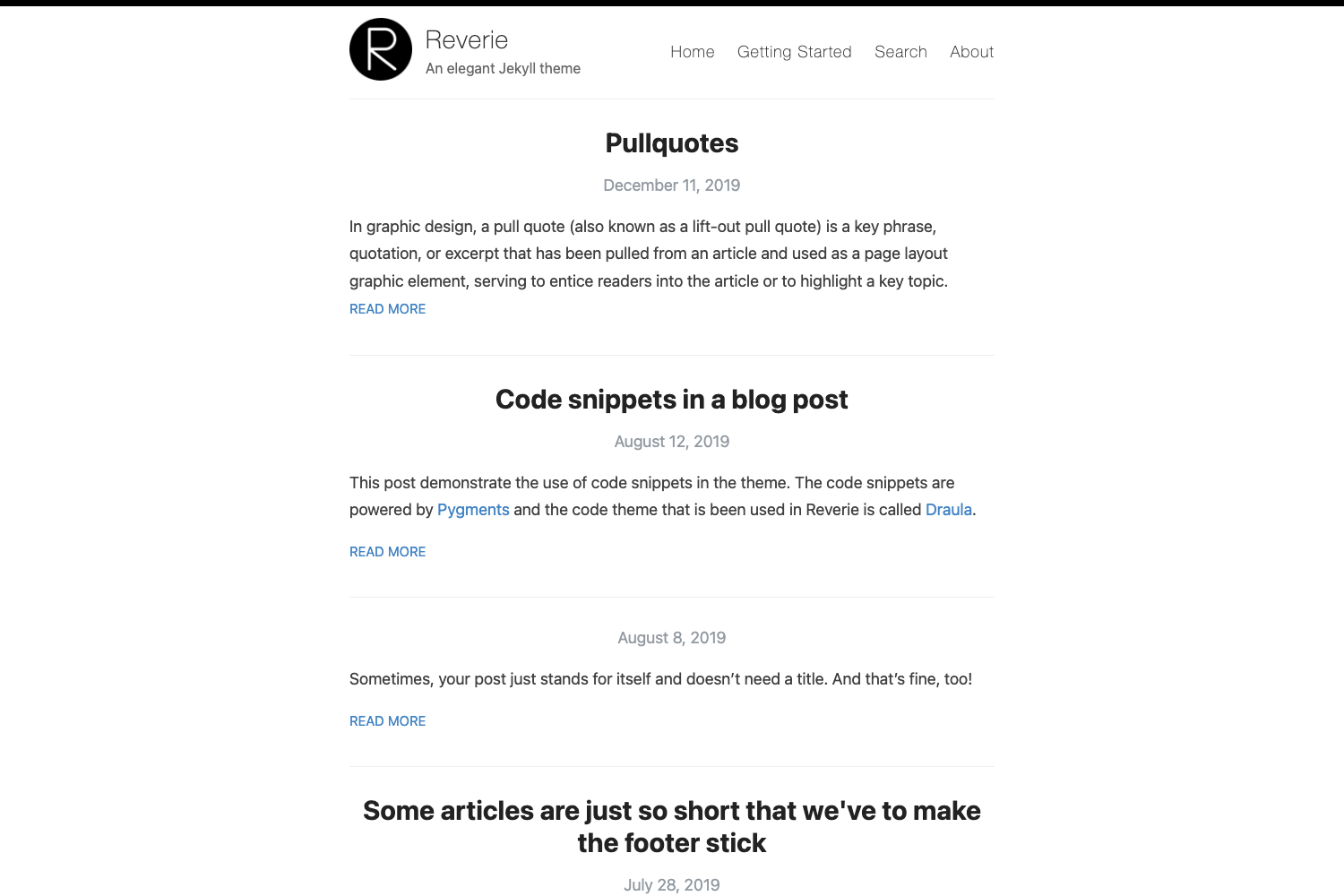
Gatsby Starter Minimal Blog is a free, open-source Gatsby starter by LekoArts that creates a typography-driven blog with MDX content, tag support, and advanced code-block features.
What is Gatsby Starter Minimal Blog?
Gatsby Starter Minimal Blog is a Gatsby starter (a pre-configured site template) that uses the Gatsby Theme @lekoarts/gatsby-theme-minimal-blog to generate a static blog. It takes Markdown/MDX files from content/posts as input and outputs a static site with RSS feed, SEO tags, and a manifest. It is authored by LekoArts and published under the 0BSD license.
Key Features
- MDX support — Write posts and pages in MDX (Markdown + JSX) inside
content/postsandcontent/pages. - Gatsby Themes & Theme UI — The site is fully customizable by shadowing components and the Theme UI configuration in
src/gatsby-plugin-theme-ui/. - Light/Dark mode — Built-in toggle for light and dark color schemes with no extra plugins needed.
- Tags/Categories — Organize posts with tags in frontmatter; tags appear on posts and enable tag-based filtering.
- Advanced code highlighting — Uses prism-react-renderer to provide line numbers, line highlighting, language tabs, and file titles in code blocks, configured per block or globally.
- RSS Feed — Automatically generates an RSS feed for blog posts.
- SEO built-in — Includes sitemap, OpenGraph tags, and Twitter card tags via siteMetadata.
- WebApp Manifest — Includes a web app manifest for installable/standalone experiences.
Who is it for?
- Developers — who want a clean, typography-first blog built with React and Gatsby, and who are comfortable customizing via theme shadowing.
- Technical writers — who need to showcase code with line highlighting and file titles, and need MDX to embed custom components.
- Bloggers — who want a minimal, content-focused design with fast static output and one-click Netlify deployment.
What can you do with Gatsby Starter Minimal Blog?
- Publish a personal blog: Create MDX posts in
content/posts, add metadata like date and tags, and the starter renders the latest three posts on the homepage. - Build a documentation-style site: Use the code-block features (titles, line numbers, highlighting) to present code examples clearly, and add static pages like About/Contact.
- Ship a site quickly: Deploy directly to Netlify via the one-click button, or run
npx gatsby newto spin up a local project in minutes.
How does it work?
- Clone the starter with
npx gatsby new gatsby-starter-minimal-blog https://github.com/LekoArts/gatsby-starter-minimal-blog. - Run
npm run developto start the dev server athttp://localhost:8000. - Add MDX files to
content/postsorcontent/pageswith frontmatter fields liketitle,date,description,tags, and optionalbanner,defer,canonicalUrl. - Customize the hero text and projects section by shadowing the theme files in
src/@lekoarts/gatsby-theme-minimal-blog/. - Deploy to Netlify with the provided deploy button or any Gatsby-compatible host.
Pros and cons
- Pros: Free and open source (0BSD license), no lock-in to a proprietary CMS, rich code-block features without extra heavy libraries, optional Deferred Static Generation (DSG) via
deferfrontmatter for performance. - Cons: Requires understanding Gatsby theme shadowing to customize the underlying theme; the default content is sparse and requires adding your own posts.
Pricing
Free — the starter is released under the 0BSD license, and the code is available on GitHub. The author accepts optional GitHub Sponsors.
Alternatives
- Astro Theme Minimal Blog — the same minimal blog design by the same author, but built on Astro instead of Gatsby.
FAQ
How do I add a new blog post?
Create a new folder under content/posts, add an index.mdx file with frontmatter (title, date, tags, etc.), write your content, and the starter will automatically list it on the index page (newest three) and the blog overview. Optionally set defer: false to skip Deferred Static Generation.
Is Gatsby Starter Minimal Blog free?
Yes, it is released under the 0BSD license, meaning you can use, modify, and distribute it freely. The source is available on GitHub, and the author accepts donations via GitHub Sponsors.
Can I customize the code highlighting?
Yes. The starter uses prism-react-renderer and supports line numbers, line highlighting, language tabs, and file titles. You can enable these per code block with attributes like withLineNumbers, highlight=2,4-5, or title=your-title. Global styles can be changed by shadowing src/@lekoarts/gatsby-theme-minimal-blog/styles/code.js.
How do I deploy to Netlify?
The README includes a one-click "Deploy to Netlify" button that connects your GitHub repository and sets up continuous deployment. After that, push changes to your repo and Netlify rebuilds the static site.
What is the defer field in frontmatter?
The defer field opts a post or page into Gatsby's Deferred Static Generation (DSG). When set to true, the page is generated on-demand rather than at build time, which can speed up builds for large sites. It is optional and defaults to false.