Template details
Hugo Northeast
A Hugo theme using Tailwind CSS.
About this template
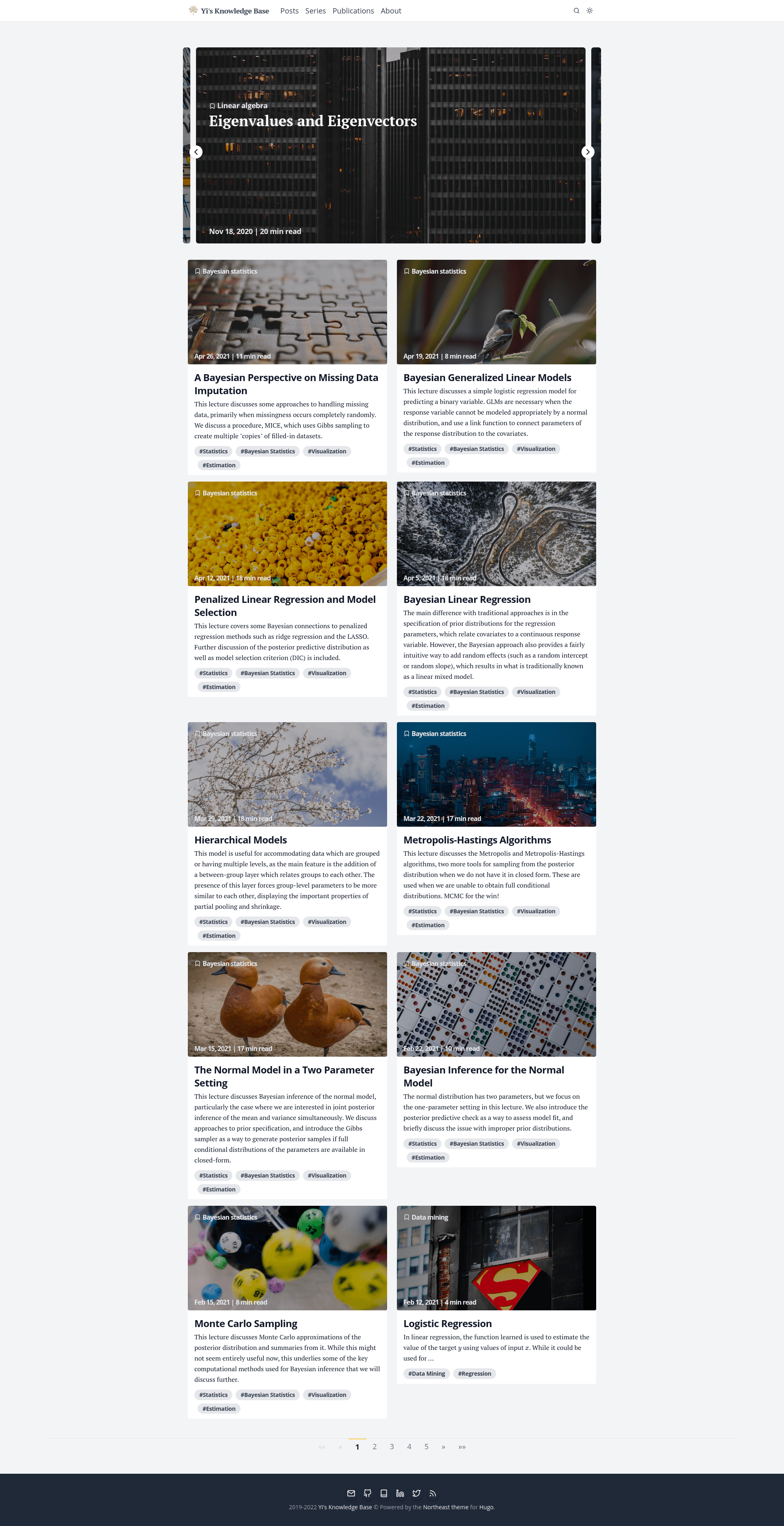
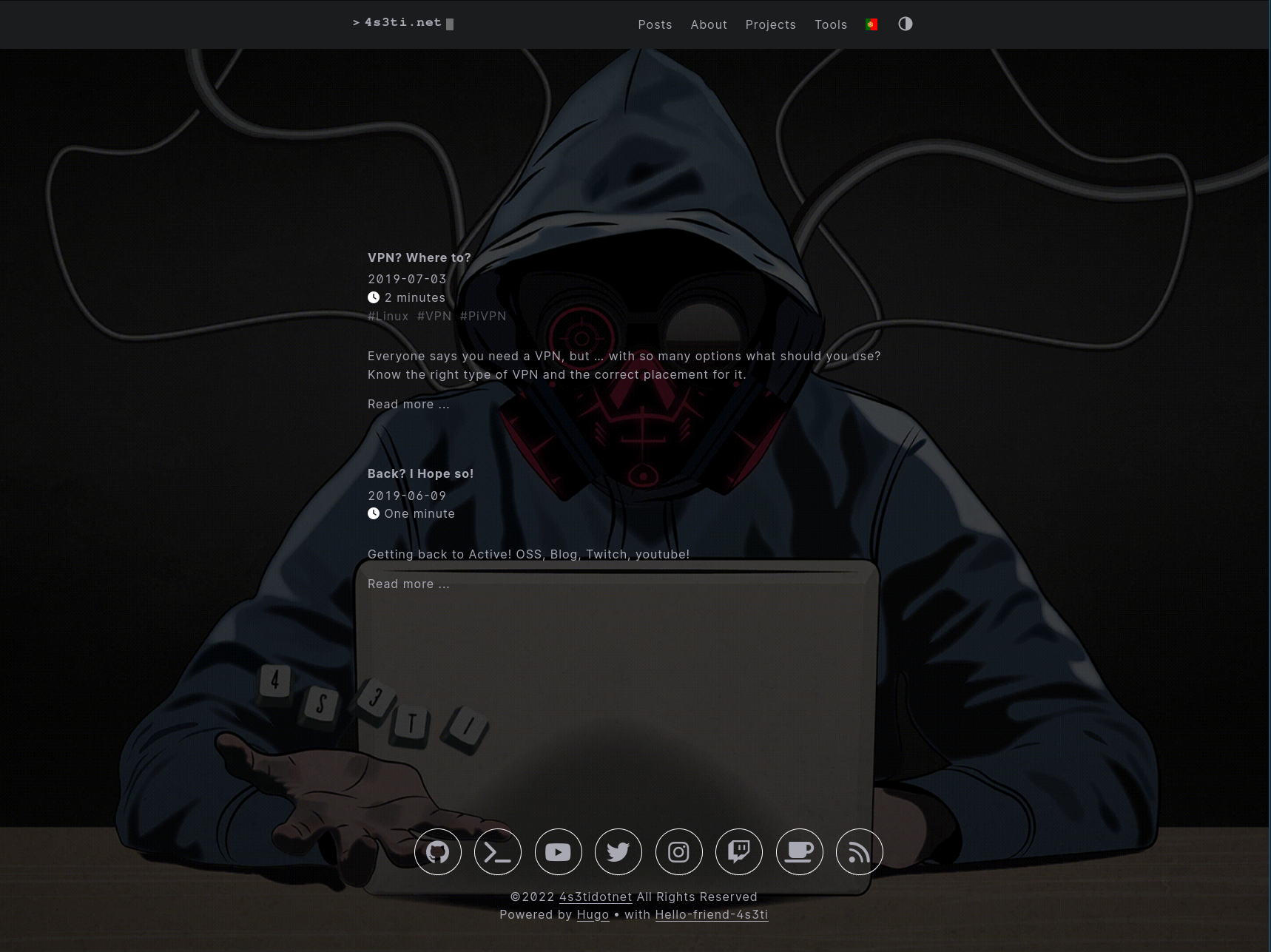
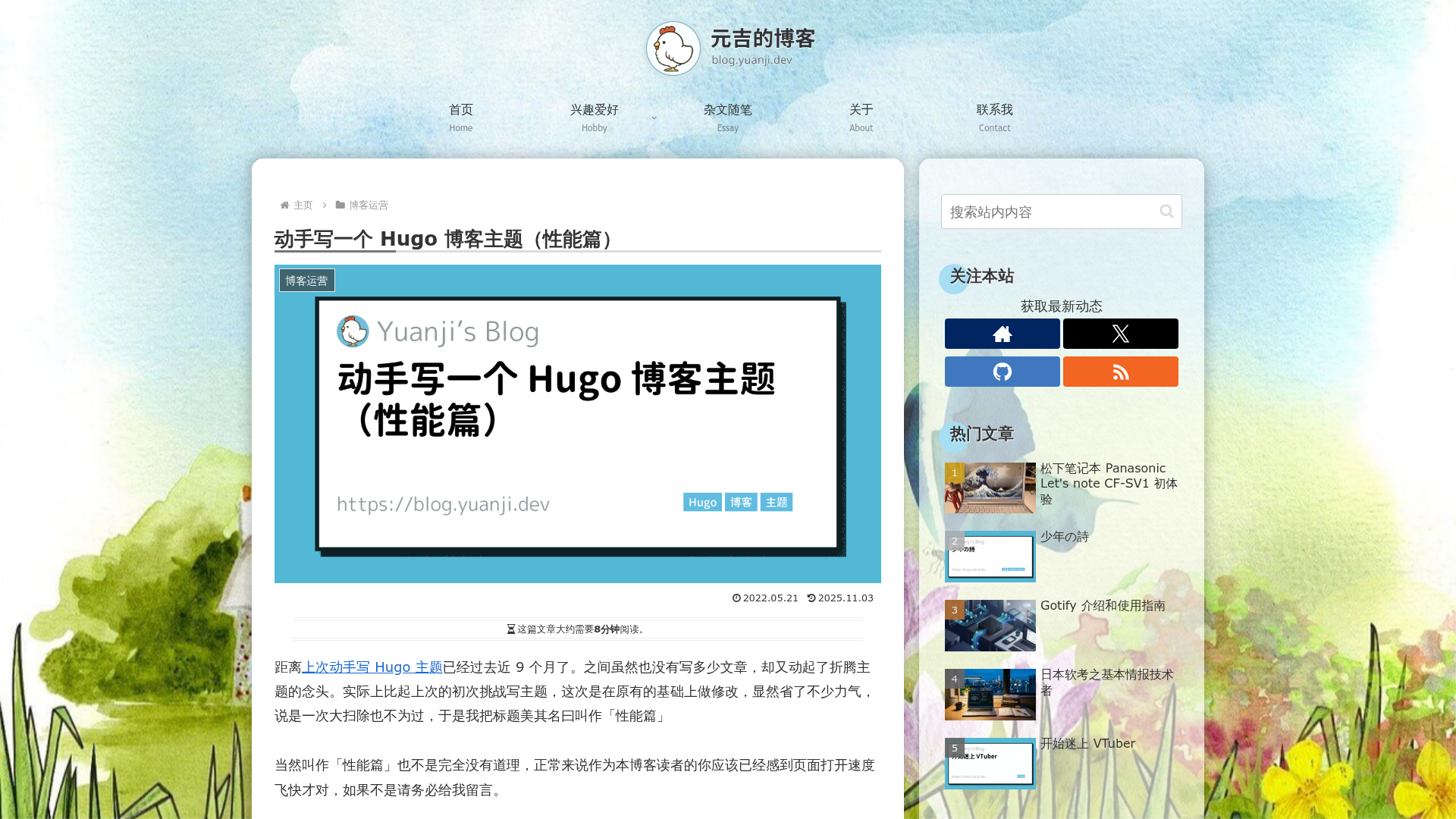
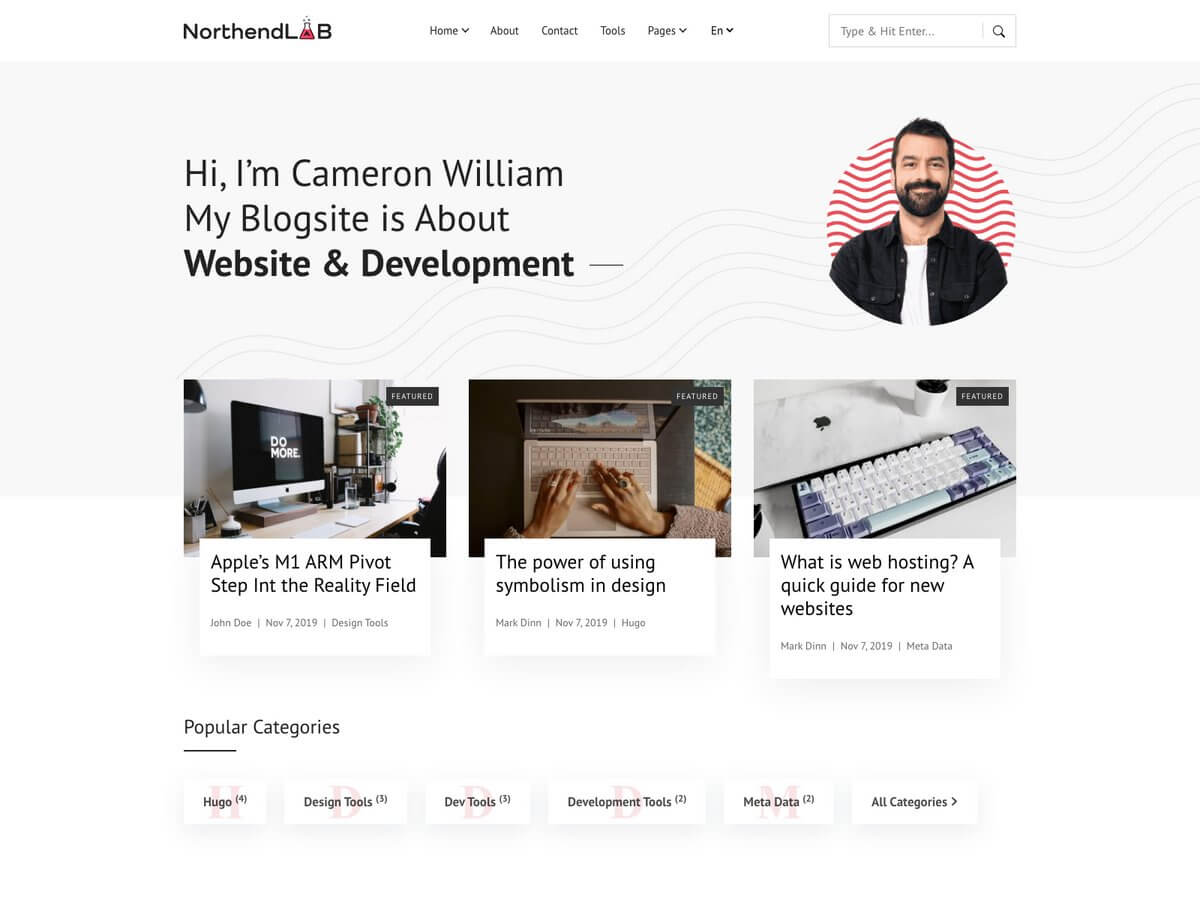
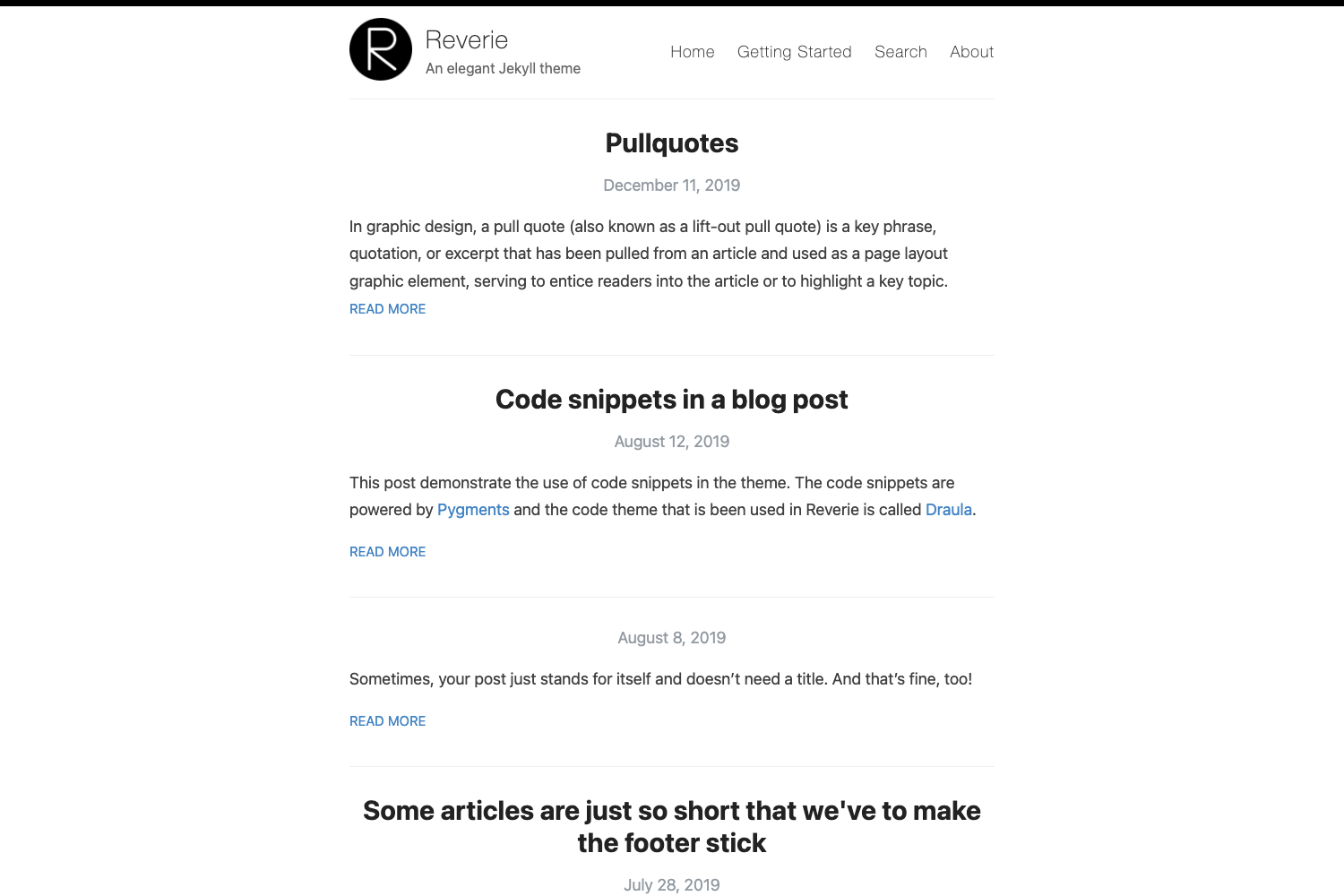
Hugo Northeast is a Hugo theme styled with Tailwind CSS, built for personal blogs and academic-style websites that need a clean reading experience. It takes Hugo content written in Markdown — posts, categories, tags, and publication references — and generates a static site in the public directory via the Hugo build pipeline. The theme is available on GitHub and is derived from the Tailwind CSS starter theme created by dirkolbrich and the Academic theme by gcushen. Repository metadata lists a star count of 30, indicating a small but existing user base.
What is Hugo Northeast?
Hugo Northeast is a Hugo theme that uses Tailwind CSS for styling and relies on Hugo Pipes and PostCSS to compile the stylesheet. It works as a starting point for any Hugo site and requires a minimum Hugo version of v0.69.0. The theme is developed by y1zhou and published under its own GitHub repository, with credits to the Tailwind starter theme and the Academic theme for inspiration.
Key Features
- Tailwind CSS styling — The theme uses Tailwind CSS for layout and components, with PostCSS and autoprefixer as build dependencies; you must install postcss, postcss-cli, and autoprefixer globally for Hugo Pipes to work.
- Dark/light mode toggle — A theme toggle appears in the header, letting visitors switch between light and dark color schemes on large and mobile screens.
- Client-side search — The header includes a search screen partial that filters site content without a backend.
- Academic-style post metadata — Each post shows tags, category, reading time in minutes, and a featured picture, plus a table of contents and a back-to-top partial.
- Math rendering — Posts support inline math rendering, useful for researchers and educators publishing formulas.
- Shortcodes — The theme ships with a highlight shortcode for marking text, a figure shortcode with captions and links, and an alert shortcode for note and warning boxes.
- Related and adjacent posts — Readers can navigate to previous/next posts in the same category and see a list of related posts.
- Publications section — The theme supports external DOI/PDF links for publications, but does not currently parse .bib files.
Who is it for?
- Academic researchers — Publish papers, preprints, and publications with external DOI/PDF links, while keeping a clean reading layout with math support.
- Bloggers — Write long-form articles with tags, categories, a featured image, code highlighting, and a table of contents.
- Developers — Use the theme as a starter for a personal site or documentation-style blog, taking advantage of the Tailwind CSS setup and Hugo's build system.
What can you do with Hugo Northeast?
- Build a personal academic homepage — Showcase featured posts, recent posts, categories, and publications with external DOI/PDF references.
- Launch a blog with minimal setup — Install via git submodule, add the theme name to config.toml, and run the Hugo server for a live preview.
- Customize the Tailwind design — Because the theme uses Tailwind CSS, you can adjust the styling system and components through the Node.js toolchain.
How does Hugo Northeast work?
To use Hugo Northeast, create a new Hugo site (hugo new site), add the theme as a git submodule (git submodule add), install Tailwind dependencies with npm install inside the theme directory, and set theme = "hugo-northeast" in config.toml. Run hugo server -DF --disableFastRender to preview changes live, and build the final static site with hugo --gc --minify. The generated files in the public directory can then be served by any static host.
FAQ
Is Hugo Northeast free?
Yes, Hugo Northeast is an open-source Hugo theme hosted on GitHub. The repository does not list a price or license restriction beyond what its credited starter themes carry.
What Hugo version do I need?
The theme requires Hugo version v0.69.0 or higher. Older versions of Hugo will not work with the theme's Pipes-based PostCSS processing.
Does Hugo Northeast support dark mode?
Yes, the header includes a light/dark theme toggle that works on both large and mobile screens. The toggle is listed as a completed feature in the theme's checklist.
Can I use .bib files for publications?
No, the theme does not support importing .bib files; the publications feature works only with external links to DOI/PDF as of the current version.
What sections are still incomplete?
Some homepage sections — the introduction section, featured publications, and the tag cloud — are still marked as unfinished in the theme repository, so those areas will not appear until implemented.