Template details
Materialize-BP
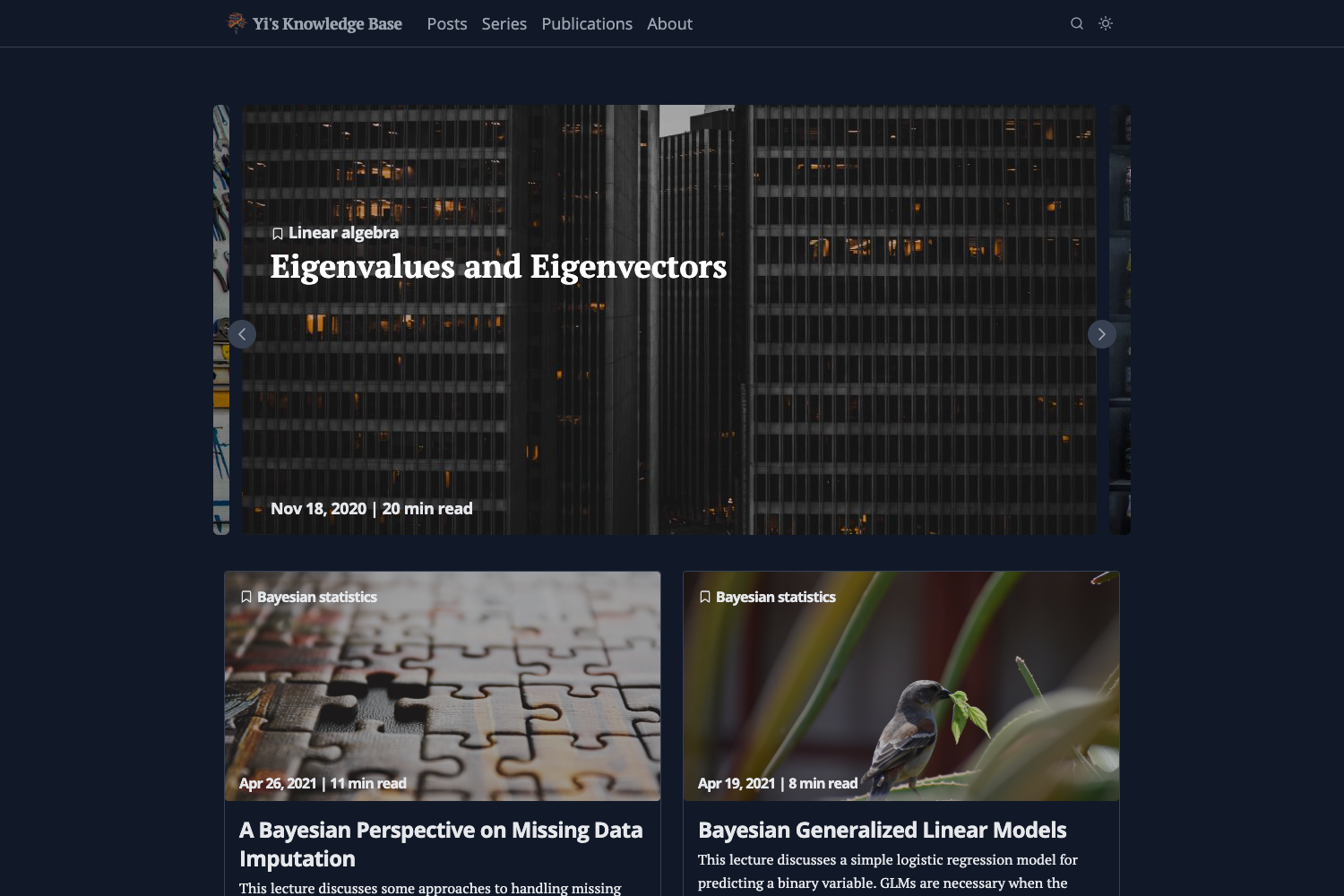
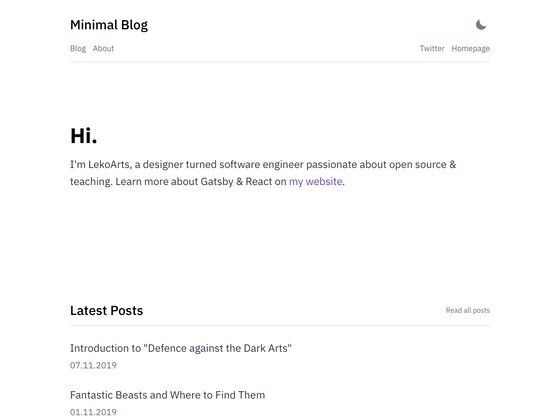
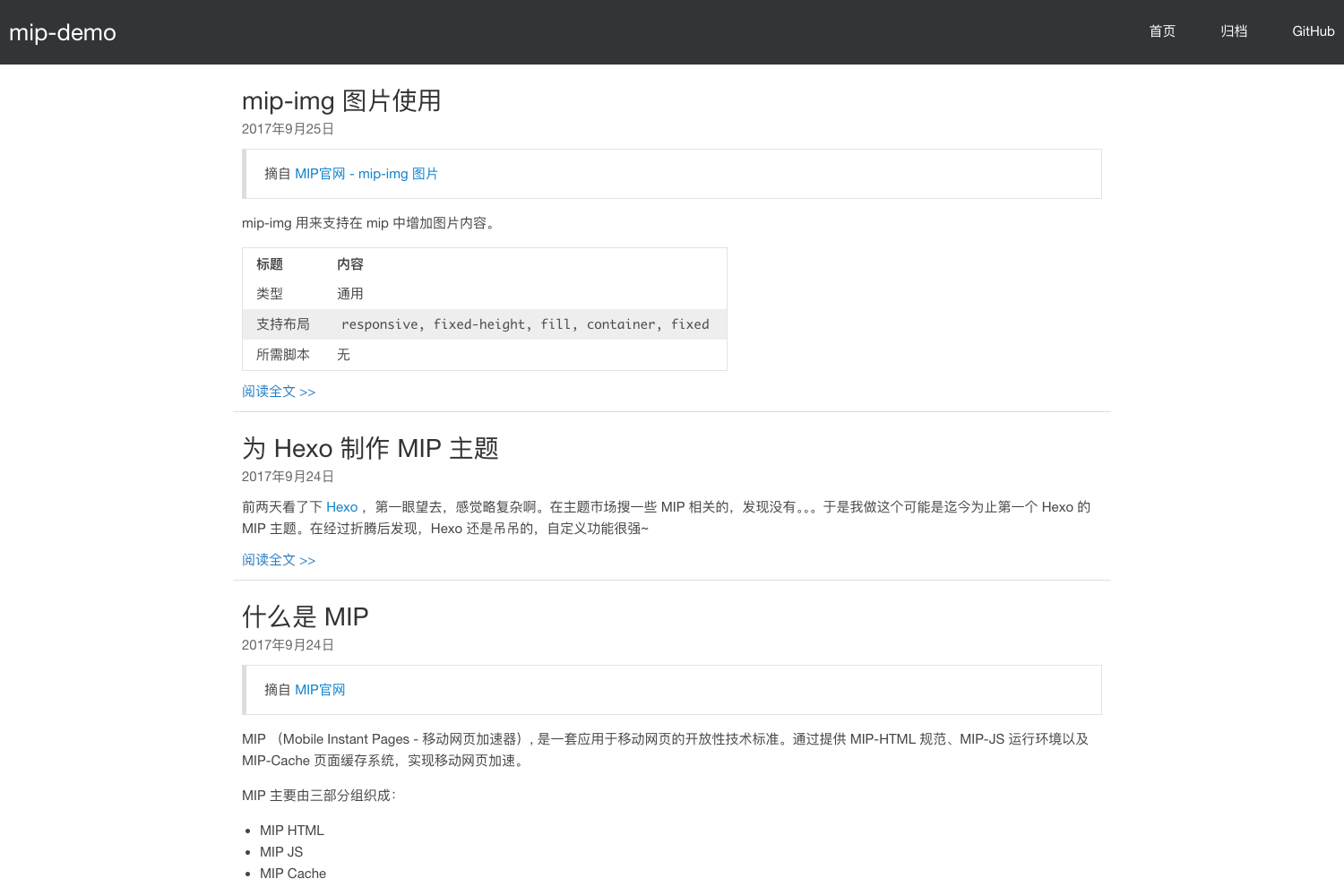
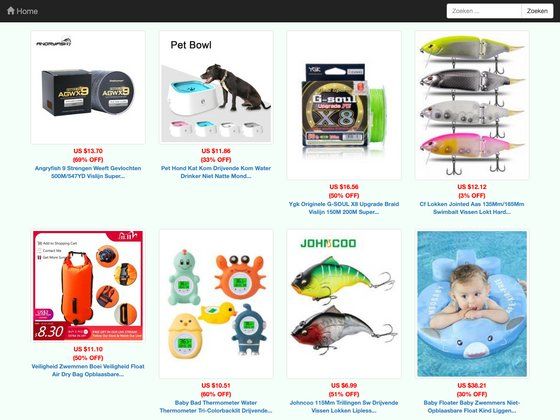
MaterializeCSS-based Hugo theme with SEO best practices, automatic image resizing, minified assets, and multilingual support.
About this template
Materialize-BP is an open-source Hugo theme built on MaterializeCSS that produces SEO-ready, performance-oriented static websites with automatic image resizing and single-file minified CSS and JavaScript.
What is Materialize-BP?
Materialize-BP is a Hugo theme created by Sebastian Pech, available on GitHub, that combines the MaterializeCSS framework with Hugo's static site generator. It takes standard Hugo markdown content, a config.toml file, and images whose filenames contain 'feature' or 'cover' as input, and outputs a fully built static website with Schema.org metadata, Open Graph and Twitter Card tags, automatically resized featured images, and a single minified CSS file and JavaScript file per site. The theme is installed by cloning the repository into a Hugo site's themes folder and running Hugo's build or server commands.
Key Features
- MaterializeCSS styling — The theme uses the MaterializeCSS framework, letting you pick colors from the Materialize color palette via themeColor1, themeColor1text, themeColor2, and themeColor2text parameters to theme the navbar, buttons, footer, and headlines.
- Automatic image resizing — Any image file whose name contains 'feature' or 'cover' is automatically used as the post's featured image, resized, and included in Twitter Cards and Open Graph metadata.
- SEO and social metadata — Schema.org support is enabled by adding an author name in config; Open Graph and Twitter Cards are generated from the featured image and page description.
- Performance best practices — The theme merges and minifies all CSS and JS resources into one file per type, includes CDN font support (e.g., Google Fonts), and follows the Front-End Performance Checklist.
- Multiple archetypes — Six page templates are provided: Page, Post, Audio (embeds Spotify in the header), Video (embeds YouTube in the header), Quote, and Link, each altering the layout accordingly.
- Custom CSS/JS — Custom styles placed in /assets/css/custom.css and scripts in /assets/js/custom.js are automatically merged and minified with theme files; additional per-page or site-wide scripts/styles can be loaded from local assets or CDNs using the js, jscdn, css, and csscdn parameters.
- Multilingual and i18n support — The theme is built for multilingual Hugo sites with internationalization support.
- Masonry-style start page — Set startPageColumns = true to display the homepage in a Masonry-like column layout.
Who is it for?
Hugo developers needing a polished Material Design front-end without writing CSS from scratch can install the theme via git clone and customize colors through four themeColor parameters.
Bloggers and content creators who publish written posts, audio spotify embeds, YouTube videos, quotes, or link entries get dedicated page templates per content type plus automatic social sharing cards.
Multilingual site owners benefit from built-in i18n support, a customizable date format, and the option to group list pages by year.
Performance-conscious teams can rely on the theme's automatic merging and minification of CSS/JS into one file each, CDN font loading, and adherence to the Front-End Performance Checklist.
What can you do with Materialize-BP?
- Launch a blog quickly — Clone the theme, copy the exampleSite's config.toml, and start writing markdown posts; featured images named 'feature' or 'cover' are resized and injected into Twitter Cards and Open Graph.
- Embed Spotify and YouTube — Use the Audio archetype to display a Spotify player in the header or the Video archetype to display YouTube, no hand-written HTML needed.
- Customize the visual theme — Set themeColor1, themeColor1text, themeColor2, and themeColor2text to any Materialize color name, or toggle the masonry-style start page with startPageColumns.
- Add custom scripts and styles — Drop CSS into /assets/css/custom.css and JS into /assets/js/custom.js to merge them minified, or load external CDN resources like Vue.js via the jscdn parameter in config.
FAQ
How do I install Materialize-BP?
Run mkdir themes, then cd themes and git clone https://github.com/spech66/materialize-bp-hugo-theme.git. After cloning, go to the exampleSite folder and run hugo server --themesDir ../.. to preview the demo.
Is Materialize-BP free to use?
Yes, the theme is open source and hosted publicly on GitHub, so you can clone or download it at no cost. It was created by Sebastian Pech, who also maintains a similar Bootstrap-BP Hugo theme.
How does automatic image resizing work?
Place an image file containing the word 'feature' or 'cover' in the post's folder. The theme detects the first wildcard match, resizes it for the featured image, and includes it in the Open Graph and Twitter Card metadata.
Does the theme support Google Analytics?
No, the native Hugo Google Analytics template has been removed from this theme. You'll need to integrate your own analytics snippet, for example through the custom JS options.
Can I change the theme colors?
Yes, set themeColor1, themeColor1text, themeColor2, and themeColor2text in config.toml using Materialize color names such as red, cyan, or amber. Note that link, pagination, and blockquote colors require additional adjustments in custom.css.