Template details
Gatsby Typescript Starter Blog
A starter blog for TypeScript-based Gatsby projects with minimal settings.
About this template
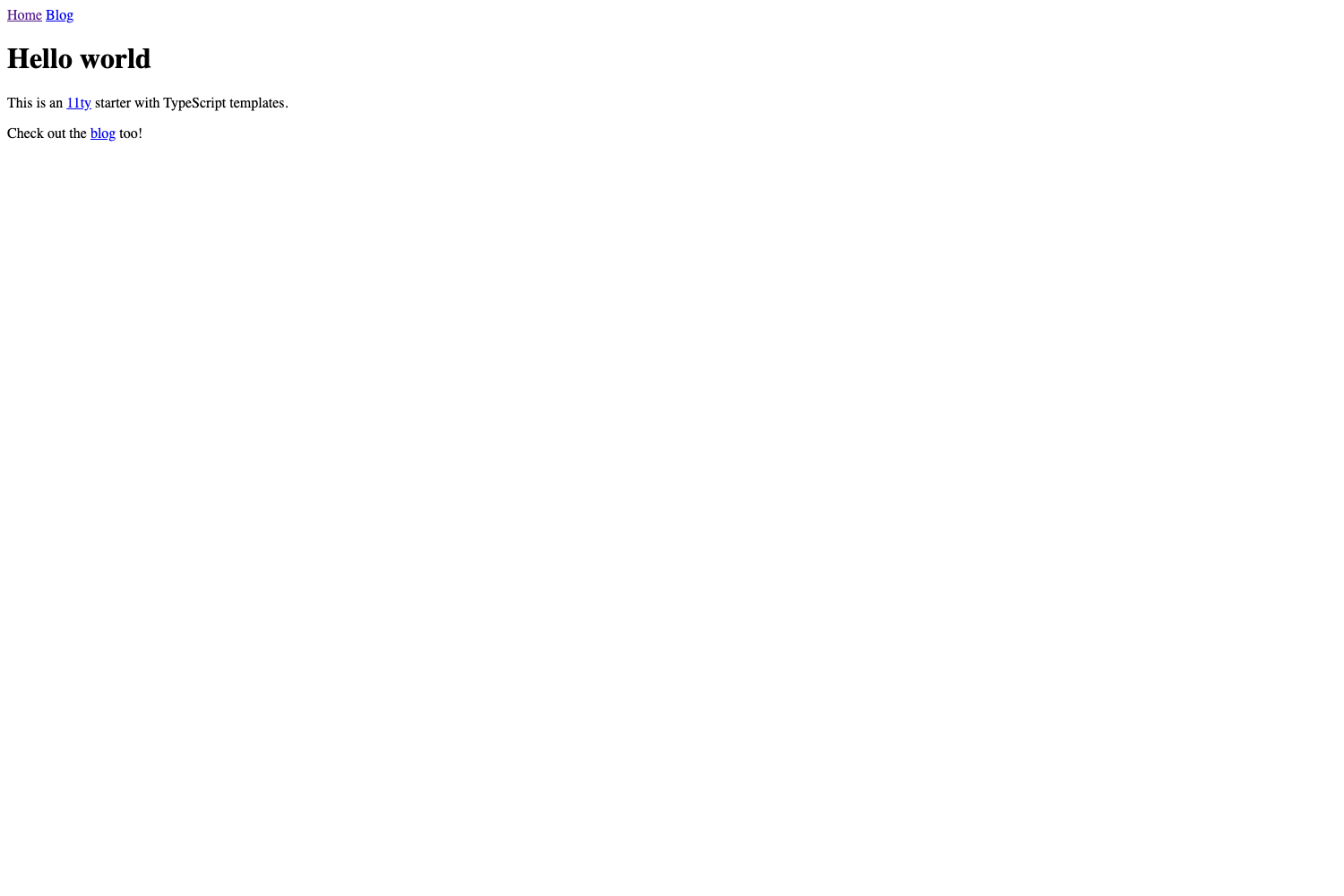
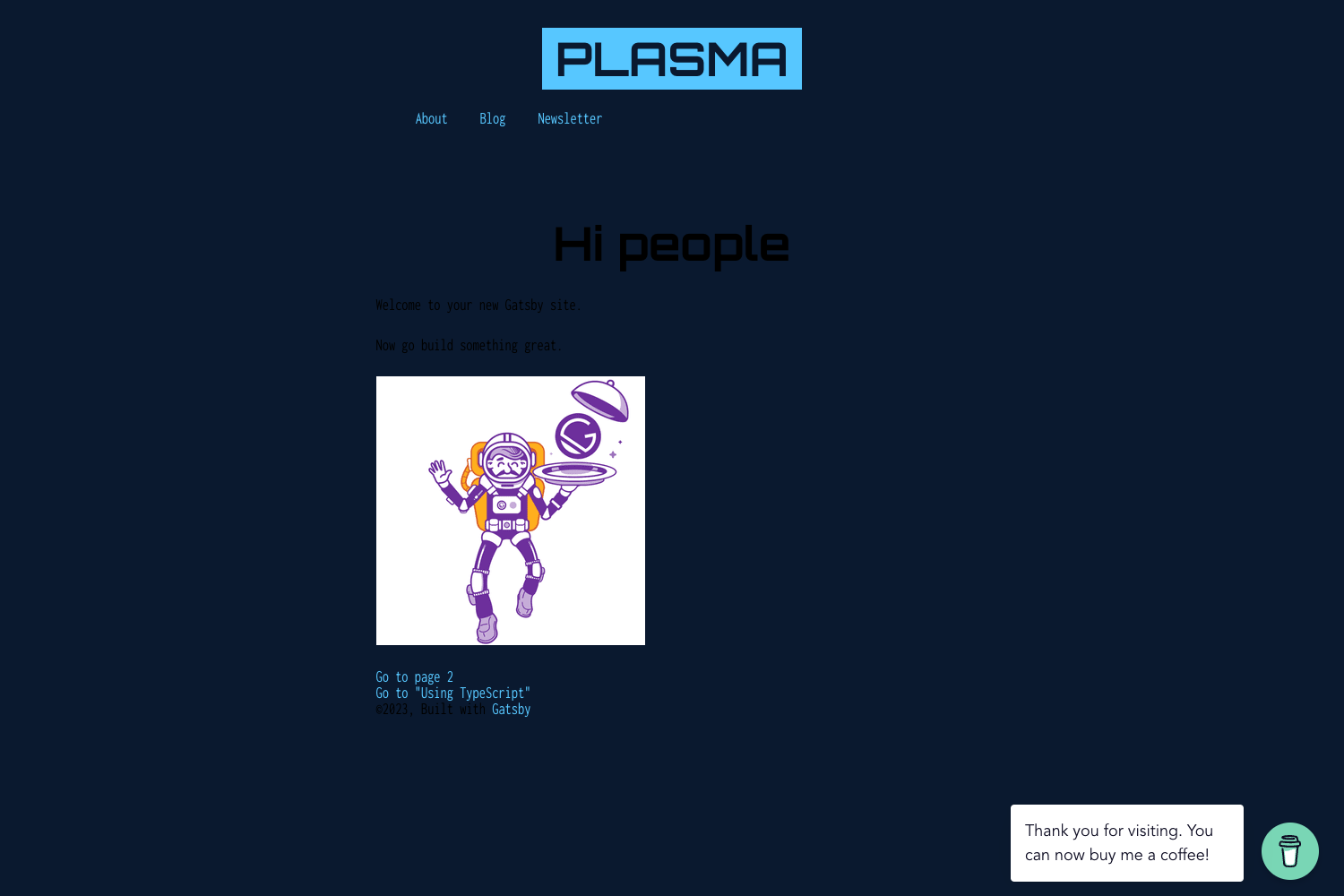
Gatsby Typescript Starter Blog is a minimal starter template for building blog sites with Gatsby and TypeScript, providing a bare-bones project scaffold with no built-in styling.
What is Gatsby Typescript Starter Blog?
Gatsby Typescript Starter Blog is a GitHub-hosted starter template created by the developer frnki that scaffolds a new Gatsby project configured for TypeScript. It takes a project name as input through the gatsby new command and outputs a minimal blog skeleton with TypeScript and TSLint already set up. It runs on the Gatsby static site generator, which compiles React-based code into static HTML for fast loading. The template deliberately includes no styling, leaving the visual design entirely up to the user.
Key Features
- TypeScript support — The project is pre-configured with TypeScript for writing typed React components and reducing development errors.
- TSLint included — TSLint rules are set up out of the box to enforce code style and catch linting issues.
- Minimal settings — The starter omits styling and other opinionated defaults, keeping the scaffold small and easy to customize.
- Gatsby-based — Built on Gatsby, the static site generator for React, so the output is a fast, static blog.
- Simple npm scripts — Use
npm startto run the development server andnpm run buildto create a production build. - One-command setup — Initialize a new project with
gatsby new [project-name]followed by this repository's URL.
Who is it for?
- TypeScript developers — who want a blog scaffold that already has TypeScript and TSLint configured, saving them from setting up the toolchain themselves.
- Developers who prefer minimal defaults — who want to add their own styling, CMS, or UI framework without stripping away the opinions bundled in larger starters.
- Gatsby learners — who want to study a small, readable Gatsby project structure combined with TypeScript.
What can you do with it?
- Start a new blog — run the
gatsby newcommand with a project name and this repository URL to generate a fresh Gatsby project, then create content inside the standard Gatsby structure. - Customize the visual design — because no styling is included, you can add Tailwind CSS, styled-components, or plain CSS to build your desired look from scratch.
- Set up a development workflow — use
npm startfor live development andnpm run buildfor production output.
FAQ
Does Gatsby Typescript Starter Blog include styling?
No. The README explicitly states that the starter uses minimal settings and no styling. You add your own CSS or UI framework after creating the project.
How do I create a new blog with this starter?
Run gatsby new [project-name] https://github.com/frnki/gatsby-typescript-starter-blog from your command line. This clones the starter and installs its dependencies.
What commands start the development server?
npm start launches the Gatsby development server for local editing, and npm run build produces a production build of the blog.