Template details
Gatsby Starter Tailwind
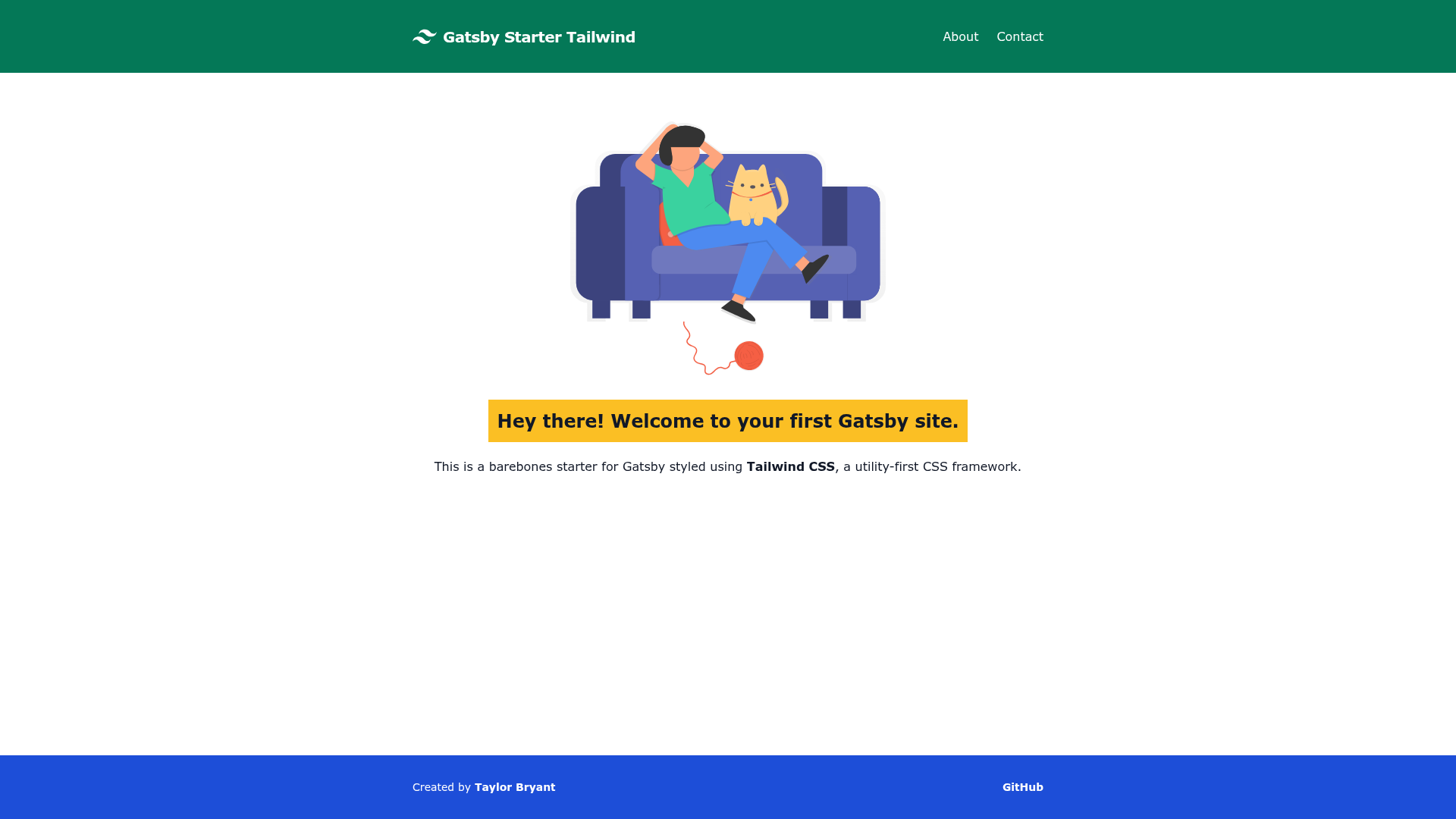
Gatsby starter styled with Tailwind CSS, featuring utility-first styling and built-in purge for optimized CSS.
About this template
Gatsby Starter Tailwind is a free, open-source Gatsby boilerplate that scaffolds a React-based website pre-styled with Tailwind CSS, a utility-first CSS framework.
What is Gatsby Starter Tailwind?
Gatsby Starter Tailwind is a project starter for the Gatsby static site generator, a free and open-source framework based on React for building fast websites and apps. It takes a single gatsby new command with this repository URL to generate a new site, and outputs a Gatsby project with Tailwind CSS configured out of the box. The repository is hosted on GitHub at taylorbryant/gatsby-starter-tailwind, and a live demo is available at https://gatsby-starter-tailwind.taylorbryant.dev/.
Key Features
- Tailwind CSS integration — The starter is styled with Tailwind CSS, a utility-first framework, so you can build custom interfaces directly in your markup.
- Built-in CSS purge — Tailwind's built-in purge option removes unused CSS from production builds, keeping the generated stylesheet small.
- unDraw illustrations — The starter includes free SVG illustrations from unDraw (undraw.co), ready for use in your pages.
- ESLint and Prettier preconfigured — Run
npm run analyzeto see what code issues can be fixed automatically, ornpm run fixto apply linting and formatting fixes. - One-click deployment — The README includes deploy buttons for Netlify and Vercel, linking directly to the starter repository for instant setup.
- MIT license — The project is released under the MIT License, permitting free commercial and personal use.
- All Contributors spec — The project follows the all-contributors specification and acknowledges seven contributors in the README.
Who is it for?
- Developers new to Gatsby or Tailwind — Use the starter to get a working site with both tools configured, skipping the manual setup.
- Front-end developers who like utility-first styling — Tailwind's utility classes let you style components without writing custom CSS, and this starter wires everything together.
- Teams deploying to Netlify or Vercel — Both one-click deployment options are included, so publishing a new Gatsby site is fast.
What can you do with Gatsby Starter Tailwind?
- Launch a personal site or landing page — Create a new Gatsby project that already has Tailwind installed, then customize pages and components.
- Prototype a design with utility classes — Use
npm run developwith hot reloading to iterate quickly on layouts and styles. - Start a blog or content site — Gatsby's architecture and directory structure, combined with Tailwind's styling, give a clean foundation for content-driven sites.
How does Gatsby Starter Tailwind work?
First, install the Gatsby CLI globally by running npm install --global gatsby-cli. Then create a project with the command gatsby new my-new-website https://github.com/taylorbryant/gatsby-starter-tailwind. After that, cd into the new folder and run npm run develop to generate a stylesheet from the Tailwind config and start the development server. For production, run npm run build to output a static site ready for hosting.
FAQ
Is Gatsby Starter Tailwind free?
Yes, it is released under the MIT License, so you can use, modify, and distribute it freely, including in commercial projects.
What commands do I need to know?
Install the Gatsby CLI, run gatsby new with the starter URL, then use npm run develop for local development, npm run build for production builds, and npm run analyze or npm run fix for code quality checks.
What does 'purge unused CSS' mean?
Tailwind CSS can remove any utility classes that are not present in your source files during a production build. This starter enables that purge option, so the final CSS file is smaller than an uncompressed Tailwind output.