Template details
Pico Base
A minimal Hugo theme foundation that integrates PicoCSS via Sass, built on the KISS principle.
About this template
Pico Base is a minimal Hugo theme boilerplate that integrates the PicoCSS framework into Hugo's Dart Sass pipeline, giving theme developers a ready-made starting point for building new Hugo themes with PicoCSS styling.
What is Pico Base?
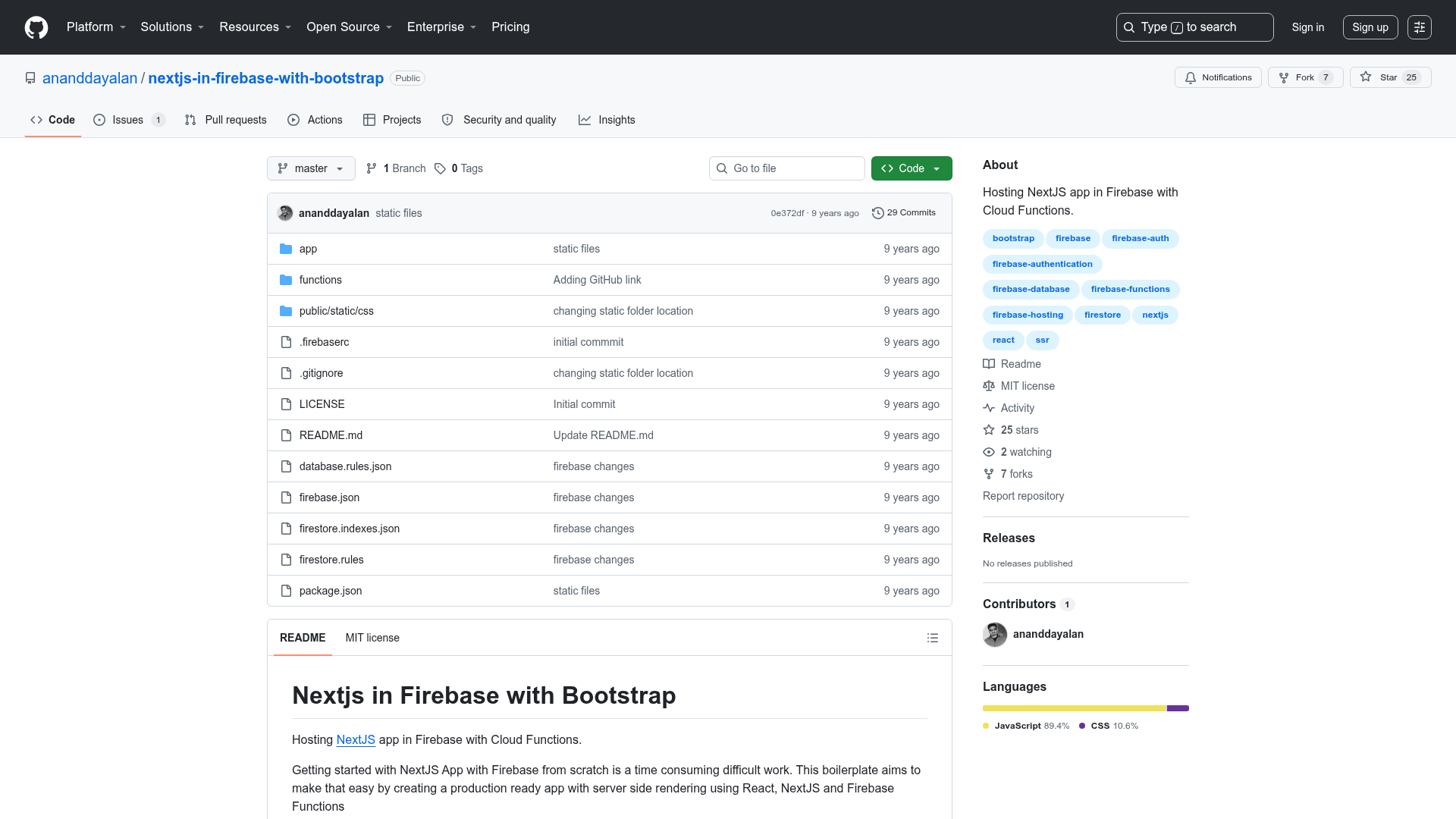
Pico Base is a Hugo theme foundation generated from hugo new theme, then converted to YAML and extended with PicoCSS as an npm dependency. The theme takes a standard Hugo theme skeleton and modifies the css.html partial to transpile main.scss from the sass directory using Hugo's built-in dartsass transpiler, producing a compiled css/main.css file. It runs on Hugo as the static site generator, using npm only to install PicoCSS's SCSS source. The repository is public, carries a single star, and has no listed description or topics.
What makes Pico Base stand out?
- KISS principle — The starter is deliberately minimal; users are meant to copy the repository and modify it rather than treat it as a full-featured theme.
- Direct PicoCSS integration — It wires PicoCSS's SCSS from
node_modules/@picocss/pico/scssinto Hugo's Sass compiler viaincludePaths, so all PicoCSS variables and mixins are available inmain.scss. - Environment-aware CSS output —
outputStyleis set tocompressedwhenhugo.IsProductionis true andexpandedotherwise, and source maps are enabled only in non-production builds. - YAML configuration — The original
hugo new themescaffold is converted from TOML to YAML for site settings. - Sass folder layout —
main.scsslives in thesassdirectory (instead of the defaultcssfolder), matching Hugo's documented Sass pipeline. - Module-friendly — Can be used as a Hugo theme component rather than a copy, per Hugo's theme-components documentation.
Who is Pico Base for?
- Hugo theme developers who want a minimal, PicoCSS-styled base to start their own theme without hand-writing the Sass wiring.
- Developers who prefer PicoCSS who want Hugo sites styled with PicoCSS's semantic HTML and accessible defaults without pulling in a heavier framework.
- Developers learning Hugo's Sass pipeline who want a working example of compiling external SCSS packages through Hugo's
cssfunction.
What can you do with Pico Base?
- Create a new Hugo theme: copy the repository (as recommended in the installation docs), modify
main.scssand the layout files, and run Hugo to build a site styled with PicoCSS. - Use it as a theme component: register it as a Hugo module instead of copying, so updates can be pulled in from the source repository.
- Customize PicoCSS design tokens: because PicoCSS exposes SCSS variables, you can edit
main.scssto override colors, spacing, and other design settings before the CSS is compiled.
How does Pico Base work?
Installation is done either by copying the repository or by adding it as a Hugo theme component. After installation, you modify main.scss and any layout files to fit your needs, then build the site with Hugo; the css.html partial invokes the dartsass transpiler to produce a compressed (production) or expanded (development) css/main.css file.