Template details
Gatsby Theme Jam Submission Example
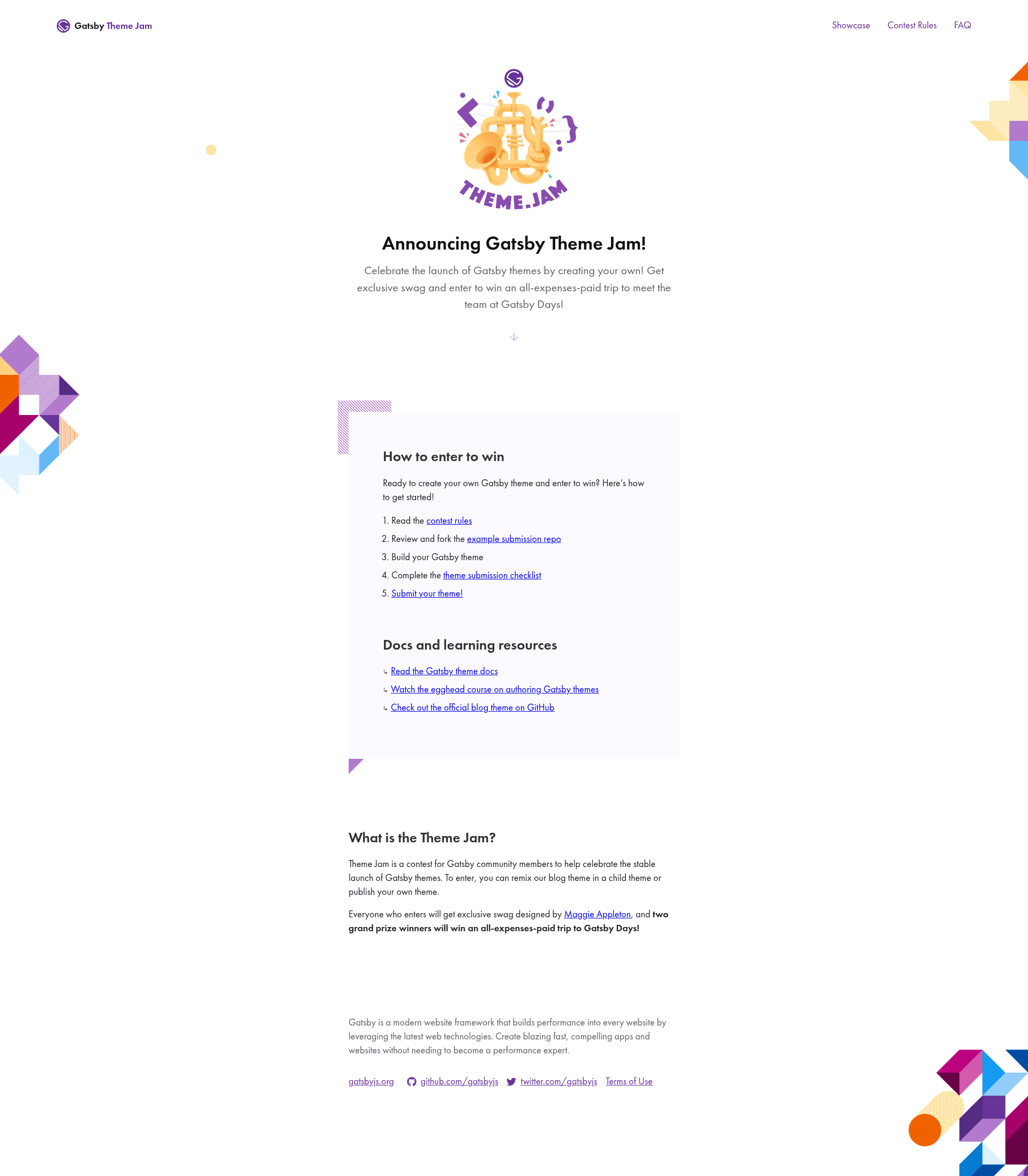
An example submission for the Gatsby Theme Jam, providing a theme starter and demo site with Yarn workspaces.
About this template
Gatsby Theme Jam Submission Example is a starter repository for building a Gatsby theme, combining a minimal theme package and a demo site wired together through Yarn workspaces so theme creators can develop locally and submit to the Gatsby Theme Jam contest.
What is the Gatsby Theme Jam Submission Example?
It is a GitHub repository that demonstrates a standard structure for a Gatsby theme submission. It contains a bare-bones theme in the theme/ directory, a demo site in the demo/ directory that installs that theme, and a Yarn workspaces configuration so both can be edited simultaneously. The repo serves as a template for developers entering the Gatsby Theme Jam.
Key Features
- Bare-bones theme starter — a minimal Gatsby theme in
theme/with basic setup, ready to be renamed and customized for a jam entry. - Demo site included — a
demo/directory that consumes the local theme and serves a live preview at http://localhost:8000 during development. - Yarn workspaces configuration — a single
yarninstall handles dependencies for both theme and demo; the demo runs withyarn workspace demo develop. - Step-by-step setup instructions — the README walks through forking, renaming the repo to
gatsby-theme-THEMENAME, updatingtheme/package.json, and starting the demo. - Submission checklist reference — links to
./theme/README.md#submission-checklistso creators can verify their theme qualifies for the contest. - Contest integration — includes a link to the Gatsby Theme Jam website at https://themejam.gatsbyjs.org for rules and submission.
Who is it for?
- Gatsby theme developers who need a ready-made repo structure to start building a theme and see it running in a demo site.
- Gatsby Theme Jam participants who want a compliant submission layout and a checklist to avoid disqualification.
- Developers new to Yarn workspaces who can use this example to understand how to manage a monorepo with a theme package and a consumer site.
What can you do with this template?
- Create a new Gatsby theme by forking the repo, renaming it, and editing the
theme/directory to implement custom components and queries. - Develop with live reload by running
yarn workspace demo develop; changes to the theme appear immediately in the browser at http://localhost:8000. - Submit to the Gatsby Theme Jam by following the included checklist and linking to the contest submission page.
How does this repo work?
The repository is a Yarn workspace with two packages: theme (the Gatsby theme) and demo (a Gatsby site). After cloning and running yarn, dependencies for both packages are installed. The demo site is configured to use the local theme, so editing theme/ triggers hot reloads in the demo. The README provides a numbered workflow from forking through submission.
FAQ
What is the Gatsby Theme Jam?
It is a contest where developers build Gatsby themes and submit them for judging. This repository is an example submission structure, pointing to the official contest website at https://themejam.gatsbyjs.org for rules and entry.
How do I use this repo?
Fork the repository, rename it to gatsby-theme-THEMENAME, then run yarn to install dependencies. Start development by running yarn workspace demo develop and open http://localhost:8000. Edit the theme/ directory and see changes live.
What does the demo site do?
The demo site installs the local theme and displays its output. It starts on localhost port 8000 and serves as a live preview so theme creators can test components and styles during development.
Do I need Yarn to run this?
Yes, the instructions rely on Yarn for installing dependencies and running workspace commands. Yarn workspaces are the mechanism that lets the theme and demo share the same repository and run together.