Template details
Astro SPA Starter Kit: Basics
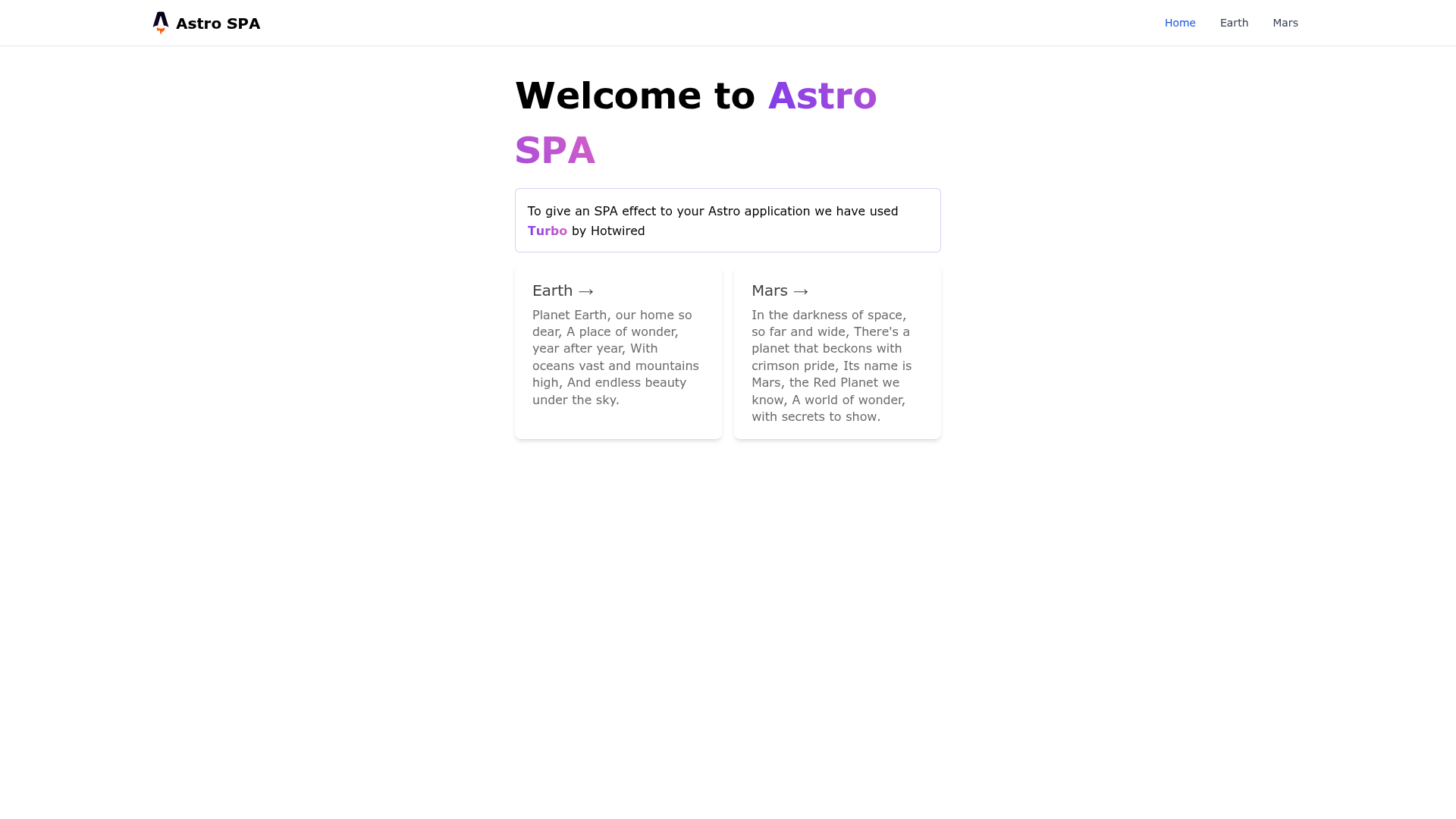
A simple boilerplate to get started with Astro JS & Tailwind CSS with SPA behaviour.
About this template
Astro SPA Starter Kit: Basics is an Astro boilerplate that combines Astro JS, Tailwind CSS, and Hotwire to build single-page application (SPA) behavior with static-site output.
What is Astro SPA Starter Kit: Basics?
This starter template scaffolds a new Astro project via npm create astro@latest -- --template basics, adding Tailwind CSS for utility-first styling and Hotwire for SPA-style page transitions. The generated site builds to a static ./dist/ folder and runs a local dev server at localhost:3000 during development. The project structure includes src/pages/index.astro as the default route, src/layouts/Layout.astro for shared layout, and src/components/Card.astro as an example component. Astro treats any .astro or .md file in src/pages/ as a new route, while components in src/components/ can be written in Astro, React, Vue, Svelte, or Preact.
Key Features
- Astro framework — File-based routing: every
.astroor.mdfile insrc/pages/becomes a URL route without extra configuration. - Tailwind CSS integration — The boilerplate is set up to use Tailwind CSS for utility-first styling, so you can start writing custom classes immediately.
- SPA behavior with Hotwire — The template includes Hotwire to give page transitions a single-page-app feel while still generating static HTML at build time.
- Multi-framework components — Drop in React, Vue, Svelte, or Preact components inside
src/components/alongside native Astro components. - Static asset handling — Put images, fonts, or other files in
public/and they are served at the root of the site. - Standard npm commands —
npm run devstarts a local server,npm run buildgenerates a production build to./dist/, andnpm run previewtests the built site locally.
Who is it for?
- New Astro developers who want a minimal, well-structured starting point that already includes Tailwind and SPA navigation.
- Tailwind users who want to build a content-focused static site without configuring styling from scratch.
- Hotwire enthusiasts who want to combine Hotwire's Turbo with Astro's static output for fast client-side transitions.
- Frontend teams experimenting with different frameworks inside one project, since the template supports React, Vue, Svelte, and Preact components side by side.
What can you do with it?
- Build a marketing or landing page — Start from
index.astro, edit the layout inLayout.astro, and add Tailwind classes to match your brand. - Prototype a multi-page site — Add new
.mdor.astrofiles tosrc/pages/and each one becomes a new route instantly. - Create a blog or documentation site — Use Markdown files in
src/pages/to generate content pages, then style them with Tailwind and layout components. - Test component frameworks — Insert a React counter or a Svelte widget into any page and see how Astro renders them alongside native components.
How does it work?
After scaffolding with the create astro command, run npm install to install dependencies. Then npm run dev starts a development server at localhost:3000. When you're ready to ship, npm run build compiles the site into static files under ./dist/, and npm run preview serves that build locally for verification. The Astro CLI is available via npm run astro ... for tasks like adding integrations or checking the project.
FAQ
Is Astro SPA Starter Kit: Basics free?
The template is an open-source starter based on the official Astro basics template. The repository is publicly available and the Astro framework itself is free to use.
What is Hotwire doing in an Astro template?
Hotwire (specifically Turbo) enables SPA-like navigation by intercepting page loads and swapping content dynamically. Combined with Astro's static site generation, this gives a fast, app-like feel without a heavy client-side framework.
Can I use React or Vue components?
Yes. The template's src/components/ directory is designed to hold Astro, React, Vue, Svelte, or Preact components. Astro compiles them where they are used.
How do I add a new page?
Create a new .astro or .md file in src/pages/. The file name becomes the route. For example, about.astro will be served at /about.
Where do I put images and other static files?
Place any static asset in the public/ directory. Files there are copied directly to the root of the built site, so you can reference them with a leading slash, such as /favicon.svg.