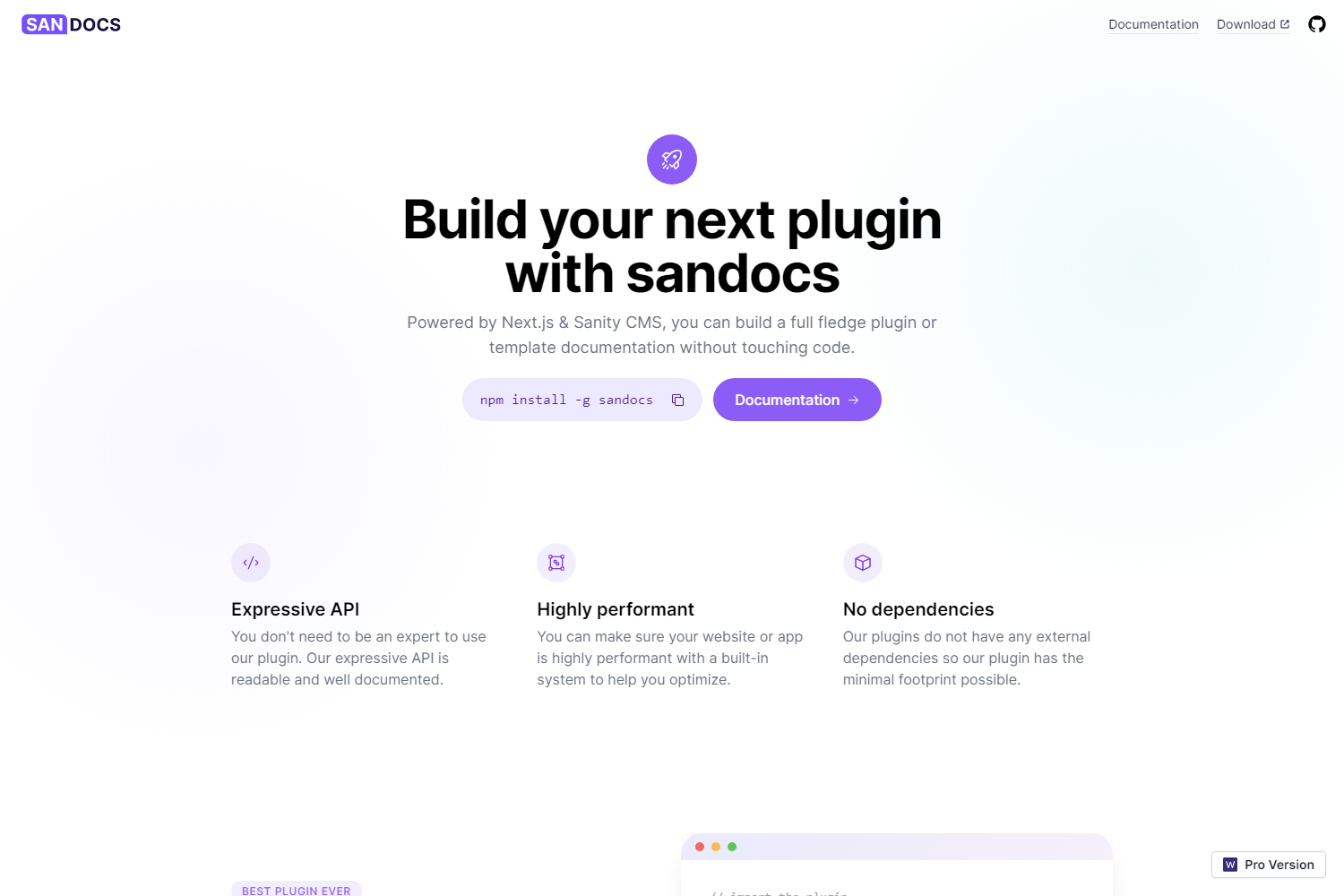
Template details
Gatsby Theme Simple Docs
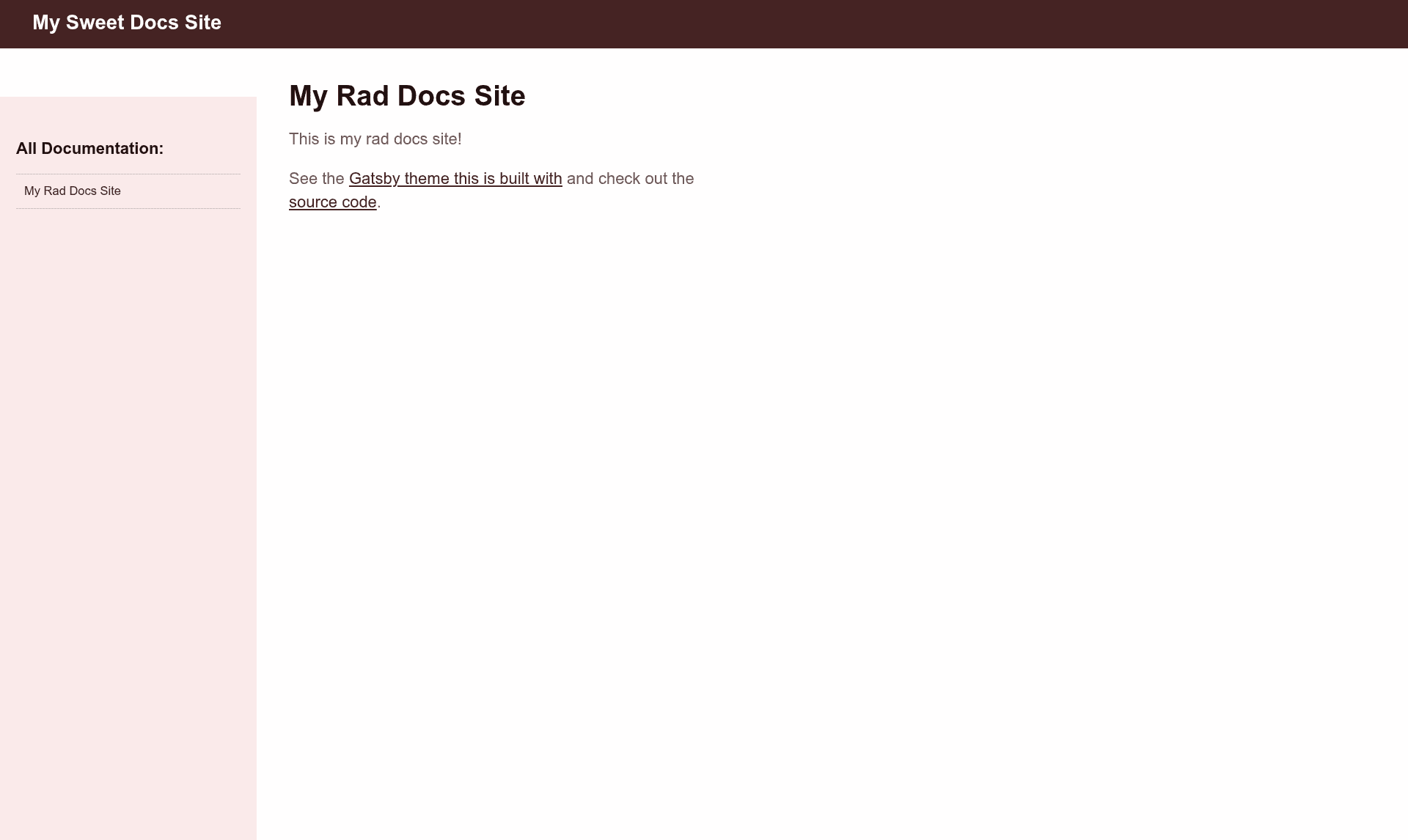
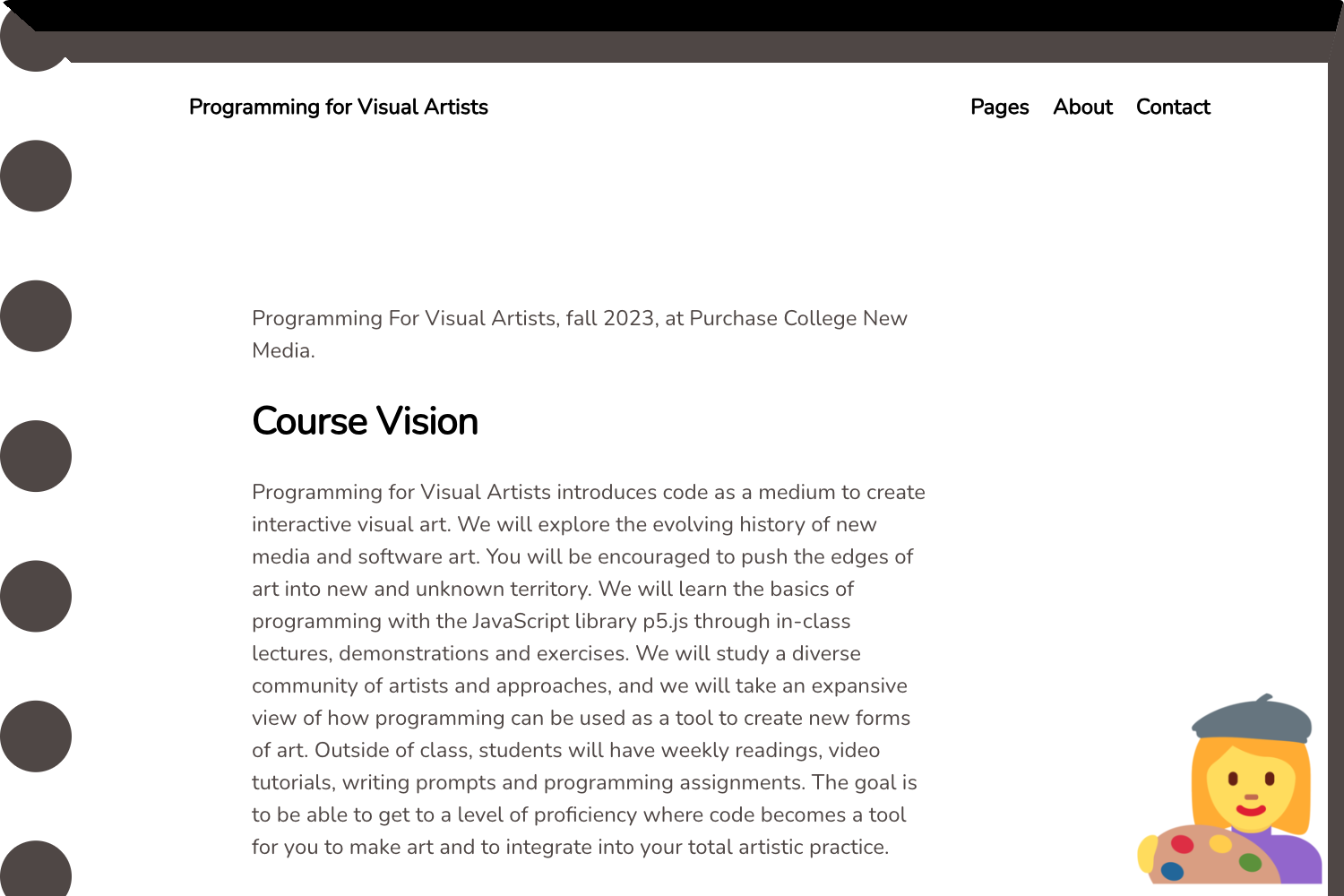
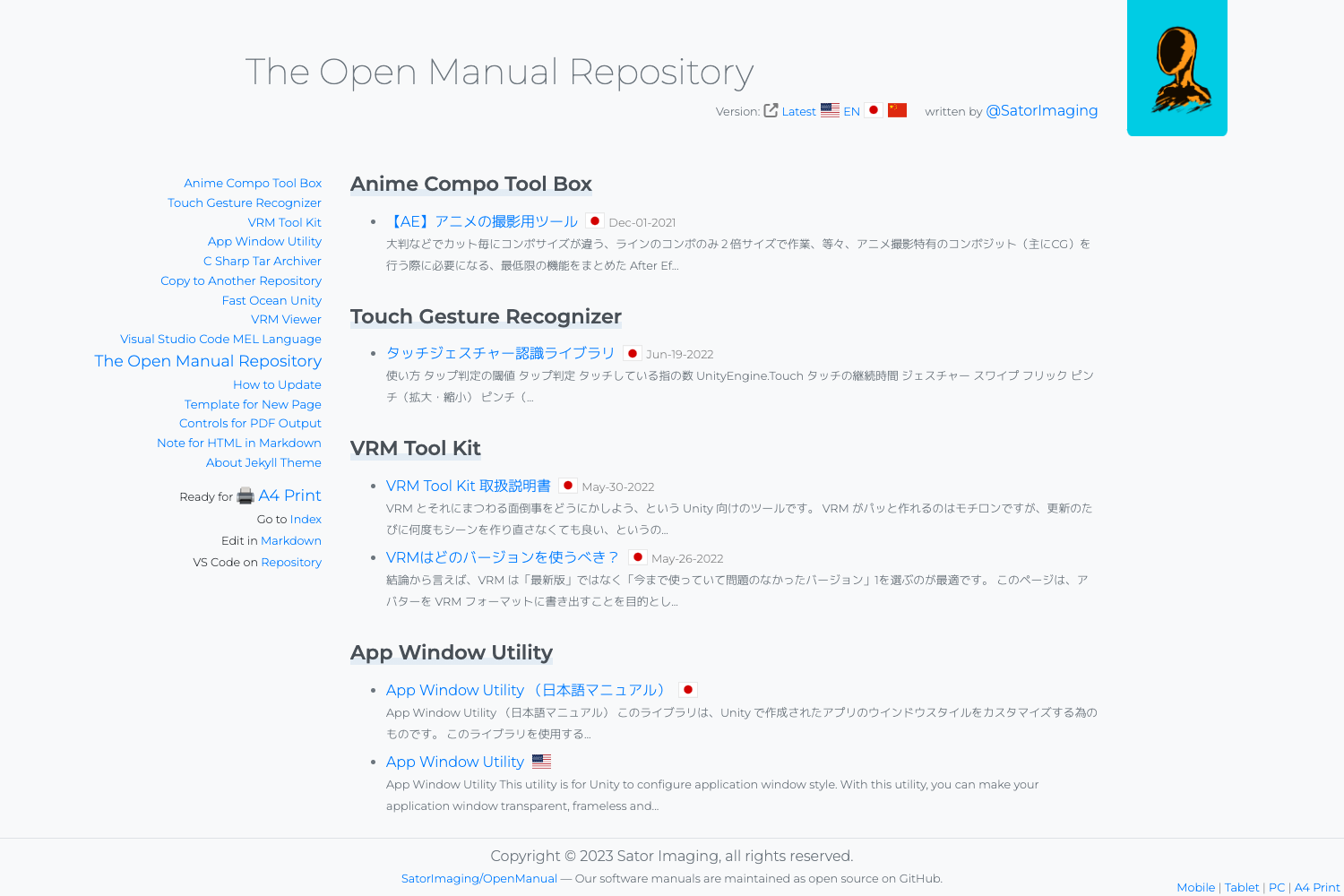
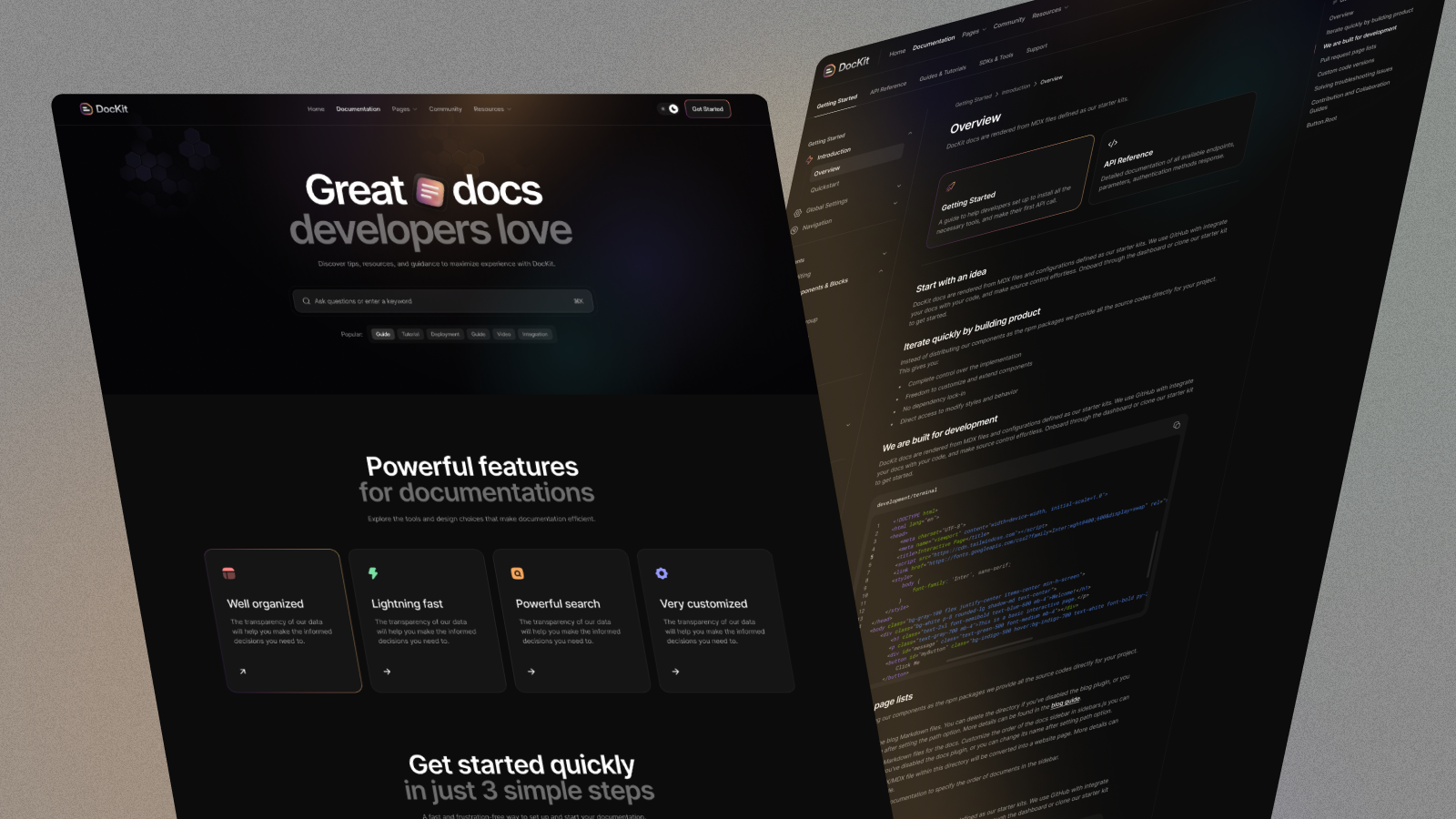
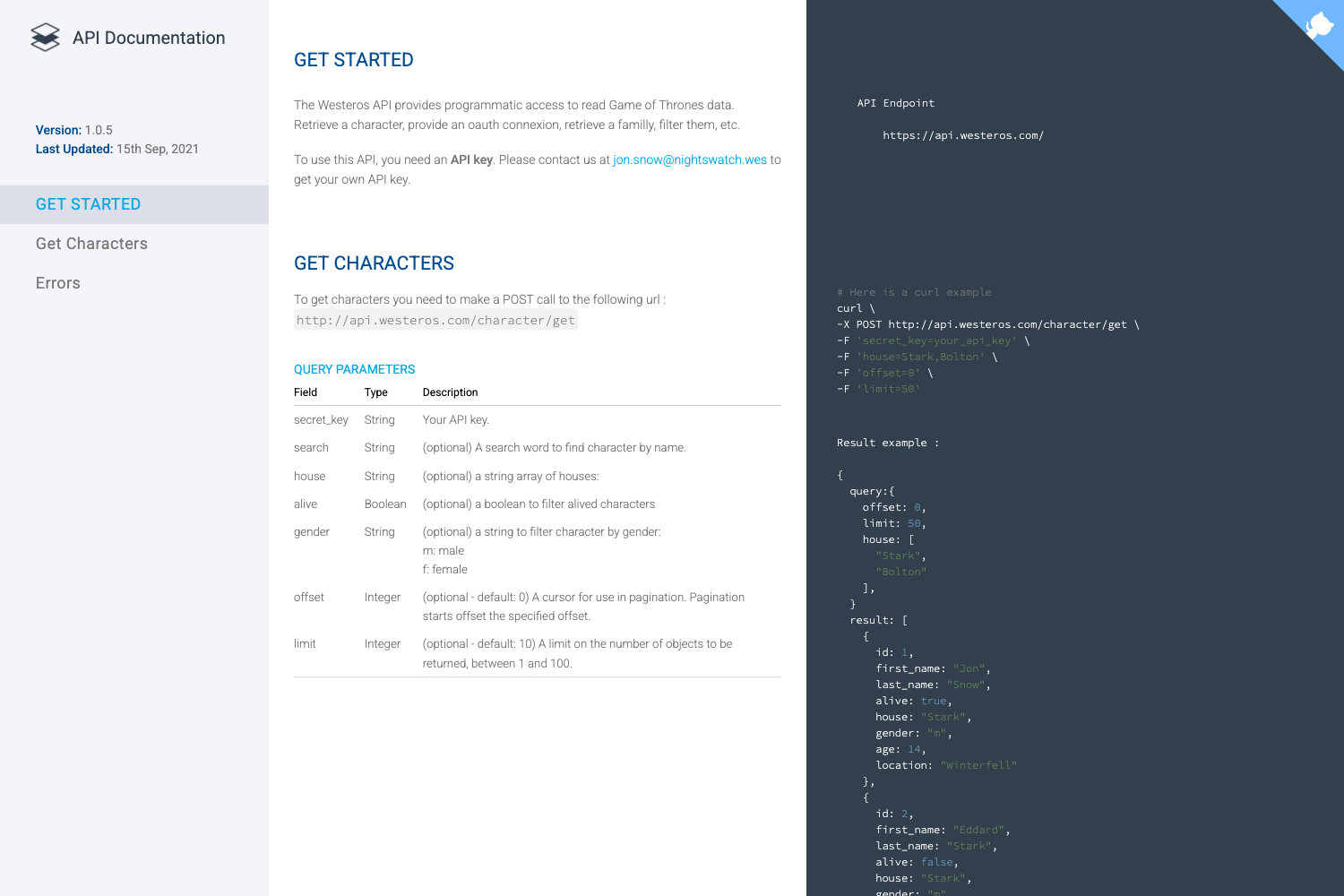
A Gatsby theme for creating docs from a folder full of Markdown files.
About this template
Gatsby Theme Simple Docs is a Gatsby theme for documentation sites that turns a folder of Markdown files into a static docs website.
What is Gatsby Theme Simple Docs?
Gatsby Theme Simple Docs is a Gatsby theme designed for Markdown-based documentation. It takes a folder full of Markdown files as the content source and outputs a Gatsby-generated static website. The theme runs on Gatsby's build system and requires React and React DOM as dependencies. It is installed as an npm package named gatsby-theme-simple-docs and is configured through the gatsby-config.js file using the __experimentalThemes array. The project is hosted on GitHub and currently has 7 stars, indicating it is a small community-maintained theme.
Key Features
- Markdown-first content: All documentation content lives in a folder of plain Markdown files, making it easy to write, read, and version control.
- Gatsby static generation: The theme leverages Gatsby's build pipeline to produce static pages that can be deployed to any static hosting service.
- Minimal setup: Installation requires only adding
react,react-dom,gatsby, andgatsby-theme-simple-docsvia Yarn, then creating agatsby-config.jsfile. - Theme-based configuration: The theme is enabled through Gatsby's experimental theme API with the
__experimentalThemesarray, keeping the site configuration in a single place.
Who should use Gatsby Theme Simple Docs?
- Software developers who need to publish project documentation without building a custom site from scratch.
- Open-source maintainers who already have Markdown docs in a repository and want to present them as a browsable website.
- Technical writers comfortable with Markdown and command-line tools to create and generate documentation.
What can you do with Gatsby Theme Simple Docs?
- Project maintainers: turn a repository's existing Markdown documentation into a static website that can be deployed to services like Netlify, Vercel, or GitHub Pages.
- Indie developers: spin up a documentation site in minutes by following the install steps, with no backend or database required.
- Small teams: keep documentation synchronized with code by storing it as Markdown and generating the site during continuous integration.
How does Gatsby Theme Simple Docs work?
The setup workflow described on the page is: create a new directory, run yarn init -y to create a package.json, use yarn add to install react, react-dom, gatsby, and gatsby-theme-simple-docs, create a gatsby-config.js file that lists the theme, and finally run npx gatsby develop to start a local development server.
FAQ
Does Gatsby Theme Simple Docs require Gatsby?
Yes, the theme is built on Gatsby and requires Gatsby itself, along with React and React DOM, as dependencies. The install commands include all four packages because the theme does not bundle them.
What content format does the theme support?
The theme is designed for a folder full of Markdown files. You author documentation in Markdown and the theme generates pages from those files during the Gatsby build.
Is Gatsby Theme Simple Docs free?
The page does not state a price or license. It is distributed as an npm package and its source code is visible on GitHub, so it can be downloaded and self-hosted without a subscription.
Can I use Yarn with this theme?
Yes, the installation instructions use Yarn commands: yarn init -y, yarn add react react-dom gatsby gatsby-theme-simple-docs, and npx gatsby develop. If you prefer npm, the equivalent commands would work, though they are not documented on the page.