Template details
Sandocs
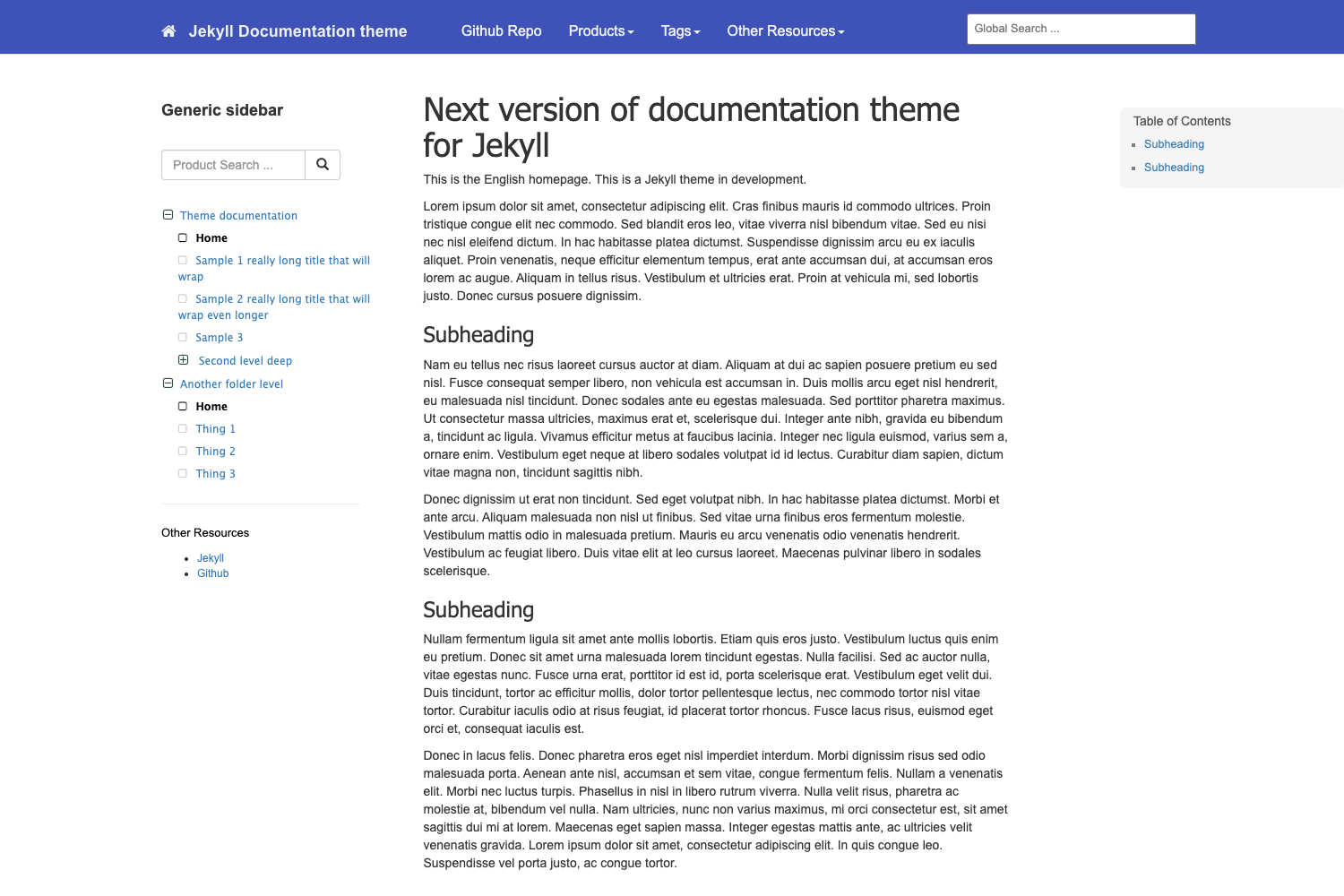
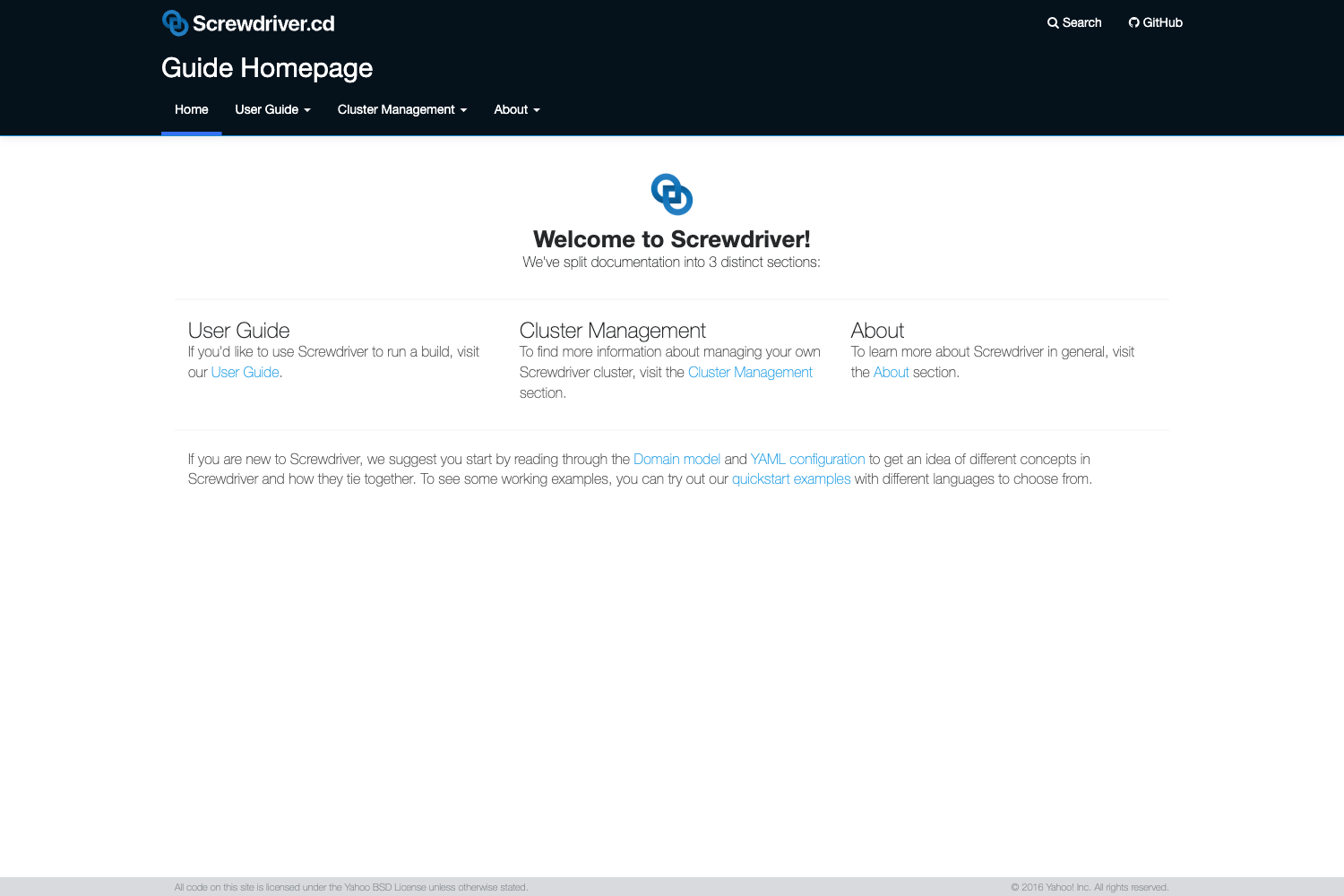
Sandocs Documentation Starter Website Template built with Next.js, TailwindCSS & Sanity CMS
About this template
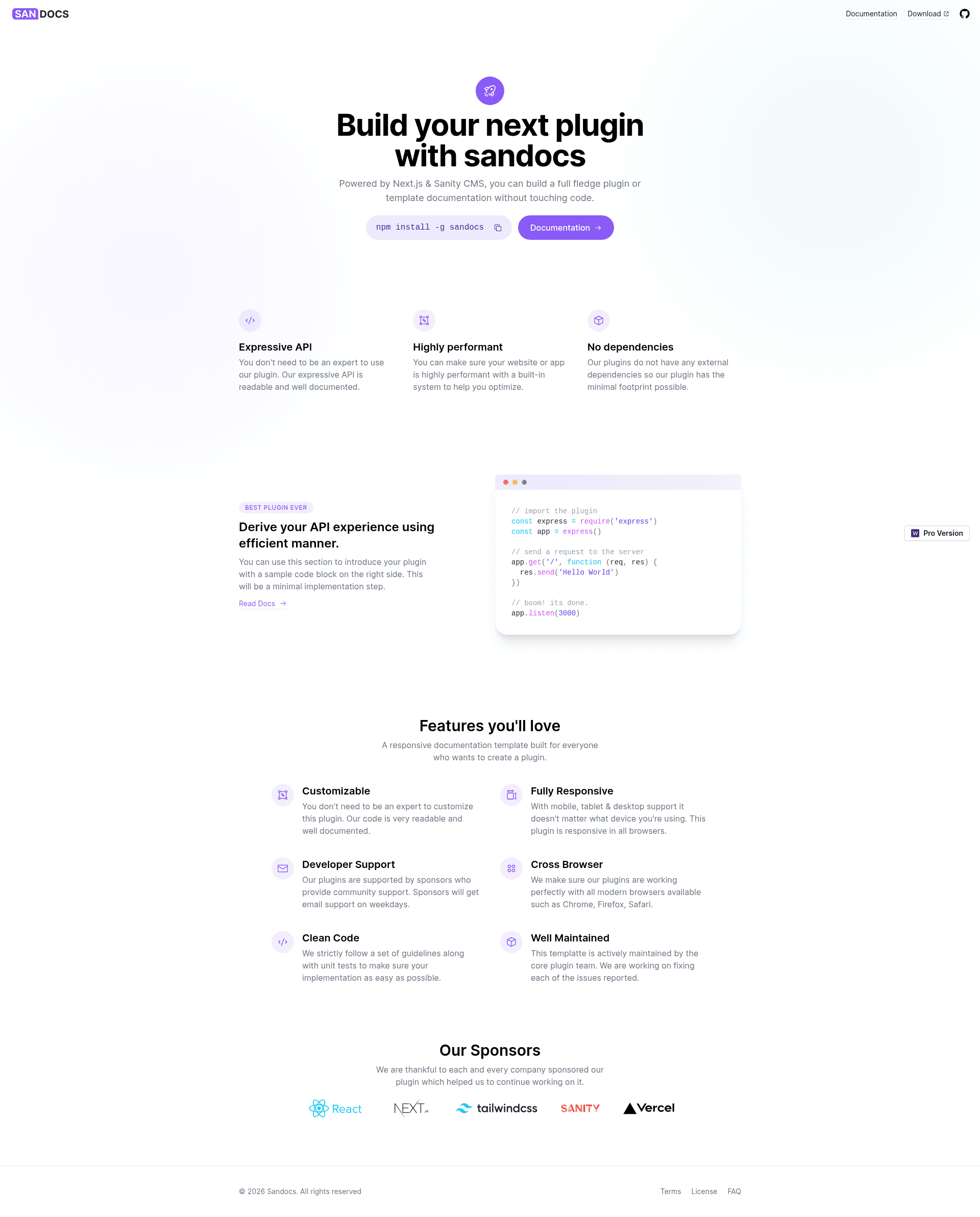
Sandocs is a JAMStack documentation, knowledge base, and help center template built with Next.js, Tailwind CSS, and Sanity CMS by Web3Templates, designed to help teams launch a docs site with a one-click Vercel deployment.
What is Sandocs?
Sandocs is a documentation, knowledge base, and help center template that pairs a Next.js frontend with a Sanity CMS backend. It takes Sanity as its content source and outputs a statically generated documentation site that can be deployed to Vercel. The repository includes both the Next.js app and a Sanity Studio content manager, plus optional demo content packaged as a production.tar.gz file for import into a new Sanity dataset.
Key Features
- Tech stack — The frontend is built with Next.js and styled with Tailwind CSS; the content backend is Sanity CMS, with Sanity Studio located in the /studio subdirectory.
- One-click deploy — A deploy button automates the full setup: creating a Sanity project, configuring CORS and API settings, creating a GitHub repository, installing the Vercel Sanity integration, adding required environment variables, deploying Sanity Studio, importing demo content, and deploying the site to Vercel.
- Sanity Studio integration — The bundled Sanity Studio runs at localhost:3333 for content management, while the Next.js frontend runs at localhost:3000 during local development.
- Demo content — Sample documentation content is provided in .sanity-template/data/production.tar.gz and can be restored using the Sanity CLI.
- Local development — Uses yarn commands:
yarn devstarts the Next.js frontend, andyarn sanityorcd studio && sanity startlaunches the CMS. - Pro version — A paid upgrade on web3templates.com adds a landing page, dark mode, removes the backlink, and includes a personal license with 6 months of support.
Who is it for?
- Documentation teams — who need a pre-built docs site with a CMS so non-developers can edit content.
- SaaS founders — launching a help center or knowledge base quickly, with demo content to replace and a hosted CMS.
- Developers — who want a JAMStack starter for a docs project with Sanity Studio pre-configured.
What can you do with Sandocs?
- SaaS teams: Publish product documentation and a help center using Sanity CMS, then replace the demo content with their own guides.
- Developers: Customize the Next.js frontend and Tailwind styling to match a brand, then redeploy to Vercel.
- Content editors: Manage documentation structure and articles from the Sanity Studio interface without touching code.
How does Sandocs work?
Sandocs' one-click deploy flow walks you through the GUI and configures everything automatically: it signs you in to Sanity, creates a Sanity project, sets up CORS and API settings, creates a GitHub repo, installs the Sanity integration in Vercel, adds environment variables, deploys Sanity Studio, imports demo content, and deploys the site. For local development, you clone the generated repo, rename .env.local.example to .env.local, add your Sanity project ID, and run the yarn commands above.
Pros and cons
- Pros: One-click deploy automates most of the setup, the template includes a full CMS via Sanity Studio, and demo content helps you understand the structure immediately.
- Cons: The repository is archived and no longer maintained; the README states a better version will be released soon. Local setup also requires manually entering the Sanity project ID in two config locations.
Pricing
The Sandocs template itself is free to clone and deploy. A paid Pro version is sold on web3templates.com; the README does not list a specific price, but it adds a landing page, dark mode, removes the backlink, and provides a personal license with 6 months of support.
Alternatives
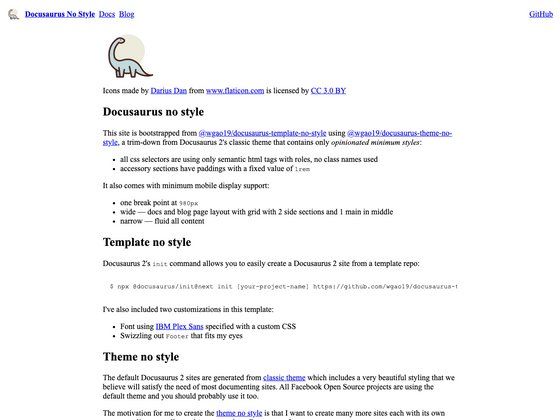
- Docusaurus — a documentation site generator that builds static sites from Markdown files rather than a headless CMS.
- GitBook — a hosted documentation platform focused on collaborative authoring, rather than a self-hosted Next.js template.
FAQ
Is Sandocs free?
Yes, the Sandocs template is free to use and deploy from the public GitHub repository. The Pro version is a separate paid product.
Do I need a Sanity account to use Sandocs?
Yes, Sandocs uses Sanity CMS. The one-click deploy process signs you in (or creates an account), creates a Sanity project, and configures CORS and API settings. For local development, you manually add your project ID to the environment files.
How does the one-click deployment work?
The deploy button initiates a setup that creates a GitHub repository, configures Sanity, adds environment variables, installs the Vercel Sanity integration, imports demo content, and deploys the site. After following the GUI steps you get a working copy of the live demo.
Is Sandocs still maintained?
No. The repository is archived and marked as not maintained, with a note that a better version will be released soon. You may want to check Web3Templates' website for updates.
Can I skip the demo content import?
Yes. Demo content import is part of the one-click deploy, but you can start with an empty Sanity dataset and create your own documents through Sanity Studio.