Template details
API Documentation HTML Template
A simple, modern and readable HTML template for your APIs documentations.
About this template
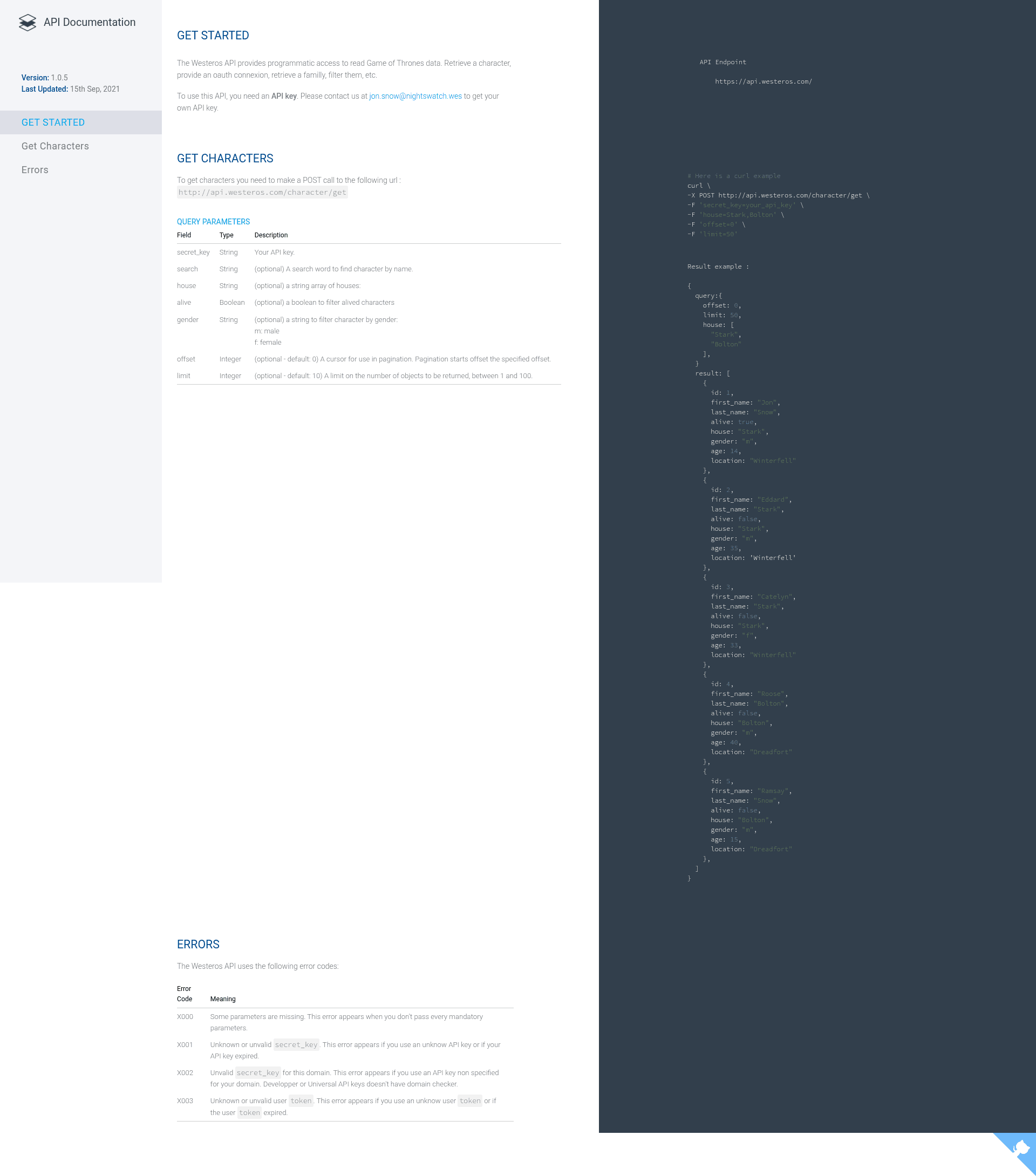
API Documentation HTML Template is a free, static HTML template for building readable API reference sites, shipping with two demo layouts and powered by vanilla JavaScript after version 1.0.5 removed jQuery.
What is API Documentation HTML Template?
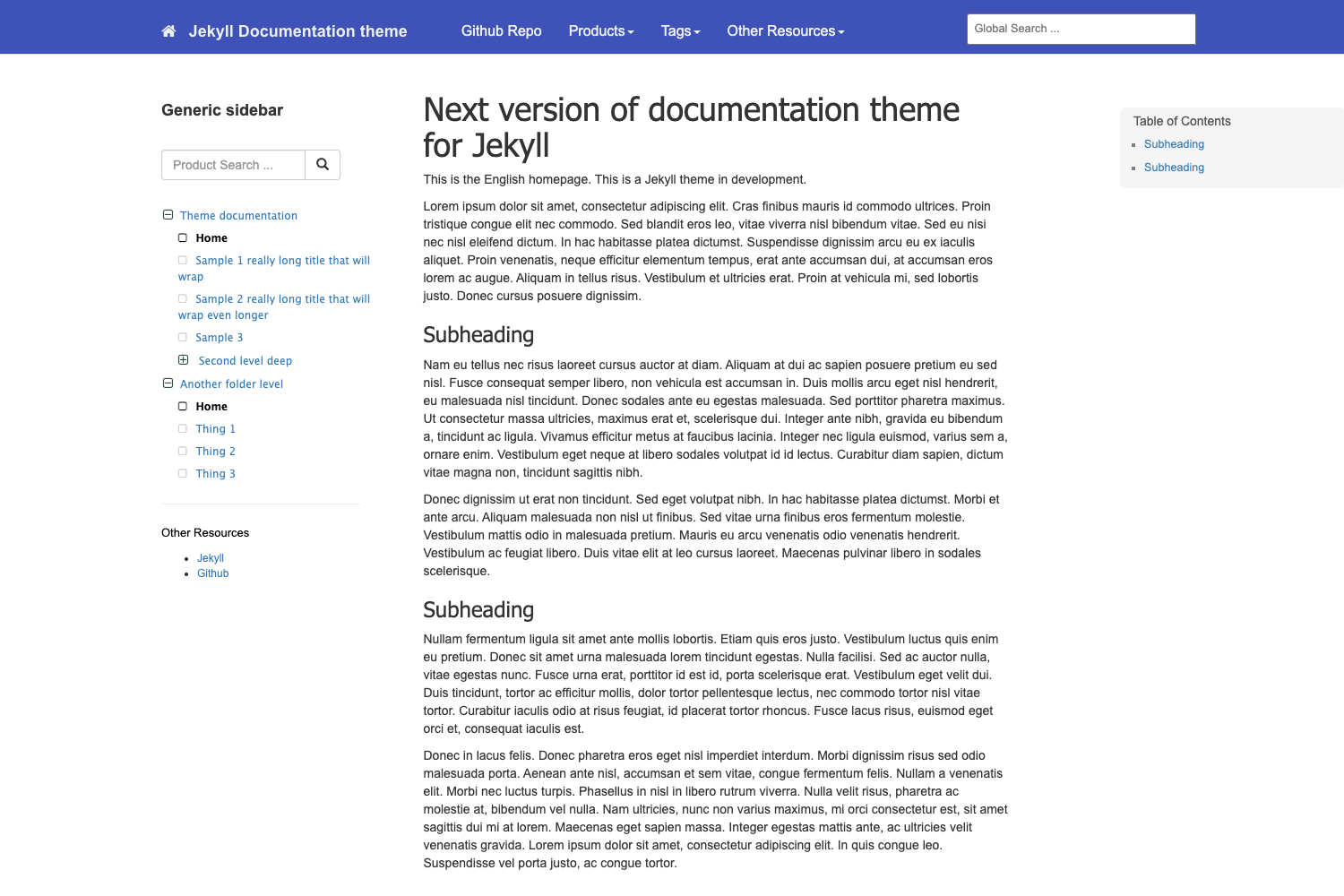
API Documentation HTML Template is a simple, modern and readable HTML template designed for API documentations. It takes plain HTML content and presents it in a clean, three-column layout with a sidebar navigation menu, a content area, and optional code highlighting. The template runs entirely in the browser with no build step or server-side dependencies, and is maintained on GitHub where the repository has earned 245 stars. It is authored by Florian Nicolas and includes contributions from TheStami for the one-content-column variant.
Key Features
- No framework dependency — Built with plain HTML, CSS, and vanilla JavaScript; the latest version 1.0.5 completely removed jQuery usage.
- Code syntax highlighting — Comes bundled with Highlight.js 9.8.0 to color-code inline code and sample blocks.
- Typography — Uses Google Fonts Roboto for headings and body text, and Source Code Pro for code snippets.
- Responsive design — Includes a burger icon menu button that collapses the sidebar for mobile screens.
- Two layout variants — Standard three-column layout plus an optional one-content-column version, activated by adding the
one-content-column-versionCSS class to the body element. - Metadata support — Optional "Version" and "Last updated" fields let you show documentation versioning information.
- Overflow utility classes — Includes
.central-overflow-xto wrap wide tables in a horizontal scroll area and.break-wordto break long URLs without a scrollbar.
Who is it for?
- API developers who need to publish reference documentation quickly without setting up a static site generator or content management system.
- Open-source maintainers who want a clean, readable docs page that can be hosted free on GitHub Pages, as the included demos are.
- Technical writers who are comfortable editing raw HTML and need a minimal, customizable starting point for API guides.
- Indie SaaS founders who want a professional-looking documentation site for their product without front-end engineering overhead.
What can you do with it?
- API teams: Publish endpoint reference documentation with request/response examples, code samples, and navigation menus that map to resource groups.
- Indie developers: Create a simple documentation page for a REST API or software library, then host it on any static file server.
- Students and educators: Build mock API documentation for coursework, tutorials, or coding bootcamp projects.
- Prototypers: Stand up a documentation site for a side project in minutes by editing the existing HTML files.
How does it work?
Simply download the HTML files from the repository, open one in an editor, and replace the sample content with your own API details. To use the one-content-column version, add the one-content-column-version CSS class to the body element, as shown in the one-content-column.html example file. The template includes utility classes such as central-overflow-x for tables that might overflow the central column.
FAQ
Is the API Documentation HTML Template free?
Yes, it is free to use. The project README states "This is a simple HTML template, do whatever you want with this!" and the repository is publicly available on GitHub.
Does it require a build step or a static site generator?
No, it is a plain static HTML template. There are no npm dependencies, no React or similar frameworks, and no build tooling. You can open the HTML file directly in a browser or host it on any static web server.
Does the template work on mobile devices?
Yes, it includes a responsive design with a burger icon menu button that expands the sidebar navigation. The layout adapts to smaller screens to keep the documentation readable.
What syntax highlighting is included?
The template bundles Highlight.js version 9.8.0 for color-coded code blocks. It also loads Roboto and Source Code Pro fonts from Google Fonts to keep the typography consistent.
How do I prevent long tables or URLs from breaking the layout?
Use the provided utility classes. Add central-overflow-x to a table to give it a horizontal scroll container, or add break-word to inline code so long URLs wrap instead of causing an overflow or a scrollbar.