Template details
Geeker-Admin
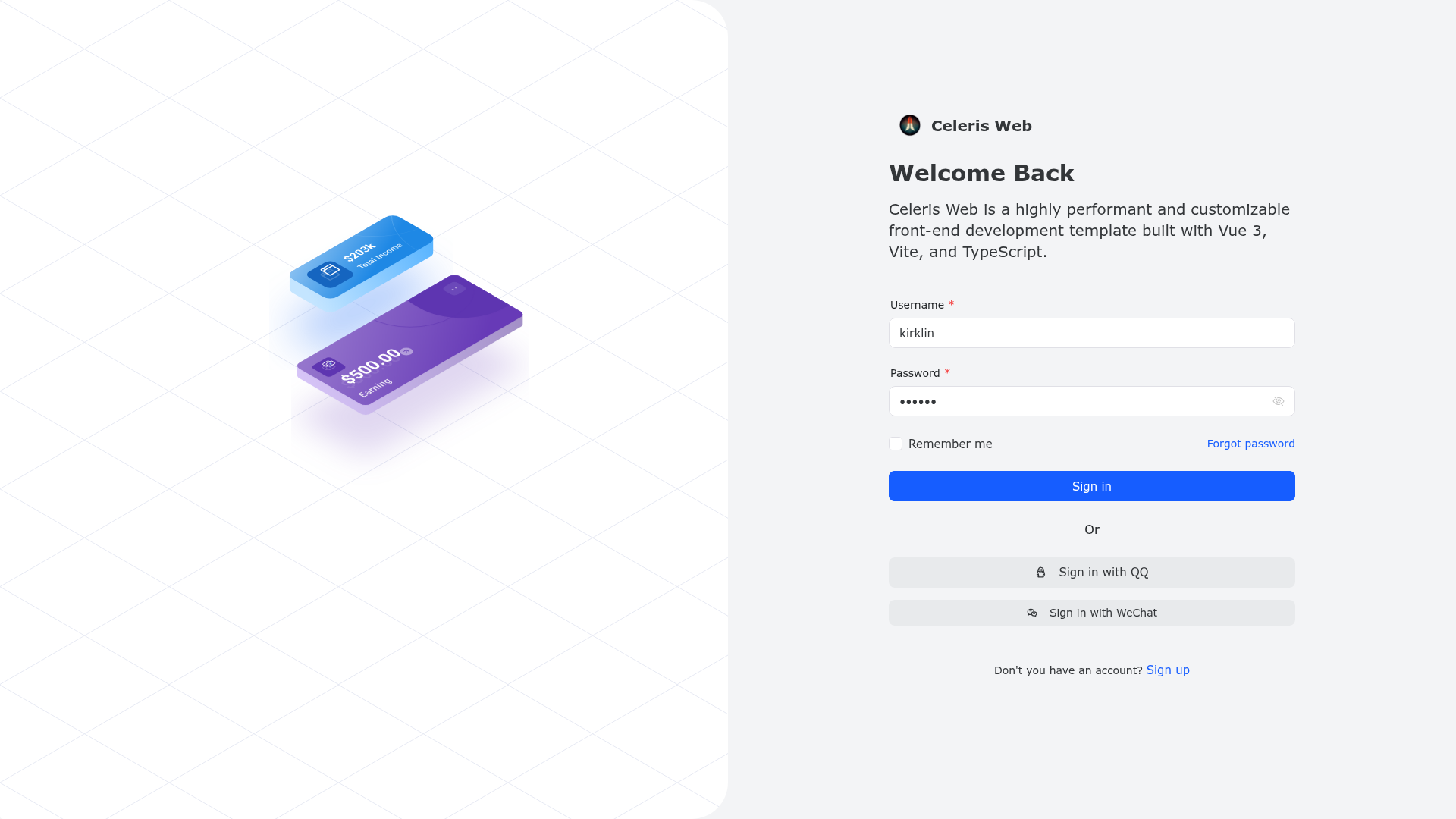
Open-source Vue 3 admin framework built with Vue 3.4, TypeScript, Vite 5, Pinia, and Element-Plus, featuring a reusable ProTable component and dynamic routing.
About this template
Geeker-Admin is an open-source Vue 3 admin dashboard boilerplate built on Vue 3.4, TypeScript, Vite 5, Pinia, and Element-Plus that gives developers a pre-configured admin panel with a reusable ProTable component, dynamic routing, and button-level permission control.
What is Geeker-Admin?
Geeker-Admin is a Vue 3.4 + TypeScript admin framework that uses Vite 5 for development and build, Pinia for state management, and Element-Plus for UI components. It takes a standard Vue project structure and outputs a fully functioning admin panel with authentication, routing, table pages, and internationalization. The project is maintained by HalseySpicy and is available on GitHub and Gitee with over 8,000 stars.
Key Features
- ProTable component — A table component that renders the entire table from a Columns configuration array, reducing repetitive code for CRUD pages.
- Dynamic routing and permissions — VueRouter with route interception, lazy loading, and button-level permission control based on user roles.
- Pinia integration — Uses Pinia instead of Vuex, with a built-in persistence plugin to store state across sessions.
- Axios wrapper — A TypeScript-based Axios layer with request interception, automatic cancellation, and common request methods like get/post/put/delete.
- Theme and layout switching — Support for Element size switching, multiple theme layouts, dark mode, and i18n internationalization.
- KeepAlive caching — Page caching via KeepAlive, including multi-level nested route caching.
- Custom directives — Includes permission, copy, watermark, drag, throttle, debounce, and long-press directives.
- Code quality tools — Prettier for formatting, ESLint and Stylelint for linting, and husky plus lint-staged with commitlint, czg, and cz-git for enforced commit message conventions.
Who is it for?
- Frontend developers building admin dashboards or management systems who want a pre-built starter with routing, permissions, and table components.
- Teams that need a consistent admin interface with dark mode, i18n, and theme switching for multi-language or multi-brand deployments.
- Developers who want to learn best practices for Vue 3 + TypeScript + Vite projects, as the codebase includes complete ESLint/Prettier/Stylelint setup and git hooks.
What can you do with Geeker-Admin?
- Admin panel builders: Quickly create CRUD pages using the ProTable Columns config instead of writing templates and logic for each table.
- Enterprise dashboards: Use the included data visualization and data screen pages to present metrics and real-time data.
- Multi-language apps: Switch interface languages with built-in i18n support and persist user preferences via Pinia.
How does Geeker-Admin work?
Clone the repository from GitHub or Gitee, run pnpm install, then pnpm dev to start the development server. Separate build commands (pnpm build:dev, pnpm build:test, pnpm build:pro) target different environments, and pnpm lint:eslint, pnpm lint:prettier, and pnpm lint:stylelint run each linter independently.
Pricing
The Vue 3 version of Geeker-Admin is open-source. A React version is available for purchase; contact the author via WeChat for details.
Alternatives
Other Vue-based admin templates include vue-element-admin and vue-vben-admin.
FAQ
Is Geeker-Admin free?
Yes, the Vue 3 version is open-source under the LICENSE file in the repository.
What UI library does Geeker-Admin use?
Geeker-Admin uses Element-Plus, the Vue 3 version of the Element UI component library.
Does Geeker-Admin support TypeScript?
Yes, the project is written in TypeScript and uses single-file components with the script setup syntax.
Can I customize the theme?
Yes, Geeker-Admin supports Element component size switching, multiple theme layouts, dark mode, and i18n internationalization.
How do I run the project?
Clone the repository, run pnpm install, then pnpm dev to start the development server.