Template details
Stargazer Layout
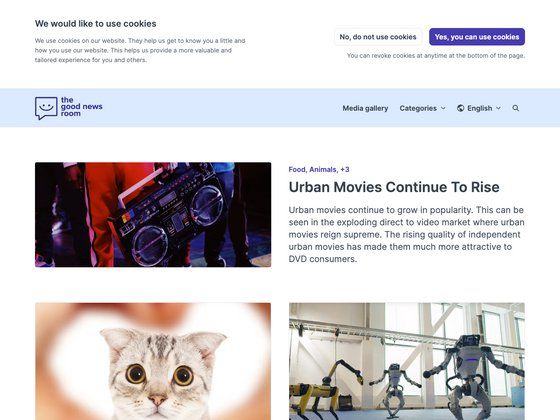
A Hugo blog theme module styled with Beer CSS, featuring minification, fingerprinting, custom JS/CSS, and importmap support.
About this template
Stargazer Layout is a Hugo theme module for building blogs, styled with Beer CSS, that bundles minification, fingerprinting, custom JS/CSS, importmap support, and bilingual content out of the box.
What is Stargazer Layout?
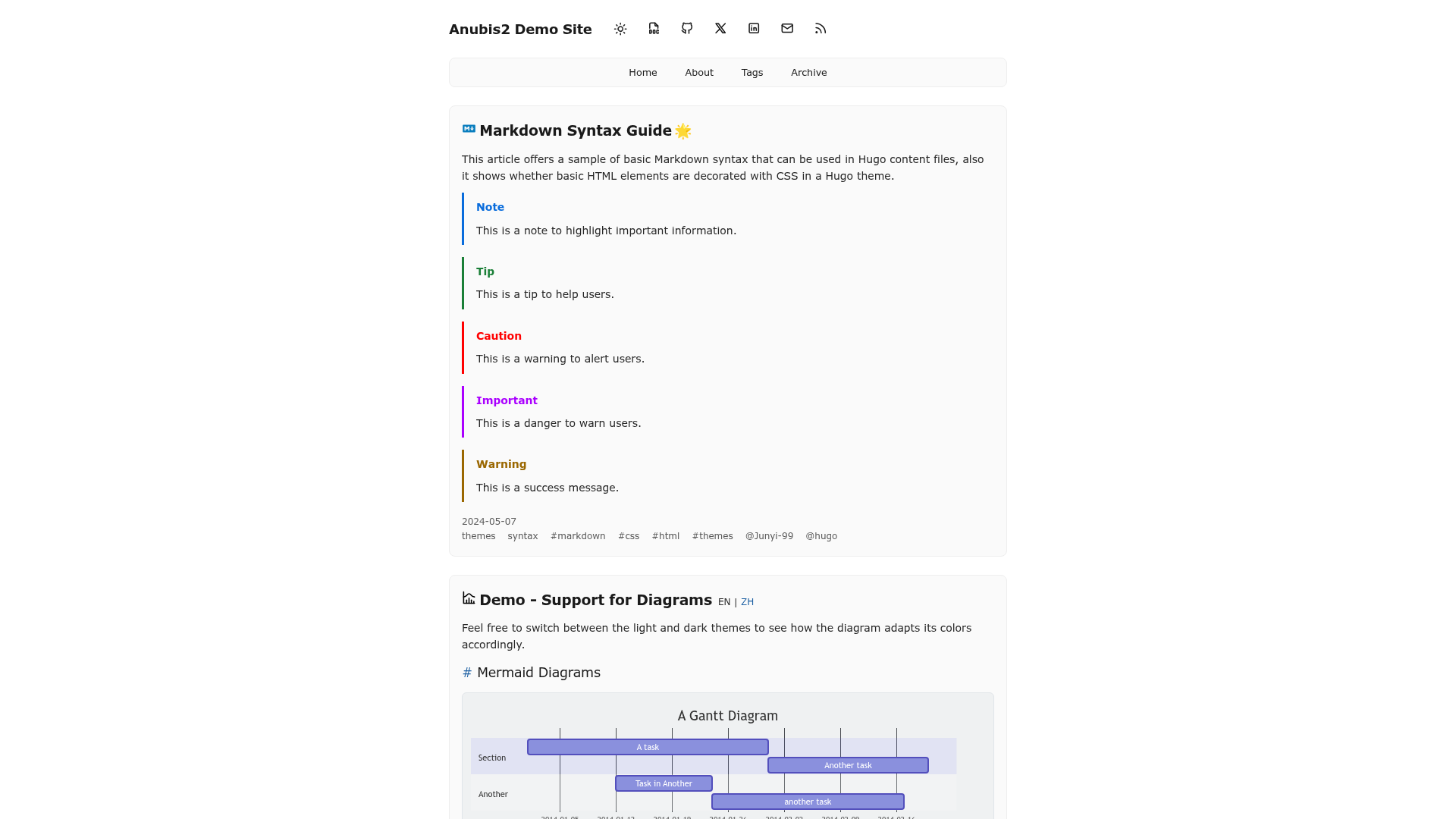
Stargazer Layout is a Hugo theme module created by Blackeye (Oldschoolmanier) that contains the layout-specific files and functions for a blog. It takes Hugo site content as input and produces responsive pages — home with recent posts, list, single, and tags — using Beer CSS for Material Design styling. It runs on Hugo's templating system and requires npm install inside the theme directory to fetch Beer CSS dependencies. Version 1.1.2 is released under the MIT License and is maintained as of 2025.
Key Features
- Minify and fingerprint — production builds minify assets and append fingerprints for cache busting.
- Custom JS/CSS integration — add CSS, SCSS, TypeScript, and JavaScript files through
regex_folderswildcards, including vendor folders mounted fromnode_modules. - Importmap support — map ES modules (for example, Vue from a vendor library) and import them in your own modules; works with fingerprinting and minification.
- Theme customization — set a primary color with the
themeColorparameter to generate a complete theme, plus a dark/light mode toggle. - Bilingual content — English and German translations are already included.
- Logging system — a
logging/show_infopartial with error, warning, info, and debug levels, each independently toggleable in config. - Beer CSS pagination — paginated recent posts grid on the homepage using Beer CSS components.
- SEO support — optional canonical link output via the
useCanonifysetting.
Who is it for?
- Hugo bloggers — publish Markdown content and get a responsive blog layout with recent posts, tag pages, and pagination without writing templates.
- Frontend developers — wire vendor JavaScript and CSS from
node_modulesinto a Hugo site using importmaps and folder wildcards. - Bilingual site owners — launch a site in English and German using the included translations.
What can you do with Stargazer Layout?
- Blog authors: create posts and get a responsive recent-posts grid, dedicated tag pages, and canonical-link SEO configuration automatically.
- Theme users: install it as a standalone theme via git submodule or as one entry in a multi-theme
themeconfig list. - Developers: integrate ES modules through the importmap and control debug logging during development with the
show_infosflags.
How does Stargazer Layout work?
Installation follows a quickstart: create a site with hugo new site my-site, add the theme to hugo.toml, clone or submodule the repository into themes/stargazer-layout, run npm install inside the theme folder, and start hugo serve. Custom assets are mounted from your site's asset folders based on the regex_folders configuration, and importmap entries resolve module paths at build time.
FAQ
Is Stargazer Layout free?
Yes. The project is distributed under the MIT License, so it is free to use, modify, and include in commercial projects.
What languages does Stargazer Layout support?
English and German translations are included and already translated, so both locales work out of the box.
How do I add custom JavaScript?
Place files in folders like js/*.js or ts/*.ts and list them under regex_folders.custom.js, or mount vendor libraries from node_modules with wildcard patterns under the vendor section.
Does Stargazer Layout support dark mode?
Yes. A dark/light mode toggle is included, and the primary color can be changed with the themeColor configuration parameter.
Can I disable the demo content?
Yes. Set demo: beer: false and demo: branding: false in the config to remove the demo Beer CSS content and branding.