Template details
GH Pages No Jekyll
Template for a Markdown-based docs site hosted on GH Pages
About this template
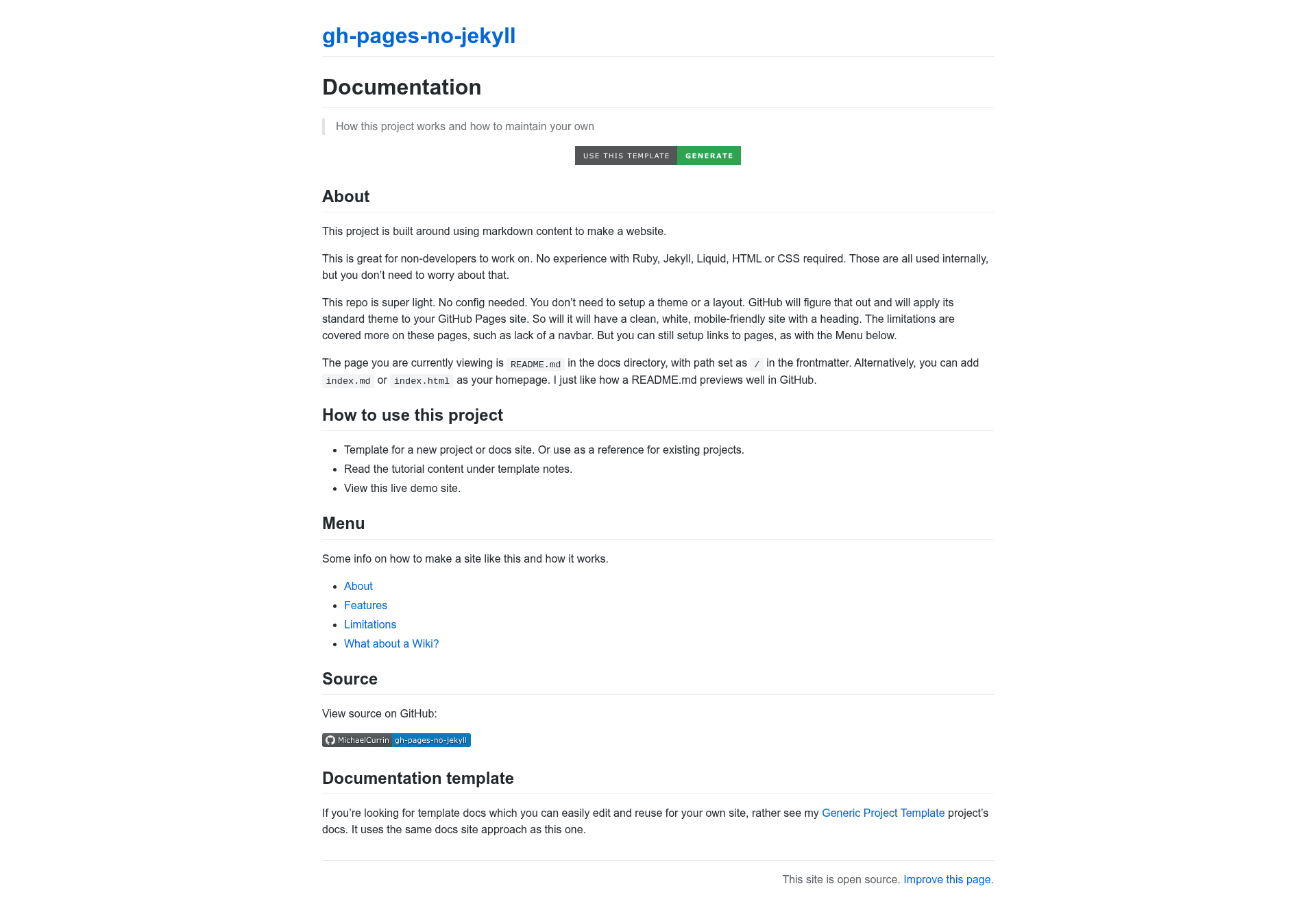
GH Pages No Jekyll is a starter template for publishing a Markdown-based documentation site on GitHub Pages without Jekyll, Liquid, or any build step — just push Markdown or HTML files and GitHub serves them with its default theme.
What is GH Pages No Jekyll?
GH Pages No Jekyll is a minimal GitHub repository template created by Michael Currin that lets you publish a documentation site directly from Markdown or HTML files hosted on GitHub Pages. It takes your Markdown or HTML content as input and produces a live website served at your GitHub Pages URL, using GitHub's built-in default theme. The template is designed to work with zero configuration: no Jekyll templating, no Liquid syntax, and no build process.
Key Features
- No Jekyll or Liquid — write plain Markdown or HTML; the template never invokes Jekyll's templating engine, so you only need HTML, Markdown, and CSS knowledge.
- Default GitHub theme — GitHub Pages serves the site with its default theme, so you get a clean reading layout without writing CSS.
- Zero configuration — there is no config file, no dependencies, and no build step; just add files and push to GitHub.
- Template generation — use the "Use this template" button on GitHub to create your own repository instantly.
- Documentation site structure — the repo is set up for a docs-style site, with Markdown or HTML pages as the primary content source.
- MIT license — the template is released under the MIT license by Michael Currin, so you can reuse it freely.
- Hosted on GitHub Pages — the live site is served from a GitHub Pages URL, visible at the repo's own preview site.
Who is it for?
- Documentation writers — publish project docs, API guides, or internal wikis without learning a static site generator.
- GitHub users who want simplicity — anyone who wants a personal or project site using only the skills they already have: Markdown, HTML, and CSS.
- Beginner web publishers — people brand new to site hosting who want a live site with no configuration, build tools, or templating language.
What can you do with it?
- Create a project documentation site: drop a set of Markdown files into the repository and publish them as a structured docs site on GitHub Pages.
- Publish standalone HTML pages: include hand-written HTML pages alongside Markdown content when you need custom layouts or embedded content.
- Host a personal or portfolio-style site: use the same folder structure to publish a simple personal page using Markdown or HTML with no backend.
How does GH Pages No Jekyll work?
You write Markdown or HTML files, push them to the repository, and GitHub Pages publishes them at the site URL using its default theme. There is no build step or configuration file — the template's design skips Jekyll's processing entirely, so the files are served as-is by GitHub Pages.
FAQ
Does this template require Jekyll or Liquid?
No. The entire point of this template is to avoid Jekyll and Liquid. It uses GitHub Pages' default theme with plain Markdown or HTML files, so you never touch Jekyll templating or Liquid syntax.
What knowledge do I need to use it?
You need basic familiarity with HTML, Markdown, and CSS. No build tools, package managers, or templating languages are required, which keeps the setup time near zero.
Is this template free?
Yes, the template is open source under the MIT license, and GitHub Pages itself is free for public repositories. There are no paid tiers or licensing fees associated with this template.
How do I create a site from this template?
Click the "Use this template" button on the repository page to generate a new GitHub repository with the same structure, then add your Markdown or HTML pages and push to GitHub Pages.
What is the default theme like?
GitHub Pages applies its default Jekyll-free theme to the site. That gives you a clean, readable layout without requiring custom CSS, though you can add your own CSS if you want to customize it further.