Template details
Glim CLI
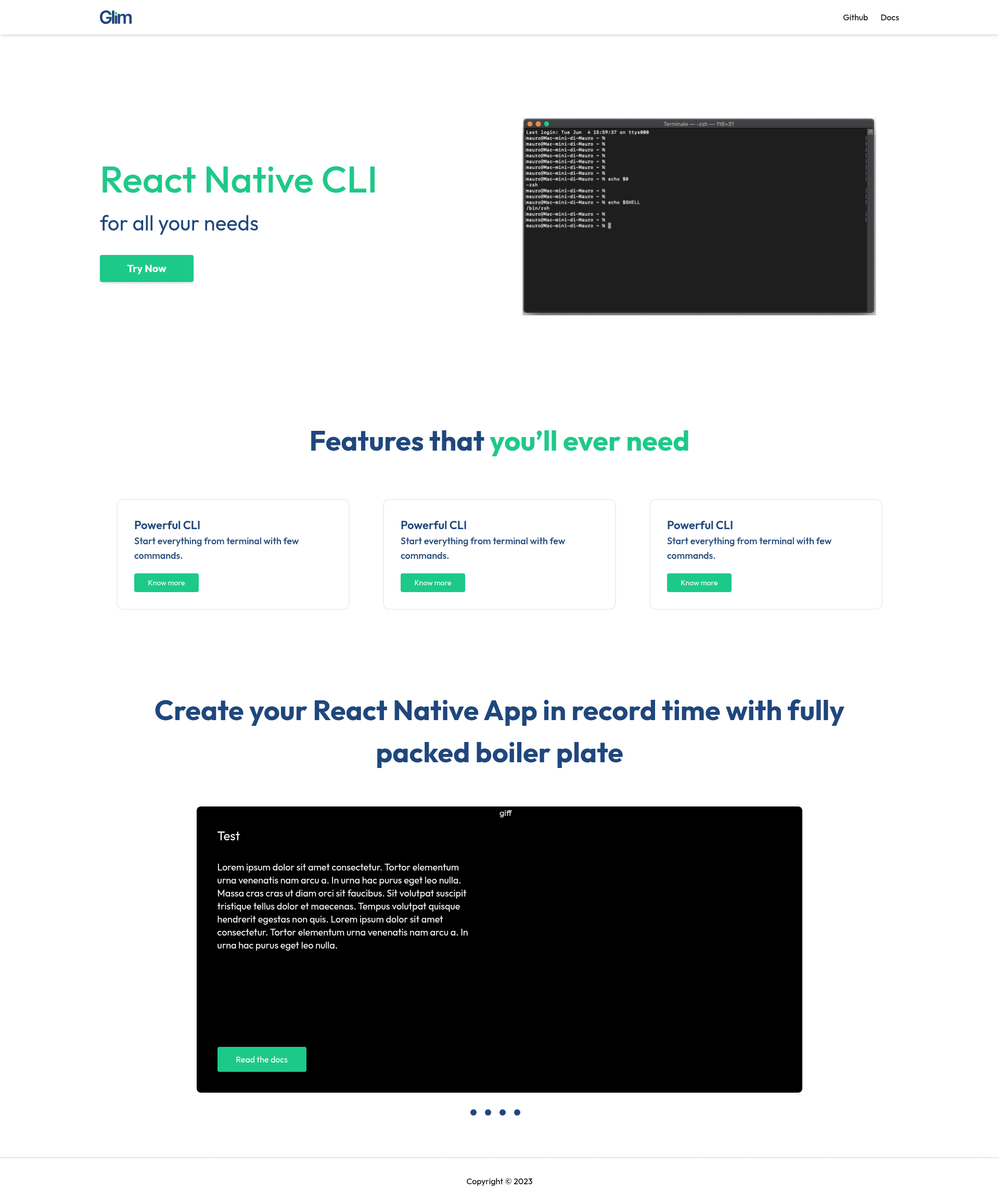
React Native CLI with a fully tested boilerplate, component/screen generators, and more!
About this template
Glim CLI is a React Native boilerplate and command-line tool that scaffolds a New Architecture-ready project and generates components and screens from the terminal. It is published on npm as glim-cli and maintained by the Neoito Hub team under the MIT license, with an open repository on GitHub that welcomes pull requests.
What is Glim CLI?
Glim CLI is a command-line interface for React Native that creates a new project with a fully tested boilerplate and provides component and screen generators. You run it with npx glim-cli and it outputs a scaffolded project folder with the typical directory structure and configuration files. The repository topics indicate support for TypeScript, Redux, and Zustand, and the CLI is designed around React Native's latest architecture.
Key Features
- Project scaffolding — Running
npx glim-cli create-appgenerates a new React Native project with the standard folders and configuration files. - Component generator — Running
npx glim-cli generatelets you add a new component to your project through a generator. - Screen generator — The same
generatecommand also scaffolds a new screen. - Add a component from a directory —
npx glim-cli add {componentUniqueId} {ComponentName}fetches an existing component by its unique ID and names it locally in your project. - Fully tested boilerplate — The scaffolded starting point is described as fully tested, so you begin from a verified codebase.
- Latest React Native architecture — The boilerplate is built for React Native's New Architecture, which is the current recommended setup.
Who should use Glim CLI?
- React Native developers who want to skip manual New Architecture configuration and start from a tested scaffold.
- Teams building cross-platform mobile apps that need consistent project structure and reusable components across projects.
- Developers using Redux or Zustand who want a boilerplate that already integrates state management libraries.
What can you do with Glim CLI?
- Set up an app quickly: Run
npx glim-cli create-appto produce a full project skeleton with all necessary folders and config files. - Generate UI code: Use
npx glim-cli generateto add components and screens with the correct boilerplate code. - Reuse components from the directory: Use
npx glim-cli addto import a component by its unique ID and give it a local name.
How does Glim CLI work?
Glim CLI is executed through npx, so no global installation is required. The create-app command scaffolds a new project, and the generate command interactively creates a component or screen. The add command takes a component unique ID and a target name, then copies that component from the CLI's directory into the current project.