Template details
Gatsby Starter DatoCMS Homepage
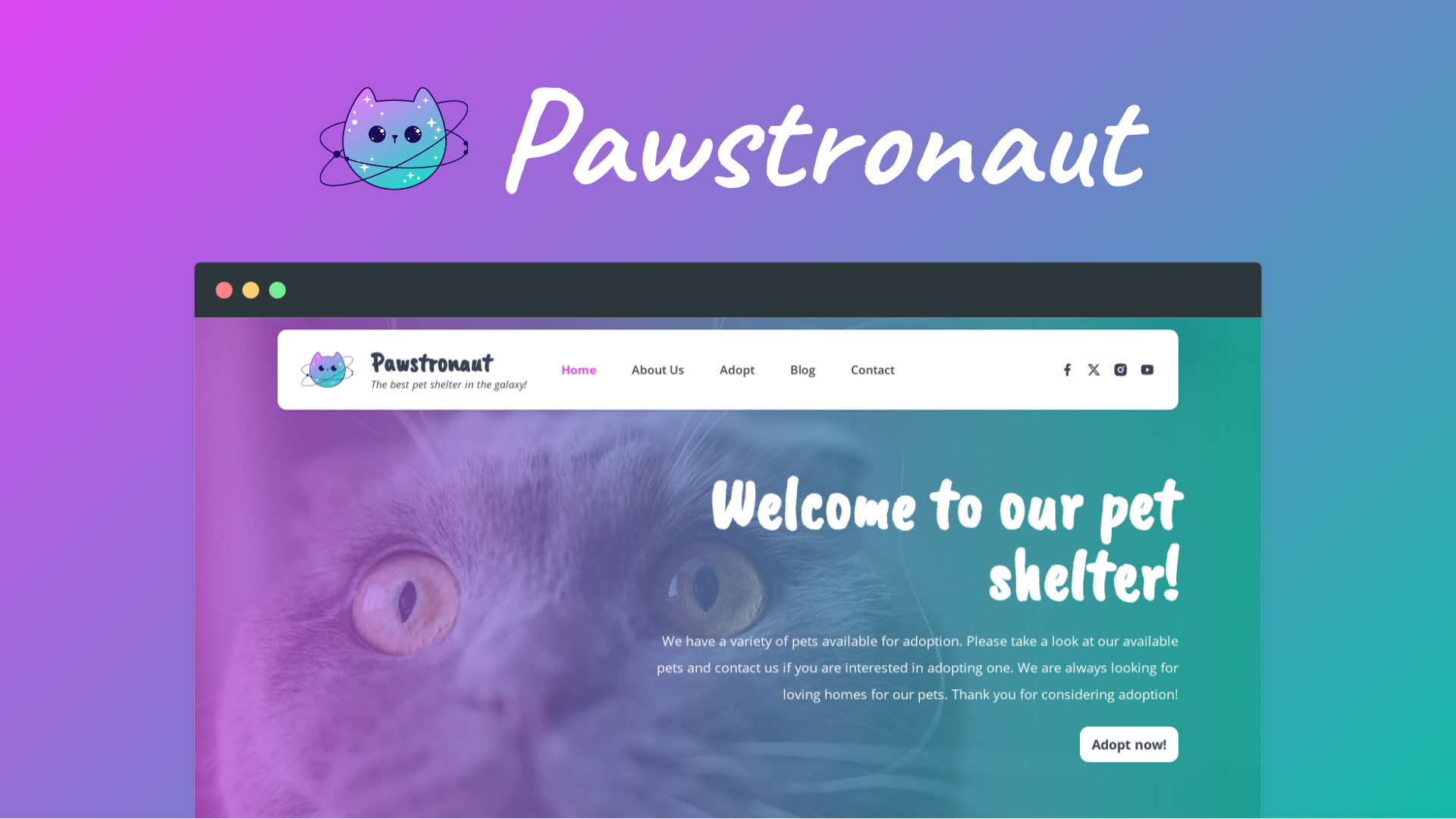
A Gatsby starter that builds a customizable homepage backed by DatoCMS, with modular sections and Vanilla Extract styling.
About this template
Gatsby Starter DatoCMS Homepage is a Gatsby starter that builds a marketing homepage whose content is managed entirely in DatoCMS, a headless CMS. It demonstrates a complete pattern for pairing a Gatsby front end with DatoCMS as the content source, and it can be customized to match any visual brand.
What is Gatsby Starter DatoCMS Homepage?
Gatsby Starter DatoCMS Homepage is a pre-configured Gatsby site that turns a DatoCMS project into a static homepage. It takes as input a DatoCMS project with a cloned data model and a read-only API token, and produces a deployable Gatsby site with structured homepage sections. The starter is maintained by the Gatsby team and a live demo is available at https://gatsbydatocmshomepage.gatsbyjs.io.
The repository includes a gatsby-config.js file with the required plugins, a gatsby-node.js file that creates an abstract data model for homepage content blocks, and a src directory containing pages, components, and Vanilla Extract styling files. The JavaScript version is this one; a TypeScript version is also maintained on GitHub.
Key Features
- DatoCMS integration — The starter pairs with a cloned DatoCMS project that includes a prebuilt homepage content model; content is queried through GraphQL using a read-only API token.
- Modular homepage sections — Ships with components for hero, feature, feature list, logo list, benefit list, testimonial list, stat list, CTA, and product list sections, all wired through a shared sections.js export.
- Vanilla Extract styling — Colors and theme tokens are defined in TypeScript CSS files such as src/colors.css.ts and src/theme.css.ts, and compiled into CSS custom properties that UI components consume.
- Gatsby Cloud deployment — You can deploy directly to Gatsby Cloud via the Deploy to Gatsby button, or import the repository from GitHub, GitLab, or Bitbucket and set environment variables from .env.production.
- Gatsby Preview with Content Sync — Installing Content Sync for DatoCMS enables Gatsby Preview so content edits in DatoCMS trigger preview builds.
- Custom block workflow — A documented example shows how to add a new Banner block by creating a block in DatoCMS, declaring a HomepageBanner interface in gatsby-node.js, building a React component, and exporting it.
- JavaScript and TypeScript variants — The starter is written in JavaScript, but a TypeScript version exists for developers who prefer typed code.
Who is it for?
- Gatsby developers — who want a reference implementation of a CMS-backed homepage and a fast starting point for client work.
- Teams already using DatoCMS — who need a prebuilt homepage structure with content blocks they can clone, rename, and extend.
- Content editors — who manage homepage copy, images, and section blocks through the DatoCMS content tab without touching code, once the site is deployed.
What can you do with it?
- Launch a marketing homepage — Assemble heading, feature, testimonial, and call-to-action sections into a static Gatsby site that pulls content from DatoCMS.
- Reskin the visual theme — Change the color palette by editing the colors export in src/colors.css.ts; new keys become new CSS custom properties.
- Add new content sections — Follow the Banner example to create a new block type in DatoCMS, mirror it in gatsby-node.js, and render it with a custom React component.
- Deploy and preview — Push to a git repository and import into Gatsby Cloud, or use the one-click Deploy to Gatsby button; then enable Content Sync for previews.
How does it work?
Create a Gatsby site by running npx gatsby new my-homepage using the repository URL. Clone the DatoCMS demo project with the dashboard clone button, then run yarn setup from the site root to generate .env.development and .env.production files populated with your project's environment variables. Start the development server with yarn start, which serves the site at http://localhost:8000. After customizing content in DatoCMS, push the repo to a git host and import it into Gatsby Cloud with the environment variables to build and deploy.
FAQ
Is the starter free to use?
Yes, the starter code is open source and free to use. You will need your own DatoCMS project for content and a Gatsby Cloud account for deployment, but those are separate services.
What do I need to run it?
You need a new or existing DatoCMS project, a read-only API token from Settings > API tokens, and an environment name (default is main). Locally you need Node.js and the Gatsby CLI to run the initialization command.
Can I use TypeScript with this starter?
This version is written in JavaScript. A separate TypeScript version, gatsby-starter-datocms-homepage-ts, is maintained on GitHub if you prefer typed code.
How do I replace the logo?
Edit the src/components/brand-logo.js component. You can inline an SVG as a React component, or use the StaticImage component from gatsby-plugin-image for a raster image; the inline SVG approach lets the logo inherit CSS colors.
What should I do if I see errors after schema changes?
Clear the Gatsby cache by running yarn clean followed by yarn start. This is recommended after editing gatsby-node.js or changing the DatoCMS data model.