Template details
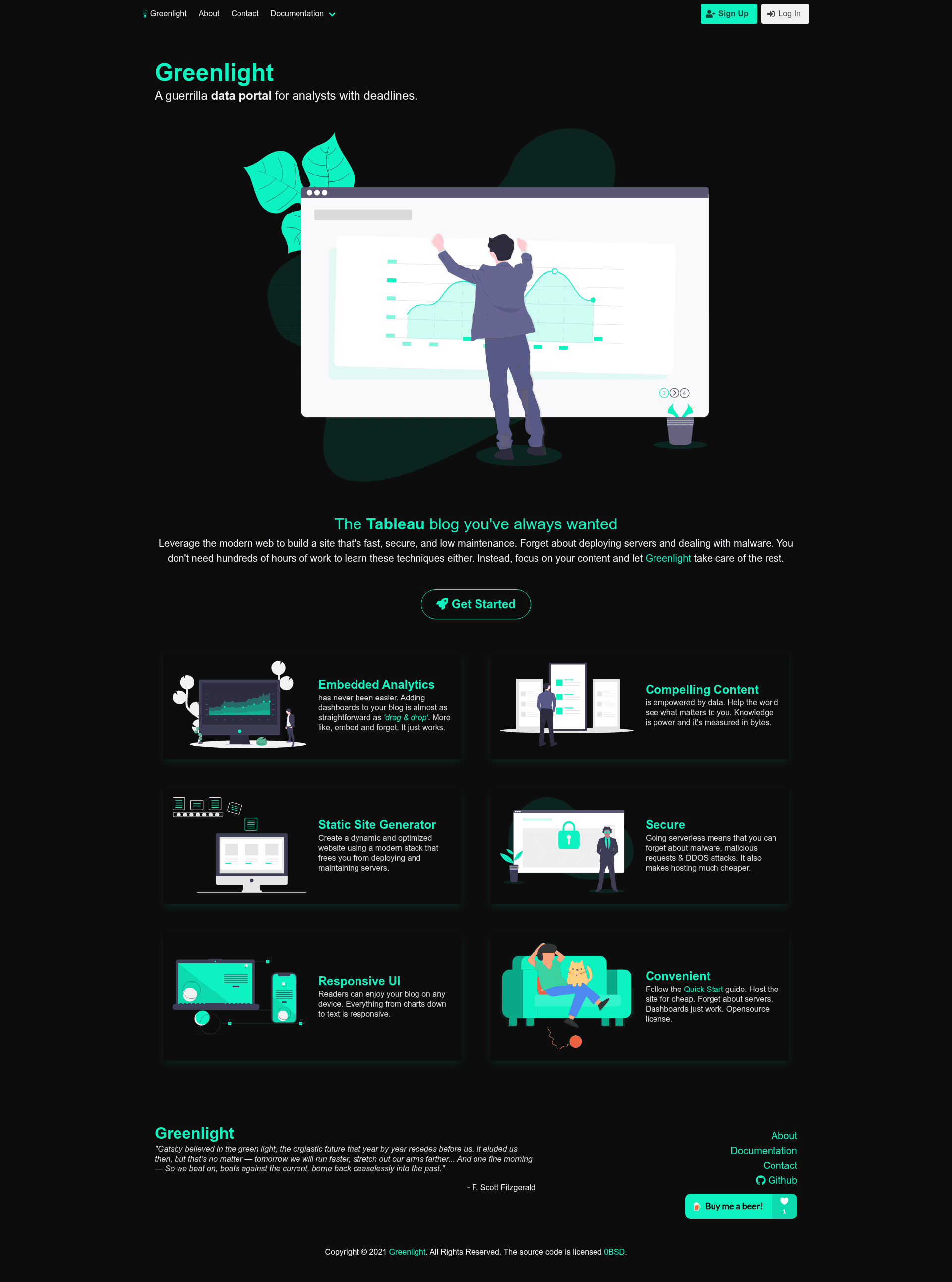
Greenlight
guerrilla data for analysts with deadlines
About this template
Greenlight is an open-source Gatsby starter for publishing data visualizations and analytics at your own domain, built by API Guild with a focus on minimal setup for analysts with deadlines.
What is Greenlight?
Greenlight is a Gatsby-based starter template that turns a static site into a home for embedded analytics and data stories. You provide markdown or MDX content inside /content/blog, and the starter builds a fast static website you can deploy to any domain. The project is maintained by Stephen Price and Trevor Smith under the API Guild umbrella, and it is licensed under the BSD Zero Clause License (0BSD). A live example site is available at https://api-guild.github.io/greenlight/. Its repository topics list Bulma styling, embedded analytics, and Tableau as core associations.
Key Features
- Gatsby static site generator — Greenlight runs on Gatsby, so the produced site is a pre-built static site rather than a server-rendered app.
- Markdown/MDX content — All posts are written as markdown or MDX files placed in
/content/blog; you can organize each post in its own folder with images and other assets. - One-command setup — Installing the starter is a single Gatsby CLI command:
gatsby new your-project-namefollowed by the Greenlight repository URL. - Local development server —
gatsby developstarts a preview athttp://localhost:8000, andgatsby buildproduces the productionpublicdirectory. - Embedded analytics focus — The repository is tagged with
embedded-analyticsandtableau, signaling its intended use for embedding data visualizations. - Open-source licensing — The BSD Zero Clause License lets you use, copy, modify, and distribute the software without restrictions.
- Simple file structure — The project arrangement is minimal, with
content,src,static,public, and Gatsby config files in predictable locations.
Who is it for?
Greenlight is aimed at people who want to host data visualizations on their own domain with little effort and time. Analysts with deadlines can publish charts or dashboards without standing up a content management system or server. Data journalists and bloggers can write markdown posts that embed Tableau or other analytics content. Developers who already know Gatsby can use the starter as a base for bespoke data-portfolio sites.
What can you do with Greenlight?
- Analysts: publish an embedded Tableau dashboard or chart on a personal or client domain in under an hour.
- Consultants: create a lightweight, branded analytics site that presents data findings to clients without third-party hosting constraints.
- Developers: extend the starter with custom Gatsby plugins and React components for bespoke visualization layouts.
How does Greenlight work?
Install the Gatsby CLI globally, then run gatsby new your-project-name with the Greenlight repository URL. After that, gatsby develop serves the site locally so you can begin writing content. Add markdown or MDX files to /content/blog, and the starter regenerates the corresponding pages. When you are ready, gatsby build outputs a static public folder that you can host anywhere.
FAQ
Is Greenlight free?
Yes. Greenlight is open-source under the BSD Zero Clause License, which permits free use, copying, modification, and distribution for any purpose.
What content formats does Greenlight support?
Greenlight supports markdown and MDX files. Blog posts live in /content/blog, and each post can have its own folder for storing associated assets such as images.
Who maintains Greenlight?
The maintainers listed in the repository are Stephen Price and Trevor Smith, both part of the API Guild organization.
Does Greenlight require a server?
No. Because it is a Gatsby static-site generator, the final output is a set of static HTML files; no database or backend server is needed for the site itself.