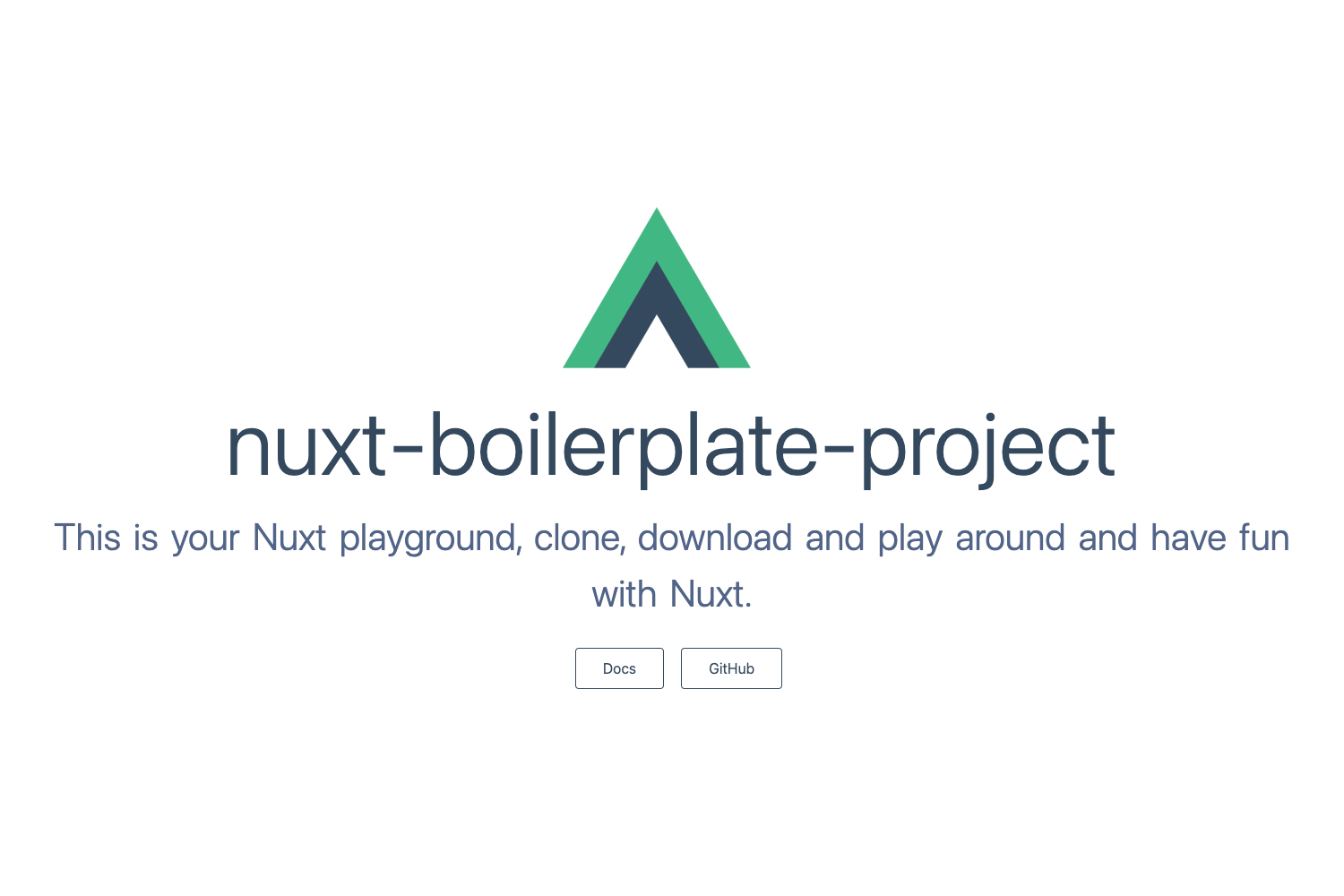
Template details
Vue.js
Vue.js app that can be deployed to Vercel with zero configuration.
About this template
Vue.js is a minimal boilerplate for a Vue.js application, part of Vercel's curated examples collection, that lets you deploy a working Vue app to Vercel with zero configuration. This template is a starting point rather than a full-featured starter, and it is maintained by Vercel as one of several framework boilerplates in the vercel/examples repository. The page provides a live example, a one-click deploy button, and the standard pnpm commands for local development, building, and linting.
What is the Vue.js Vercel template?
The Vue.js Vercel template is a basic Vue.js application ready to be deployed to Vercel. Its core function is to demonstrate how a Vue project can run on Vercel without any manual configuration; you can clone the repository, run it locally with pnpm, or deploy it directly using the provided Vercel button. It is distributed through the Vercel examples repository, which also contains boilerplates for Next.js and other frameworks, and the repository has over 5,000 stars. The template's output is a deployable web application, and its input is the straightforward project structure that ships in the repository.
Key Features
- One-click Deploy — The "Deploy with Vercel" button clones the repository and creates a new Vercel project from the template directly at https://vercel.com/new/clone?repository-url=https://github.com/vercel/examples/tree/main/framework-boilerplates/vue&template=vue.
- Zero Configuration — Vercel automatically detects the Vue.js framework and applies the correct build and output settings without any configuration files.
- Live Demo — The exact output of this template is hosted at https://vue-template.vercel.app, so you can see the default app before deploying your own copy.
- Local Development Scripts — The project uses pnpm;
pnpm servestarts a dev server with hot-reload,pnpm buildcompiles and minifies for production, andpnpm lintlints and fixes source files. - Minimal Vue Structure — The template ships a basic Vue app with no routing, state management, or extra styling, making it a clean base to extend.
- Curated Vercel Example — The template belongs to the Vercel examples repository, a collection used by the Vercel community, which has 5,146 stars.
Who is it for?
- Developers new to Vue.js — Use the template to see a working Vue app with standard scripts for development, building, and linting without setting up a toolchain.
- Vercel platform evaluators — Deploy the template to verify how Vercel handles Vue.js builds, environment variables, and preview deployments.
- Boilerplate contributors — Reference this example to understand how Vercel structures its framework boilerplates in the vercel/examples repository.
What can you do with it?
- Start a new Vue project: clone the repository, run
pnpm install, and then edit the component files to build a custom single-page application. - Deploy to Vercel quickly: use the deploy button to create a live production URL immediately, without installing anything locally.
- Run the app locally: use
pnpm serveto develop with hot-reload,pnpm buildto create a production bundle, andpnpm lintto keep the code clean.
FAQ
What does this template do?
This template provides a minimal Vue.js application that can be deployed to Vercel with no manual configuration. It includes the standard pnpm scripts for development, production builds, and linting, plus a one-click deployment button.
How do I run this template locally?
Install dependencies with pnpm install, then use pnpm serve for development mode with hot-reload, pnpm build for a compiled and minified production build, and pnpm lint to lint and fix files.
Where is the live demo?
The default app built from this template is hosted at https://vue-template.vercel.app, showing the exact result you get when choosing the Vue.js template on Vercel.
Can I customize this template?
Yes. The template is minimal by design, so you can modify the Vue components and add libraries like Vue Router or Pinia as needed for your project.