Template details
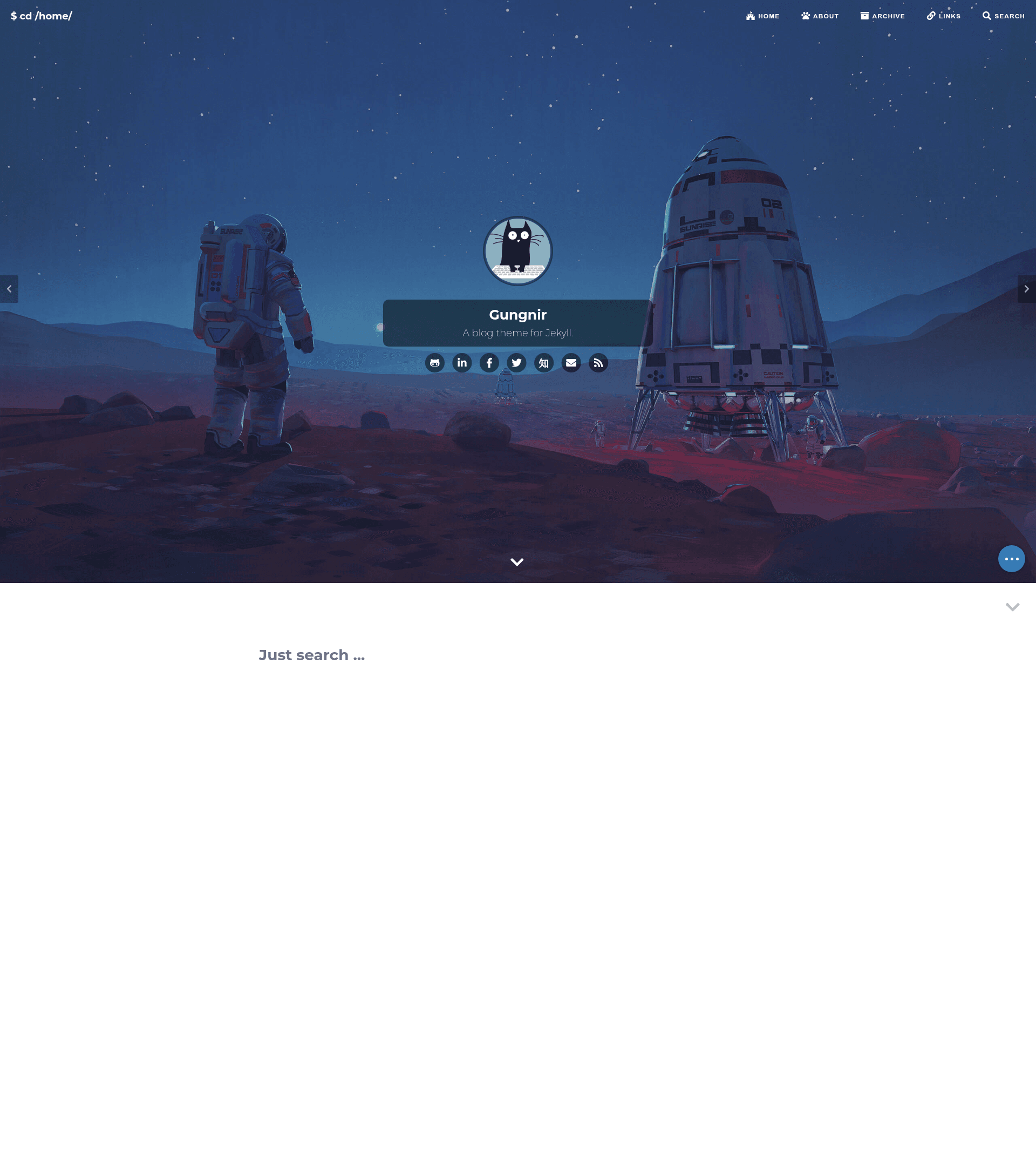
Gungnir
A Jekyll blog theme with dark/light themes, search, ToC, and support for MathJax, KaTeX, Chart.js, and mermaid.
About this template
Gungnir is a blog theme for Jekyll, derived from Huxpro/huxpro.github.io, that turns Markdown content into a responsive static blog with dark/light themes, search, syntax highlighting, and built-in support for math and diagrams.
What is Gungnir?
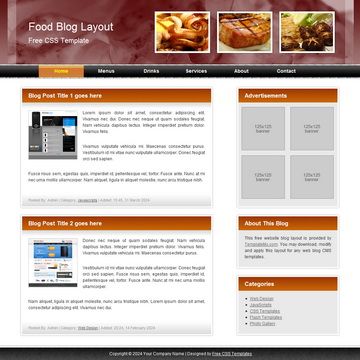
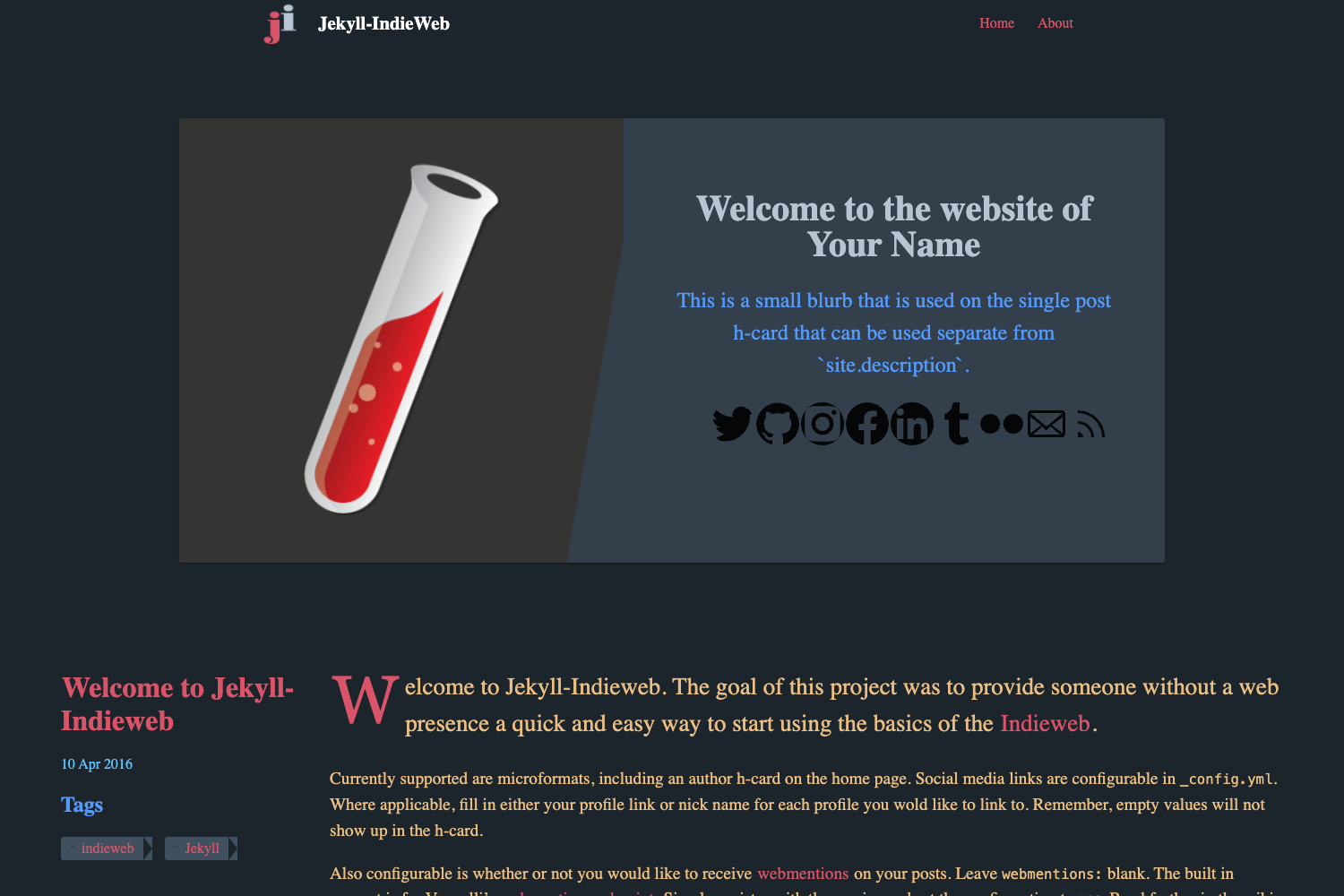
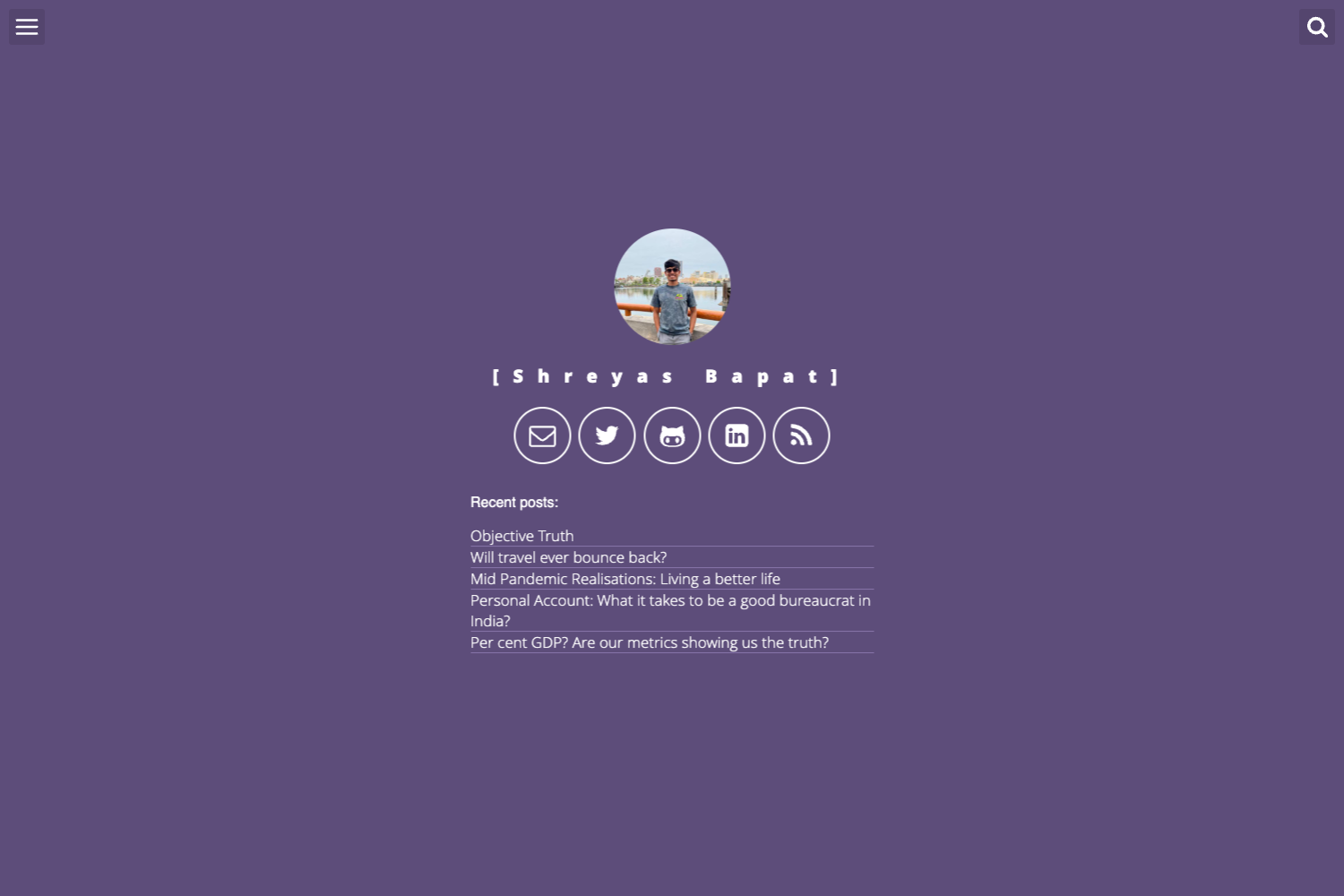
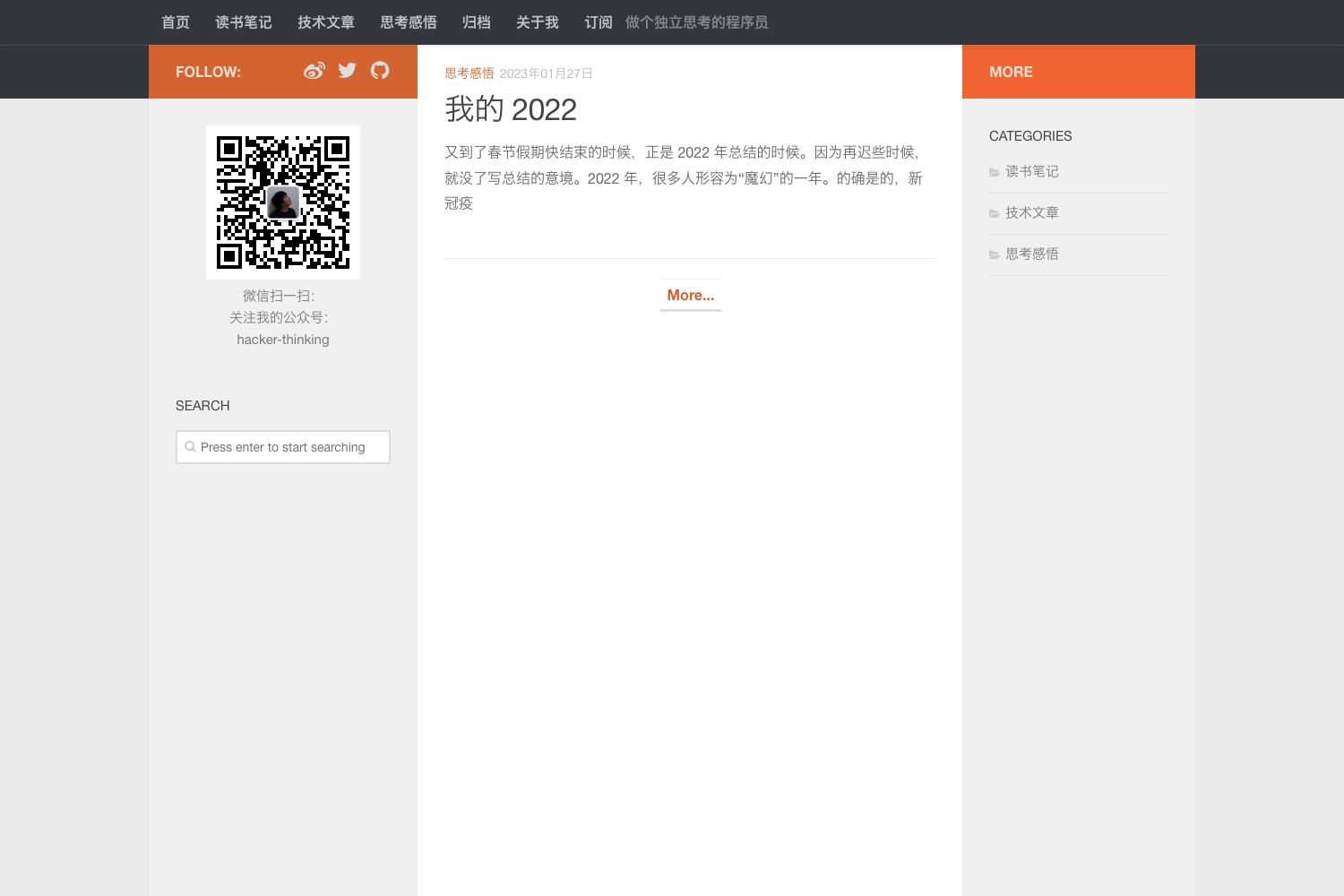
Gungnir is a Jekyll blog theme created by Renovamen and named after Odin's spear in Norse mythology. It is derived from the Huxpro/huxpro.github.io theme and is distributed as a GitHub repository. The theme takes Jekyll site content — Markdown posts and pages — and renders a fully responsive static blog with a multi-level navigation menu, switchable cover images, and dark/light themes. It also ships with About, Portfolio, and Link page templates, plus PWA support, RSS feeds, an archive page with tags, multilingual articles, and analytics for Google Analytics and Baidu Tongji.
Key Features
- Dark and light themes — includes system theme detection and a theme-switcher, so visitors can follow their OS preference or override manually.
- Search — built on Simple-Jekyll-Search, providing client-side search over generated posts without a third-party search service.
- Table of contents — generated with Tocbot and displayed automatically from post headings.
- Syntax highlighting — uses Highlight.js, supports opening code blocks in full screen and highlighting the current line (adapted from the WordPress theme Sakura).
- Math and charts — supports Mathjax and KaTeX for math, and Chart.js and mermaid for charts and diagrams in posts.
- Comments — supports Gitalk, Disqus, and Valine, so you can pick a GitHub-based, hosted, or self-hosted option.
- Emoji support — renders Markdown emoji via jemoji and can add extra emoji such as bilibili tv.
- Page templates — includes About, Portfolio, and Link pages, plus an archive page with tags and multilingual article support.
Who is it for?
Gungnir suits Jekyll users who want a ready-made blog without building layouts from scratch. Technical bloggers can publish Markdown posts containing LaTeX math, Chart.js graphs, and mermaid diagrams that render automatically. Bilingual writers (Chinese and English) can use the multilingual article feature to serve posts in both languages. Creative professionals can use the built-in Portfolio and Link pages to present projects and external references.
What can you do with Gungnir?
- Technical bloggers: embed MathJax or KaTeX formulas, Chart.js charts, and mermaid diagrams directly in Markdown posts without any extra build tools.
- Open-source maintainers: create a project blog with full-screen code blocks and current-line highlighting to make code snippets easier to read.
- Portfolio owners: display work examples on the Portfolio page and introduce yourself on the About page, all within the same site.
- Privacy-conscious bloggers: choose a self-hosted comment system like Valine or a GitHub-based one like Gitalk instead of a third-party service.
How does Gungnir work?
Gungnir runs on Jekyll's static site generator. You clone the repository, install dependencies from the Gemfile with Bundler (bundle config set path 'vendor/bundle' and bundle install), then write posts in Markdown and run bundle exec jekyll serve for local preview. Jekyll generates a static site of HTML, CSS, and JavaScript that can be deployed to any static host, and the theme's Liquid layouts render the page templates, search index, and analytics snippets.
Pricing
Gungnir is free and open source under the Apache License 2.0, so there are no licensing costs. You can modify and reuse it, including for commercial sites, as long as you keep the license notice.
Alternatives
Other Jekyll blog themes include Minimal Mistakes and Chirpy. Both are popular options, but Gungnir stands out for its built-in support for math and diagram rendering.
FAQ
Is Gungnir free?
Yes, Gungnir is released under the Apache License 2.0, so it is free to use, modify, and distribute for any purpose, including commercial projects. There are no paid tiers or premium features, and the full source code is available on GitHub under the Renovamen/jekyll-theme-gungnir repository.
What static site generator does Gungnir use?
Gungnir is built for Jekyll, the Ruby-based static site generator. You manage your blog content as Markdown files and build the site with Jekyll commands, such as bundle exec jekyll serve for local preview. The output is a set of static HTML, CSS, and JavaScript files that you can deploy to any static hosting service.
Does Gungnir support comments?
Yes, Gungnir supports three commenting systems: Gitalk, which uses GitHub issues as the backend; Disqus, a hosted third-party service; and Valine, a self-hosted option that gives you full control over your comment data. You can configure the one that fits your privacy and infrastructure needs via the theme's configuration file.
Can I use Gungnir for a portfolio site?
Yes, Gungnir includes dedicated About, Portfolio, and Link page templates. You can combine a portfolio with a blog, using the Portfolio page to showcase projects, the About page to introduce yourself, and the Link page to share external resources. The theme's navigation menu supports multiple levels, so you can organize these sections as you like.
Does Gungnir have a built-in admin interface?
No, Gungnir does not include an admin panel. Content is managed through Markdown files in a Jekyll project, so you need to work with a code editor or a Git-based workflow to write and publish posts. This is typical for Jekyll themes and suits developers who are comfortable with static sites.