Template details
Hugo Rapid Theme
A Hugo blog theme that you set up by cloning the repo, copying config.yaml, and running hugo server.
About this template
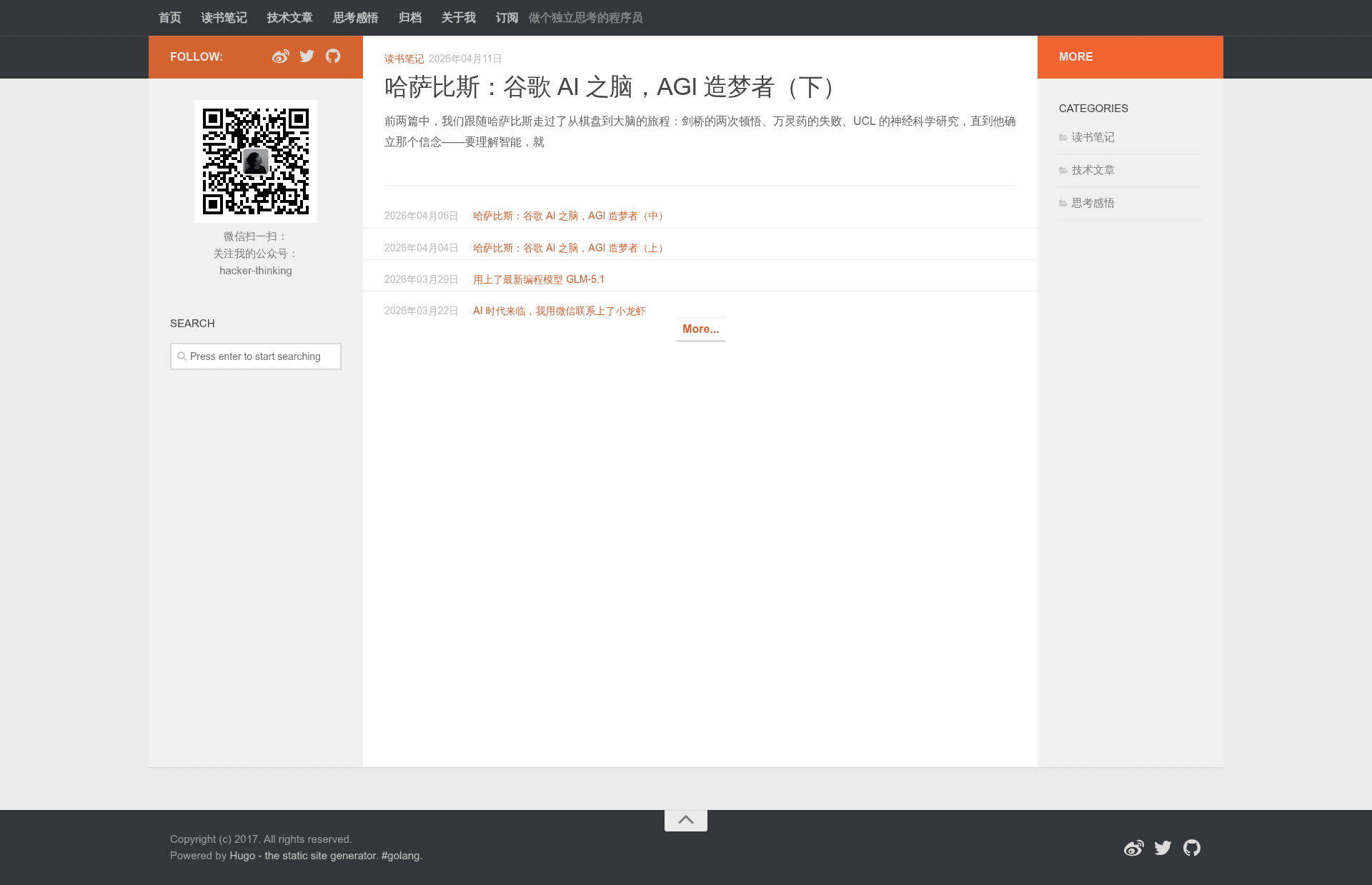
Hugo Rapid Theme is a Hugo blog theme by coderzh that gets a static blog running in five command-line steps: clone the theme, copy its config.yaml, add a page, and start the local server. The theme is distributed through the GitHub repository coderzh/hugo-rapid-theme and has a live demo at blog.coderzh.com.
What is Hugo Rapid Theme?
Hugo Rapid Theme is a theme for the Hugo static site generator, created for bloggers who want a quick start. It takes a new Hugo site created with hugo new site, adds the theme's layout files via git clone, and provides a config.yaml that replaces the default config.toml. The output is a static blog that can be served locally with hugo server or built for production using Hugo's standard build commands. The theme's author is coderzh, and the demo blog is hosted at blog.coderzh.com.
Key Features
- Five-step setup — Install Hugo, run hugo new site, clone the theme into themes/hugo-rapid-theme, copy the supplied config.yaml, and start writing; the README lists these exact commands.
- Pre-written configuration — The repository includes a config.yaml file, so you can remove the default config.toml and replace it with the theme's own settings.
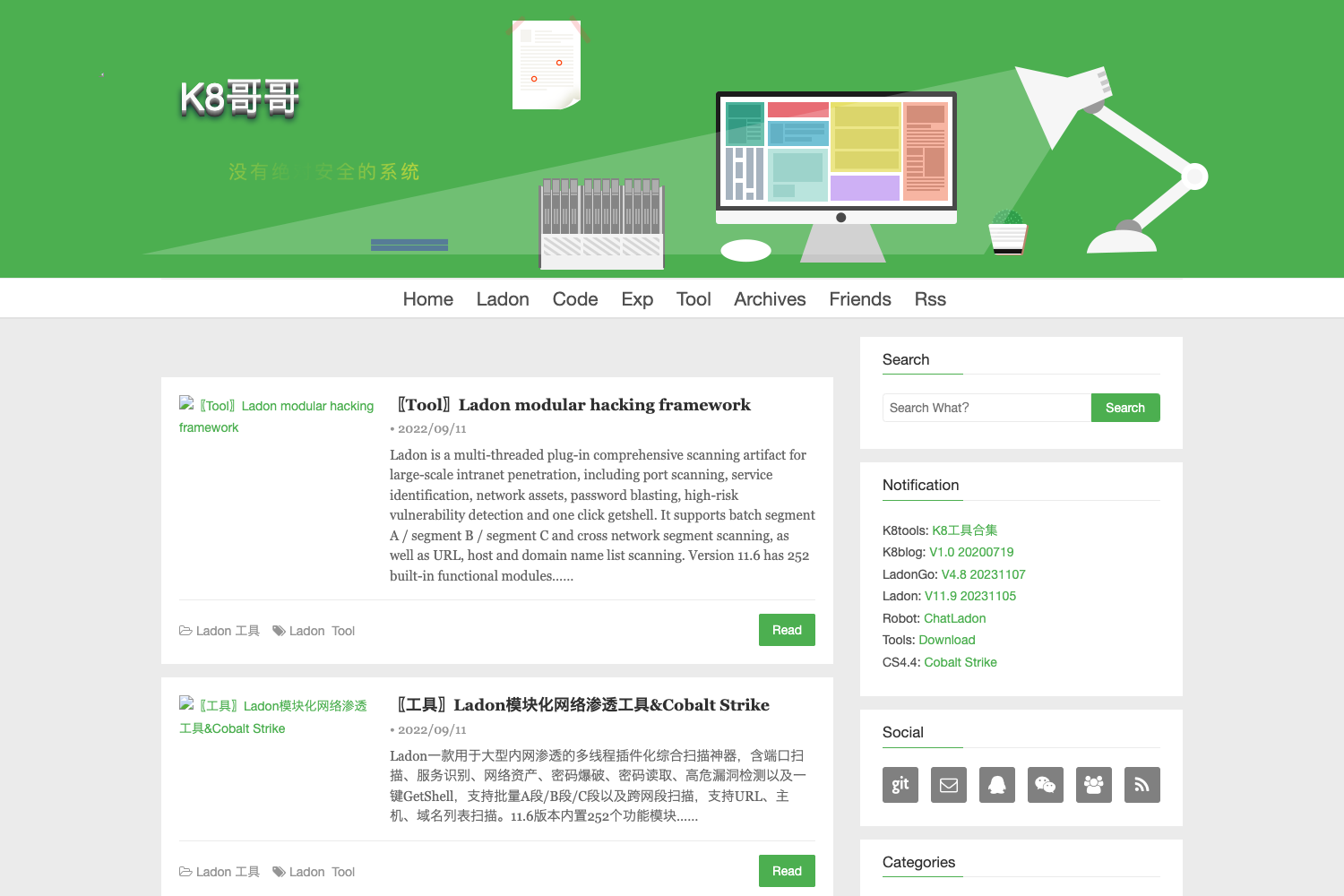
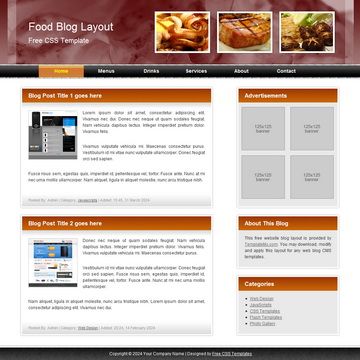
- Live demo — A working example of the theme runs at blog.coderzh.com, letting you see the layout before installing.
- Content creation workflow — After copying config.yaml, you create new pages with hugo new about.md and view them at http://localhost:1313.
- Git submodule support — The theme can be added to your site's repository as a submodule using git submodule add, which keeps the theme versioned and updatable.
- Hugo-native development — The theme relies only on Hugo's standard installation, so there is no Node.js build step or separate toolchain to configure.
Who should use Hugo Rapid Theme?
Hugo beginners get a working blog with just a handful of commands and a copy of the provided config file. Developers who want a minimal theme to modify can clone the repo and change config.yaml without a complex build system. Static-site enthusiasts who prefer Hugo over other generators can use this theme as a quick starting point for a personal blog or project site.
What can you do with Hugo Rapid Theme?
- Personal bloggers: Set up a static blog by following the five steps, then write posts using Hugo's content management and preview them immediately with hugo server.
- Hugo learners: Study how the theme is structured by reading the README and config.yaml to understand how Hugo sites are assembled.
- Project documentation: Reuse the same setup to spin up a lightweight site for project pages, since the theme is built on Hugo's static output.
How does Hugo Rapid Theme work?
The README documents a linear workflow: (1) install Hugo, (2) create a site with hugo new site your-blog-name and cd into it, (3) git clone this repository into themes/hugo-rapid-theme, (4) remove config.toml and copy the theme's config.yaml into the project root, (5) create a page with hugo new about.md and run hugo server to view it at localhost:1313. You can also initialize a git repo and add the theme as a submodule instead of a plain clone.
FAQ
Do I need to install Hugo first?
Yes. Step 1 of the README directs you to Hugo's installation guide (gohugo.org). Without Hugo installed, the hugo new site, hugo new, and hugo server commands used in the other steps will not run.
What does the config.yaml do?
It is the theme's configuration file, included in the repository. The setup instructions tell you to remove the default config.toml and copy config.yaml to your site root, which gives the site the theme's settings. You are expected to edit it after setup.
How do I preview my blog locally?
After copying config.yaml and creating a page, run hugo server from your site directory and open http://localhost:1313 in a web browser. Hugo rebuilds the static site automatically while the server is running.
Can I use this theme as a git submodule?
Yes. The README includes exact commands: git init, then git submodule add https://github.com/coderzh/hugo-rapid-theme.git themes/hugo-rapid-theme. This pinpoints the theme inside your site's repository and makes it easy to pull updates.
Is there a live demo to look at?
Yes. The README links to http://blog.coderzh.com/ as the theme's demo site, so you can see the rendered blog layout before installing it.