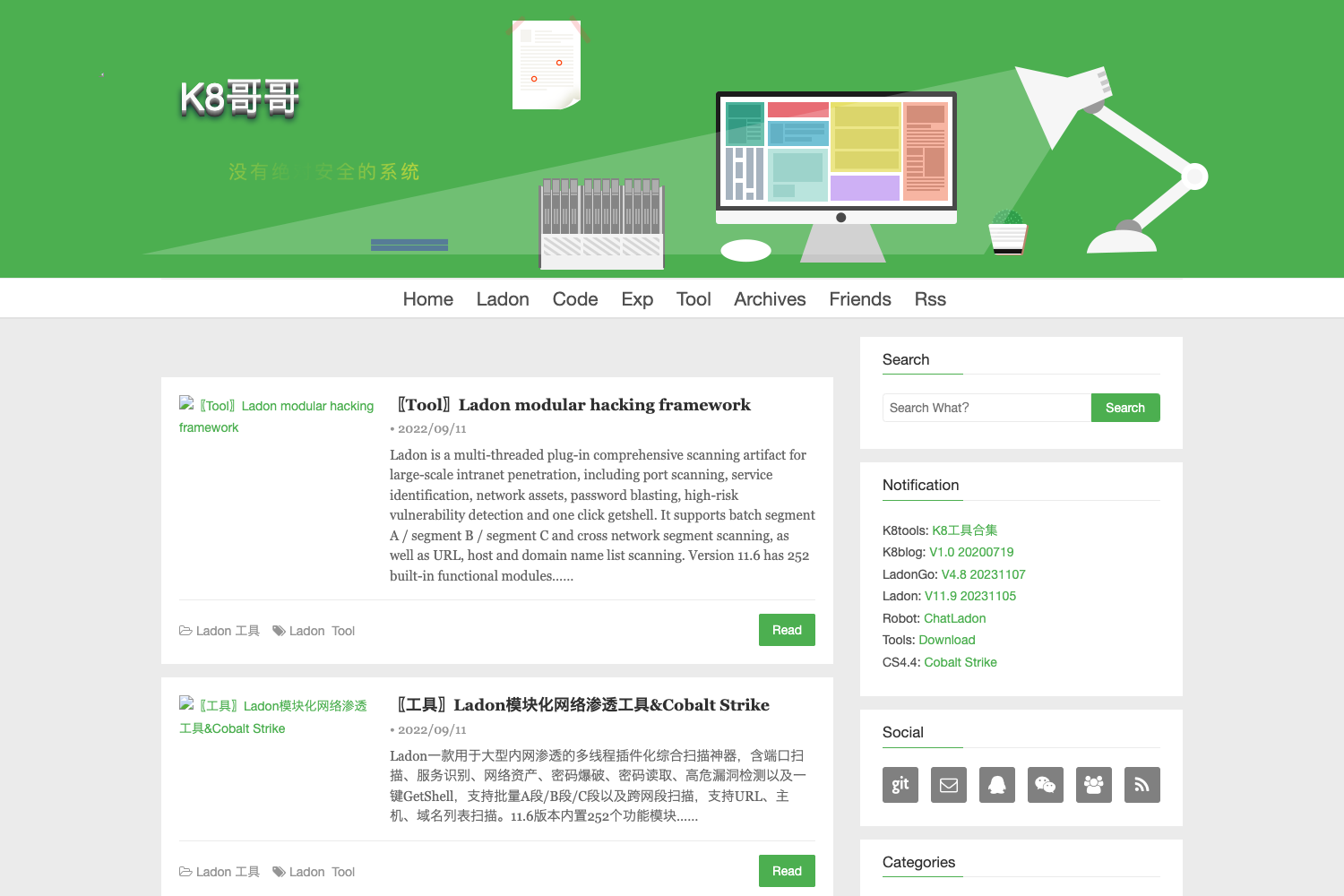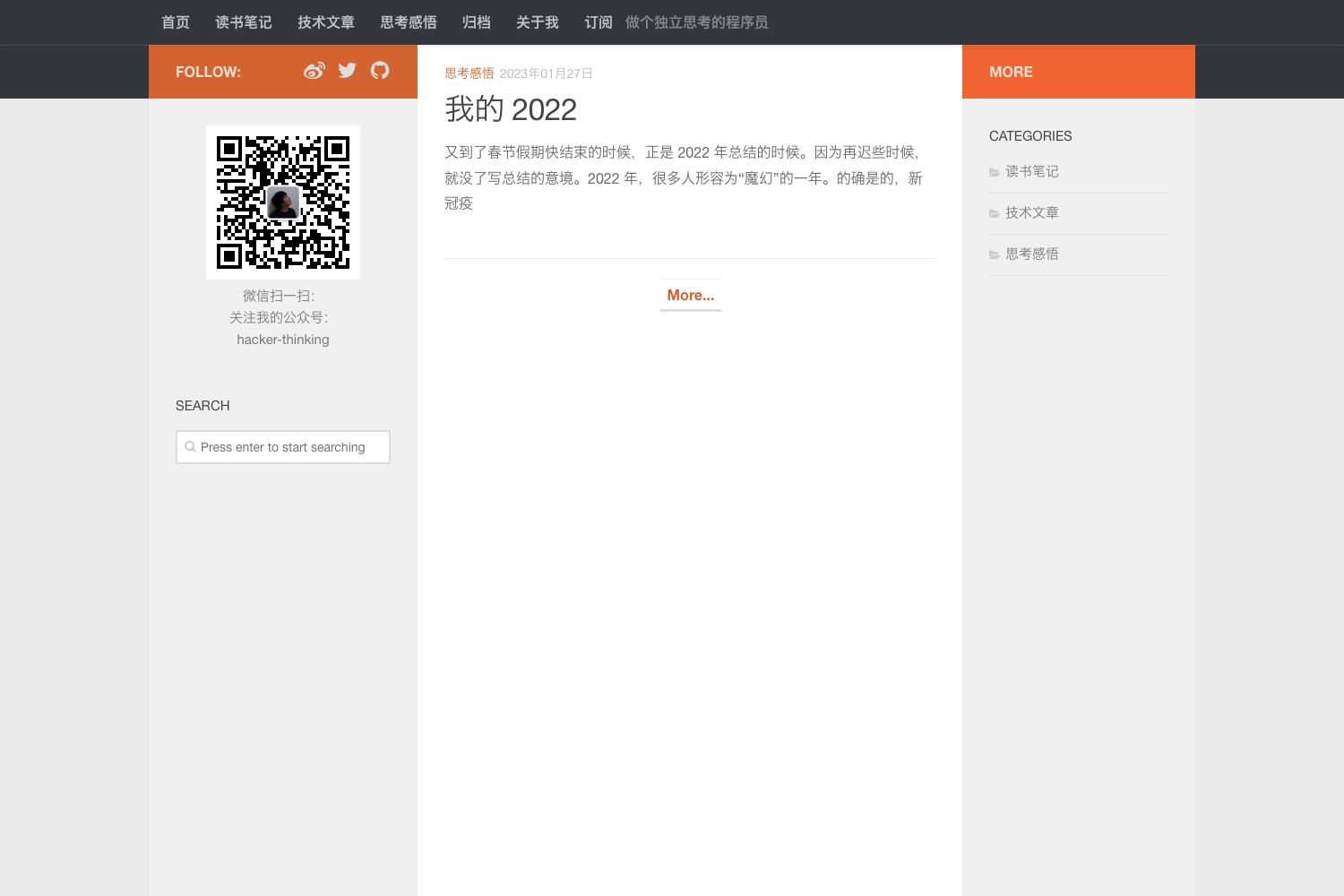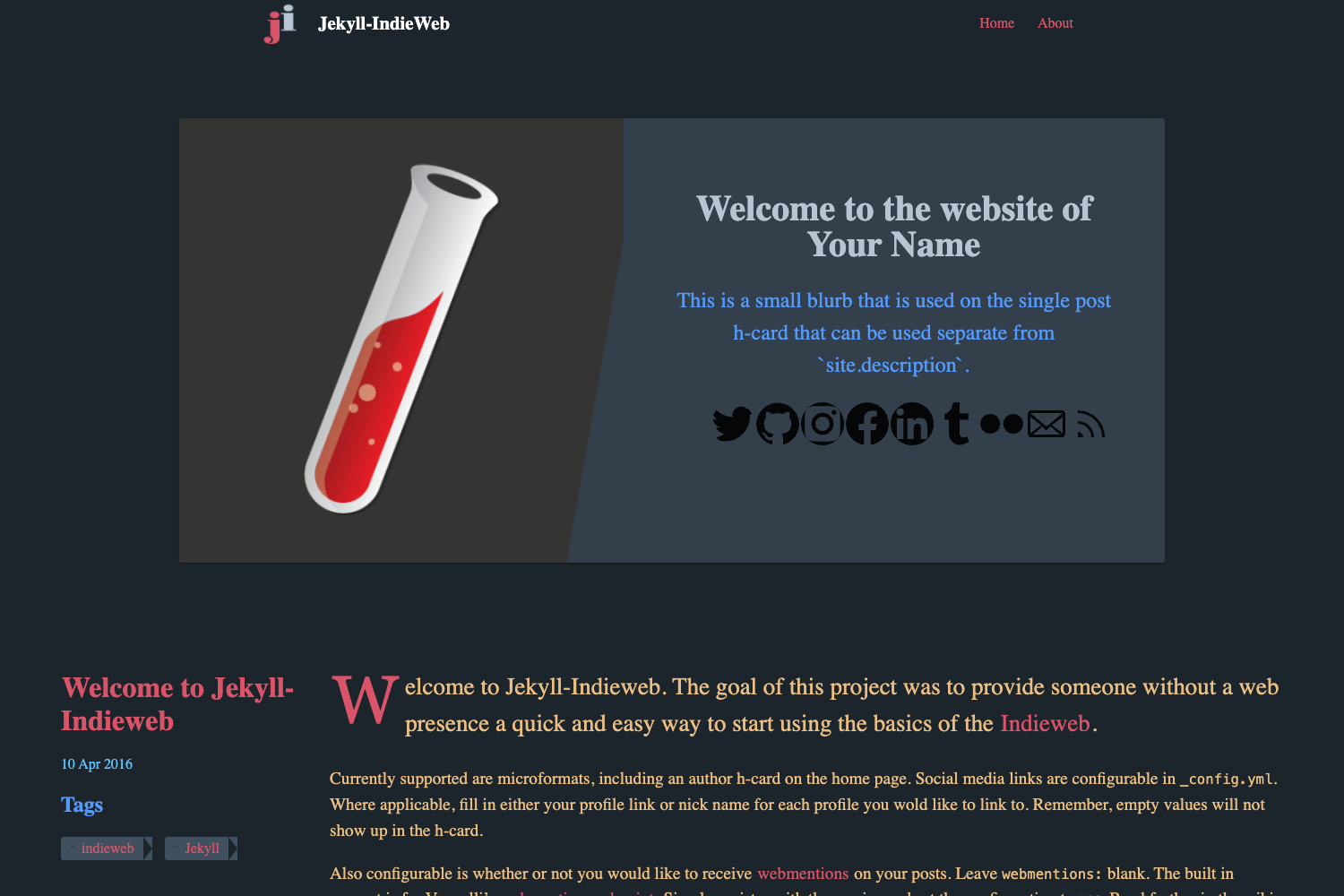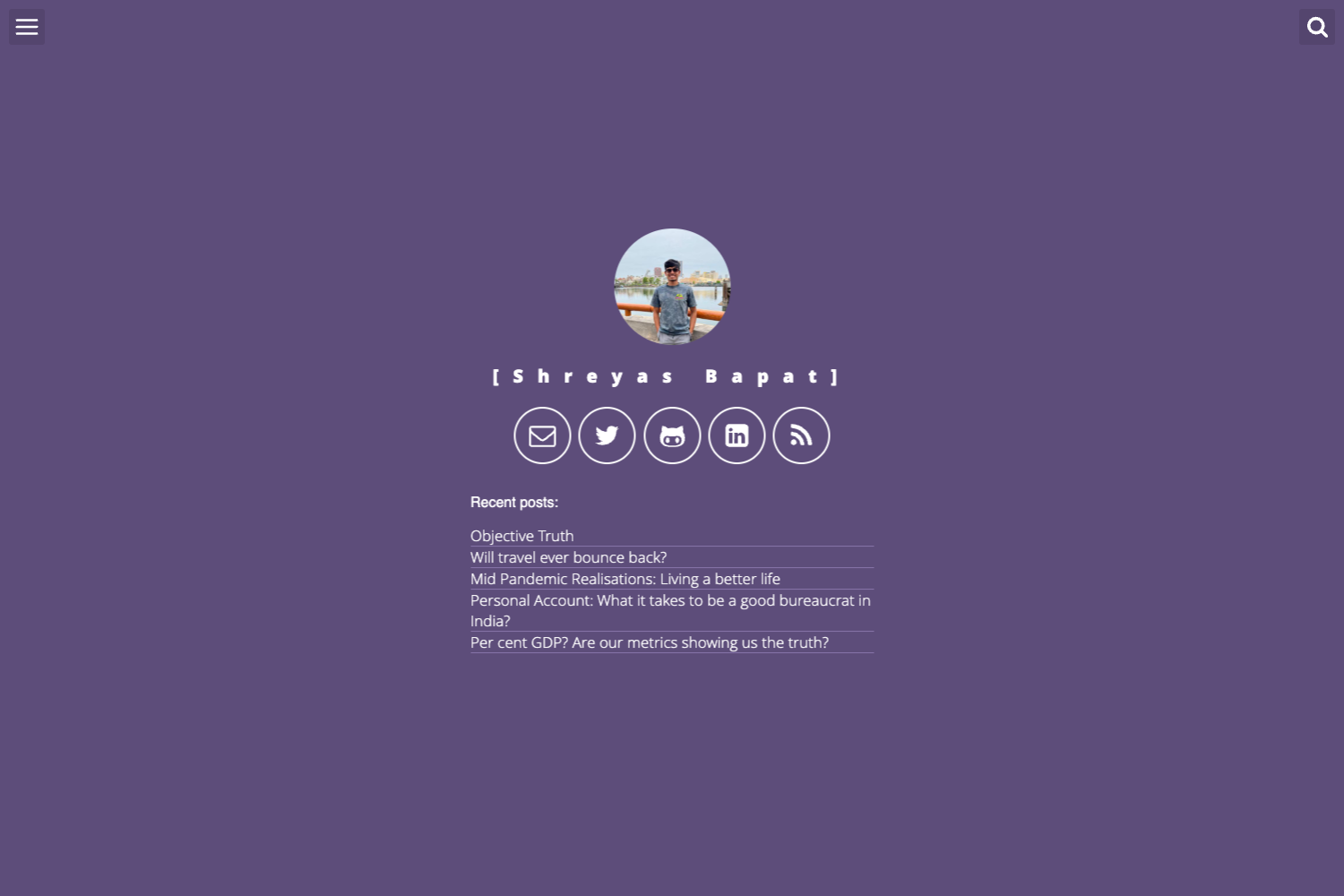
Template details
Nulite
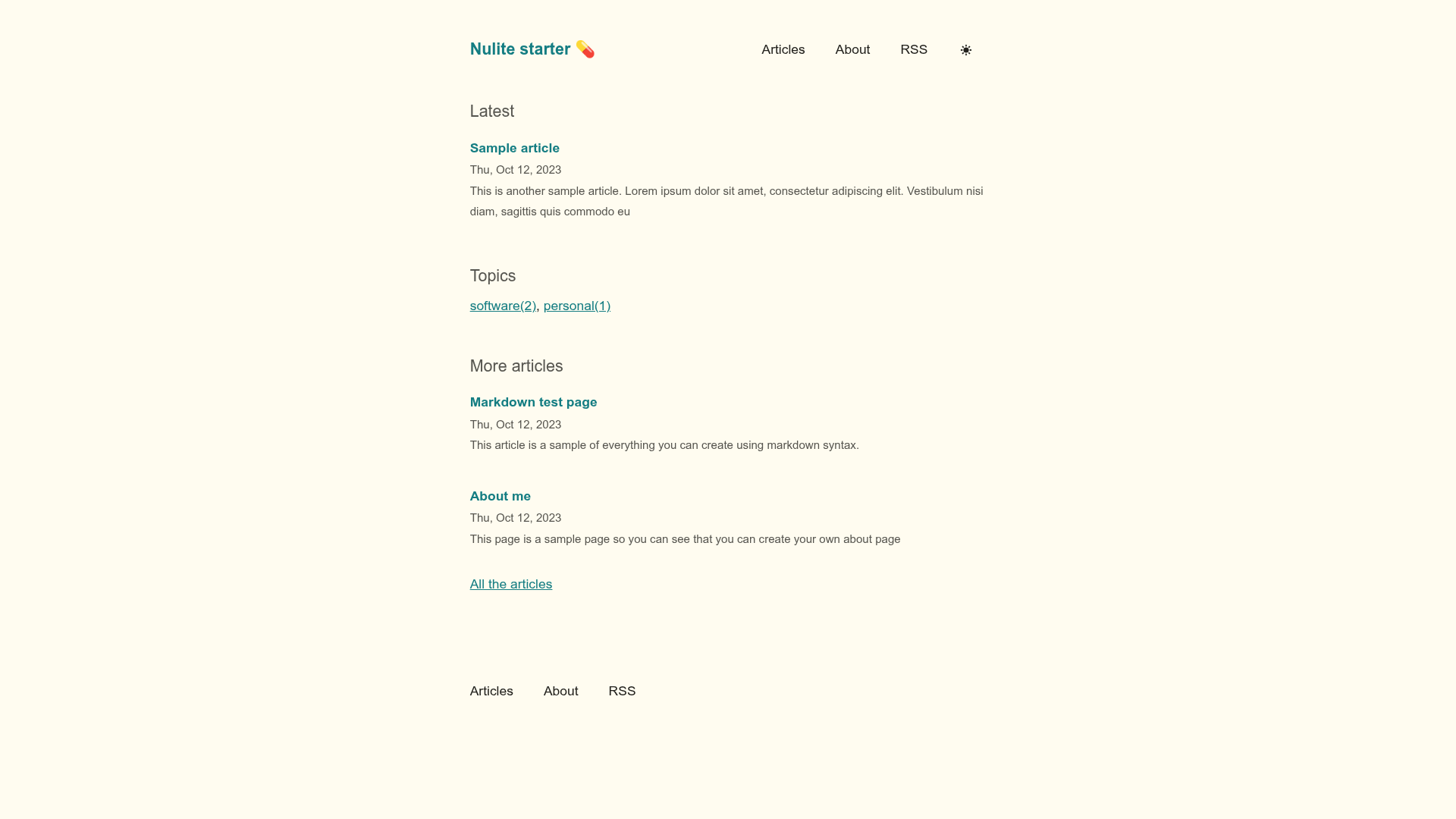
Nulite is a minimal, performance-focused Eleventy starter for building a simple blog with light/dark mode, RSS, and tag-based recommendations.
About this template
Nulite is an Eleventy (11ty) starter project for building a minimal, performance-focused blog, with inline styles, minimal JavaScript, and a clean editorial design inspired by Steph Ango's blog.
What is Nulite?
Nulite is a simple, elegant, and minimalistic starter template for Eleventy, the static site generator. It takes Markdown files written in src/posts and generates a static blog into a _site folder after running npm run build. The template is maintained by codingpotions, the same creator behind the Spanish-language article explaining how to set up a free blog with this template. It ships with a typography-first design, CSS variable customization, and no build-time framework dependencies beyond Eleventy itself.
Key Features
- Minimalist design — A clean, easy-to-read layout with an editorial feel, strongly influenced by Steph Ango's personal blog.
- Good performance — Inline styles and the smallest possible amount of JavaScript make pages load fast; the site has no heavy client-side framework.
- Light/dark mode — Respects the visitor's system color scheme and includes a toggle that saves preferences for future visits.
- RSS feed — Generates an RSS feed so readers can subscribe using old-school feed readers.
- Easy customization — CSS variables in
global.liquidlet you change colors and fonts in one place without touching every stylesheet. - Syntax highlighting — Code blocks in articles get colored syntax highlighting without adding extra JavaScript to the page.
- Article recommendations — Each post is paired with a tag-based recommendation system that suggests more content for readers.
Who is it for?
Nulite is for bloggers who want a fast, minimal site without the complexity of a full content management system. Developers comfortable with Markdown and Eleventy can fork the template, write posts, and deploy the static output anywhere. It's also a good fit for writers who admire the clean aesthetic of Steph Ango's blog and want a similar look in an open-source starter.
What can you do with Nulite?
- Personal bloggers: Publish Markdown-based articles and get a static site with RSS, syntax-highlighted code, and tag-based recommendations built in.
- Developers: Use the template as a base to learn Eleventy, customize the theme through CSS variables, and extend the project structure under
src/_includesandsrc/_data. - Performance-conscious site owners: Ship a blog with minimal JavaScript and inline styles to keep page weight low and load times fast.
How does Nulite work?
Getting started takes a few steps: fork the repository (or click "Use this template"), cd into the project directory, and run npm install. Then npm run start serves a dev build at localhost:8080, while npm run build generates the production site in the _site folder. Content lives as Markdown in src/posts, site-wide settings live in src/_data, and UI partials are in src/_includes.
FAQ
Is Nulite free to use?
Yes, Nulite is an open-source starter project hosted on GitHub. You can fork it, use the "Use this template" button, and customize it for your own blog without paying anything.
Does Nulite require JavaScript for syntax highlighting?
No. Code blocks are highlighted at build time, so no extra JavaScript is added to the page. This keeps the site fast and works even if JavaScript is disabled.
Can I change the colors and fonts?
Yes. The template uses a CSS variable system located in global.liquid inside src/_includes. You can update colors and fonts in that one file and the changes apply across the whole site.
Does Nulite support RSS?
Yes, the template includes RSS output, so visitors can subscribe to your blog using any feed reader.
What do I need to run Nulite?
You need Node.js and npm installed. After cloning the repo, run npm install to install dependencies, then use npm run start for development or npm run build to produce the static files in _site.