Template details
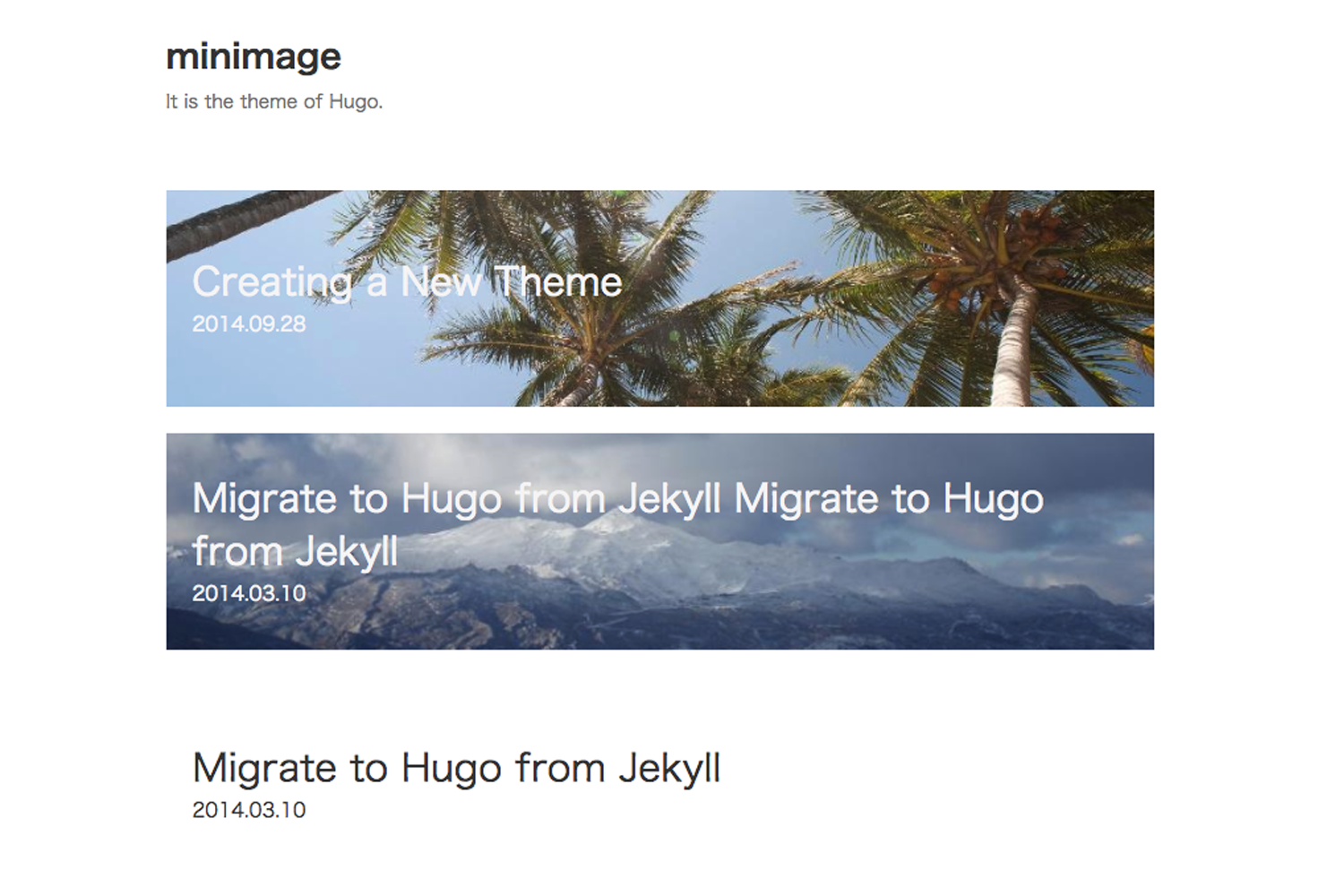
Hugo Swift Theme
A minimal, open-source Hugo theme for blogging with dark mode, deeplinks, galleries, and Staticman comments.
About this template
Hugo Swift Theme is a minimal open-source blogging theme for the Hugo static site generator, delivering dark mode, deeplinks, galleries, and Staticman comments while avoiding heavy front-end frameworks like jQuery and Bootstrap.
What is Hugo Swift Theme?
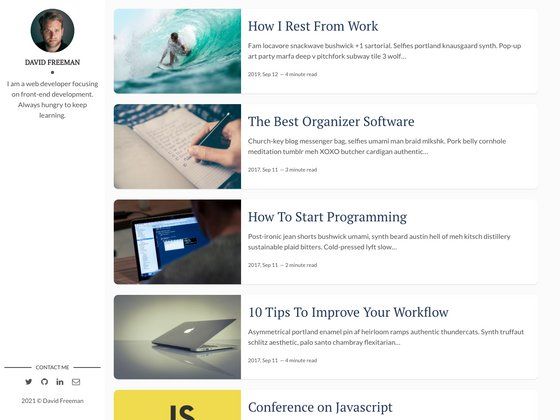
Hugo Swift Theme is a simple open-source blog theme built for Hugo, created and maintained by onweru on GitHub. It takes Markdown content files and produces a fully styled static blog with pagination, syntax highlighting, and a responsive layout. The theme requires the extended version of Hugo because it compiles styles from Sass. It is released under the MIT license and currently has 121 stars on GitHub.
Key Features
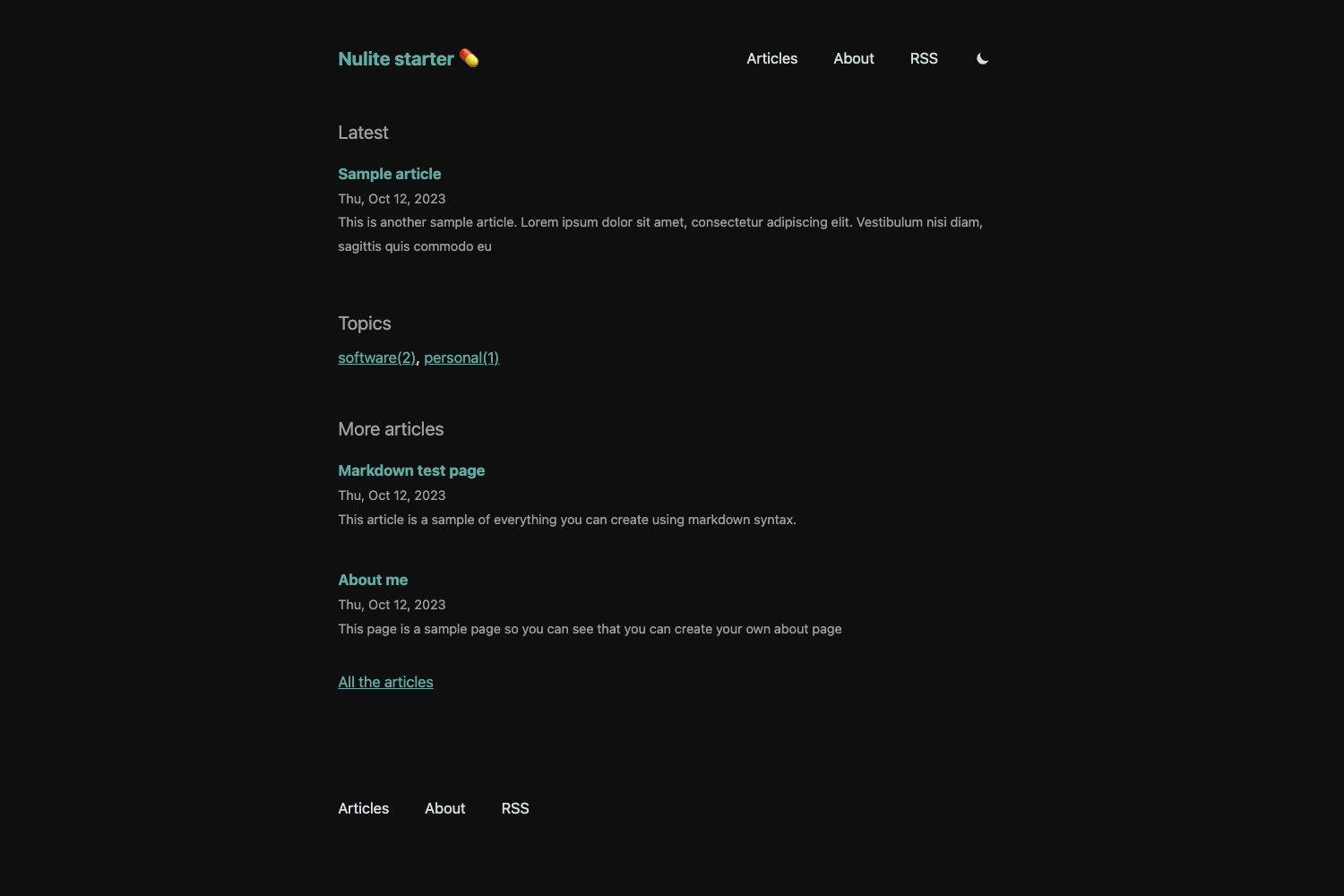
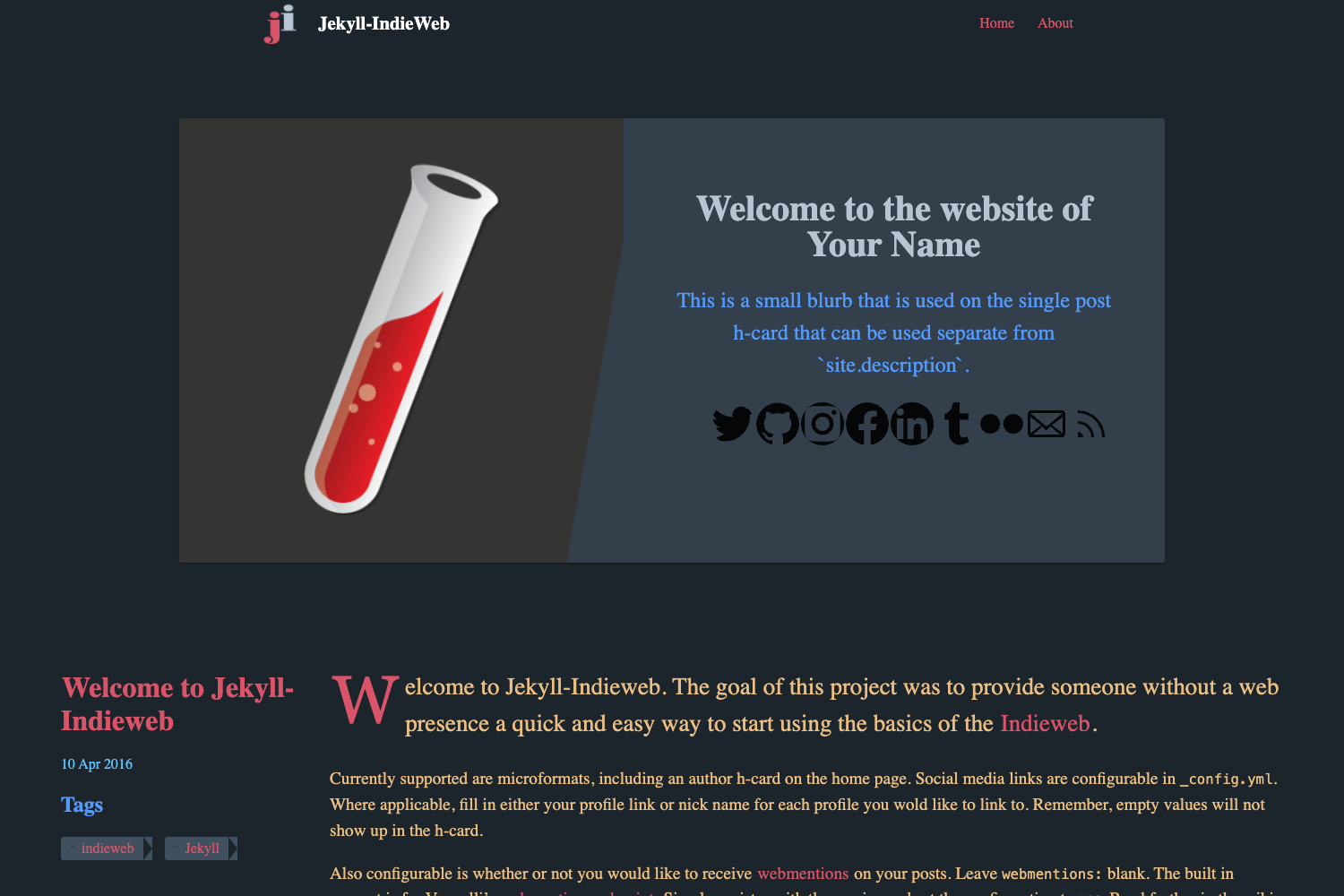
- Dark Mode — Automatically switches to a dark color palette when the user's operating system or browser is in dark mode, matching the behavior of sites like Twitter.
- Deeplinks — Adds a hover-triggered link button to every Markdown heading, letting readers copy a precise shareable URL instantly.
- Gallery Support — Includes a custom gallery shortcode that accepts a comma-separated list of image paths and an optional double-colon-separated list of alt text/captions.
- Native Lazy Loading — Images use the browser's native lazy loading so off-screen images load only when needed.
- Staticman Comments — Integrates with Staticman to add user-generated comments, optionally protected by reCAPTCHA; the feature is disabled by default and configured via the wiki.
- Custom Shortcodes — Ships with video (YouTube embed), picture (swapping images for dark/light mode), and gallery shortcodes, using positional parameters for flexibility.
- Written By Block — Displays an author card on posts by pulling name, photo, bio, and URL from a centralized data file; simply match the author field in front matter to the data file.
- Sass-powered Styling — Theme colors are defined in the Sass variables partial and can be changed using names, rgb, rgba, hsla, or hex values.
Who is it for?
- Personal bloggers who want a lightweight, fast site without a heavy JavaScript payload and who appreciate an automatic dark mode.
- Developers already using Hugo who need a simple theme that is easy to extend with Sass variables and custom shortcodes.
- Multi-author publications that need to manage guest authors or co-bloggers with a single author data file and per-post author assignment.
- Open-source adopters seeking a permissive MIT-licensed theme they can fork and modify for other use cases beyond blogging.
What can you do with it?
- Publish a personal blog with pagination, syntax highlighting, and lazy-loaded images to keep pages quick.
- Add precise sharing to long-form articles with click-to-copy deeplinks on every heading.
- Manage a multi-author site by centralizing author metadata and showing a Written By card on relevant articles.
- Embed media in posts with YouTube video embeds and light/dark mode images through the provided shortcodes.
How does it work?
Install the theme as a Git submodule inside your Hugo site folder, then configure global settings and menus in the hugo.toml file. To enable Staticman comments, follow the theme's wiki; to add authors, copy the sample authors YAML into your site's data directory and reference the author name in each post. Theme colors live in a Sass variables partial that accepts standard color formats.
Pricing
Hugo Swift Theme is free and open source, available under the MIT license.
FAQ
Does Hugo Swift Theme require the extended version of Hugo?
Yes. The theme uses Sass for styling, so you need the extended Hugo build with Sass support, either installed locally or in your CI pipeline.
How do I enable Staticman comments?
Staticman comments are turned off by default. Refer to the theme's Staticman config wiki, which walks through the configuration steps, including optional reCAPTCHA setup.
Can I change the theme colors?
Yes. Open the Sass variables partial (assets/sass/_variables.sass) and update the color variables. You can use named colors, rgb, rgba, hsla, or hex values.
How do I include a Written By block on my posts?
Copy the authors YAML file from the exampleSite into your site's data directory, then set the author key in a post's front matter to match a name from that file. Omit the author key to exclude the block.
What custom shortcodes are included?
The theme includes three shortcodes: video (takes a YouTube video ID), picture (takes three positional parameters for light image, dark image, and alt text), and gallery (takes a comma-separated list of image paths and an optional double-colon-separated list of alt text).