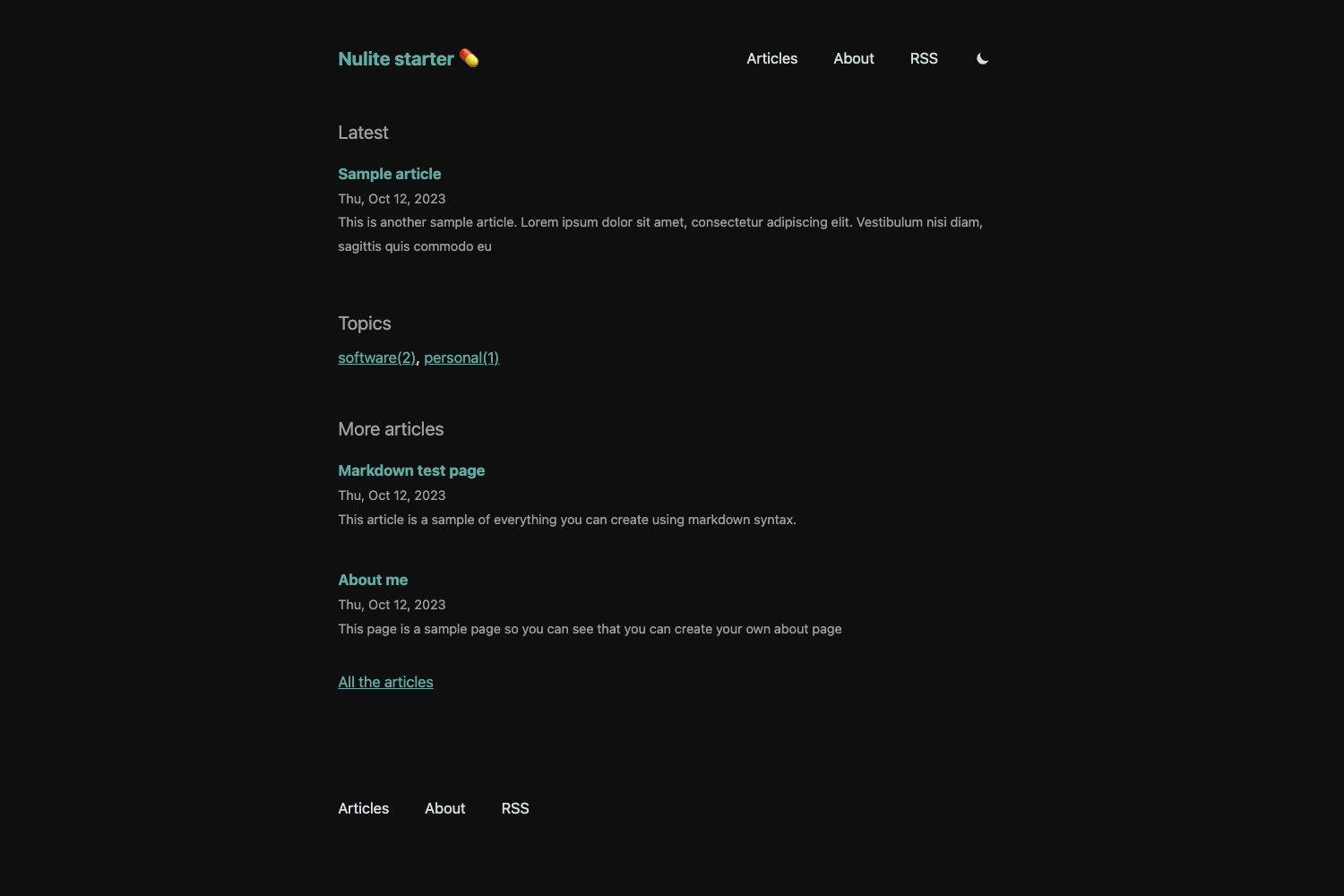
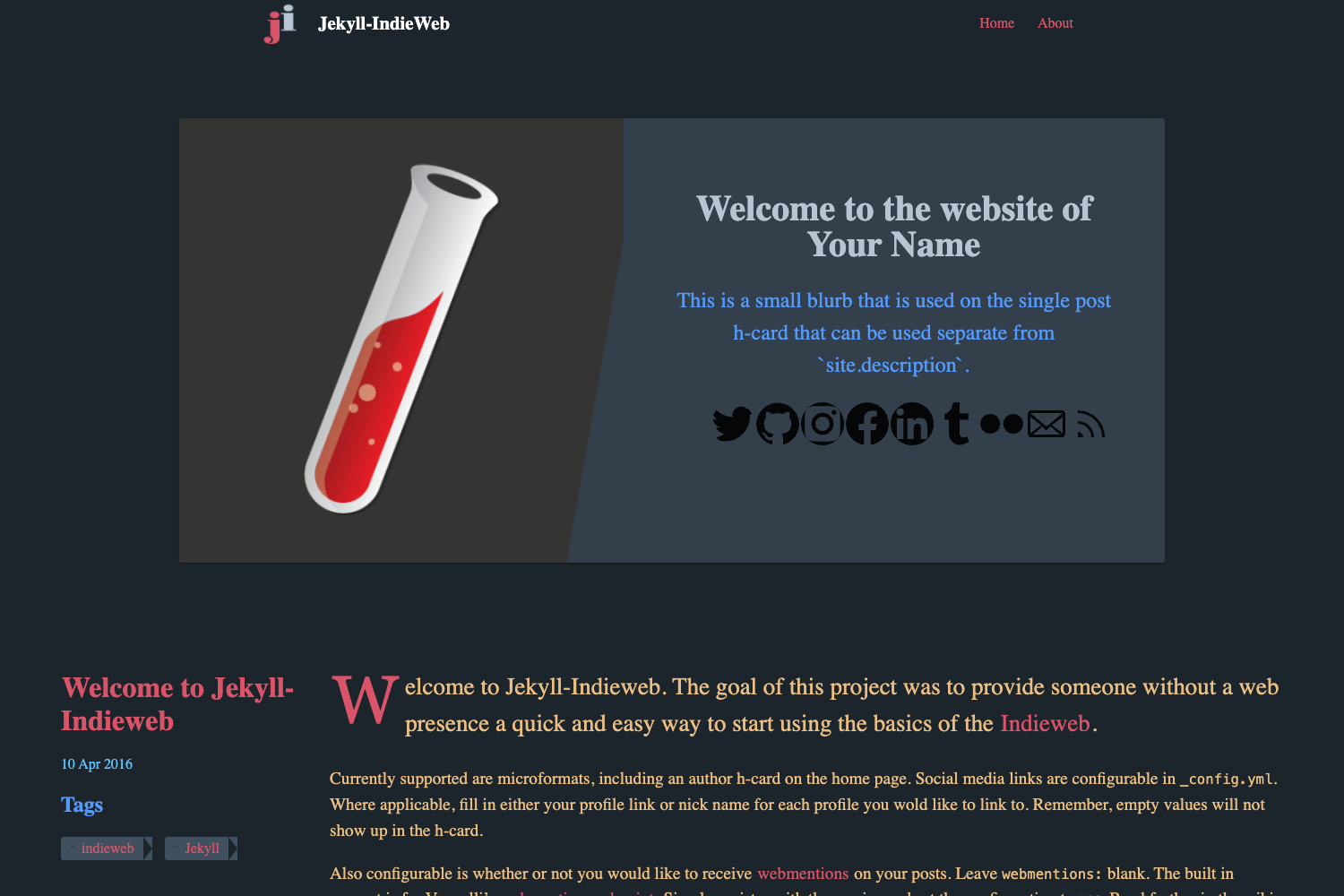
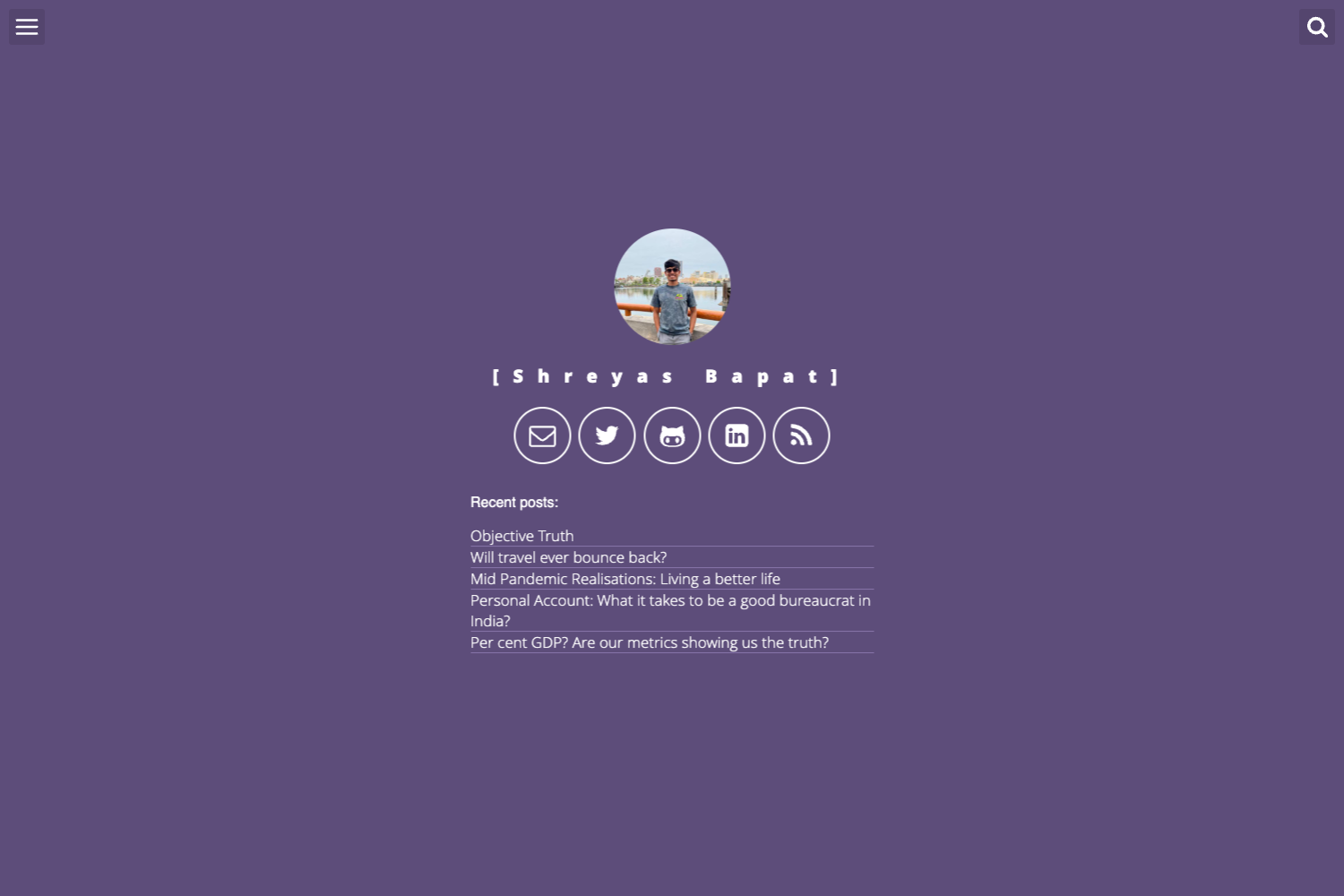
Template details
minimage
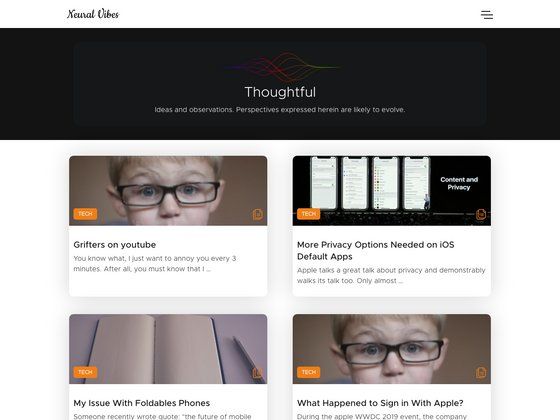
A responsive Hugo blog theme with JSON-LD structured data, tag and thumbnail support, and Google Analytics.
About this template
minimage is a responsive Hugo theme for blogs that bundles JSON-LD structured data, tag and thumbnail support, and Google Analytics into a single MIT-licensed theme. Created by dsk52, this theme turns Markdown blog posts into a static site with SEO-oriented markup and a mobile-friendly layout.
What is minimage?
minimage is a Hugo theme designed for blogging. It takes Hugo site content written in Markdown and produces responsive static pages with built-in JSON-LD structured data, tag organization, and thumbnail images. The theme is released under the MIT license and is maintained on GitHub by dsk52. It works directly inside a Hugo project by cloning the repository into the themes folder.
What makes minimage stand out?
The theme combines several SEO and performance features in a minimal package:
- Responsive layout — The theme adapts to mobile, tablet, and desktop screen sizes without extra configuration.
- JSON-LD structured data — Adds machine-readable schema to posts, helping search engines understand the content.
- Tags and thumbnails — Supports tagging posts and displaying thumbnail images in post lists, useful for visual browsing.
- Google Analytics integration — Includes built-in support for adding a Google Analytics tracking ID to your site.
- Hugo-native workflow — Uses standard Hugo commands like
hugo server -t minimageandhugo new post/your-post-name.mdto create and preview posts.
Who is minimage for?
Hugo bloggers who want a clean, minimal theme with built-in SEO features will find it directly useful. Developers learning Hugo can use it as a small, readable reference theme. Content creators who want their posts to be structured for search engines and social media previews benefit from the JSON-LD and thumbnail support. The theme is also suited for static-site publishers who want Google Analytics without manual snippet insertion.
What can you do with minimage?
- Publish a blog: Create new posts with
hugo new post/your-post-name.mdand organize them with tags. - Improve search visibility: JSON-LD structured data is added automatically to your pages, making it easier for search engines to index your content.
- Track visitor behavior: Connect your Google Analytics account by adding your tracking ID and start measuring site traffic.
- Display thumbnails: Attach thumbnail images to posts to make blog listing pages more visual.
How do you set up minimage?
Inside your Hugo site's themes folder, run git clone https://github.com/dsk52/minimage.git. Then configure your site using the reference config.toml from the exampleSite folder in the repository. To preview locally, run hugo server -t minimage and view your site at localhost:1313. The theme is active under the MIT license.
FAQ
Is minimage free?
Yes. The theme is released under the MIT license, so you can use, modify, and distribute it freely without licensing fees. The repository is public on GitHub.
Does minimage support Google Analytics?
Yes. Google Analytics support is listed as a core feature of the theme. You can add your tracking ID to the site configuration to start tracking visitors.
How do I create a new post?
Use the Hugo command hugo new post/your-post-name.md from your site root. This creates a new Markdown file in the post section, which the theme will render using its post layout.
What is JSON-LD and why does it matter?
JSON-LD is a structured data format that embeds machine-readable schema into your HTML pages. minimage includes this markup so search engines can better understand your post titles, authors, and content, which can improve how your site appears in search results.
Can I use this theme without Google Analytics?
Yes. Since the Google Analytics integration is optional, you can simply omit the tracking ID from your configuration. The rest of the theme's features, including responsive layout and JSON-LD, continue to work normally.