Template details
Hexo Matery Template
Docker one-click deployment template for Hexo blogs with the Matery theme, publishing to GitHub Pages and Gitee Pages.
About this template
The Hexo Matery Template is a Docker-based deployment boilerplate for publishing Hexo blogs on the Matery theme, built around GitHub Actions and docker-compose for one-click releases to GitHub Pages and Gitee Pages.
What is the Hexo Matery Template?
It is a GitHub repository template that provides a complete Dockerized Hexo environment preconfigured with the Matery theme. It takes Markdown articles placed in a source directory and produces a statically generated blog deployed to both GitHub Pages and Gitee Pages through an automated GitHub Actions pipeline. The template pins Hexo version x5.1.1 and Matery theme x2.0.0, and is maintained by the GitHub user lyy289065406 (EXP).
Key Features
- Docker one-click deployment — starts the entire Hexo environment, including Node and the Matery theme, through a single
bin/run.sh|ps1script, with docker-compose.yml handling the service orchestration. - Dual hosting deployment — publishes the same generated site to both GitHub Pages and Gitee Pages (Gitee China) using separate deploy repositories and custom domain support via CNAME.
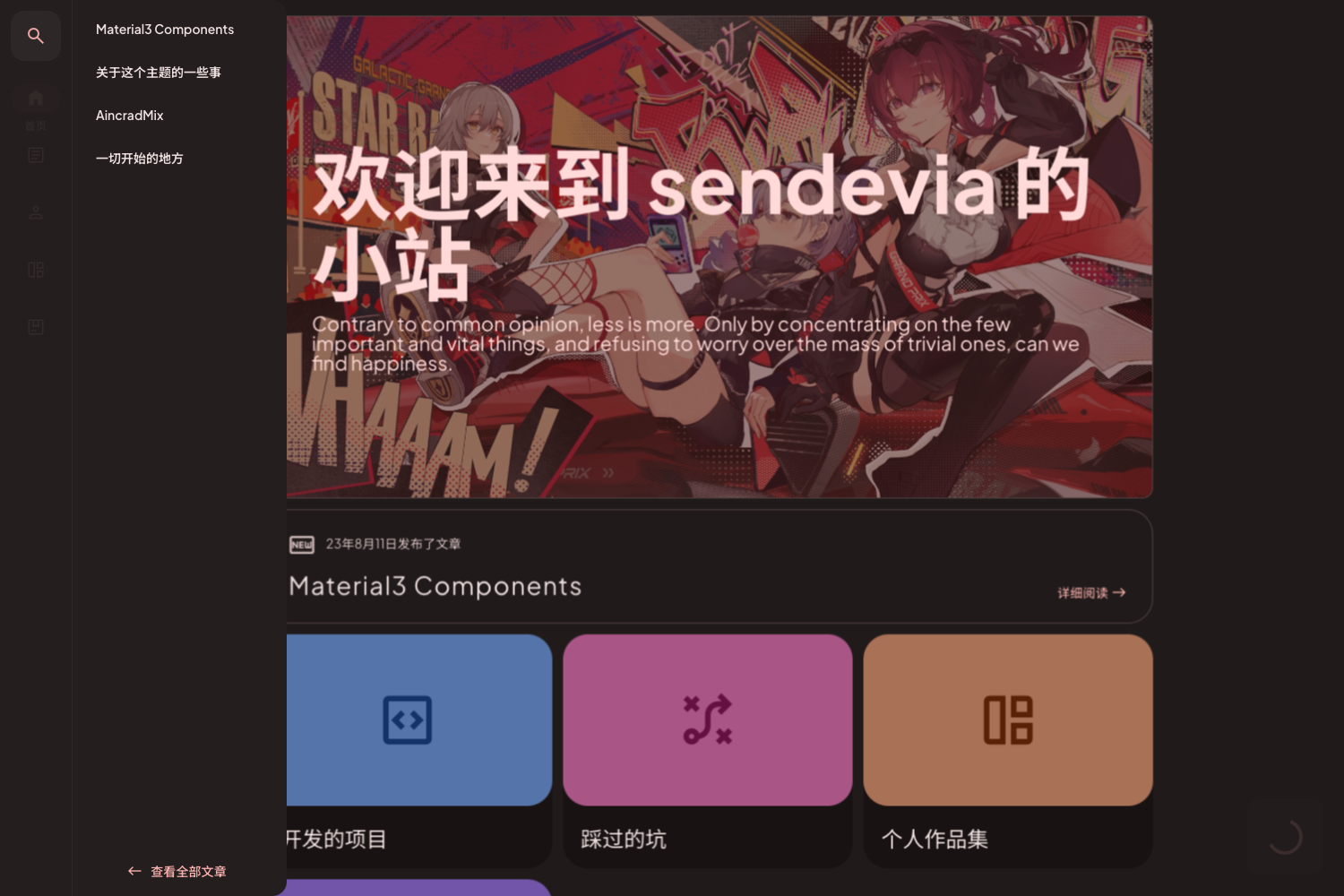
- Pre-configured Matery theme — includes an optimized copy of the Matery theme with a separate
_config.ymlfor theme personalization and resources involumes/hexo/themes/hexo-theme-matery/source. - GitHub Actions CI/CD pipeline — prebuilt workflows in
.github/workflowsread repository secrets and variables (e.g.,DEPLOY_PRIVATE_KEY,_GITEE_USER,_GITEE_PASS) to build and deploy automatically;RUN_TIMEOUTlimits the pipeline to protect GitHub's 2000-minute monthly free quota. - Local debugging scripts —
hexo/generate.sh|ps1,hexo/run.sh|ps1, andbin/terminal.sh|ps1let you build, preview at http://127.0.0.1:4000, and enter the container terminal before publishing. - Flexible configuration parameters — deployment details such as
SITE_PROTOCOL,SITE_DOMAIN,DEPLOY_REPO_NAME, andDEPLOY_REPO_OWNERcan be passed as command-line arguments tobin/run.sh|ps1, enabling custom domains and both GitHub/Gitee targets. - Directory-oriented content management — all Markdown posts live in
volumes/hexo/source/_posts, withscaffoldstemplates, drafts in_draft, and prebuilt pages for about, categories, contact, download, friends, tags, 404, and ads.txt/robots.txt.
Who is it for?
- Personal bloggers who want a GitHub Pages site — they can fork the template, drop their Markdown into
_posts, and let GitHub Actions publish without manually running Hexo. - Developers needing a local Hexo environment — they can spin up a Docker container with
bin/run.shand usehexo/generate.shto build static files locally for preview. - Bloggers targeting both international and Chinese readers — the pipeline can simultaneously deploy to GitHub Pages (global) and Gitee Pages (China), each with its own domain setting.
- Teams that want to keep article source private — the repository can be made private while output is deployed to public Pages repositories, since only the generated files are pushed.
Use cases
- Tech blogger: write Markdown posts in
volumes/hexo/source/_postsand runhexo/deploy.sh|ps1to push rendered HTML to GitHub and Gitee Pages automatically. - Open-source project owner: use the template to host a project documentation blog under the Matery theme with custom domain mapping via
SITE_DOMAIN. - GitHub Actions learner: study the preconfigured workflow files to see how docker-in-docker builds and multi-repository secret injection are implemented.
How does it work?
- Install git, docker, and docker-compose on your machine.
- Fork this repository as a template, then create public empty repositories on GitHub and Gitee that will receive the generated Hexo output.
- Configure SSH keys for GitHub/Gitee access and add repository secrets (
DEPLOY_PRIVATE_KEY,_GITEE_USER,_GITEE_PASS) plus variables (domain, repo owner/name, git user/mail) in GitHub Actions settings. - Push a commit; the GitHub Actions pipeline builds the Hexo site inside Docker and deploys it to both Pages services.
Pros and cons
Pros
- Fully scripted setup reduces deployment steps to a few shell commands.
- Supports both GitHub and Gitee Pages in one pipeline, including Gitee's Pages refresh via a crawler API.
- Local and production workflows share the same Docker image, minimizing environment mismatch.
- Custom domains and HTTP/HTTPS protocol are configurable via parameters.
Cons
- Requires Docker and docker-compose installed locally if you want to run the included debug scripts.
- Gitee deployment needs account credentials stored as secrets, and Gitee Pages must be refreshed manually or via the provided crawler.
- The pipeline consumes GitHub Actions free minutes; the README recommends setting
RUN_TIMEOUTto avoid wasting the 2000-minute monthly quota.
Pricing
The template repository is open source for free use, following the MIT license (LICENSE file is included in the repository root).
FAQ
Is the Hexo Matery Template free?
Yes. The repository is published on GitHub as a template and includes an MIT license, so it can be used, modified, and redistributed without cost.
What versions of Hexo and Matery does it use?
The environment badge shows Hexo x5.1.1 and Matery x2.0.0. Both are pinned in the Docker setup, so your blog uses those specific versions unless you edit the container dependencies.
Can I use my own custom domain?
Yes. Set SITE_DOMAIN for the local server and configure _GITHUB_DOMAIN and _GITEE_DOMAIN in the GitHub Actions variables. The pipeline supports CNAME-based custom domains for both Pages services.
What is the difference between the local and production deployment?
Local scripts (bin/run.sh, hexo/generate.sh) run the Docker environment on your machine and preview at 127.0.0.1:4000. Production deployment is triggered by GitHub Actions using the same Docker image and pushes the build to the configured Pages repositories.
What does RUN_TIMEOUT do?
It sets the maximum execution time for the GitHub Actions workflow in seconds. The README suggests starting with 0 (unlimited), observing the actual build time, then setting it slightly higher to prevent the docker-in-docker loop from exhausting your monthly 2000-minute Actions quota during network failures.