Template details
Kir-Dev Blog
A Jekyll blog template for Kir-Dev's site with Docker and bare-metal setup, post workflow, and MIT license.
About this template
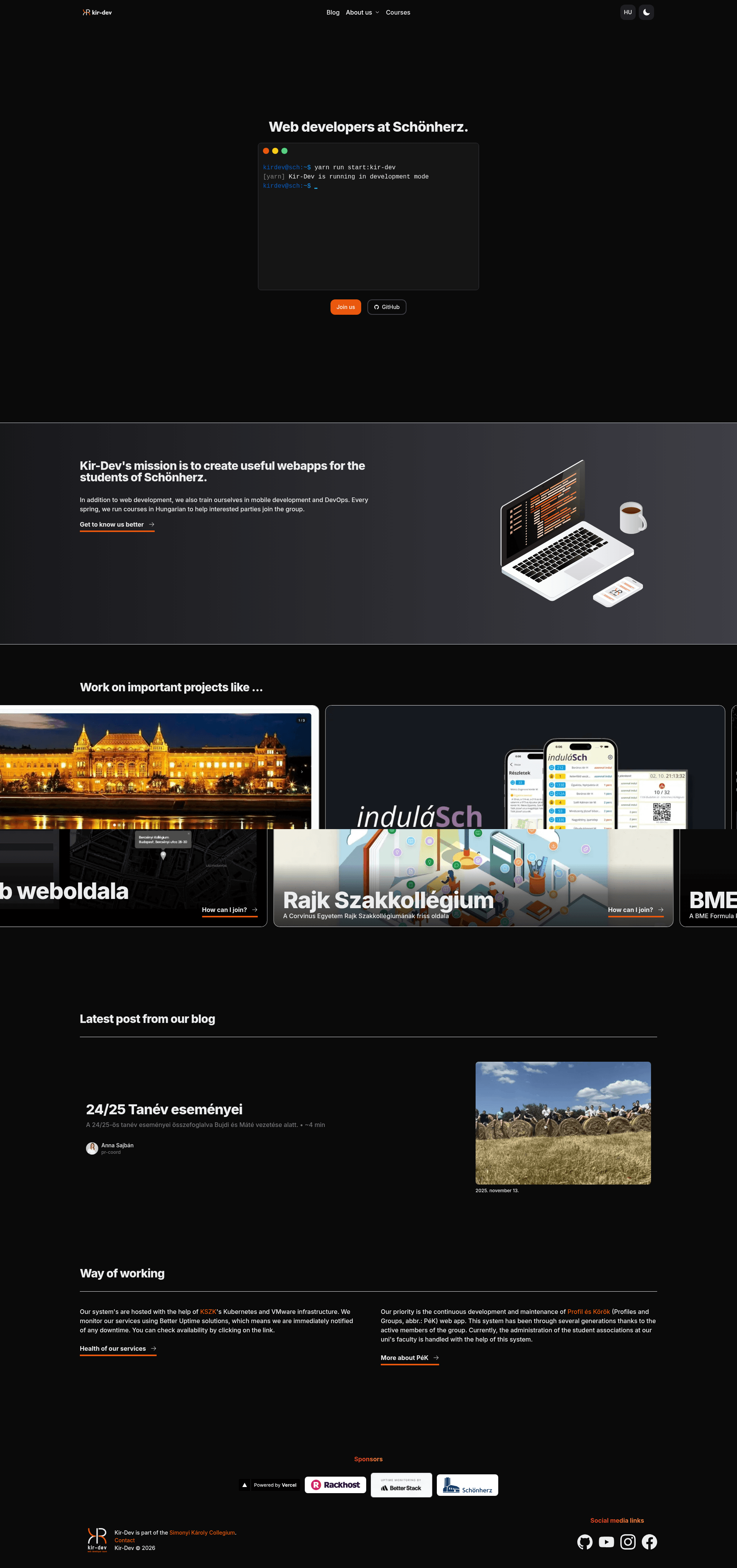
Kir-Dev Blog is a Jekyll-based blog template used to publish content for the Kir-Dev student circle's website at kir-dev.sch.bme.hu, providing a Markdown-first writing workflow with both bare-metal and Docker execution options.
What is Kir-Dev Blog?
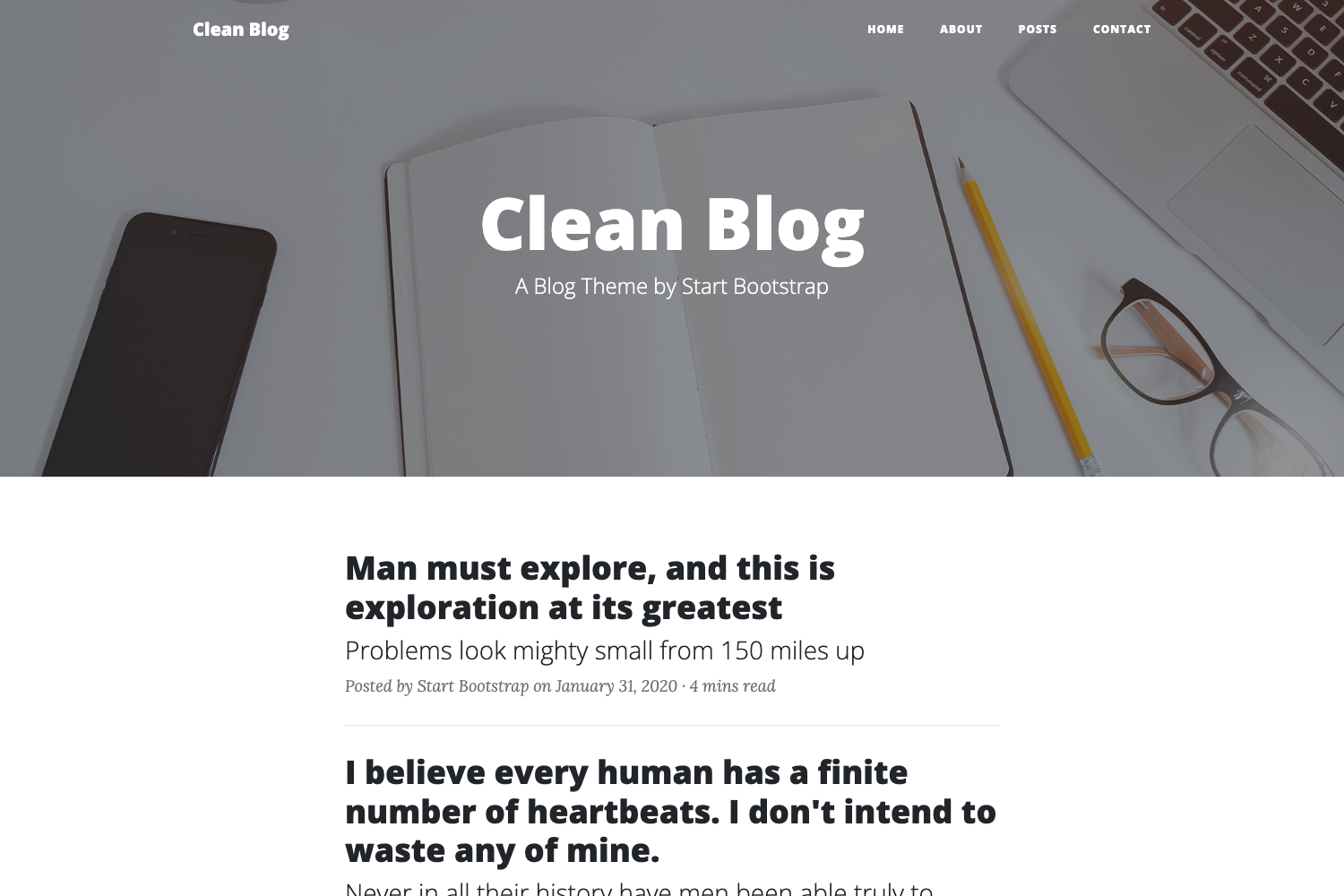
Kir-Dev Blog is a Jekyll-powered static site repository that holds the content of the Kir-Dev student group's blog. It takes Markdown posts with YAML front matter and builds them into a static HTML site using Jekyll, which runs on Ruby. The source is maintained on GitHub under the Kir-Dev organization, and the README documents installation, post creation, and licensing.
What makes it stand out?
- Jekyll static generation — The site is generated by Jekyll; running
jekyll serve --watchserves it locally atlocalhost:4000. - Docker compositing — A
docker-compose.ymllaunches the same blog atlocalhost:3333with a singledocker-compose upcommand. - Minimal dependencies — Bare-metal installation only requires Ruby and the
jekyllgem; no database or build tools are needed. - Standardized post naming — Posts in
_posts/must useYYYY-MM-DD-slug.md, which Jekyll converts into dated URLs. - Structured front matter — Each post requires
layout,title, andauthorfields;authoruses the contributor's PÉK username, which the template links to from the post layout. - Optional comment toggle — Setting
comment: truein front matter renders a comment section below the post. - Pull request editorial workflow — New posts are created on feature branches, pushed to GitHub, reviewed via pull requests, and merged into
master. - Split licensing —
_posts/,_drafts/, andimg/are Copyright Kir-Dev; all other directories and files are MIT Licensed.
Who should use Kir-Dev Blog?
- Kir-Dev members — They add blog posts following the branch-and-PR process outlined in the README.
- Jekyll learners — A small, self-contained Jekyll project that demonstrates post front matter, Docker deployment, and a real-world publishing workflow.
- Open-source contributors — Anyone who wants to submit a guest post can fork the repository, create a branch, and open a pull request; the README even mentions using the Draft service to streamline reviews.
What can you do with Kir-Dev Blog?
- Write a post in Markdown — Create a file in
_posts/with the required front matter, then push it to a branch for review. - Preview locally with Docker — Run
docker-compose upand view the blog atlocalhost:3333without installing Ruby on your machine. - Use the Draft integration — Collaborate on a post in Draftin, then merge it directly to
master, skipping the PR loop when a post is already reviewed.
How does the publishing workflow work?
After cloning the repository, you create a new branch, add a Markdown file to _posts/ using the naming convention, and push the branch to GitHub. You then open a pull request, address review comments, and merge the changes into master. Alternatively, a post written in Draft can be merged without a pull request.