Template details
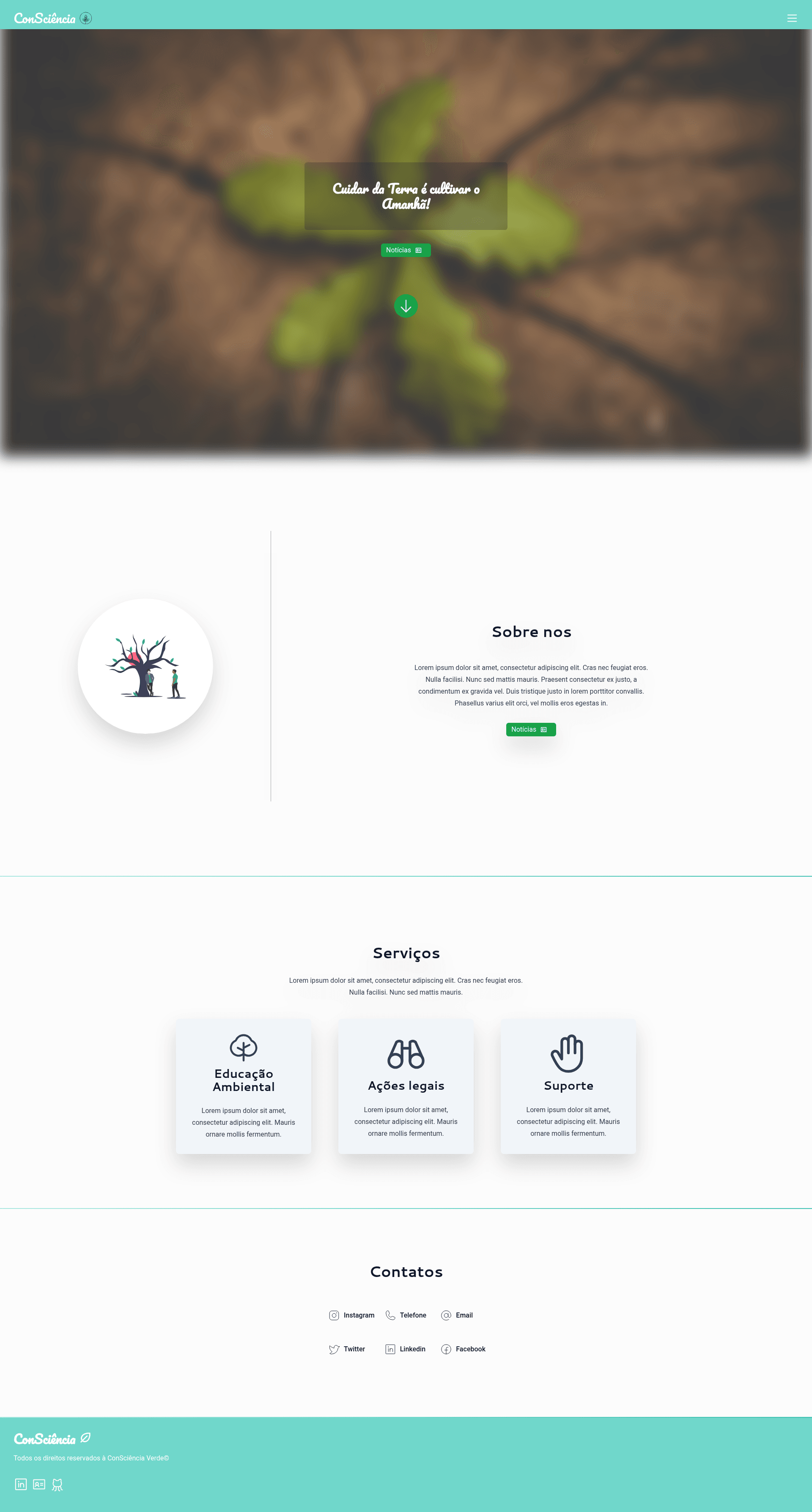
Consciencia Verde
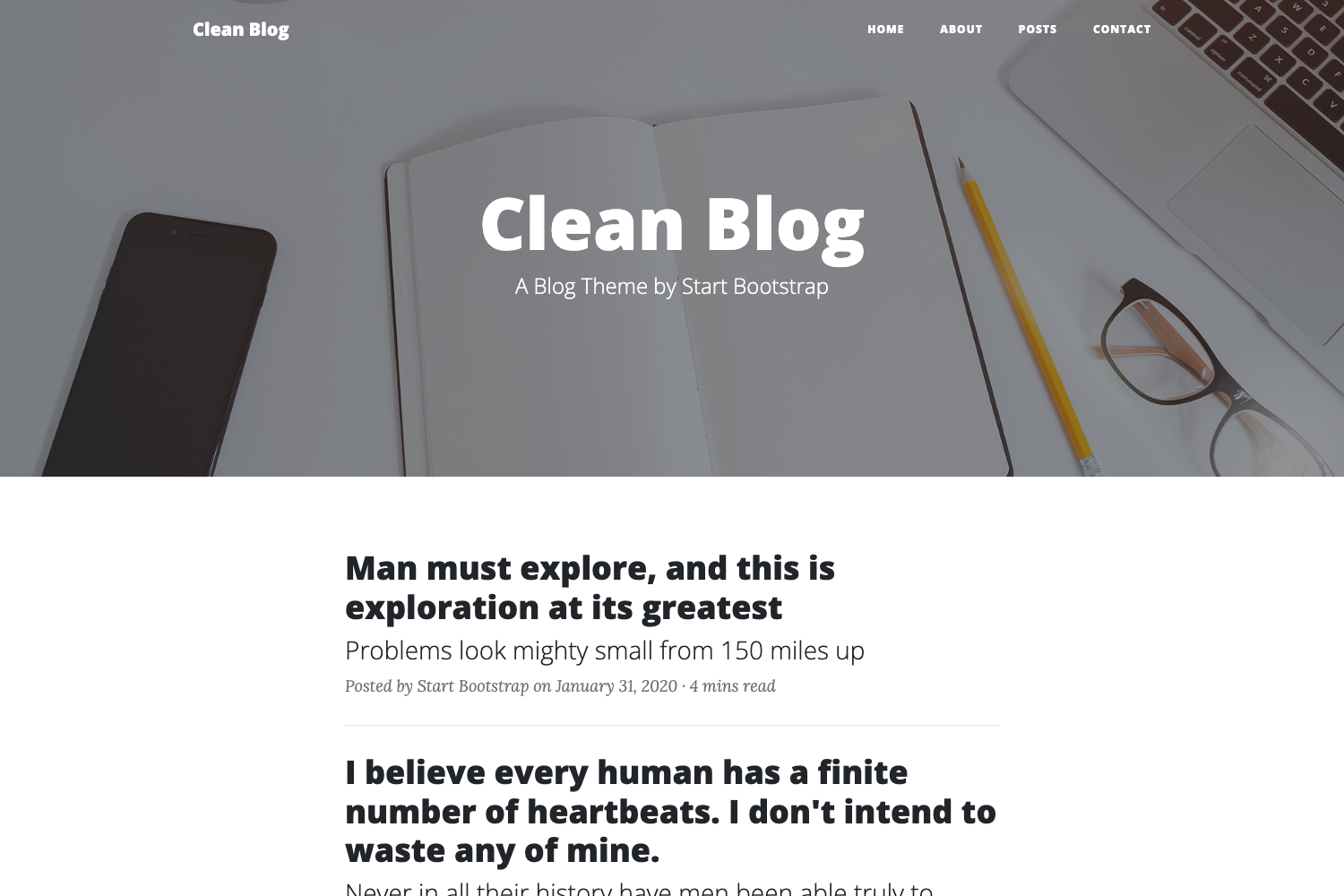
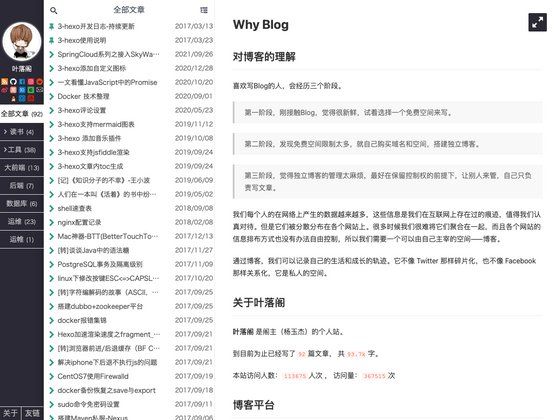
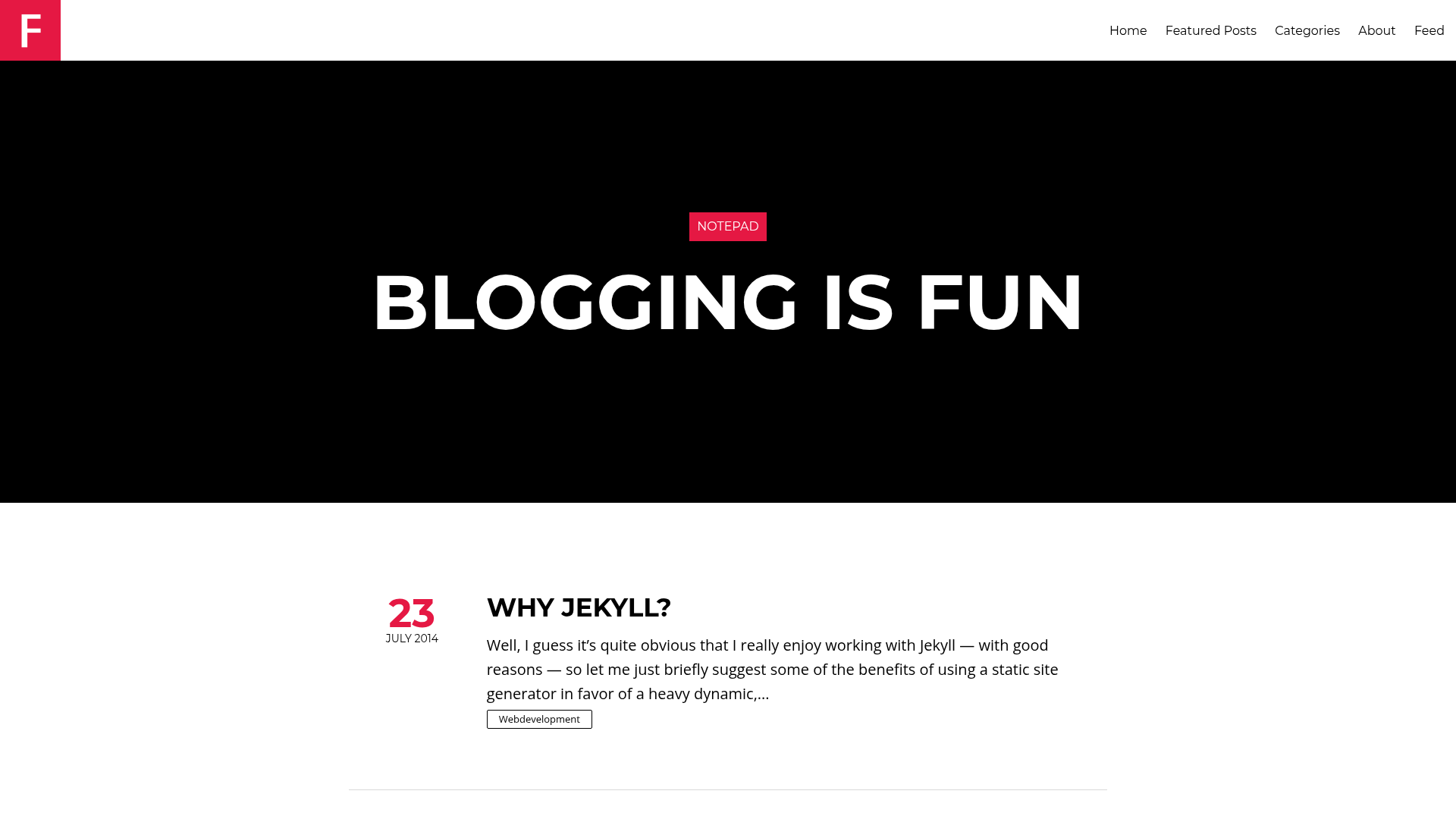
A simple blog template built on Next.js with Firebase, Algolia, Redis, MySQL, and a user-manager service.
About this template
Consciencia Verde is a simple blog template built on Next.js that combines Firebase, Algolia, Redis, MySQL, an external user-manager service, and a dedicated back-end instance into one full-stack blogging project.
What is Consciencia Verde?
Consciencia Verde is a blog template written in JavaScript and TypeScript that runs on the Next.js framework. It takes environment configuration from a .env.example file and produces a blog front-end that depends on Firebase Services, Algolia Services, a Redis instance, a MySQL instance, a user-manager service (hosted at the linked GitHub repository), and a back-end instance documented via a public Postman collection. The repository itself is a thin starter: it does not include the back-end or UMS code, but it provides docker-compose.yml to run Redis and MySQL locally.
Key Features
- Next.js foundation — The template is built on Next.js and includes both JavaScript and TypeScript source files.
- Firebase integration — Firebase Services is listed as a core dependency, covering authentication or data storage on Google's platform.
- Algolia search — Algolia Services is wired in to provide search for the blog's content.
- Redis caching — A Redis instance is required, giving the template a caching layer.
- MySQL persistence — A MySQL instance is required for relational data storage.
- User-manager service — The template expects an instance of the user-manager-service project (linked in the README) to handle user-related features.
- Back-end API — A separate back-end instance must be running, with its API documented in the Postman collection.
- Environment and Docker support — .env.example lists all required variables, and docker-compose.yml helps launch Redis and MySQL for development and production.
Who is it for?
- Full-stack developers — Those who want a blog starter that already connects Next.js to Firebase, Algolia, Redis, MySQL, and a user-management API, saving them from wiring these services themselves.
- Developers building a searchable blog — The Algolia integration means the template is ready for content search, so a developer can focus on writing posts rather than building search infrastructure.
- Teams that use Docker — Because docker-compose.yml is included for Redis and MySQL, teams can stand up the supporting services with one command.
What can you do with Consciencia Verde?
- Create a production blog architecture — Configure the environment, run the back-end and UMS instances, and deploy the Next.js front-end to serve blog content.
- Add user accounts and profiles — Connect the template to the user-manager service to enable user registration and management.
- Provide fast search on posts — Use Algolia to index blog articles and surface results to readers.
How does Consciencia Verde work?
To use the template, clone the repository, copy the .env.example file, and fill in the necessary credentials for Firebase, Algolia, Redis, MySQL, the user-manager service, and the back-end API. Then launch the Redis and MySQL instances using docker-compose.yml, start the back-end and user-manager services, and run the Next.js app. The front-end reads the environment variables and communicates with those services to function as a blog.
FAQ
Is Consciencia Verde free?
The repository is a public GitHub project with one star and no pricing or license information shown in the README, so it appears to be a free open-source template. Check the repository directly for exact license terms.
Which services does Consciencia Verde need?
It needs Firebase Services, Algolia Services, a Redis instance, a MySQL instance, an instance of user-manager-service, and a back-end instance. All required configuration keys are shown in .env.example.
Does Consciencia Verde use Next.js?
Yes, the template is built on Next.js and its repository topics include Next.js, JavaScript, and TypeScript.