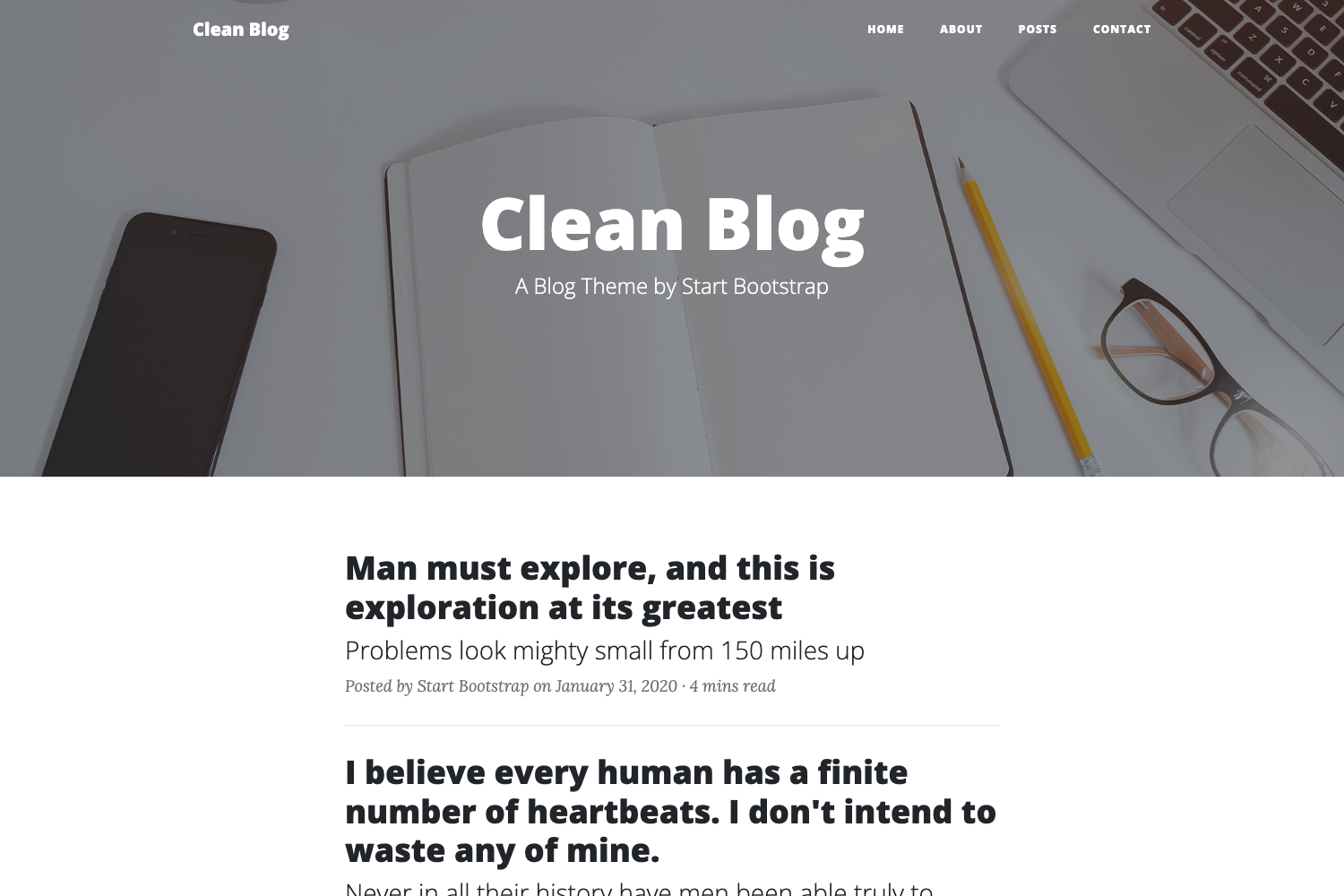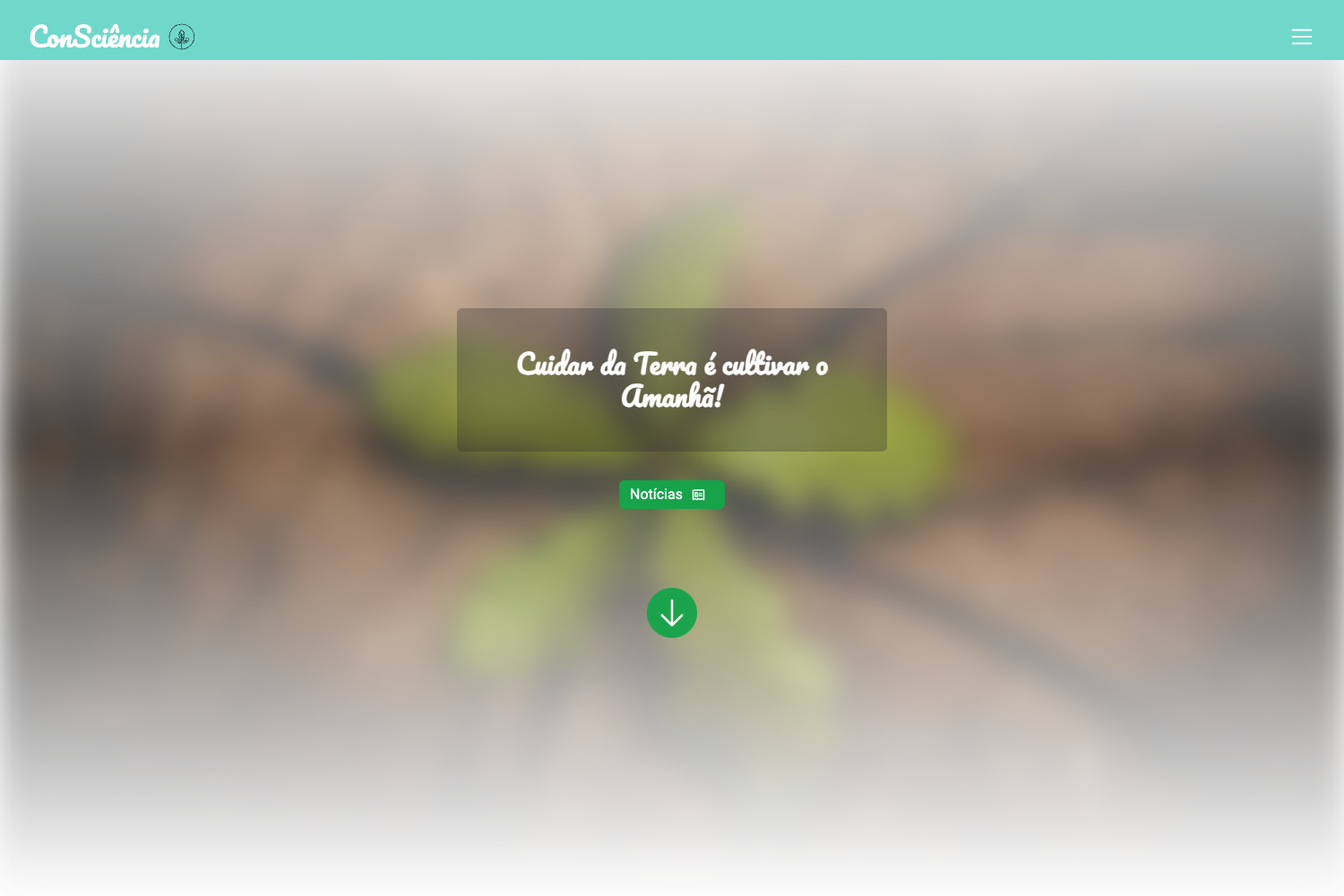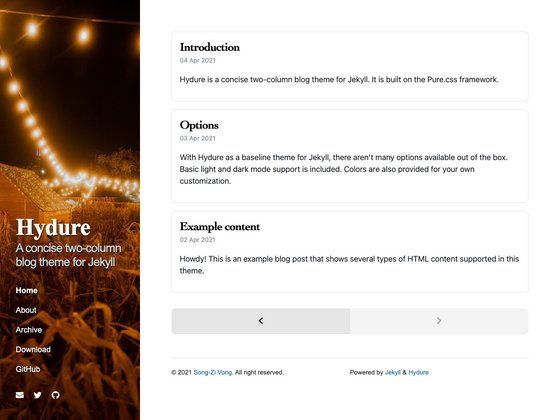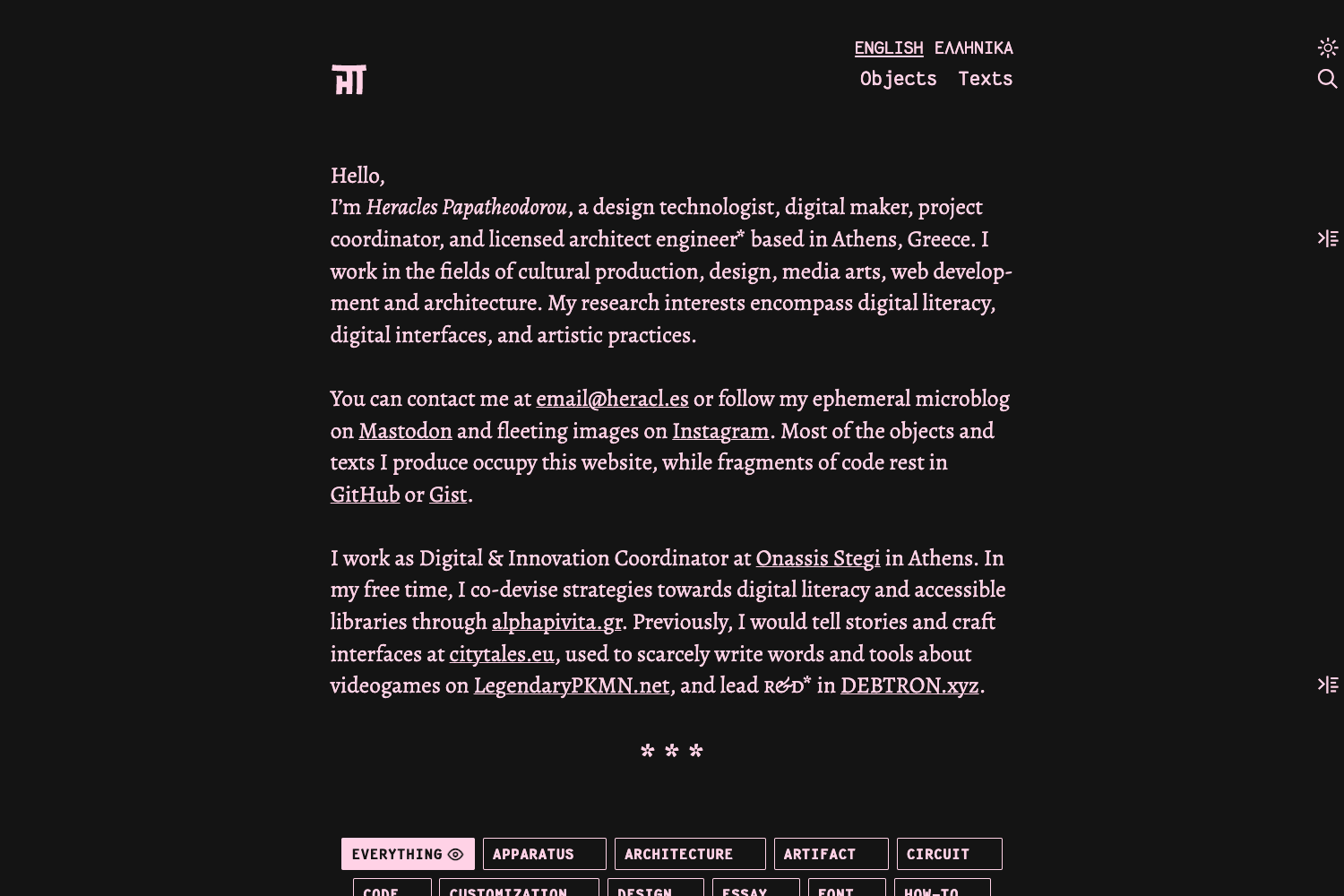
Template details
Jekyll Theme M3
A lightweight Jekyll theme designed with Material Design 3 (M3) for simple article-focused static sites.
About this template
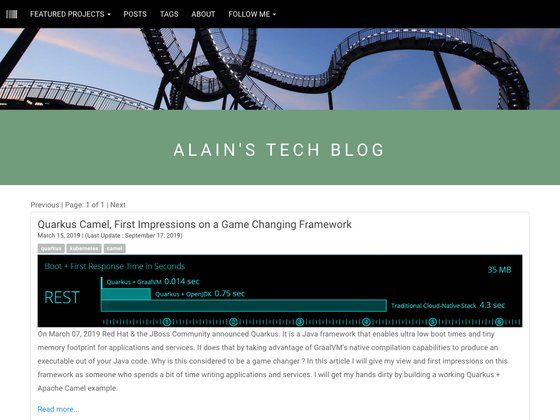
Jekyll Theme M3 is a lightweight Jekyll theme that brings Google's Material Design 3 (M3) visual system to a blog or article-oriented static site. It is designed to publish Markdown-based posts through Jekyll, the Ruby-based static site generator, producing a fast, HTML-only output.
What is Jekyll Theme M3?
Jekyll Theme M3 is a static site theme built on Jekyll, styled according to Material Design 3 (M3) principles. It takes Markdown files as input and generates a fully static HTML site as output, requiring no database or server-side processing. The theme is described as "lightweight" and focuses on "basic article display functionality," making it a minimal starting point for a personal blog or documentation hub. It is hosted on GitHub, where the repository currently has 8 stars, and is tagged with topics including jekyll, jekyll-theme, and material-design.
Key Features
- Material Design 3 (M3) UI — The interface follows M3 guidelines, incorporating elements such as a tonal color palette, rounded components, and elevation effects that give the site a distinctly modern, Google-like appearance.
- Lightweight footprint — The theme is engineered to be lean, with minimal dependencies and a small codebase, which helps keep the generated site fast to load and easy to customize.
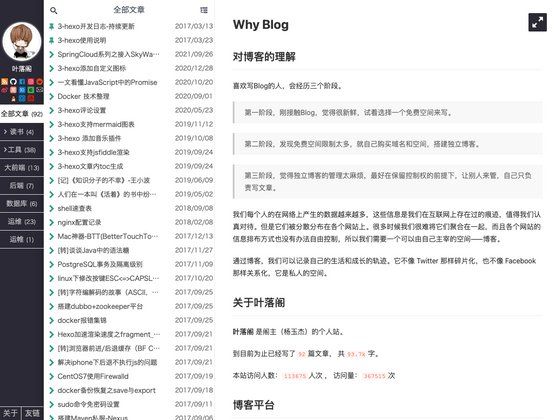
- Basic article display — The theme is built around displaying articles and posts, providing a simple layout for listing titles, reading content, and navigating between entries.
- Standard Jekyll toolchain — As a Jekyll theme, it uses Liquid templating, YAML front matter, and the normal Jekyll build process, so authors can write posts in Markdown and generate static pages with one command.
- GitHub-ready — The source is publicly available on GitHub under topics like jekyll-theme and material-design, making it possible to fork, clone, or deploy to GitHub Pages for free hosting.
Who is it for?
- Personal bloggers — Individuals who want a simple, modern-looking blog without the overhead of a CMS, with a focus on clean typography and a familiar design language.
- Developers new to Jekyll — Programmers who want to experiment with a Jekyll theme that has a recognizable Material Design aesthetic and minimal configuration.
- Hobbyist site owners — People who need a no-frills website for publishing a few articles, and prefer the static site approach for reliability and low maintenance.
What can you do with Jekyll Theme M3?
- Publish Markdown-based articles — Write posts in Markdown, add YAML front matter with metadata, and run Jekyll to build a static site with a Material 3-styled presentation.
- Host on GitHub Pages — Push the repository to GitHub and use Pages to publish the generated static site for free, since it conforms to standard Jekyll theme structure.
- Customize the Material look — Adjust the M3 color palette and typography through the theme's variables to match a personal brand, because the theme is built on Material Design tokens.