Template details
hexo-theme-async
A simple, lightweight Hexo theme.
About this template
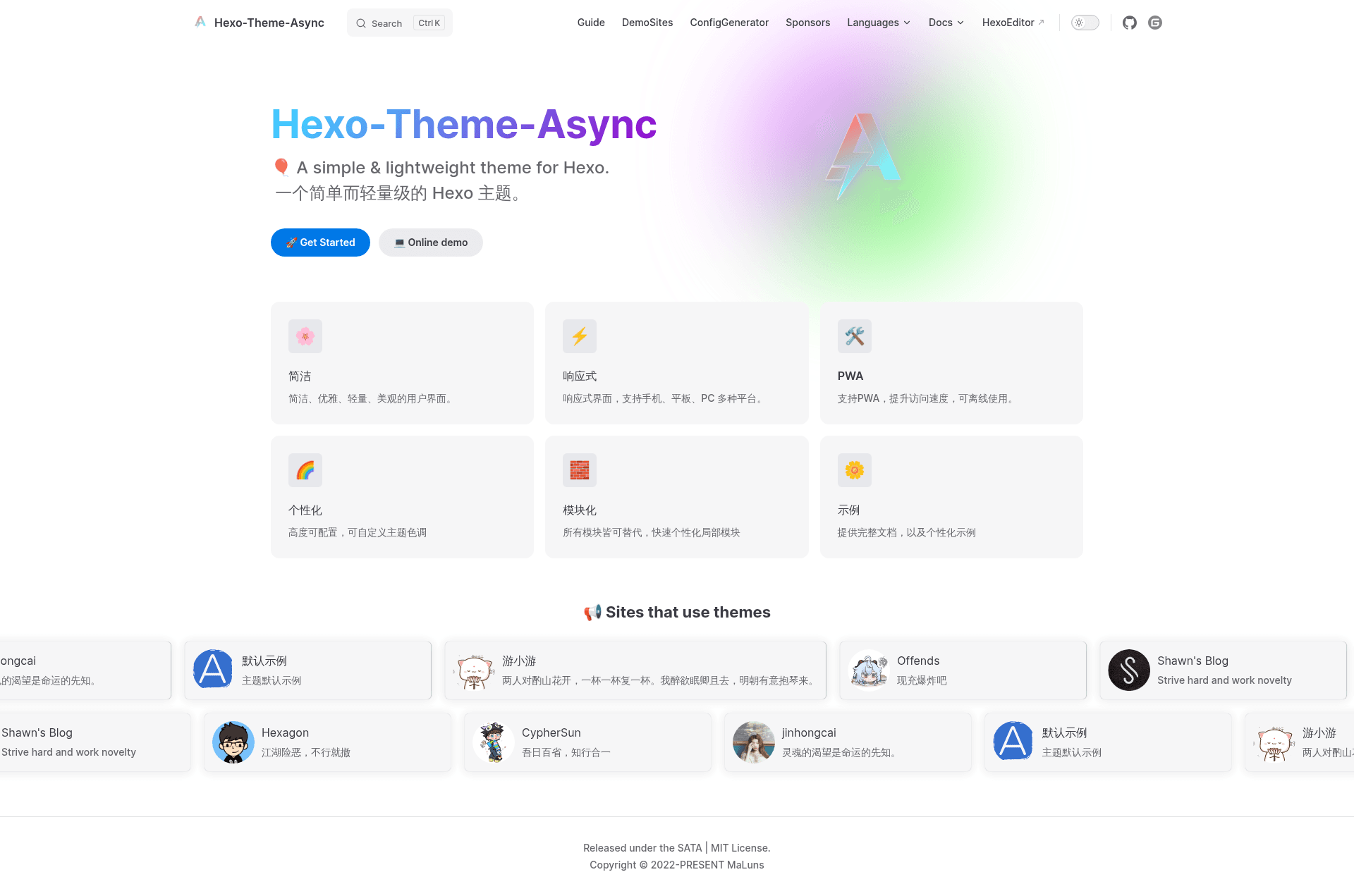
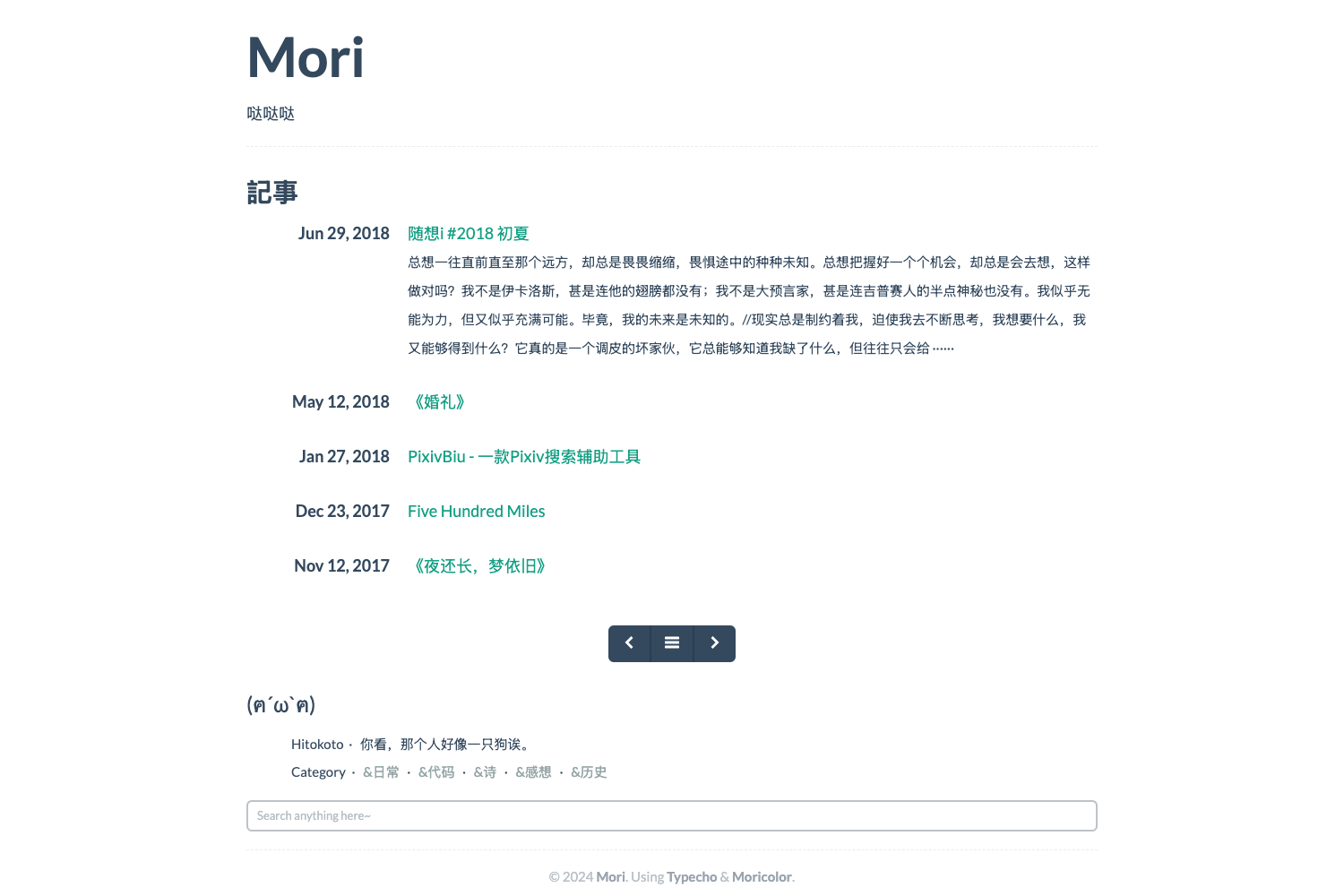
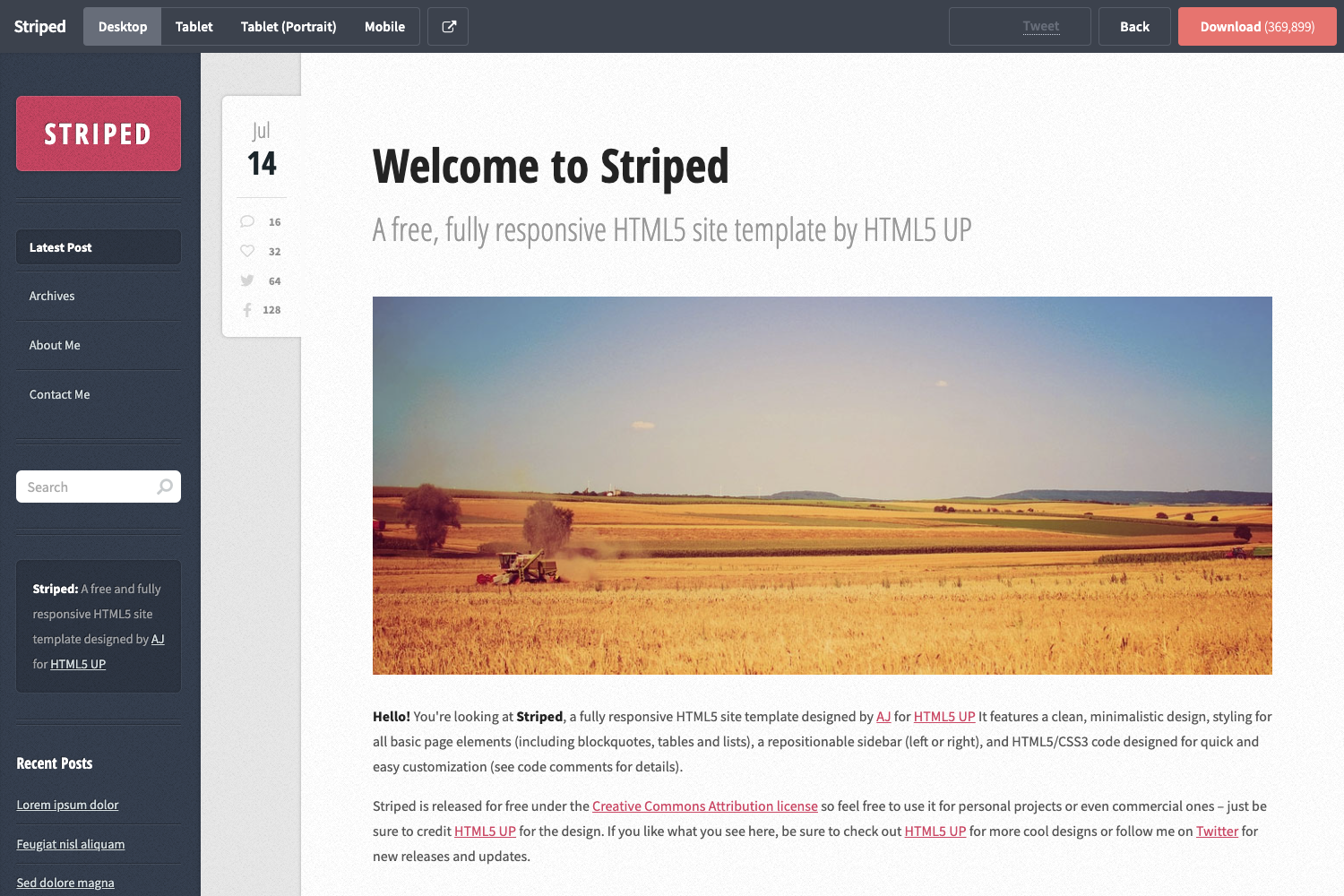
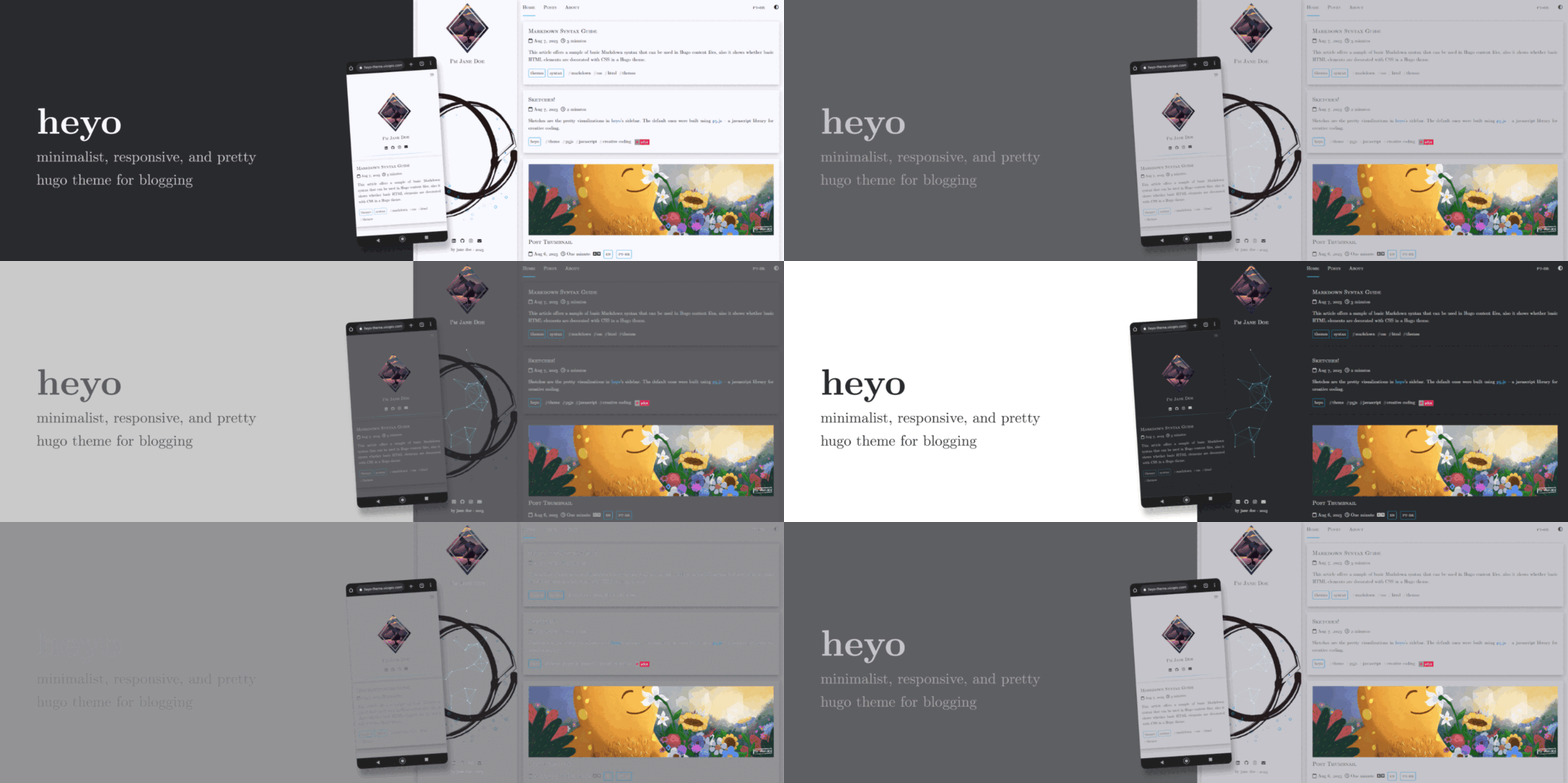
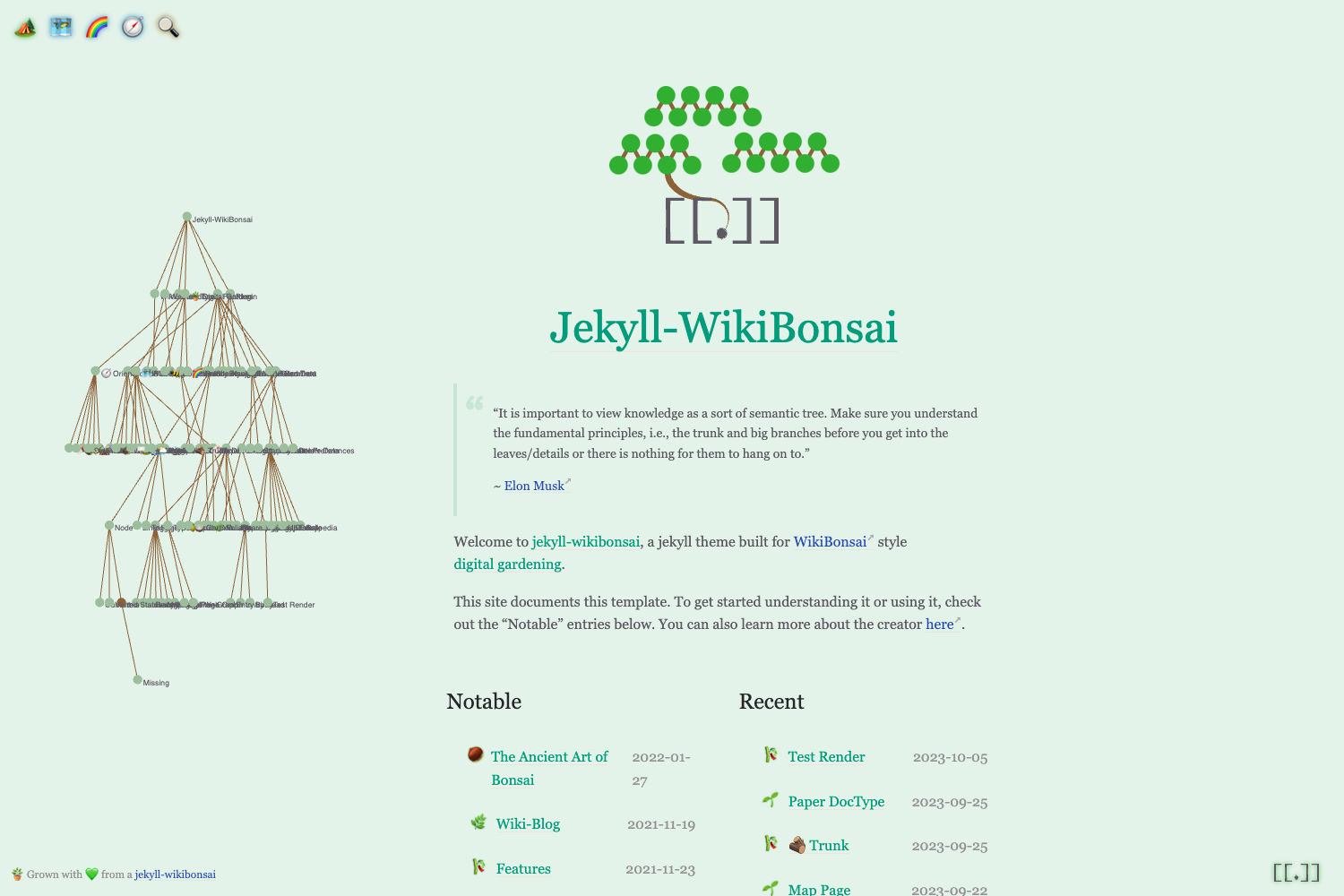
hexo-theme-async is a simple, lightweight Hexo theme that transforms Markdown posts into a clean static blog, using Less for styling and EJS for templating.
What is hexo-theme-async?
hexo-theme-async is a theme for the Hexo static site generator, designed to be minimal and fast. It takes your Markdown content and renders it into a static website without any database or server-side processing. The theme requires Hexo 6.3.0 or higher and Node.js v14.x or newer. It is developed by MaLuns and released under the SATA License, which permits free use as long as you star the repository on GitHub.
Key Features
- Lightweight design — a simple, content-focused layout that keeps the page weight low.
- Less-based styling — styles are written in Less and compiled via
hexo-renderer-less. - EJS templating — page templates use EJS, making it easy to modify with JavaScript-like syntax.
- Installation via npm or yarn — run
npm install --save hexo-theme-async hexo-renderer-less hexo-renderer-ejsto get started. - Configuration overrides — customize the theme using a
_config.async.ymlfile without editing the theme's source. - Simple upgrades — update to the latest version with
npm install hexo-theme-async@latest. - Documentation — official Chinese and English docs are hosted at hexo-theme-async.imalun.com.
- Demo sites — a live demo and a list of user blogs are available on the demo page.
Who is it for?
- Hexo bloggers — anyone running a Hexo blog who wants a straightforward, fast theme with minimal setup.
- Developers — those who like to tinker with Less and EJS templates and want a small codebase to customize.
- Writers and content creators — people who want to publish a personal blog without caring about design complexity.
What can you do with hexo-theme-async?
- Launch a personal blog — set up a new Hexo site, install the theme, and start writing Markdown posts.
- Customize the look — override theme variables and settings through
_config.async.ymlto adjust layout and styling. - Preview the theme — browse the official demo site to see the default design and check out member sites.
How does it work?
After installing the theme and its renderers via npm or yarn, you configure it through _config.async.yml. You then generate your static site with Hexo's standard build command. Upgrading is done by running npm install hexo-theme-async@latest in your Hexo folder.
Pros and cons
- Pros: free under the SATA License, lightweight, easy to install and upgrade, well-documented in two languages.
- Cons: requires installing two extra renderer packages (Less and EJS); the SATA license mandates starring the repository.
FAQ
Is hexo-theme-async free?
Yes, it is free to use under the SATA License. The license requires you to star the repository on GitHub, but there are no other fees.
What are the requirements for hexo-theme-async?
You need Hexo 6.3.0 or higher and Node.js v14.x or newer. The theme also depends on hexo-renderer-less and hexo-renderer-ejs.
How do I install hexo-theme-async?
Run npm install --save hexo-theme-async hexo-renderer-less hexo-renderer-ejs in your Hexo project folder. If you prefer yarn, use yarn add --save hexo-theme-async hexo-renderer-less hexo-renderer-ejs.
Where can I find the documentation?
Documentation is available in both Chinese and English. The dev version is at hexo-theme-async.imalun.com, and the master version is at async-docs.imalun.com.
Can I customize the theme without editing its source?
Yes, you can override the default theme configuration by creating a _config.async.yml file in your Hexo site's root directory.