Template details
heyo Hugo Theme
Responsive, minimalist Hugo theme with dark mode, sidebar visuals, and callout/badge shortcodes.
About this template
heyo is a responsive, minimalist Hugo theme for blogs and personal websites, offering dark mode, sidebar visualizations, and shortcodes that extend plain markdown.
What is heyo?
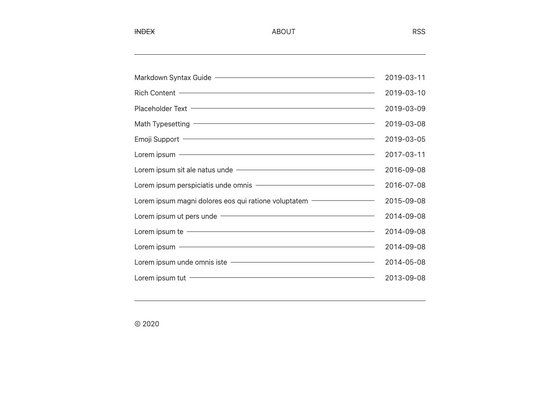
heyo is a Hugo theme created by Lucas Vadilho, built as a redesign and extension of Alexander Bilz's Anatole theme. It takes standard Hugo content — markdown files, front matter, and images — and renders them into a blog-style site with a persistent sidebar, post listings, and article pages. The theme runs on any Hugo installation, and the repository includes an exampleSite that you can run locally with the command hugo server --themesDir ../... It ships with English and Brazilian Portuguese translations, and uses Hugo's multilingual structure so additional languages can be added.
Key Features
- Dark theme — heyo has a built-in dark mode that switches the full color palette; the exampleSite shows both light and dark appearances.
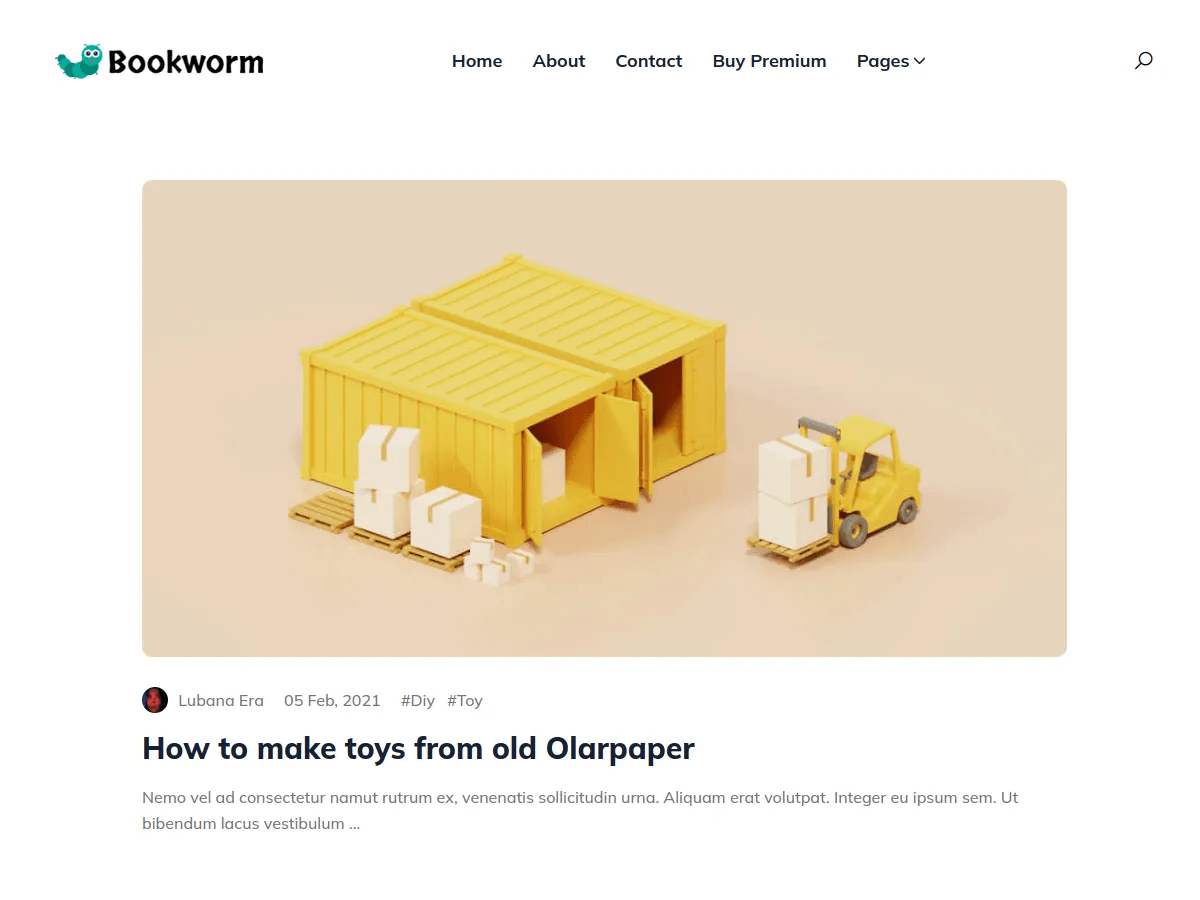
- Cover images — posts can define a cover image in front matter, which appears at the top of the post and in the thumbnail example.
- Sidebar visualizations — the sidebar can display pretty sketches and visualizations, along with standard profile widgets.
- Table of Contents in sidebar — long posts can opt into a table of contents that lives in the sidebar, keeping the reading column clear.
- Callout shortcode — a shortcode for styled callout boxes that you can drop into markdown content.
- Badges shortcode — a shortcode for inserting badge-style labels or images into posts and pages.
- Custom CSS and JS — site authors can add custom stylesheets and scripts via configuration, without editing theme files.
- Multilingual support — heyo includes translations for English and Brazilian Portuguese and supports adding more via Hugo's i18n system.
- Open Graph support — built-in Open Graph meta tags improve link previews on social platforms.
Who is it for?
- Bloggers and writers who want a clean, responsive layout with a sidebar that can hold navigation, a table of contents, and profile information.
- Hugo developers who want a modern-looking theme they can customize with shortcodes and custom CSS/JS without forking the theme.
- Creative professionals — the cover images and sidebar sketches can present photography or artwork, even though the core structure is blog-first.
What can you do with heyo?
- Start a personal blog — clone the exampleSite, replace the sample content with your own markdown posts, and publish with Hugo.
- Publish long-form tutorials — use the sidebar table of contents and callout boxes to structure step-by-step guides.
- Showcase a portfolio — use cover images on posts and the sidebar visualization space to create a visually engaging portfolio site.
How does heyo work?
Clone the repository, enter the exampleSite folder, and run hugo server --themesDir ../.. to preview locally. To use heyo in your own project, copy the theme folder into your Hugo project's themes directory and set the theme name in your site configuration. Content is written as normal markdown with optional front matter for cover images and sidebar settings.
FAQ
Is heyo free to use?
Yes, heyo is an open-source Hugo theme available on GitHub. The repository includes a license badge and a Ko-fi support link for voluntary contributions, so there is no cost to use the theme.
Does heyo support dark mode?
Yes, dark theme is a listed feature, and the exampleSite demonstrates both light and dark versions of the design.
Can I use heyo in multiple languages?
heyo currently ships with English and Brazilian Portuguese translations. Because it uses Hugo's native multilingual system, you can add more language files yourself.
What is heyo based on?
heyo is based on the Anatole theme by Alexander Bilz. The author credits Bilz as the original creator, and Anatole remains a separate, simpler theme.