Template details
Hexo Theme Bcxm
A Hexo blog theme forked and customized from hexo-theme-butterfly, offering a personalized design and simple installation.
About this template
Hexo Theme Bcxm is a blog theme for the Hexo static site generator, forked from hexo-theme-butterfly and customized to the author's personal preferences.
What is Hexo Theme Bcxm?
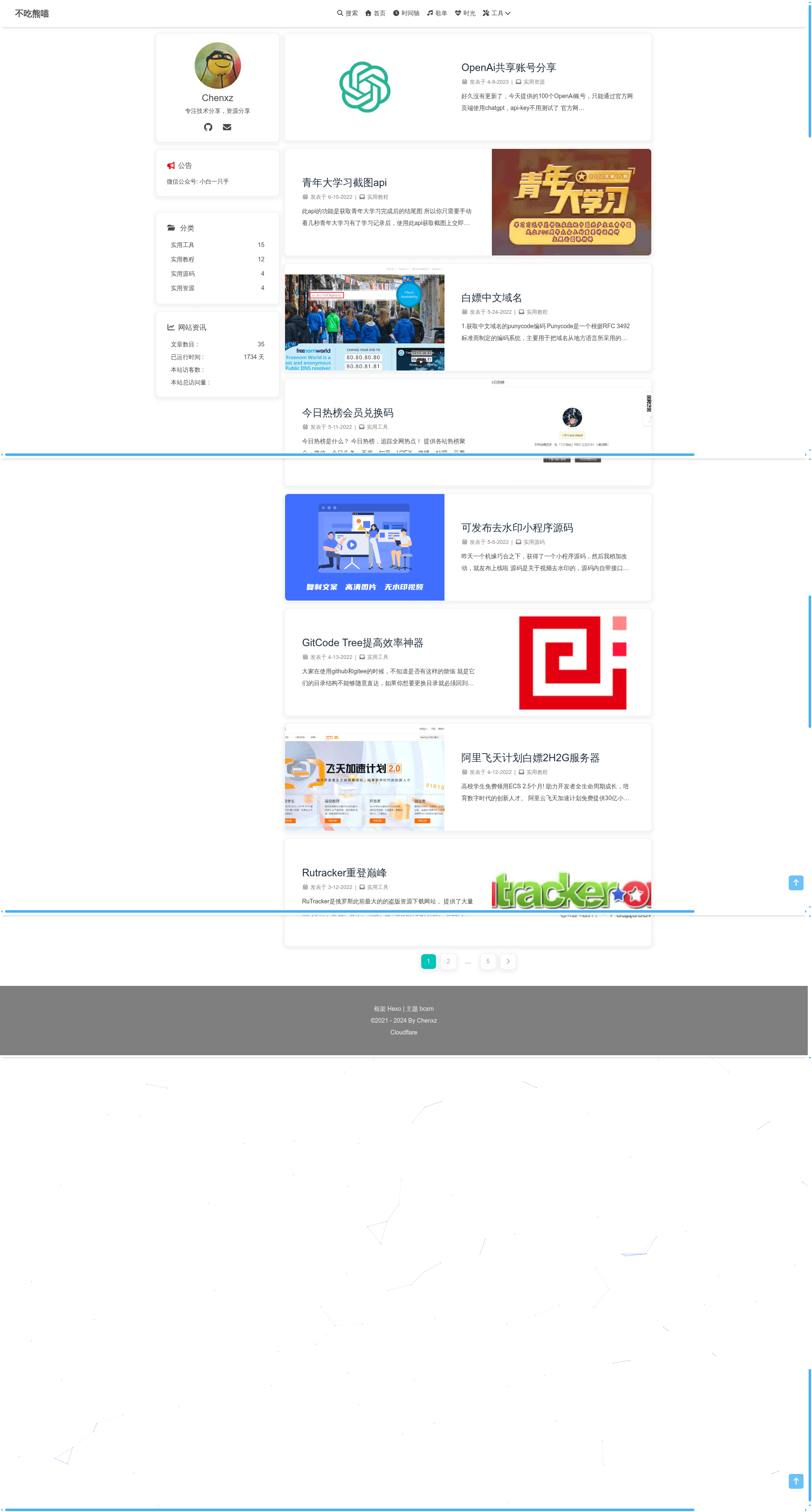
Hexo Theme Bcxm is a Hexo theme that transforms Hexo's markdown content into a styled static blog. It is a fork of hexo-theme-butterfly, a popular Hexo theme, modified by GitHub user chenxz21 based on personal taste. The theme is available for free via its public GitHub repository and has a live demo at bcxm.fun. It uses the pug templating engine and stylus stylesheets, which must be installed as separate Hexo renderer packages.
Key Features
- Based on hexo-theme-butterfly — The theme inherits the structure and design philosophy of butterfly, a widely used Hexo theme, and modifies it for a different visual style.
- Customization of the default butterfly design — The author changed styling, layout, and possibly components to suit personal preferences; the exact modifications are described in the repository's README (with Chinese version available).
- Git-based installation — Clone the main branch directly into the
themes/bcxmdirectory of any Hexo project. - Requires pug and stylus renderers — Must install
hexo-renderer-pugandhexo-renderer-stylusvia npm if not already present. - Simple configuration — Set the active theme by editing
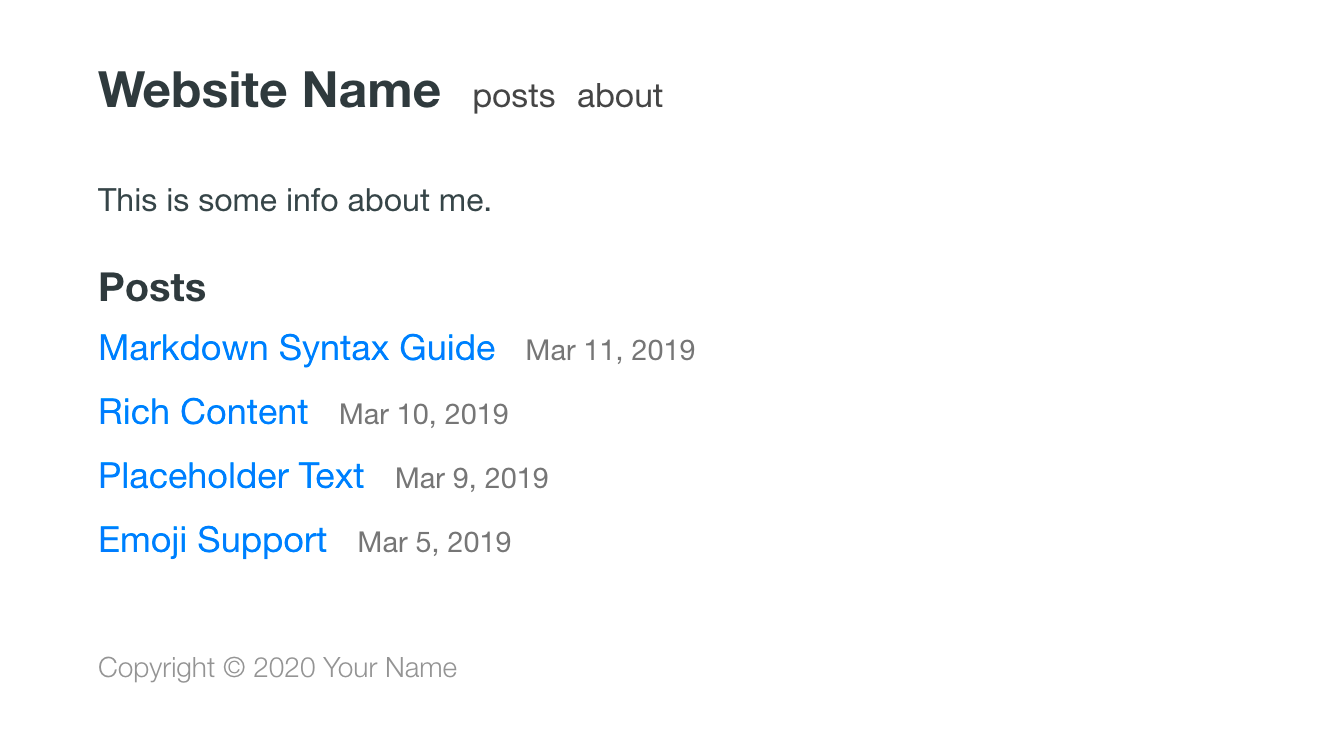
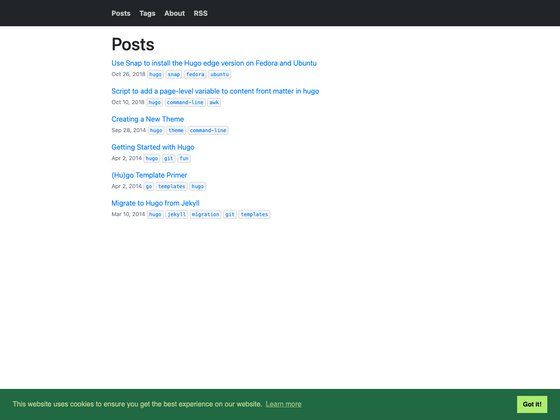
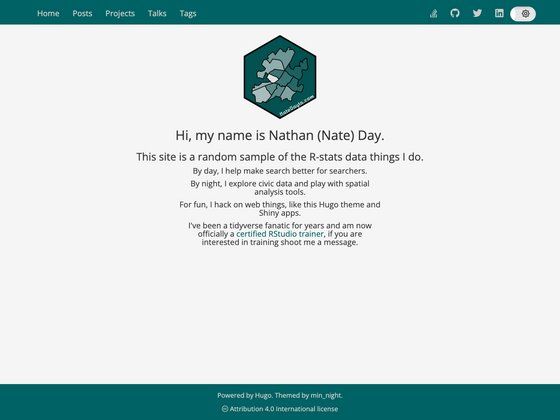
theme: bcxmin the root_config.ymlof the Hexo site. - Demo available — The live site at bcxm.fun showcases the theme's appearance and behavior.
Who should use Hexo Theme Bcxm?
- Hexo bloggers looking for a butterfly-derived theme with a slightly different look and feel — they can install it and start posting immediately.
- Developers who want to customize a theme — Because it's a fork, the source code is open and editable, so developers can adapt it further.
- Users who prefer a Chinese-language theme community — The repository includes a Chinese README, indicating support for Chinese users.
What can you do with Hexo Theme Bcxm?
- Create a personal blog — Build a static blog with markdown posts and get a polished front-end without writing JavaScript.
- Explore theme customization — Use the fork as a starting point to learn how Hexo themes are structured and how to tweak them.
- Run a fast, low-maintenance site — Since Hexo outputs static HTML, the resulting blog is fast and can be hosted anywhere.
FAQ
How do I install Hexo Theme Bcxm?
Run git clone -b main https://github.com/chenxz21/hexo-theme-bcxm.git themes/bcxm in your Hexo project directory, then install the required renderers with npm install hexo-renderer-pug hexo-renderer-stylus, and set theme: bcxm in _config.yml.
Is Hexo Theme Bcxm free?
Yes, the theme is publicly available on GitHub under the repository chenxz21/hexo-theme-bcxm. You can clone and use it without charge; there is no commercial pricing or license restriction mentioned in the README.
What are the requirements for the theme?
It requires Hexo as the static site generator, plus the hexo-renderer-pug and hexo-renderer-stylus npm packages to compile the templates and stylesheets. No specific Hexo version is stated in the README.
Does the theme have a demo?
Yes, the repository links to a live demo at https://www.bcxm.fun, which shows the theme in action.