Template details
Hikari
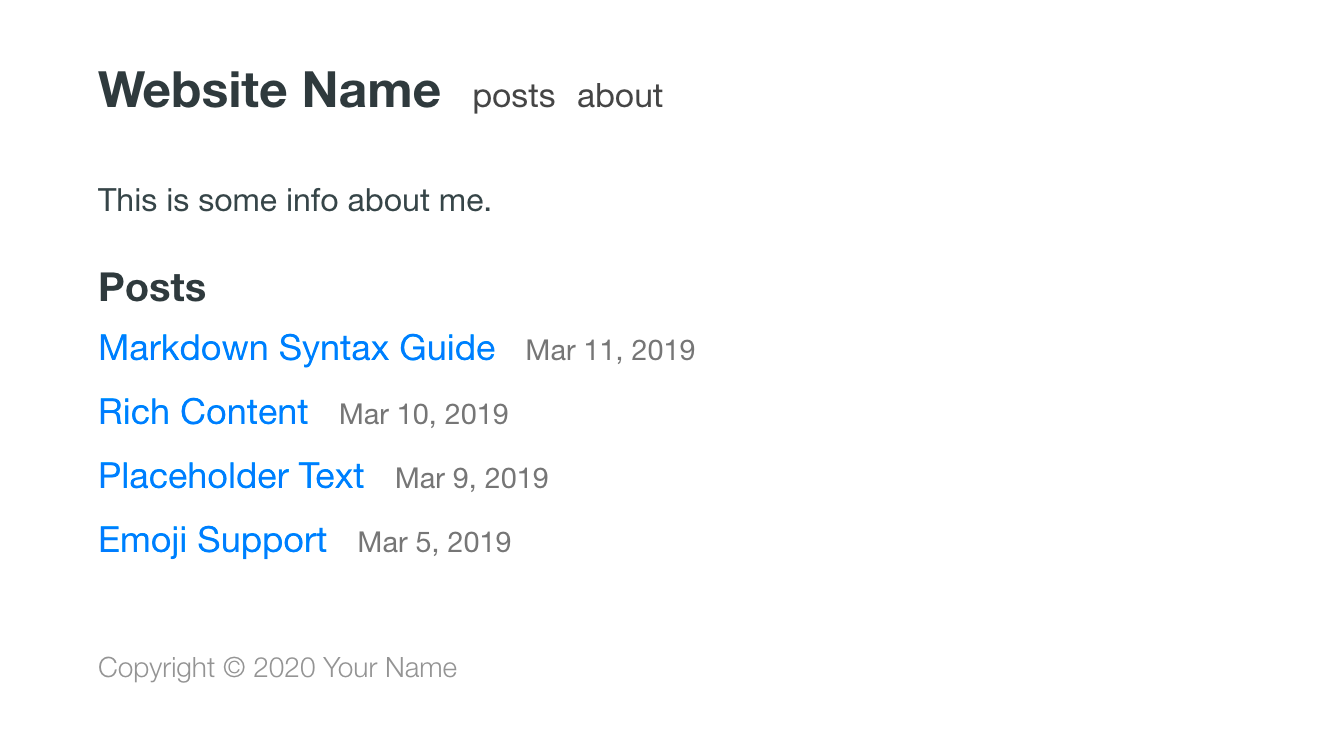
A minimal, responsive open-source Jekyll theme for dev-savvy bloggers, built with SCSS and no JavaScript libraries.
About this template
Hikari is a minimal, open-source Jekyll theme for dev-savvy bloggers who want a fast, no-JavaScript blogging setup. This page covers what the theme includes, how to install it, and who it's best suited for.
What is Hikari?
Hikari is an open-source Jekyll theme created by Mathieu Mayer-Mazzoli (GitHub: mx3m) with contributions from Ross Allen and Julien Rousseau. It takes a standard Jekyll site — a _config.yml file, Markdown posts, and an assets folder — and outputs a responsive, SCSS-styled blog. The theme is built exclusively for Jekyll, so it needs Jekyll and Ruby to run locally, and it can be deployed to GitHub Pages for free.
Key Features
- SCSS styling — All styles are written in SCSS, allowing you to tweak colors and layout using variables and mixins directly in the source.
- Responsive layout — The theme adapts to different screen sizes without requiring any front-end framework.
- Zero JavaScript — No JavaScript libraries are loaded, keeping the page lightweight and fast.
- GitHub Pages ready — The project uses a
gh-pagesbranch for its demo and recommends GitHub Pages as a free hosting option in the README. - Simple setup — Installation is a three-step process: clone the repo, edit
_config.yml, and replace the dummy posts and the avatar atassets/img/avatar.jpg. - MIT licensed — The theme is free to use, modify, and distribute under the MIT License.
Who is it for?
Hikari is aimed at developers and bloggers who already understand code and want a minimal alternative to heavy blogging platforms. It's a good fit for Jekyll beginners who want a working theme to study and customize. It also serves writers who host on GitHub Pages and want a free, low-maintenance site. And it appeals to minimalists who prefer sites with no JavaScript load.
What can you do with Hikari?
- Dev bloggers — Write technical posts in Markdown and drop them into the
_postsfolder; Jekyll builds them into a static blog. - Jekyll newcomers — Learn how Jekyll works by customizing
_config.ymland replacing dummy posts with your content. - GitHub Pages users — Push the theme to a GitHub repository and enable GitHub Pages for free, no-cost hosting.
How does Hikari work?
The README describes a straightforward workflow: clone the repository, install dependencies with Bundler (bundle install), and run bundle exec jekyll serve --watch to preview the site at localhost:4000. After customizing the config and content, you can publish to GitHub Pages following the official Jekyll + Pages instructions.
FAQ
Is Hikari free?
Yes, the theme is open source and released under the MIT License, so it is free to use, modify, and distribute.
How do I install Hikari?
Clone the repository, edit _config.yml with your site details, replace the placeholder posts and the avatar at assets/img/avatar.jpg, then run bundle install and bundle exec jekyll serve --watch to preview locally.
Can I use Hikari with GitHub Pages?
Yes. The README explicitly recommends GitHub Pages for publishing and notes that it is free. The repository's gh-pages branch serves the demo, and you can publish your own version by pushing to a GitHub Pages-enabled branch.
Does Hikari include JavaScript libraries?
No. The theme is described as lightweight and says "no JS library has been abused here," meaning it loads no JavaScript libraries, which keeps the site fast and simple.