Template details
Minimal Bootstrap Hugo Theme
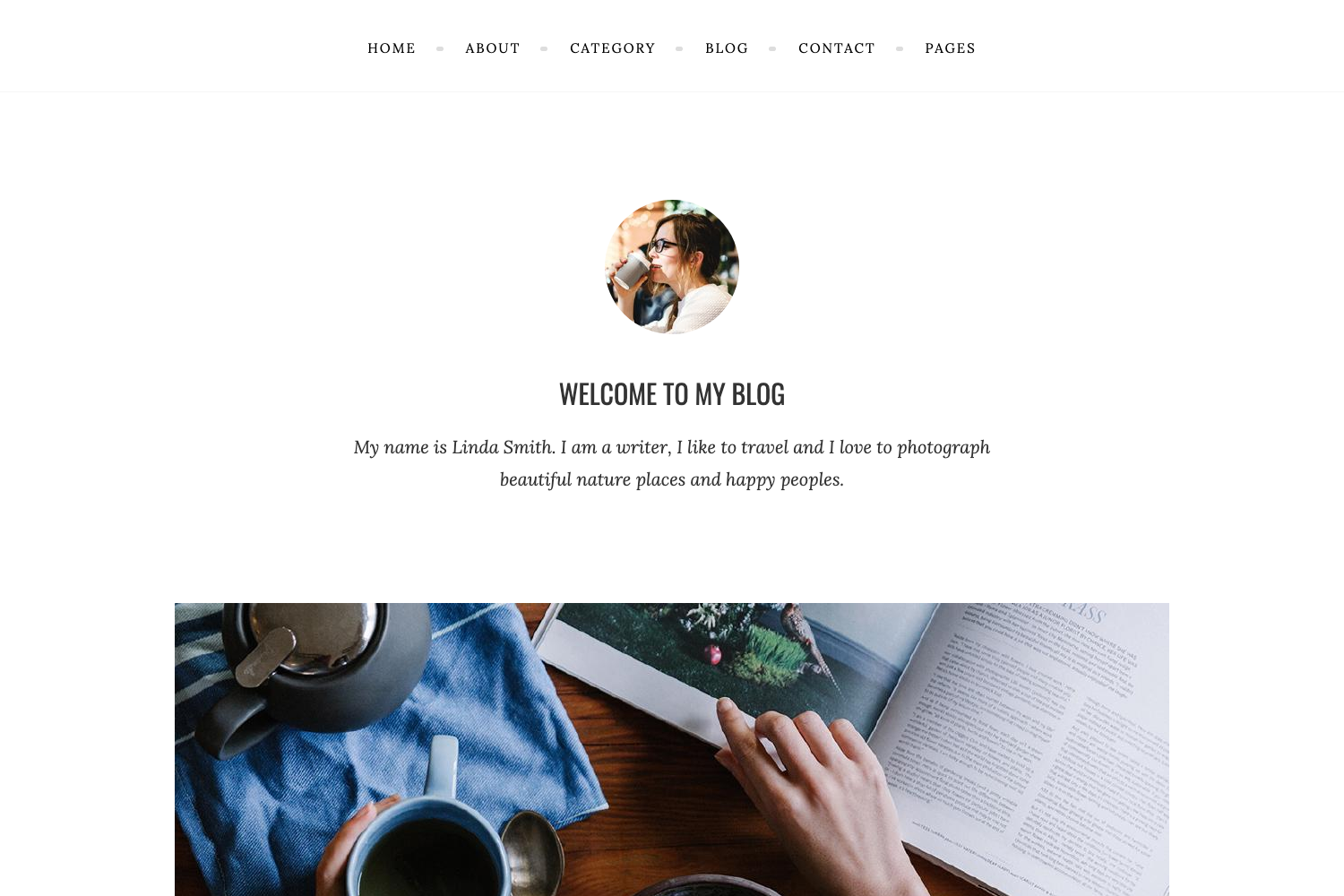
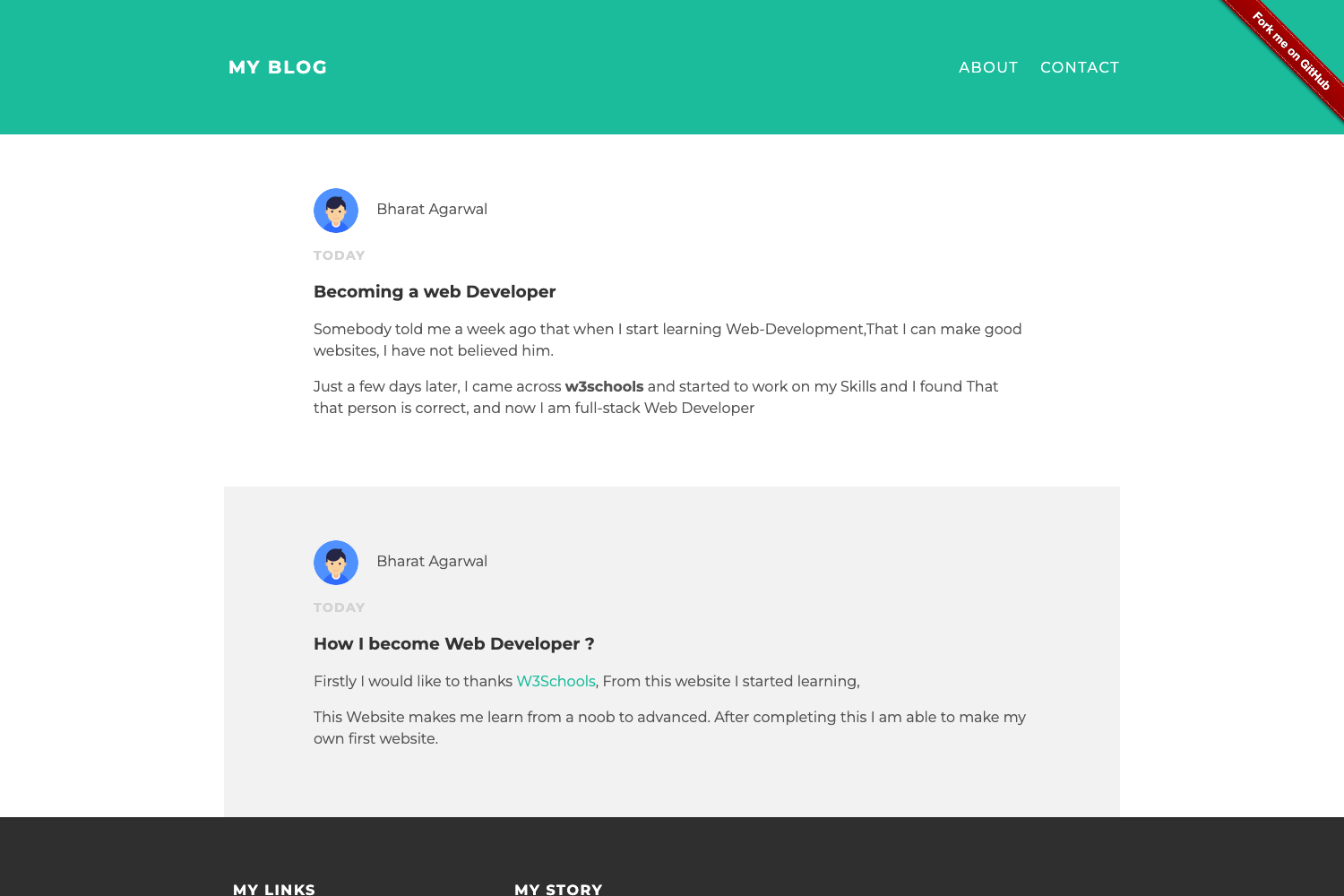
A minimal Hugo theme built with Bootstrap that focuses on content readability.
About this template
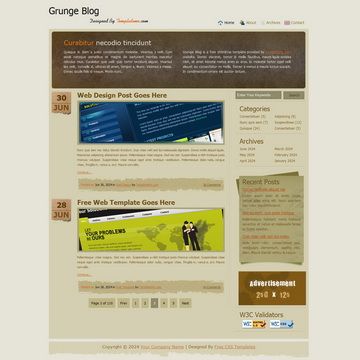
Minimal Bootstrap Hugo Theme is a Hugo theme built with the Bootstrap CSS framework that pairs the static site generator with a clean, content-focused layout. It is designed for blogs and documentation sites and is distributed on GitHub under the username zwbetz-gh. The theme takes Markdown content and standard Hugo configuration as input and produces a static website with a simple, readable blog layout, built-in syntax highlighting, and a cookie-consent partial. The repository is now archived and read-only, so no further updates are planned.
What is Minimal Bootstrap Hugo Theme?
Minimal Bootstrap Hugo Theme is a Hugo theme created by zwbetz-gh that uses the Bootstrap CSS framework for its layout and typography. It requires Hugo version 0.60.1 or higher and is installed as a git submodule. The theme ships with a default homepage, overridable templates, and a set of six shortcodes for images, blockquotes, Mastodon embeds, and file links. The demo site is hosted on Netlify at https://minimal-bootstrap-hugo-theme.netlify.com/.
Key Features
- Bootstrap-based layout — Built on the Bootstrap CSS framework, providing a responsive grid and default typography out of the box.
- Content-first homepage — A default index template designed for readability; you can override it by copying
layouts/index.htmlinto your own site's layouts folder. - Three image shortcodes —
imgAbs(absolute path),imgRel(relative path), andimgProc(Hugo page-bundle image processing with Resize, Fit, and Fill commands). - Blockquote shortcode — Formats quoted text with an optional author attribute.
- Mastodon embed shortcode — Embeds a Mastodon toot in an iframe, with configurable width and height.
- File link shortcode — Inserts a link to a file using a relative path, with optional class and style.
- Syntax highlighting — Uses Hugo's built-in Chroma engine; the style can be changed from the Chroma style gallery.
- Cookie consent partial — A customizable cookie-consent banner whose position, layout, palette, and compliance type are set via the cookieconsent.insites.com wizard.
Who is it for?
- Bloggers who want a clean, minimal layout for publishing long-form articles without visual distractions.
- Technical writers who need a simple documentation theme with code blocks, blockquotes, and file links.
- Hugo learners who want a small, readable theme codebase to study how template overriding and shortcodes work.
Use cases
Blog authors: publish posts with Bootstrap-styled typography and built-in syntax highlighting for code examples.
Hugo developers: test and learn theme override workflows by copying and editing the homepage or cookie-consent partial.
Social media enthusiasts: embed Mastodon toots directly into posts using the mastodon shortcode.
Photography or image-heavy sites: process page-bundle images with imgProc to resize, fit, or fill them at build time.
How does it work?
Install the theme from your site's root with git submodule add https://github.com/zwbetz-gh/minimal-bootstrap-hugo-theme.git themes/minimal-bootstrap-hugo-theme, copy config.toml from the exampleSite, and run the example site with hugo server --themesDir ../.. from inside exampleSite. To update, run git submodule update --remote --merge. The README also covers favicon generation via RealFaviconGenerator and points to the Hugo forum for help.
FAQ
Is Minimal Bootstrap Hugo Theme still maintained?
No. The repository is archived and read-only, so no future updates or bug fixes will be published. You can still use the theme as-is, but you'll need to fork it if you want to make changes yourself.
What is the minimum Hugo version?
The theme requires Hugo version 0.60.1 or higher. The README directs you to the Hugo releases page to download the correct binary for your operating system.
How do I override the homepage?
Copy themes/minimal-bootstrap-hugo-theme/layouts/index.html to YOUR_SITE/layouts/index.html and edit the copy. Hugo gives priority to files in your site's layouts folder over theme templates.
How do I customize the cookie consent popup?
Copy layouts/partials/cookie-consent.html from the theme to your site's layouts/partials/, complete the wizard at cookieconsent.insites.com/download, and paste the generated code into the copied partial.
What shortcodes does the theme provide?
The theme includes six shortcodes: blockquote, imgAbs, imgRel, imgProc, mastodon, and fileRel. Each is documented in the README with example usage and optional arguments.