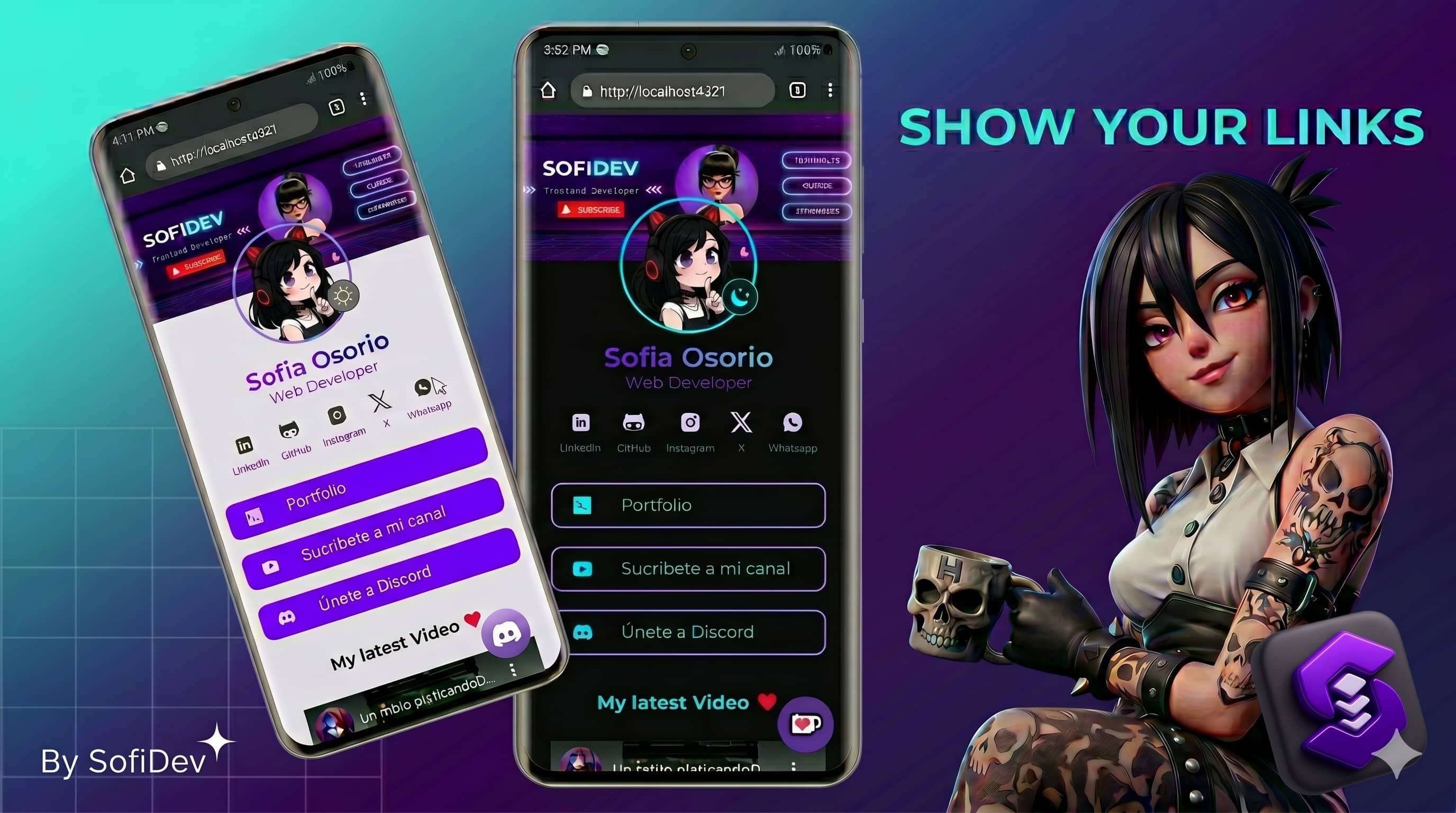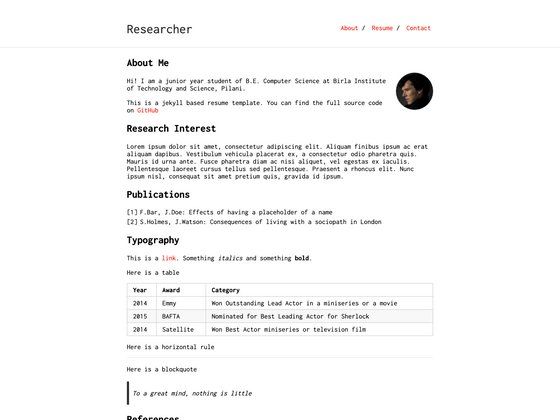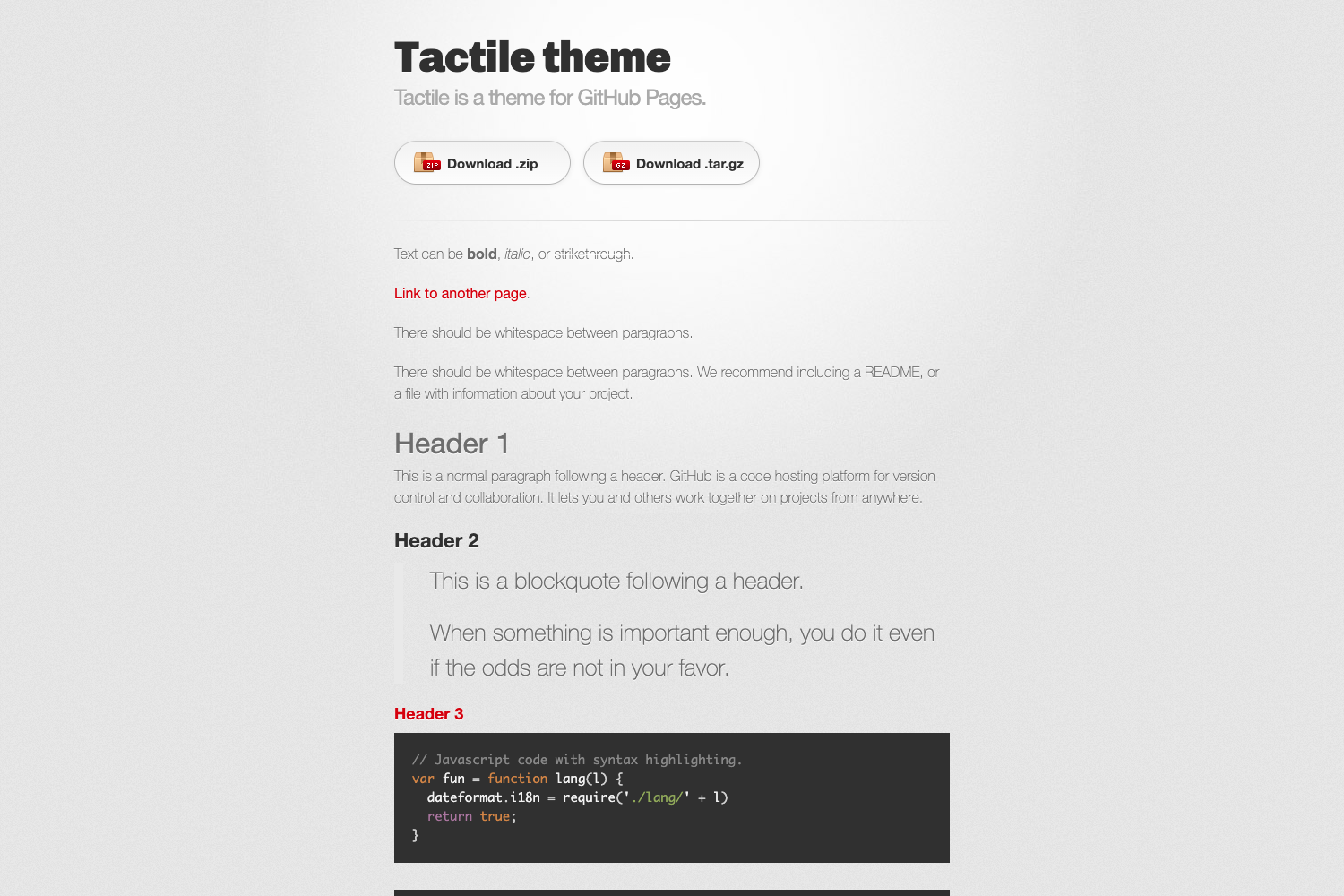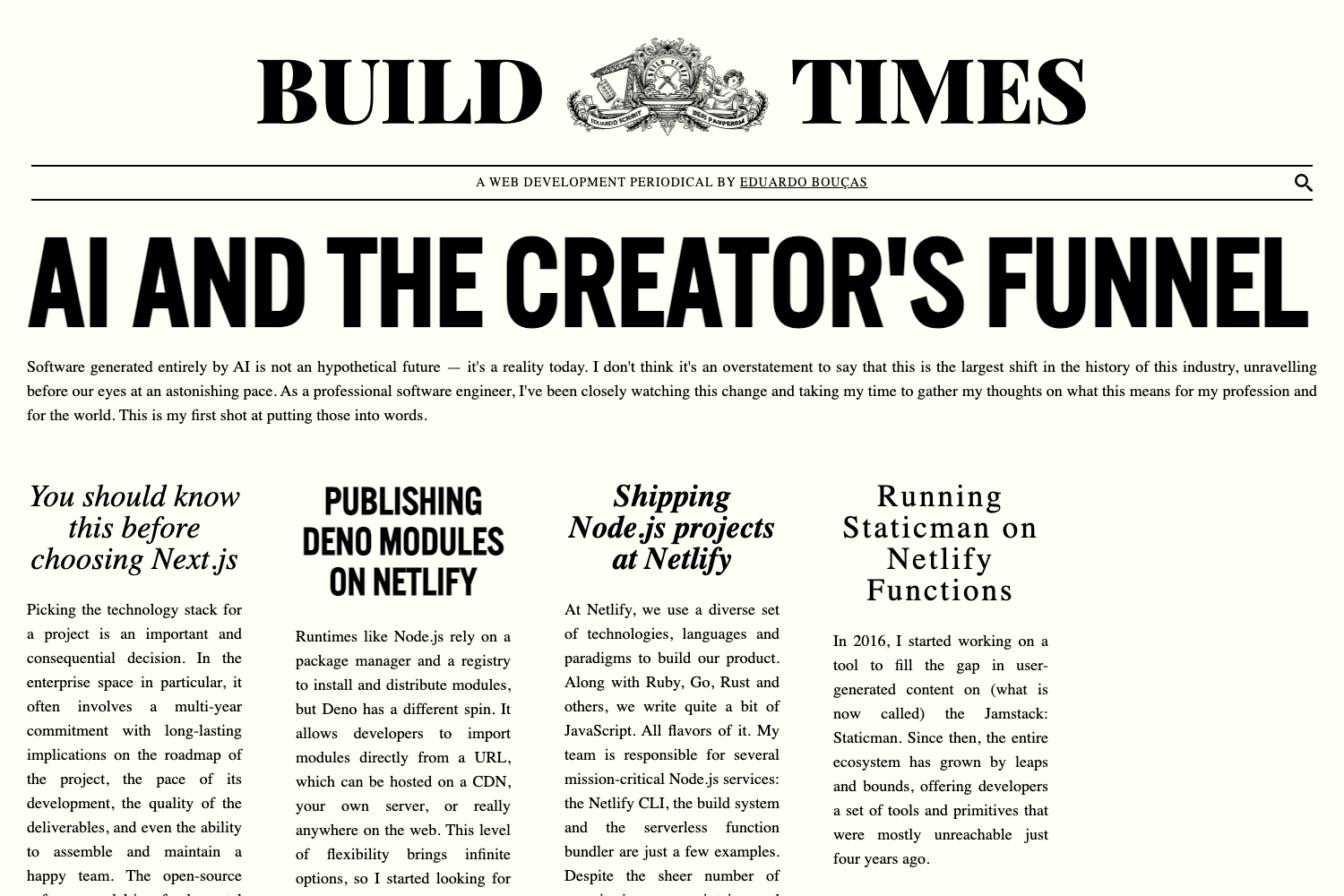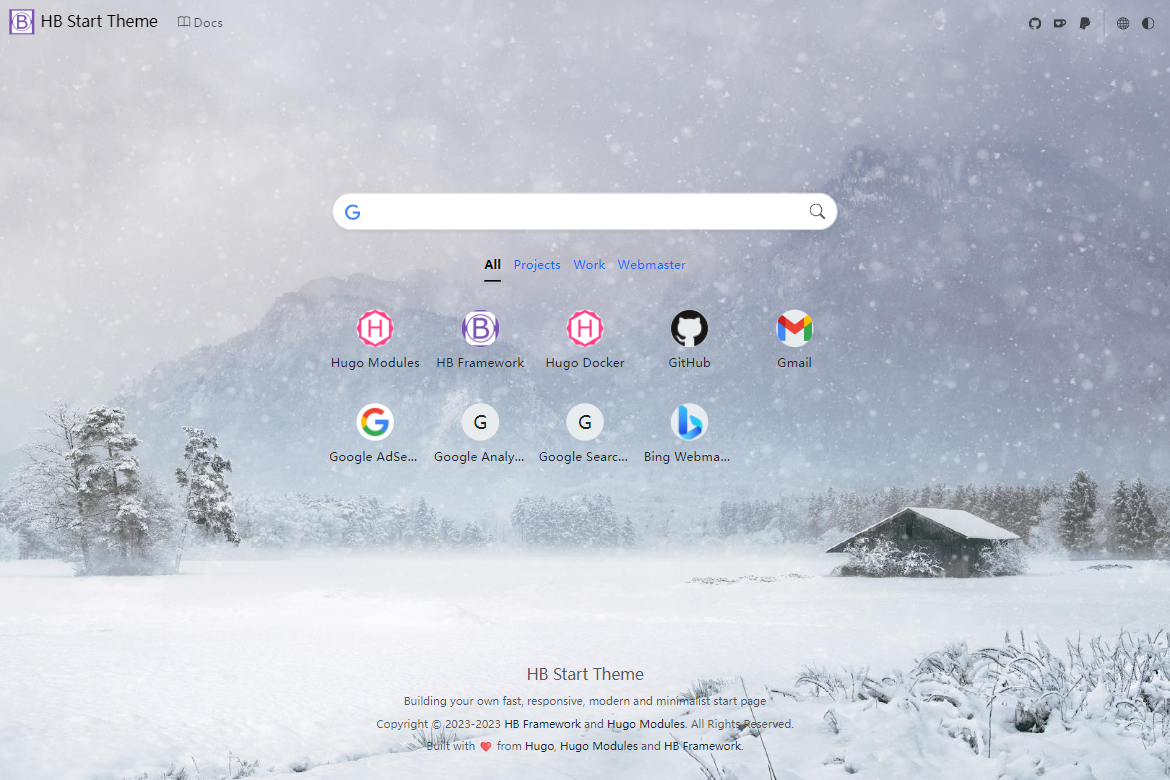
Template details
Hexo Theme Best Friends
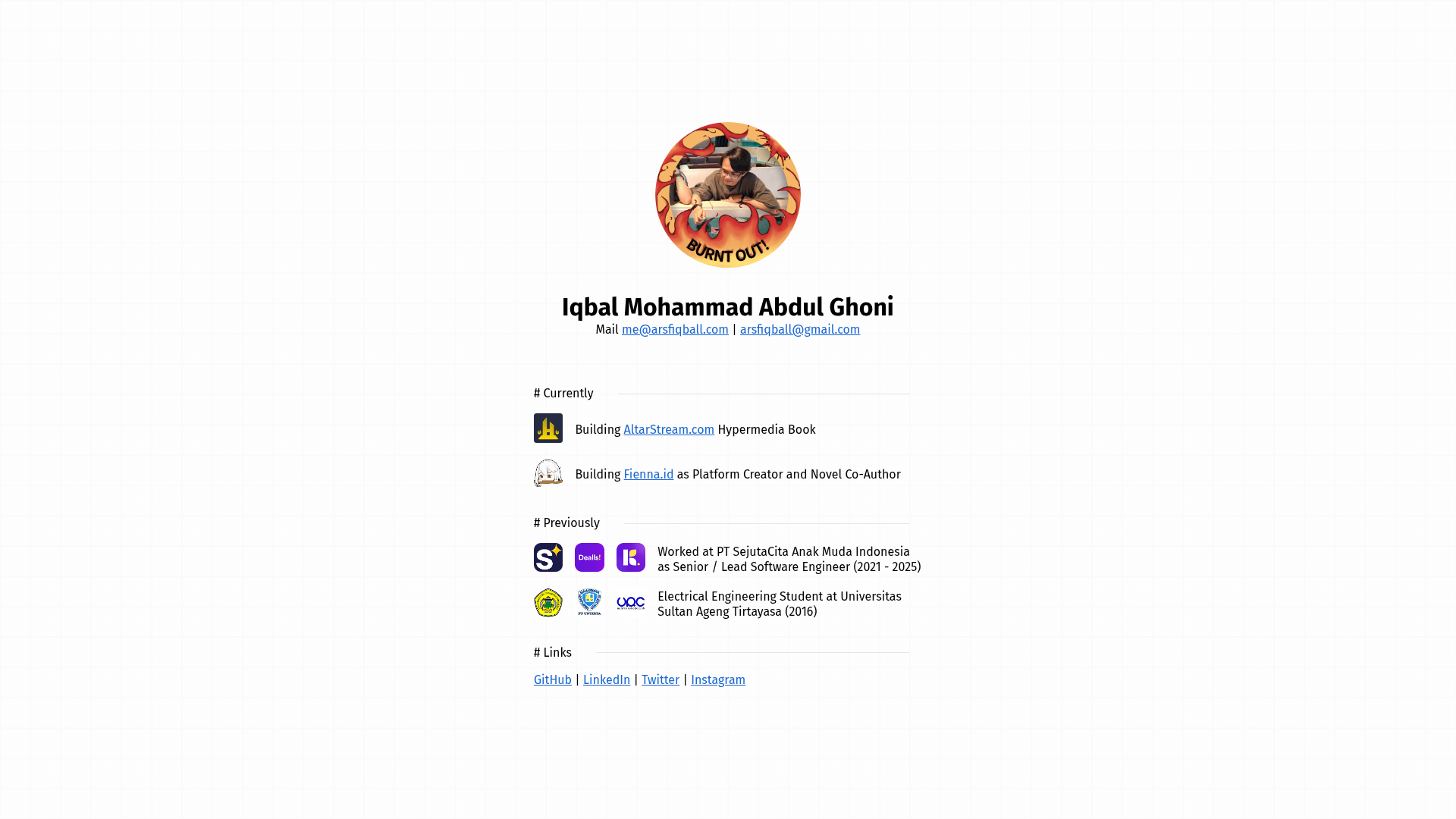
Iqbal's personal website theme for Hexo, featuring social links, Disqus comments, and Gulp-based asset building.
About this template
Best Friends is a Hexo theme created by Iqbal (Arsfiqball) for personal websites and blogs, providing a responsive design, social media integration, Disqus comments, and a Gulp-based build process.
What is the Best Friends Hexo theme?
Best Friends is a Hexo theme that powers a personal website or blog. It takes your Hexo site's Markdown content and renders it into a static website with a dedicated layout for posts and pages. The theme is installed into the themes/best-friends folder of a Hexo project and configured through the site's _config.yml file. It was built by Iqbal, a full-stack web developer, and is released under the MIT license.
Key Features
- Responsive layout — The README shows separate desktop and mobile screenshots, indicating the theme adapts to different screen sizes.
- Social media integration — Optional configuration for Facebook, Twitter, Instagram, LinkedIn, GitHub, and email links, displayed on the site.
- Disqus comments — A
disqus_comment_boxsetting enables Disqus-powered comment sections on posts. - Profile and cover images — The
profile_imageandcover_imagesettings let you personalize the site header. - About the author — The
about_authorsetting displays a short bio or tagline, e.g. "💻 Fullstack Web Developer". - Gulp-based asset pipeline — The theme uses Gulp tasks to build and optimize assets; installation requires running
npm installandgulpin the theme directory. - Custom hexo configuration — Requires disabling Hexo's built-in code highlighting, allowing for a custom highlighter or manual styling.
- MIT license — The theme is open source and free to use and modify.
Who should use Best Friends?
- Personal bloggers — Anyone running a Hexo blog who wants a simple, clean layout with social links and comment support.
- Developers and designers — Web developers who want a customizable starting point for a personal portfolio or site, and who are comfortable with Gulp and Hexo's configuration.
- Hexo users — Existing Hexo users looking for a lightweight alternative theme with built-in social and Disqus integration.
What can you do with Best Friends?
- Create a personal homepage — Set a cover image and profile image, and add an author bio to build a distinctive online identity.
- Add social proof — Link out to your Facebook, Twitter, Instagram, LinkedIn, or GitHub from the theme's social icons.
- Enable discussions — Turn on Disqus comments on your posts by setting your Disqus ID in the
disqus_comment_boxfield.
How does Best Friends work?
The theme is installed by cloning the repository into the themes folder of a Hexo site. You must have Gulp installed globally (npm install -g gulp). After cloning, run npm install and gulp inside the theme folder to build its assets. Then set theme: best-friends in your site's _config.yml, disable the built-in highlight option, and add the custom fields (about_author, cover_image, profile_image, socials, and disqus_comment_box) to configure the theme.
Pros and cons
- Pros: Simple installation, social links are optional, MIT licensed, responsive (desktop and mobile screenshots), integrated Disqus.
- Cons: Requires a global Gulp install, disables Hexo's default syntax highlighting (you lose built-in code highlighting unless you add your own).
Pricing
Best Friends is free to use under the MIT license. No pricing tiers or paid upgrades are mentioned.
Alternatives
- NexT — A popular Hexo theme that offers a wide range of layouts and built-in highlighter support.
FAQ
Is Best Friends free?
Yes, Best Friends is released under the MIT license, so you can use, modify, and redistribute it freely.
How do I install Best Friends?
First install Gulp globally (npm install -g gulp). Then clone the repository into your Hexo themes folder, run npm install and gulp inside the theme directory, and set theme: best-friends in your site's _config.yml.
How do I configure Disqus comments?
Add your Disqus shortname to the disqus_comment_box field in your site's _config.yml. For example, disqus_comment_box: arsfiqball-github-blog enables comments using that Disqus account.
Can I disable the social links?
Yes, each social link (Facebook, Twitter, Instagram, LinkedIn, GitHub, email) is optional. Simply omit the ones you don't want from the socials configuration block.
Does the theme include code highlighting?
No. The installation instructions explicitly tell you to disable Hexo's built-in highlight option. The theme does not appear to include its own code highlighter, so for code blocks you'll need to add a client-side highlighter manually.