Template details
Hexo Theme Brewski
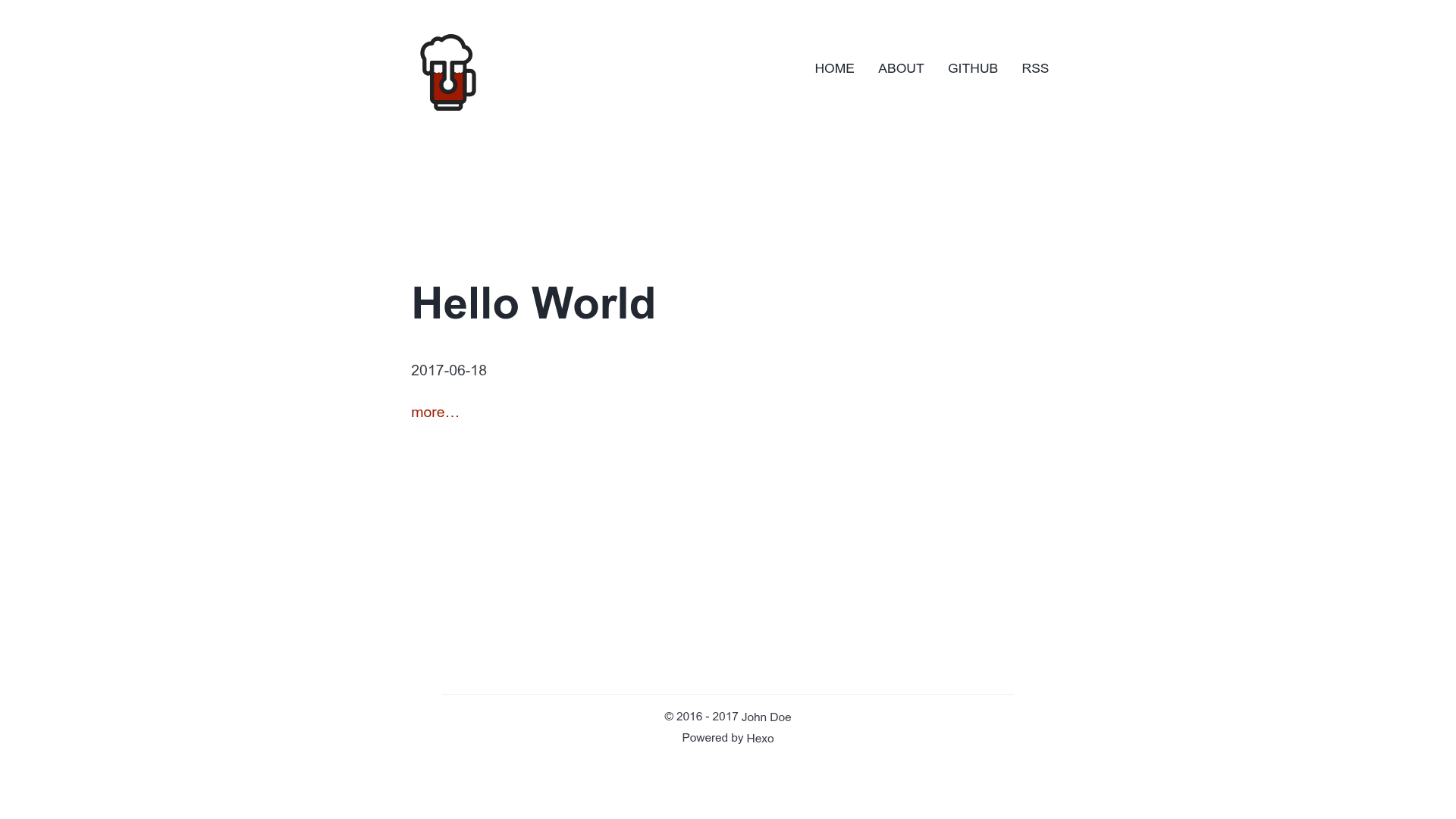
A minimal Hexo theme
About this template
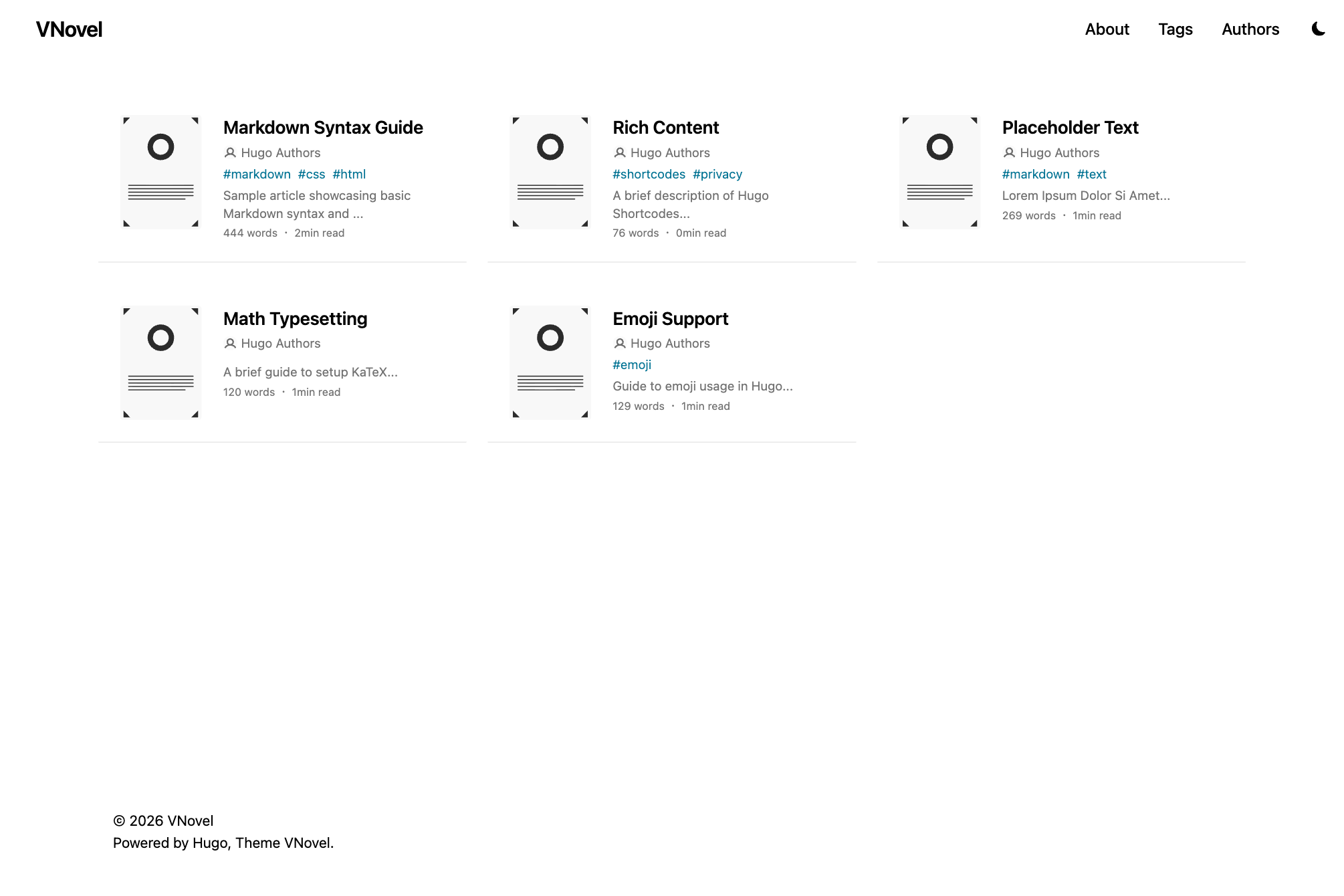
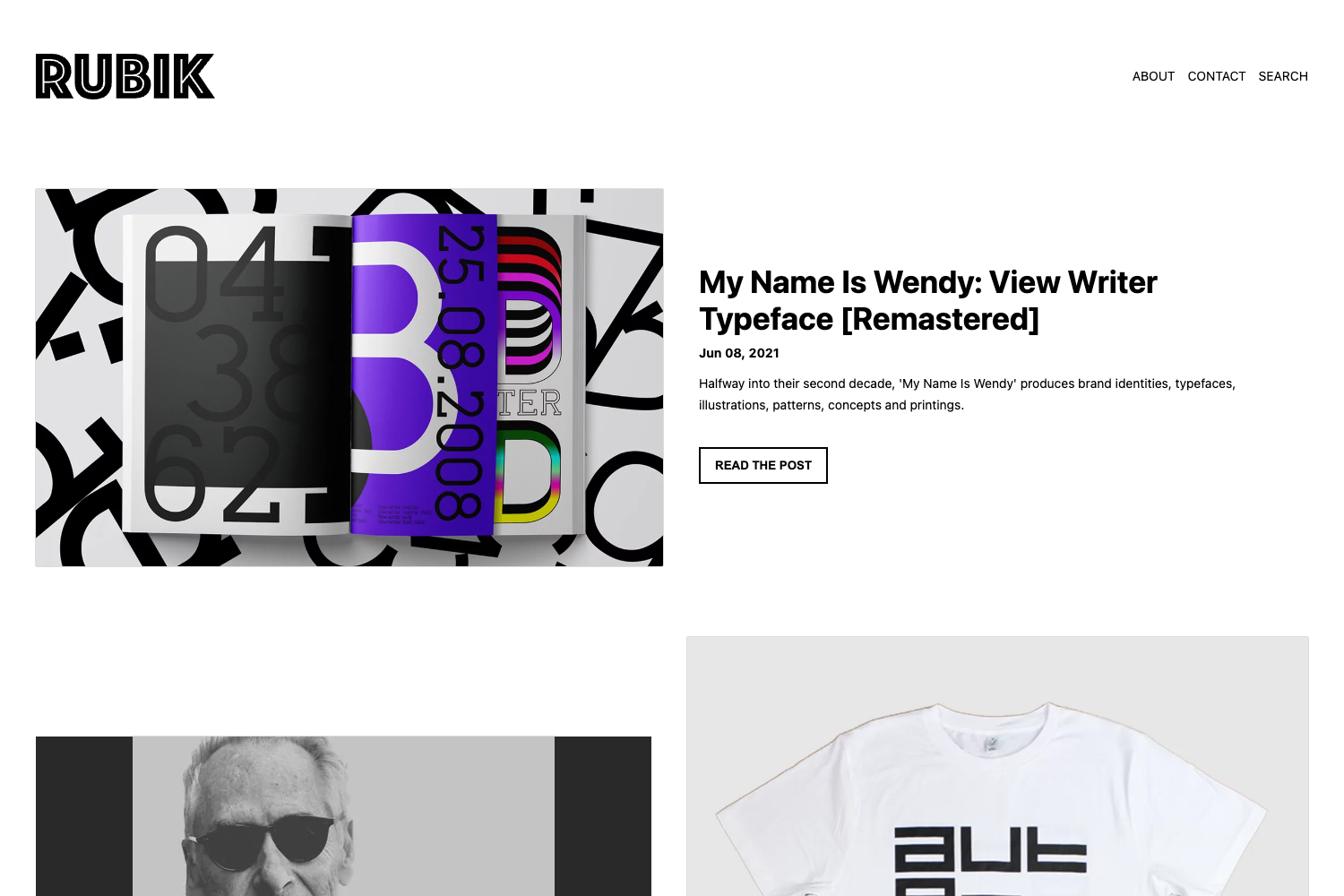
Brewski is a minimal Hexo blog theme created by tiaanduplessis, built on a hack of the artemis theme and rendered with Pug templates.
What is Brewski?
Brewski is a minimal theme for the Hexo static site generator, created by tiaanduplessis and derived from the artemis theme. It takes Hexo content written in Markdown and outputs a static blog using Pug templating with Stylus styling. The theme exposes configuration through the theme_config option in the main _config.yml, letting you set a logo, Google Analytics ID, copyright details, and a custom menu without modifying theme source files.
Key Features
- Minimal design — Brewski sticks to a bare-bones layout inherited from artemis, with no decorative extras.
- Pug templating — The theme renders views with Pug, so you must install the
hexo-renderer-pugpackage for pages to appear. - Built-in feed generation — The install instructions list
hexo-generator-feed, so the theme is set up to produce an Atom feed at/atom.xml. - Sitemap support —
hexo-generator-sitemapis included in the recommended dependencies, enabling XML sitemap output for search engines. - Centralized theme configuration — All theme settings live under
theme_configin your site's_config.yml, including logo, Google Analytics tracking ID, copyright (since year, name, URL), and menu entries. - Flexible menu — The menu maps labels to URLs, supporting internal links like Home and About as well as external links such as GitHub and RSS.
- Git submodule install — You can add Brewski as a submodule, which the author recommends for better integration with CI services like Travis.
- Simple updates — Because it's a git repository, upgrading is just
git pullinsidethemes/brewski.
Who is it for?
- Hexo bloggers who want a clean, minimal theme and are comfortable editing
_config.yml. - Pug-savvy developers who prefer to work with Pug templates over Hexo's default EJS or Swig.
- CI-driven site owners who use Travis or similar services and need a theme that updates cleanly via git.
What can you do with Brewski?
- Launch a blog fast — Clone or submodule the theme, install three npm packages, set
theme: brewski, and start writing posts. - Add analytics quickly — Drop your Google Analytics ID into
theme_configand the theme will include the tracking snippet. - Personalize branding — Configure a logo, copyright line with a start year and name, and a custom navigation menu without touching theme files.
- Expose feeds and sitemaps — With the feed and sitemap generators installed, visitors can subscribe to
/atom.xmland search engines can crawl your sitemap.
How does Brewski work?
Install the theme by cloning https://github.com/tiaanduplessis/hexo-theme-brewski.git into themes/brewski, or add it as a submodule. Then install the dependencies hexo-renderer-pug, hexo-generator-feed, and hexo-generator-sitemap via npm. Set theme: brewski in _config.yml and optionally configure theme_config for logo, analytics, copyright, and menu. To update, run git pull inside the theme directory.
FAQ
Is Brewski free?
Yes, Brewski is open source under the MIT License, so you can use, modify, and distribute it freely without restrictions.
How do I install Brewski?
From your Hexo project root, clone the theme into themes/brewski with git clone https://github.com/tiaanduplessis/hexo-theme-brewski.git themes/brewski, or add it as a submodule with git submodule add. Then install the required npm packages and set theme: brewski in _config.yml.
What dependencies does Brewski need?
Brewski requires hexo-renderer-pug for template rendering, hexo-generator-feed for Atom feed generation, and hexo-generator-sitemap for sitemap generation. These are all installed with a single npm install --save command.
How do I update Brewski?
To update the theme, navigate to themes/brewski and run git pull. You'll get the latest changes from the upstream repository.