Template details
Nofancy
A minimalist Hugo blog theme focused on distraction-free reading, with categories, tags, social links, and Google Analytics.
About this template
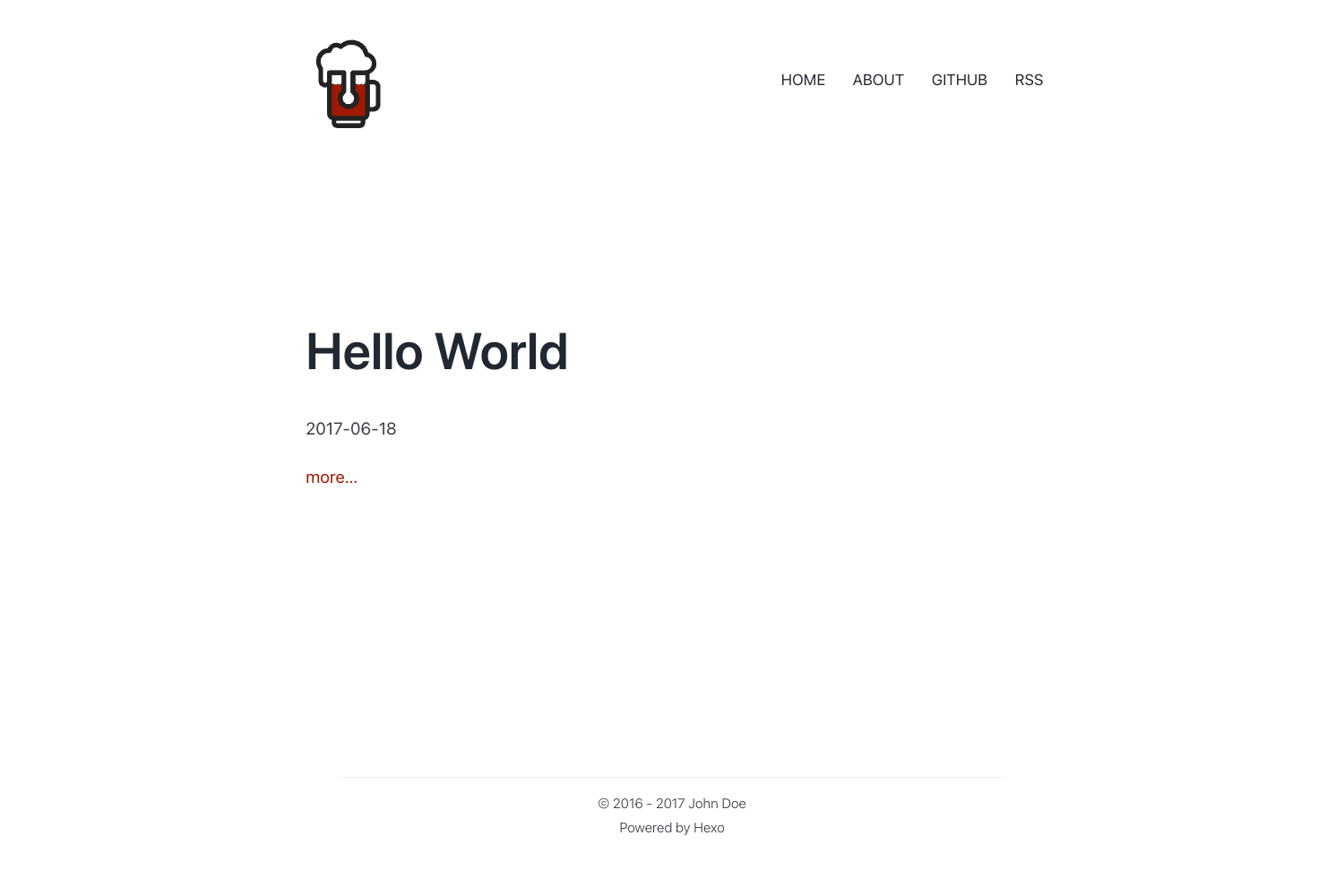
Nofancy is a Hugo blog theme by GitHub user gizak that deliberately removes decorative design to make content the centerpiece of the reading experience. It takes Markdown files from the content/post directory and renders a static blog with separate list, content, and mobile views, while supporting categories, tags, series, Google Analytics, and social media links.
What is Nofancy?
Nofancy is a minimal Hugo blog theme created by GitHub user gizak that prioritizes reading over visual decoration. It accepts Markdown posts written in GitHub Flavored Markdown, auto-highlights code blocks on build, and outputs a static blog with list, content, and mobile views. The theme is configured through config.toml, where the author block holds social IDs and Google Analytics tracking.
The repository describes its philosophy as "do subtraction instead of addition," so the theme intentionally avoids flat or material design trends. Only posts placed in content/post are displayed, and a top navigation menu can show categories or be set to none.
Key Features
- Distraction-free design — Uses less design to keep the focus on blog content, with separate list, content, and mobile-optimized layouts.
- Content organization — Supports sorting posts by categories, tags, and series, giving readers multiple ways to browse your archive.
- Google Analytics integration — Add your tracking ID in the gaID field under the author section of config.toml to enable site analytics.
- Social and email links — GitHub, Twitter, LinkedIn, Facebook, and email links are configured by filling in your user IDs in the author section of config.toml.
- Built-in syntax highlighting — Code snippets written in GitHub Flavored Markdown are auto-highlighted when you run Hugo; choose from styles including default, github, and monokai.
- Fixed About page — The top navbar includes a permanent link to an About page that you create with
hugo new about. - Mobile-friendly layout — Includes a dedicated mobile view so the blog reads well on phones and small screens.
Who is it for?
Nofancy suits Hugo users who want a minimal, content-first blog without trendy visual distractions. It is especially useful for writers and developers who publish Markdown posts and want automatic code highlighting. Self-hosted bloggers who want Google Analytics and social links built in will find those features ready to configure.
What can you do with Nofancy?
- Writers and bloggers: Publish Markdown posts under content/post and present them in a clean, readable list and content view without side clutter.
- Developers: Write code snippets in GitHub Flavored Markdown and have them automatically syntax-highlighted in one of several styles when building with Hugo.
- Personal site owners: Add an About page with
hugo new aboutand link your GitHub, Twitter, LinkedIn, or Facebook profiles from the top navigation. - Content organizers: Use categories and tags to sort posts, letting readers filter your archive by topic.
How does Nofancy work?
After installing the theme, edit config.toml to fill in author information and choose a highlight style such as default, github, or monokai. Create an About page with hugo new about, then drop Markdown posts into content/post and run hugo; code snippets are highlighted automatically.
FAQ
Does Nofancy support syntax highlighting?
Yes. Code snippets written in GitHub Flavored Markdown are highlighted automatically when you build the site with Hugo. You can select one of the available highlight styles, including default, github, and monokai, by setting the highlight parameter in config.toml.
What directory should I put my posts in?
Nofancy only displays posts located under content/post. Any Markdown files you place there will appear in the blog's list and content views; files elsewhere in content are not shown by the theme's list.
How do I add my social links?
Add your GitHub, Twitter, LinkedIn, or Facebook user IDs inside the author section of config.toml. The theme also supports email links, and Google Analytics is enabled by setting the gaID field in the same section.