Template details
Rubik for Jekyll
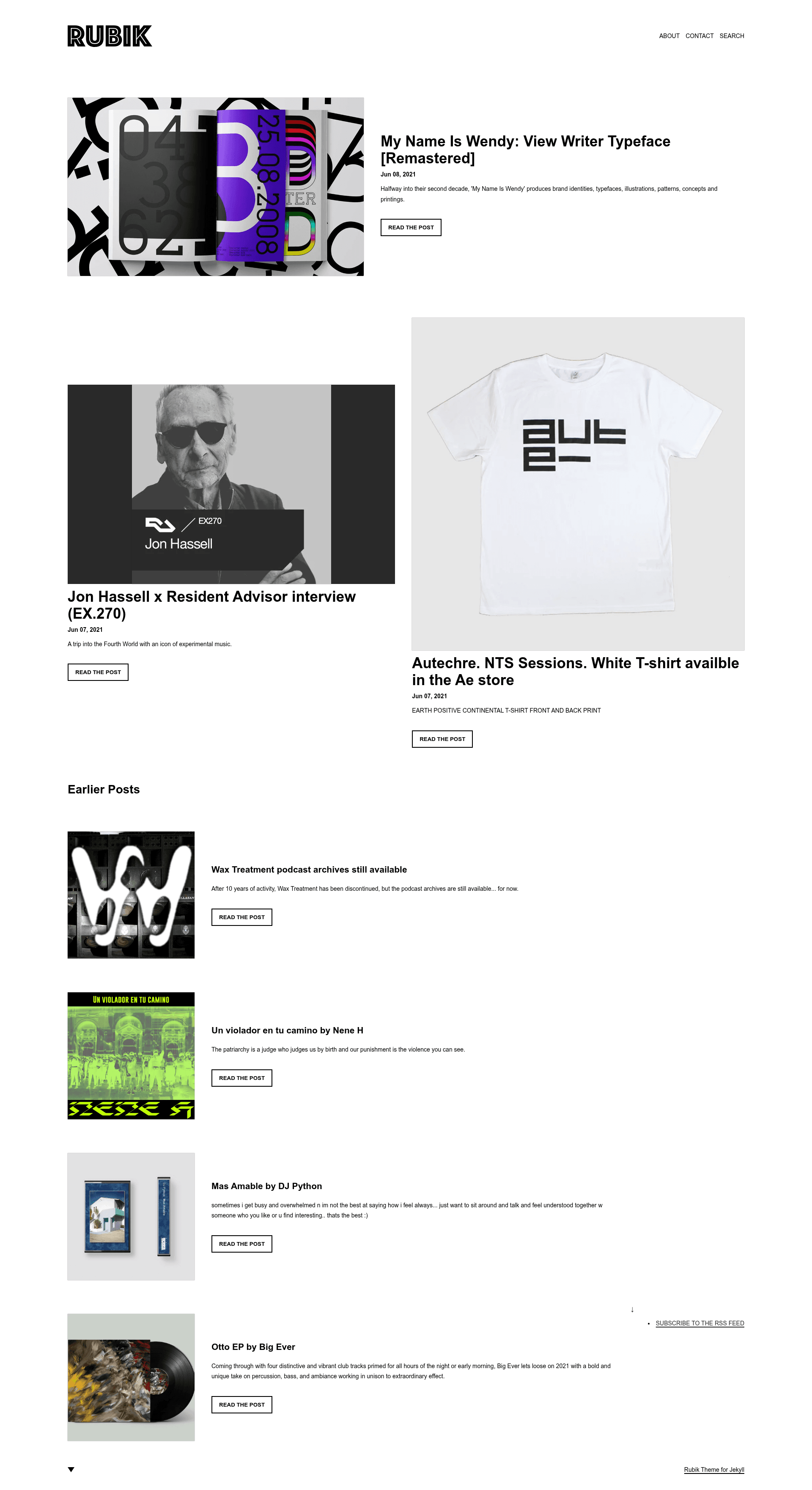
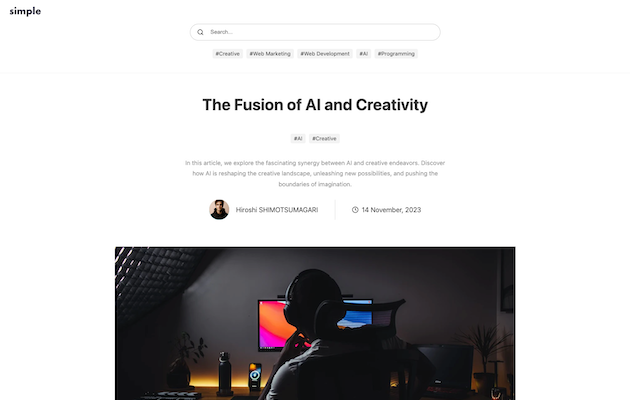
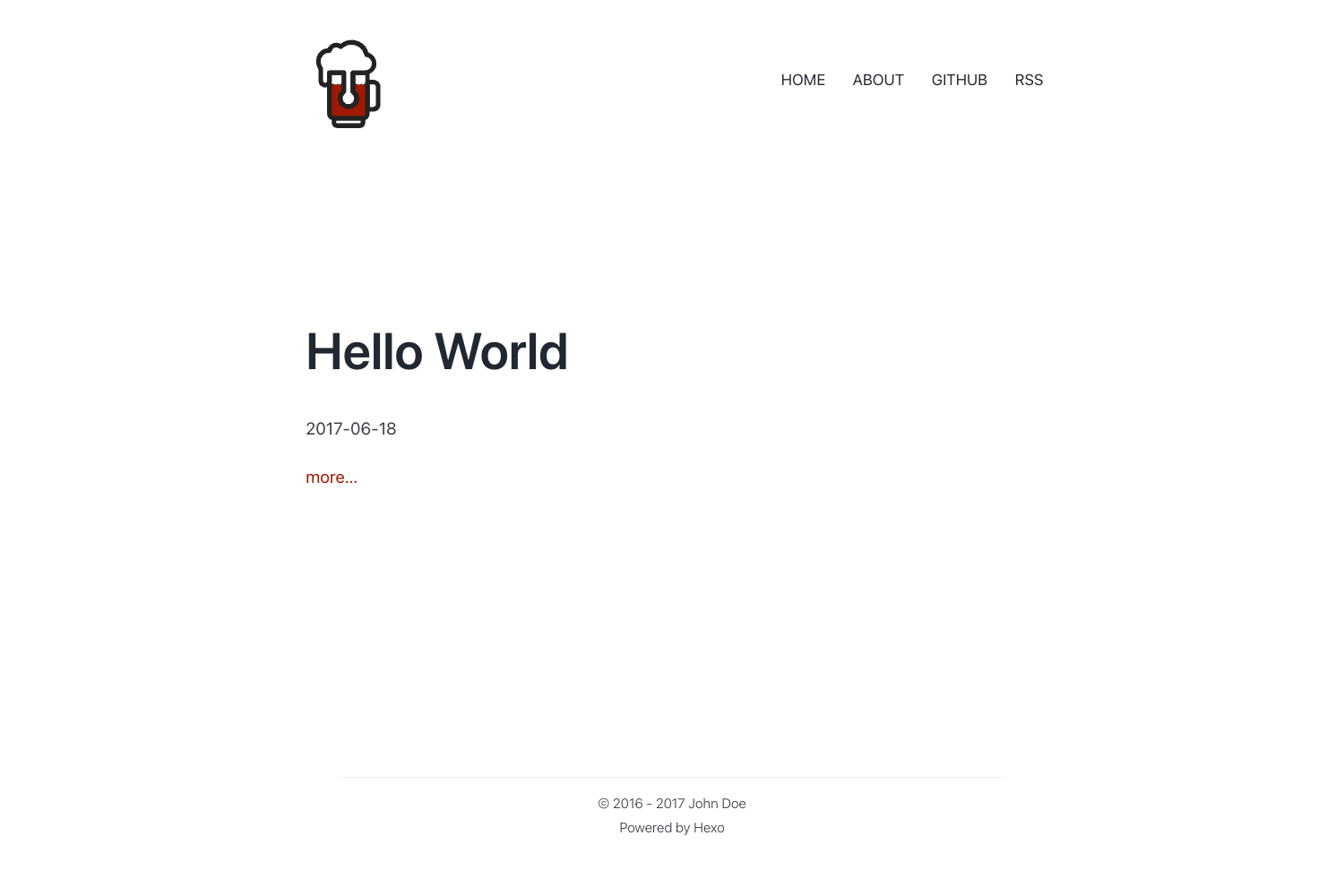
A minimal Jekyll theme template that is free, performance-optimized, mobile friendly, and scores high in Lighthouse and Web Vitals.
About this template
Rubik is a minimal Jekyll theme template for building performance-optimized blogs, designed to score near-perfect in Lighthouse and Web Vitals while remaining free and easy to set up.
What is Rubik?
Rubik is a free, minimal Jekyll theme template created by Discoform. It takes your Jekyll site content—Markdown posts, data files, and navigation settings—and generates a static blog with semantic markup and minimal use of JavaScript and CSS. The theme is intended for deployment on Netlify, which supports its built-in Jekyll Picture Tag plugin and contact form integration.
Key Features
- Minimal JavaScript and CSS — The template deliberately keeps client-side code to a minimum, which contributes to its high performance scores.
- Near-perfect Lighthouse scores — A typical post achieves near-perfect Lighthouse and Web Vitals scores; the only lost SEO points on the demo come from blocking indexing.
- SEO and social metadata — Bundles the Jekyll SEO Tag plugin to add title, description, canonical, Open Graph, and Twitter Summary Card metadata, plus JSON-LD structured data.
- Atom feed generation — Includes the Jekyll Feed plugin so readers can subscribe to your posts in any RSS reader.
- Auto-generated sitemap — Uses the Jekyll Sitemap plugin to produce a sitemaps.org-compliant sitemap.
- Automatic WebP image resizing — The Jekyll Picture Tag plugin builds resized .webp images for most of your image library, configured in
_data/picture.yml. - Data-file driven navigation — Header, footer, and aside navigation are managed through
siteNavigation.yml, and social links live insiteSocial.yml. - Netlify contact form — Includes a simple HTML contact form wired for Netlify's data attribution, working out of the box on Netlify hosting.
- Instant search — Lightweight site search implemented with the WebJeda instant-search solution.
Who is it for?
- Bloggers who want a fast, no-frills personal blog without extra JavaScript overhead.
- Web developers who need a clean Jekyll template to customize for client projects or their own sites.
- Design-conscious writers who value semantic markup and high performance metrics like Lighthouse and Web Vitals.
What can you do with Rubik?
- Publish a personal blog — Write posts in Markdown and let Jekyll build a statically generated blog with automatic feed and sitemap support.
- Build a photography or portfolio blog — Use the automatic WebP image resizing to serve optimized images without manual conversion.
- Launch a Netlify-hosted site with a contact form — Deploy to Netlify and take advantage of the built-in form handling and instant search.
How does Rubik work?
Rubik runs as a standard Jekyll theme: clone or copy the template, edit the data files for navigation and social links, write posts in Markdown, and deploy to Netlify. Because it uses Jekyll Picture Tag, Netlify builds should select Ubuntu Trusty 14.04 or Ubuntu Focal 20.04 as the build image if build errors appear.
Pros and cons
- Pros: Free to use, minimal JavaScript and CSS, high performance scores, includes SEO, feed, sitemap, and image optimization plugins, easy Netlify integration.
- Cons: Not recommended for GitHub Pages because the Jekyll Picture Tag plugin isn't supported there; posts with iframe embeds (e.g., YouTube, SoundCloud) will see a performance hit.
FAQ
Is Rubik free?
Yes, Rubik is a free and open-source Jekyll theme template. You can use it for personal or commercial projects without cost.
Can I use Rubik with GitHub Pages?
The theme is not recommended for GitHub Pages because the Jekyll Picture Tag plugin is not supported. The author suggests the Netlify Starter plan instead.
What plugins does Rubik include?
Rubik includes Jekyll SEO Tag, Jekyll Feed, Jekyll Sitemap, and Jekyll Picture Tag.
Does Rubik support search?
Yes, Rubik includes a lightweight instant search feature based on the WebJeda solution. It works well but is not very feature-rich.
How do I configure navigation and social links?
You edit the YAML files inside the _data directory: siteNavigation.yml for header, footer, and aside navigation, and siteSocial.yml for footer social widgets.