Template details
Simple Blog with microCMS
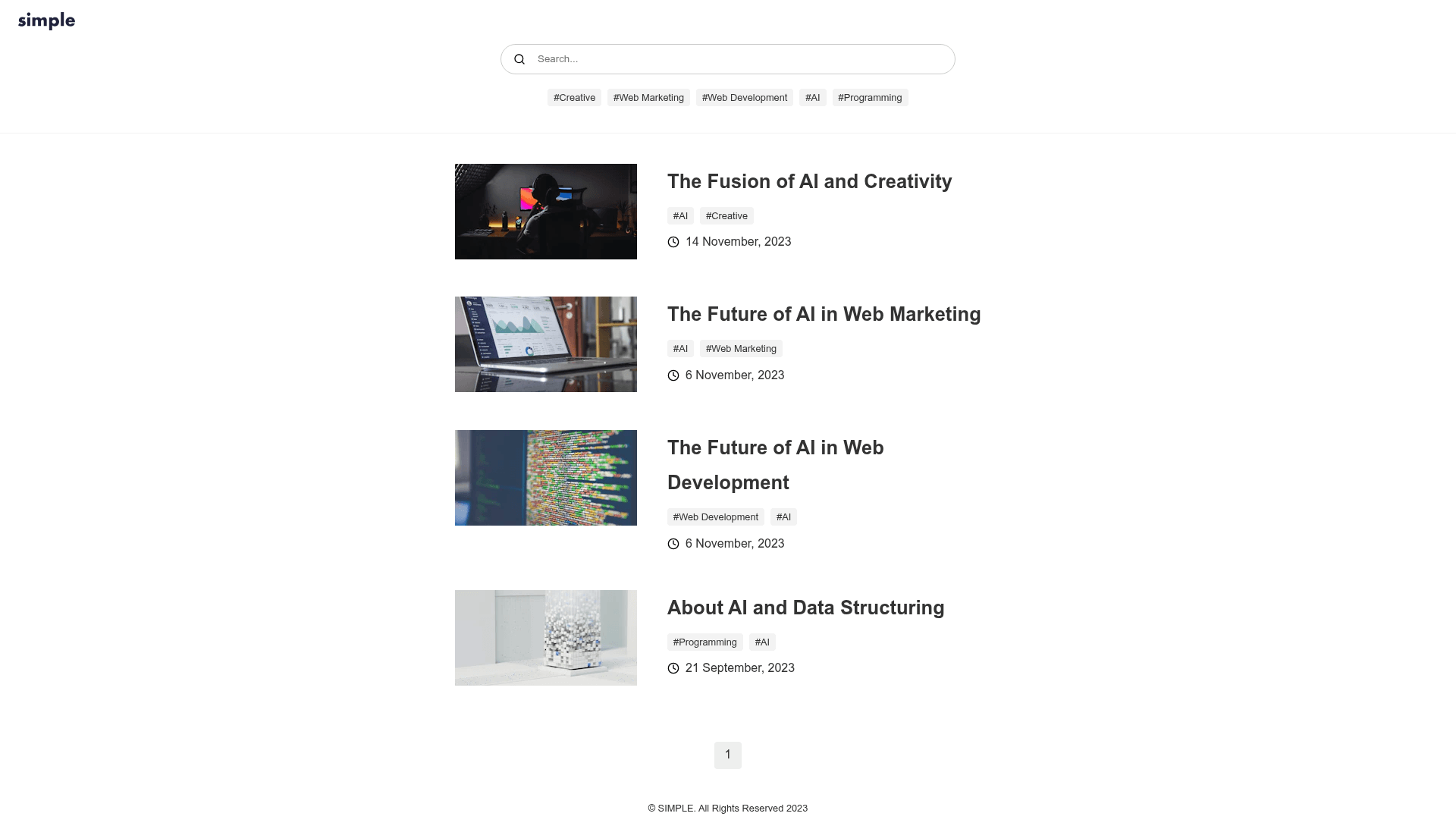
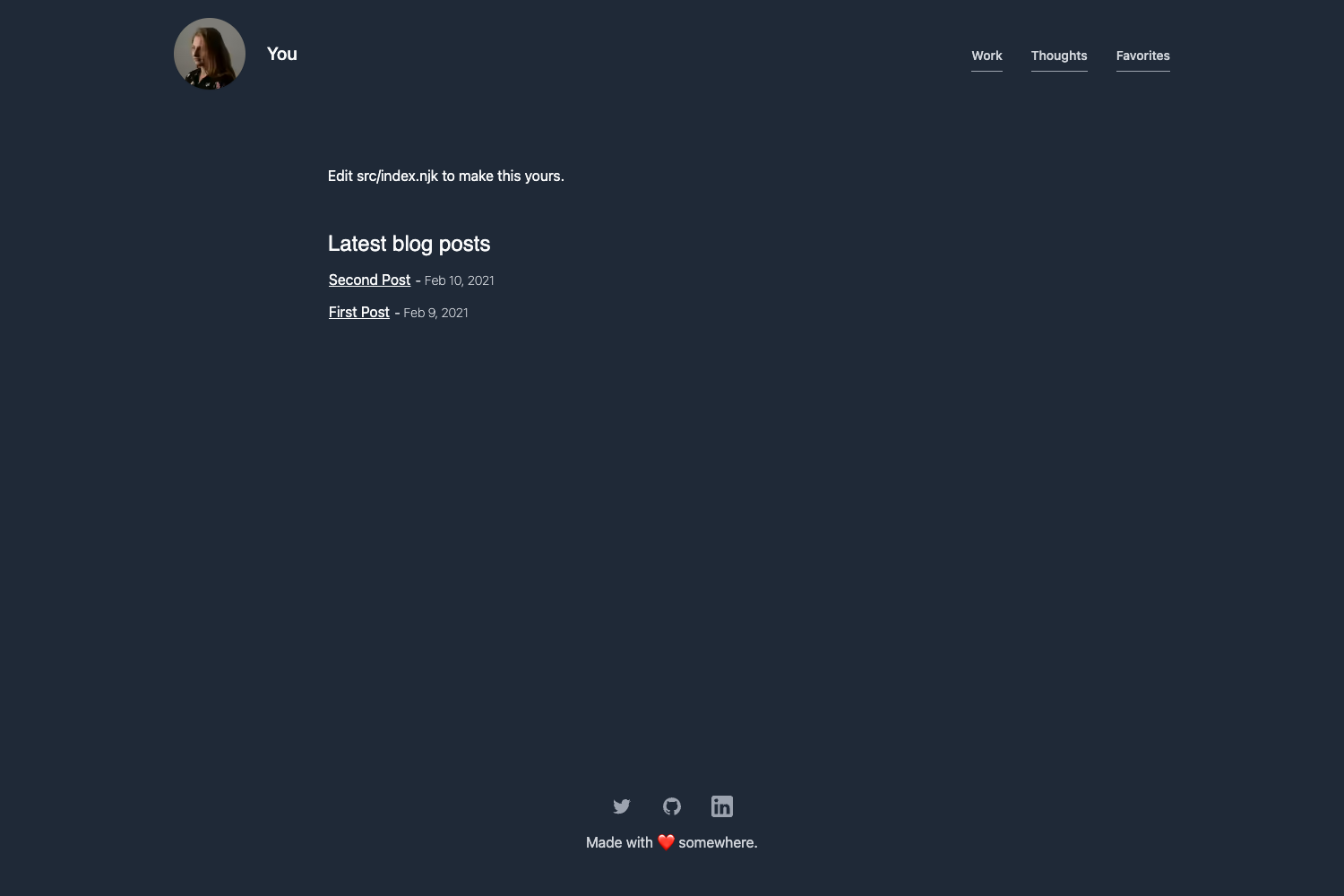
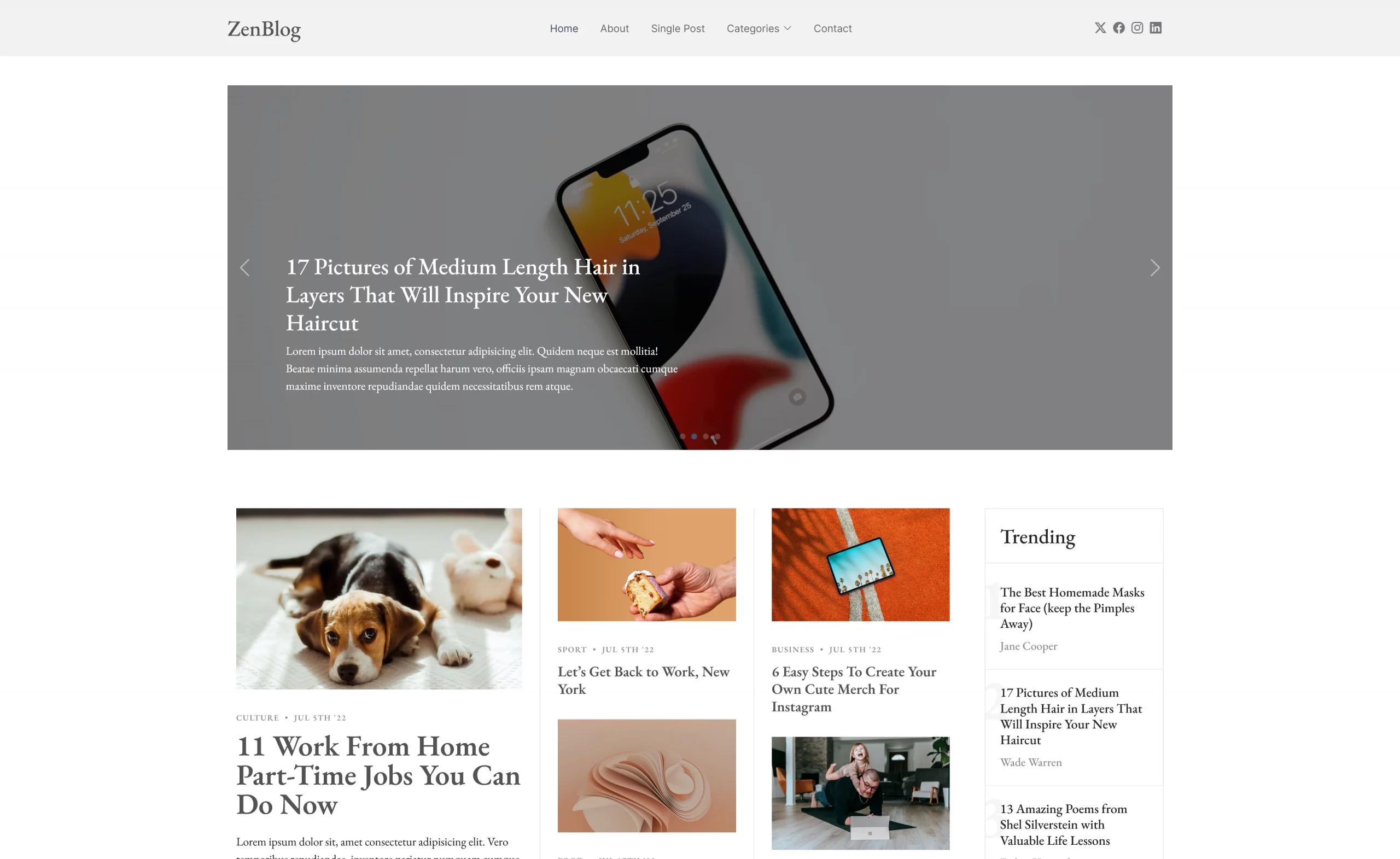
An official microCMS and Next.js template for building a simple, tag-based blog with writer profiles.
About this template
Simple Blog with microCMS is an official template from microCMS, a headless CMS made in Japan, that combines Next.js with the microCMS content platform to build a simple blog. It takes blog content structured as three list-format APIs — tag, writer, and blog — and generates a static blog with tag filtering and author profiles. The template runs on Node.js 24 or later and is designed for one-click deployment to Vercel.
What is Simple Blog with microCMS?
Simple Blog with microCMS is an official blog template that pairs the microCMS headless CMS with Next.js to generate a production-ready blog with tags and author pages. The template accepts content managed in three list-format APIs — tag, writer, and blog — and outputs a blog index, post pages, writer pages, and tag-based filtering. It is made by microCMS, and the repository is hosted on GitHub under the microcmsio organization.
Key Features
- Official microCMS template — Maintained by microCMS as a reference implementation for integrating their headless CMS with Next.js.
- Three list-format APIs — You create
tag,writer, andblogAPIs; theblogAPI references the other two via content references (multiple for tags, single for writer). - Full content schema — Blog posts support title, description, rich text editor content, thumbnail image, multiple tags, and one writer; writers have name, profile, and image fields.
- Environment-variable configuration — Set
MICROCMS_API_KEY,MICROCMS_SERVICE_DOMAIN, andBASE_URLin.env.localto connect Next.js to your microCMS service. - One-click Vercel deployment — A Deploy with Vercel button clones the template, configures the same environment variables, and deploys directly.
- Node.js 24 support — The template assumes Node.js 24 or later and includes a
.npmrcpinningmin-release-age=7. - Supply-chain security with Takumi Guard — The bundled
.npmrcsets the npm registry tohttps://npm.flatt.tech, which checks installed packages against a database of known threats. - Draft preview support — Page preview can be configured in the microCMS API settings so you can preview unpublished blog content.
Who is it for?
- Developers trying microCMS — You can clone this template to see how a Next.js app fetches content from microCMS APIs and renders a blog with tags and authors.
- Hobbyist developers building a personal blog — The template gives you a structured Next.js project with security hardening already configured, so you can focus on writing and publishing.
- Content teams that want a lightweight blog — The admin only needs to fill three list content types to publish tagged posts with author attribution.
What can you do with Simple Blog with microCMS?
- Personal bloggers: Publish posts with rich text content, a thumbnail image, multiple tags, and an author profile through the microCMS admin dashboard.
- Developers evaluating headless CMS options: Use the template as a reference for setting up server-side or static rendering with Next.js and a Japanese-made CMS.
- Small editorial teams: Manage writers and tags as separate content entities so blog posts stay consistent without duplicating author information.
How does Simple Blog with microCMS work?
You create a microCMS account and service, create three list-format APIs (tag, writer, blog), add content in the order tag → writer → blog, then set three environment variables. After running npm install and npm run dev locally (requires Node.js 24+), you open http://localhost:3000 to see the blog; deployment to Vercel follows the same environment-variable setup.
FAQ
Does this template require Node.js 24?
Yes. The README states that the application requires Node.js 24 or later and recommends using the latest patch version of the major version you are using (for example, 24.x) for security updates.
How do I preview draft posts?
In the microCMS admin page, go to API Settings > Page Preview for the Blog API and replace your-domain with your deployed domain (localhost works too). After that, the page preview button appears on the content editing page.
What is the .npmrc file for?
The template's .npmrc enables two npm settings: min-release-age=7 excludes package versions published less than seven days ago, and registry=https://npm.flatt.tech routes npm install through Takumi Guard, a security proxy by GMO Flatt Security, to block malicious packages.
What APIs do I need to create to use this template?
You need three list-format APIs: tag (endpoint tags), writer (endpoint writers), and blog (endpoint blog). The blog API references tags and writer, so you should create the blog content last.