Template details
LearnData
开源笔记模板,一键部署个人知识库和博客 | 开源工具、效率方法、心理学探索的自我提升笔记
About this template
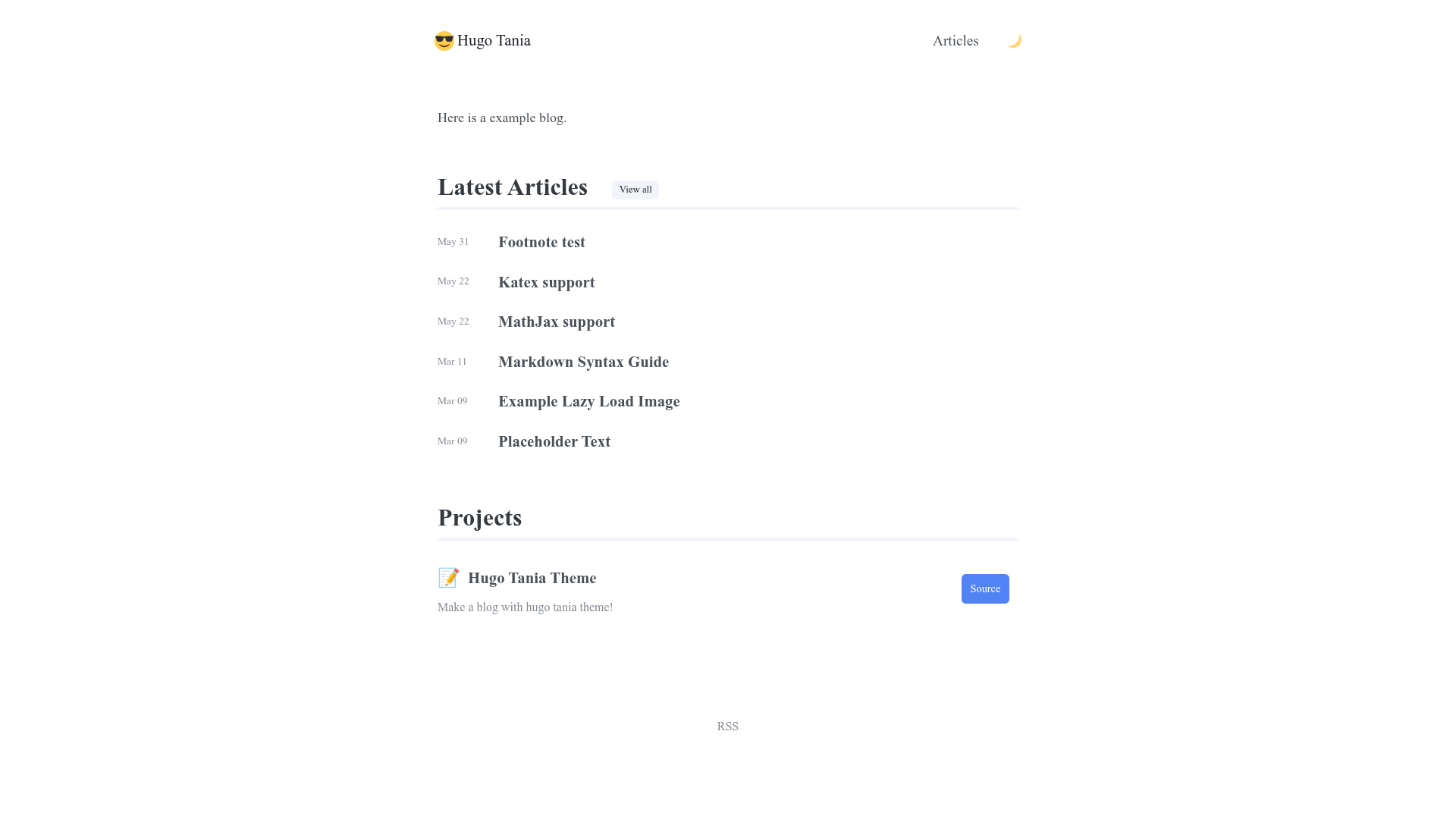
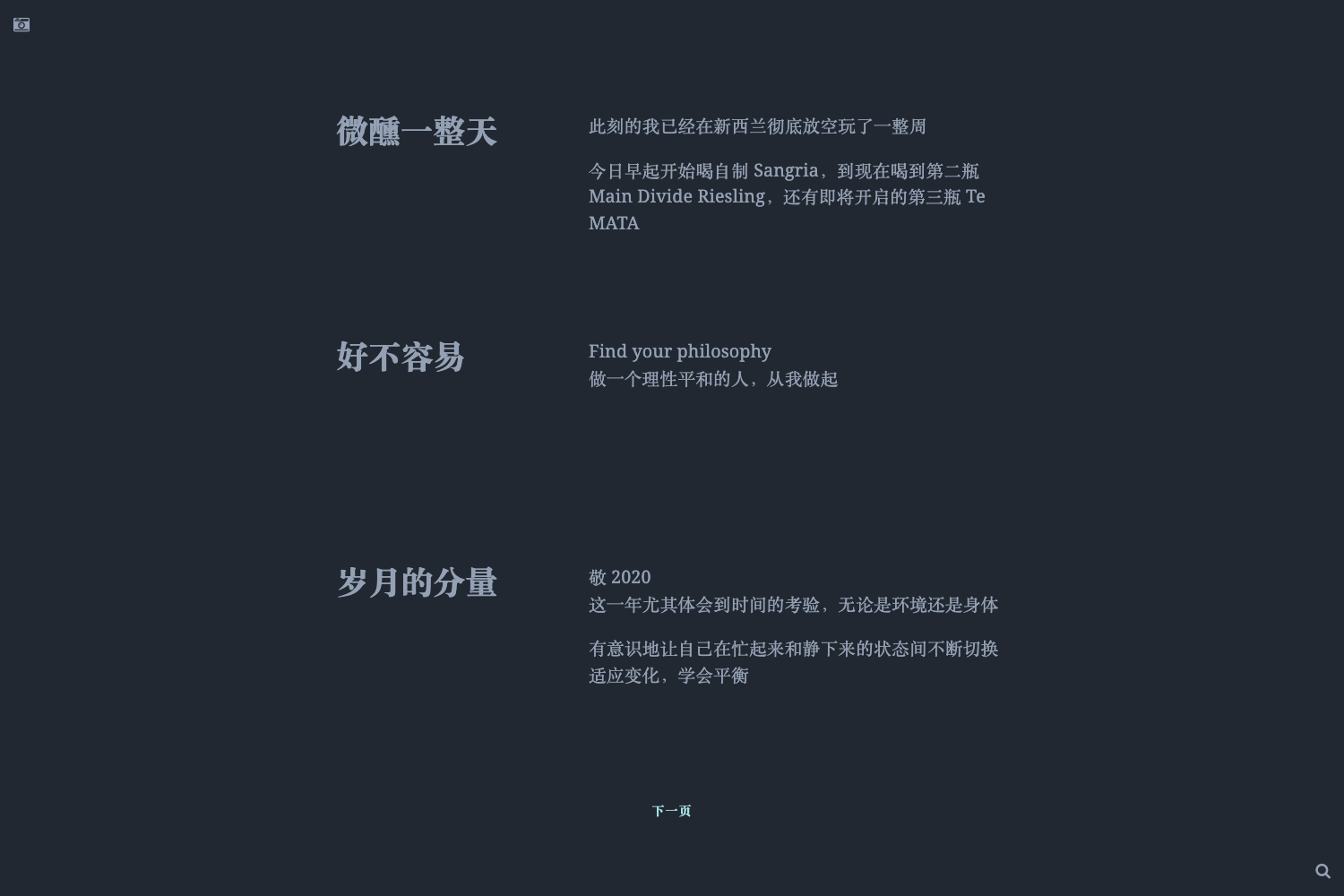
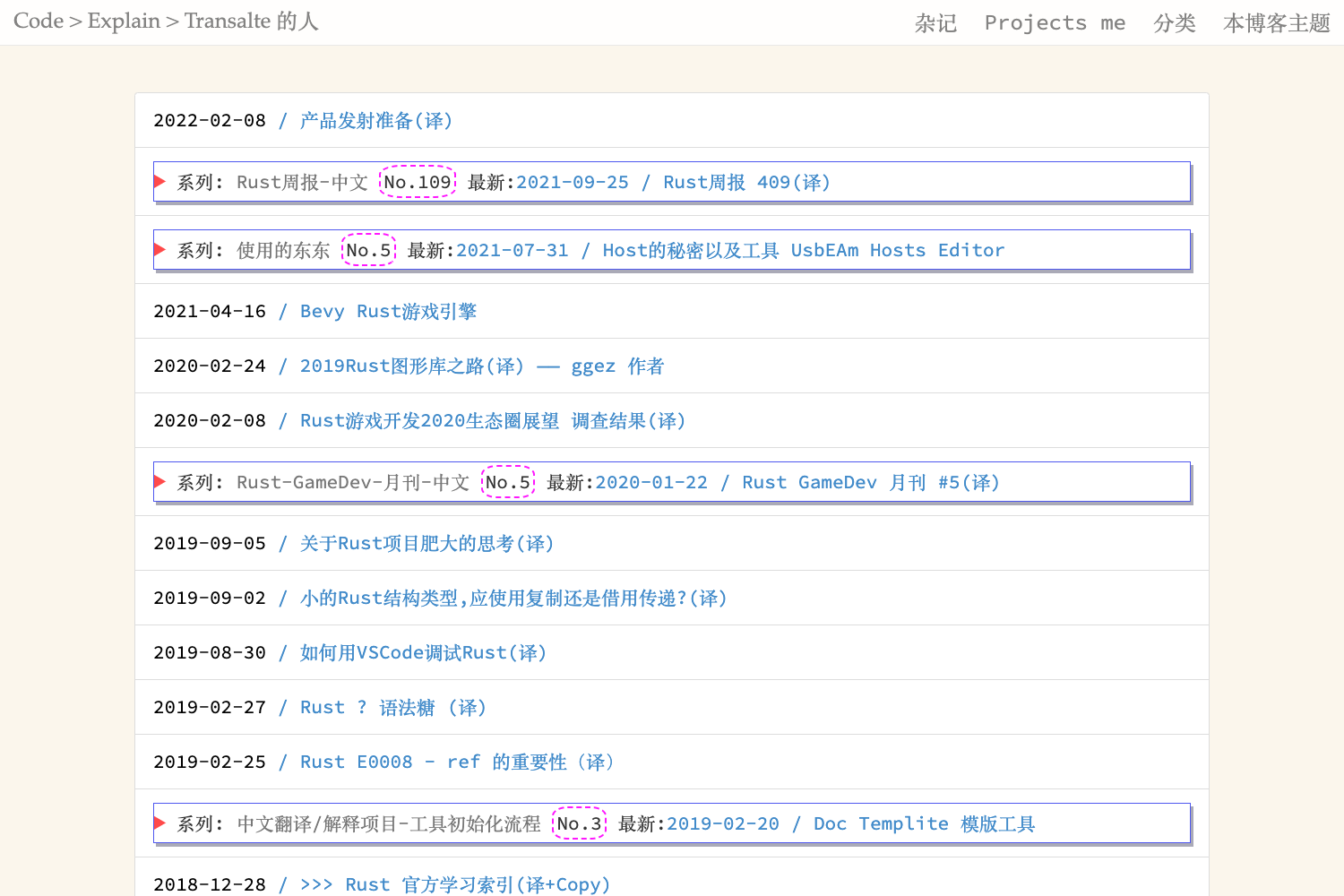
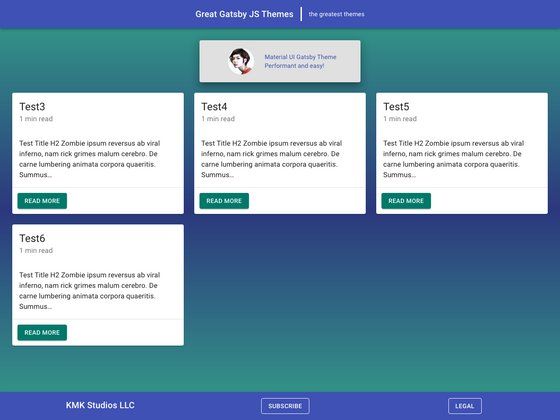
LearnData is a free, MIT-licensed open-source note and blog template built on VuePress 2 and the vuepress-theme-hope theme that turns scattered Markdown notes into a deployable personal knowledge base and blog. Maintained by rockbenben on GitHub, it's the codebase behind the live site newzone.top.
What is LearnData?
LearnData is a static-site template that takes Markdown notes and articles as input and produces a shareable website with a blog, a knowledge base, and separate reading notes. It runs on VuePress 2 and is designed so the entire setup—from repository creation to deployment—can be completed in the GitHub web interface without a local environment. The template is maintained by rockbenben and released under the MIT License.
Key Features
- VuePress 2 + vuepress-theme-hope — Core stack is VuePress 2 with the vuepress-theme-hope theme; writing is done entirely in Markdown, and the sidebar auto-generates from folders defined in
src/.vuepress/sidebar.ts. - Minimal oriental theme — A custom color palette of cinnabar (朱砂) with rice paper or warm-ink-black backgrounds, plus shiki vitesse code highlighting, configured in
src/.vuepress/theme.ts. - Dual search systems — The main site defaults to the local
@vuepress/plugin-slimsearchfull-text search; you can optionally switch to Algolia DocSearch. The docsify-based reading notes run a separate, independent search. - SEO and structured data — Includes a frontmatter SEO audit script and FAQ structured data in FAQPage JSON-LD format for richer search results.
- Comments and analytics — Main blog uses Giscus for comments; the reading-notes sub-site uses Waline with reading statistics.
- Live2D mascot — Optional Live2D Widget with random dialogue, outfit switching, and a mini-game; can be removed by deleting
src/.vuepress/public/live2d-widget. - Automated deployments — GitHub Actions workflow deploys to GitHub Pages or Vercel; also supports syncing to your own server via FTP using
FTP_HOST,FTP_PORT,FTP_USERNAME, andFTP_PASSWORDsecrets. - Built-in pages — Includes a blog page (
blog.md), an author introduction page (intro.md), and asrc/_postsdirectory, plus a drafts foldersrc/_tempthat is excluded from sync.
Who is LearnData for?
- Developers and technical writers — publish a Markdown-based blog with comments, search, and SEO tooling, then auto-deploy through GitHub Actions.
- Knowledge-management enthusiasts — organize notes into custom directories and use the
orderfrontmatter parameter to pin long-form series while keeping short notes visible. - Chinese-speaking users — benefit from Chinese-language documentation, deployment guidance for servers in mainland China, and workarounds for Gitee Pages and Vercel DNS issues.
- Anyone who wants a zero-local-setup website — the six-step onboarding is performed entirely on GitHub's web interface.
Use cases
- Personal knowledge base: create topic folders under
src, write Markdown, and the sidebar and search index update automatically with each push. - Blog with reading notes: publish articles in
src/_postsand keep long-form book notes insrc/reading, which gets its own docsify site and Waline comment counter. - Documentation site: use the template's documentation-inspired structure to host project docs, with giscus comments for community feedback.
- Multi-platform deployment: deploy the same content to GitHub Pages, Vercel, or a self-hosted FTP server, with the branch set to
gh-pagesfor Vercel.
How does LearnData work?
The template provides a six-step setup that runs entirely on GitHub: create a repo from the template, enable read/write permissions for Actions, rerun the workflow to generate a gh-pages branch, set that branch as the Pages source, rename the repo if needed, and visit the generated URL. For local work, install Node and pnpm 11, run pnpm i, then pnpm docs:dev to preview at http://localhost:8080/.
Pros and cons
- Pros: Free and MIT-licensed; no local environment required for setup; strong SEO features; flexible search (slimsearch or Algolia); wide deployment options; detailed troubleshooting for server and FTP issues.
- Cons: The documentation is primarily in Chinese; local builds require pnpm 11 (older pnpm versions fail with
ERR_PNPM_IGNORED_BUILDS); Vercel's*.vercel.appdomain is DNS-polluted in China, so custom domains are recommended there.
Pricing
LearnData is free and open source under the MIT License. You can use, modify, and commercialize it without licensing fees.
FAQ
How do I deploy LearnData to GitHub Pages?
Create a repository from the template with "Use this template", then under Settings > Actions > General enable read and write permissions. Re-run the deployment workflow to build a gh-pages branch, then set that branch as the source under Settings > Pages. No local environment is required.
How do I fix a broken layout when hosting in a subpath?
If your site becomes unstyled at a URL like username.github.io/LearnData, open src/.vuepress/config.ts and set base to "/LearnData/". For root locations keep the default "/". Push the change and the GitHub Actions workflow will redeploy automatically.
Why do I get a "Get counter failed with 403" error locally?
This error appears only during pnpm docs:dev when you access the site through a non-localhost domain, and it is caused by the Waline comment plugin. Remove the Waline block from the plugins section in src/.vuepress/theme.ts, or ignore it because the static build is unaffected.
Can I deploy LearnData to Vercel?
Yes. Use the one-click Vercel button in the README or import your repository, disconnect the demo project, connect your actual repo, and set the Production Branch to gh-pages. If a deployment fails, verify the Node.js Version is set to 20.x.
Does LearnData support multiple authors or comment systems?
The main blog uses Giscus (GitHub Discussions) for comments, while the reading notes use Waline. For multiple authors you would need to adapt the theme configuration; the template is designed for a single author's personal site.