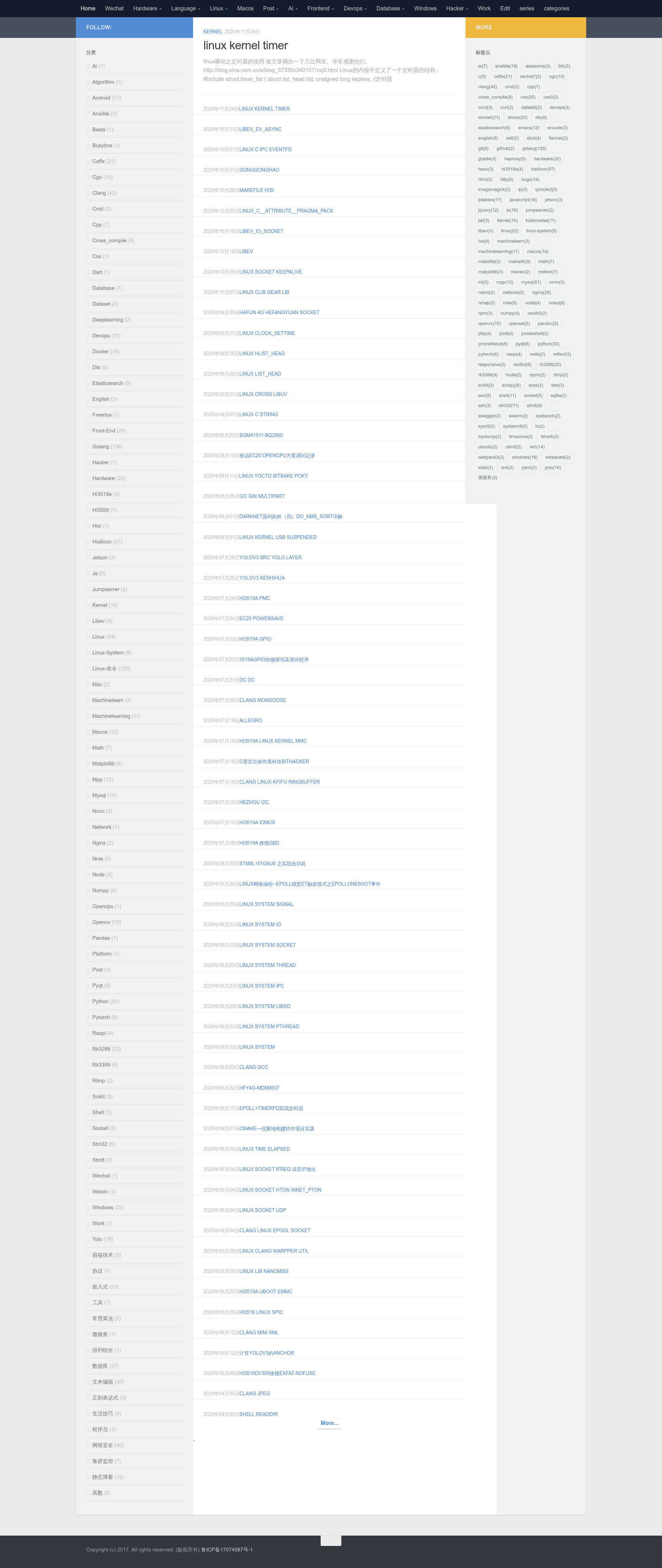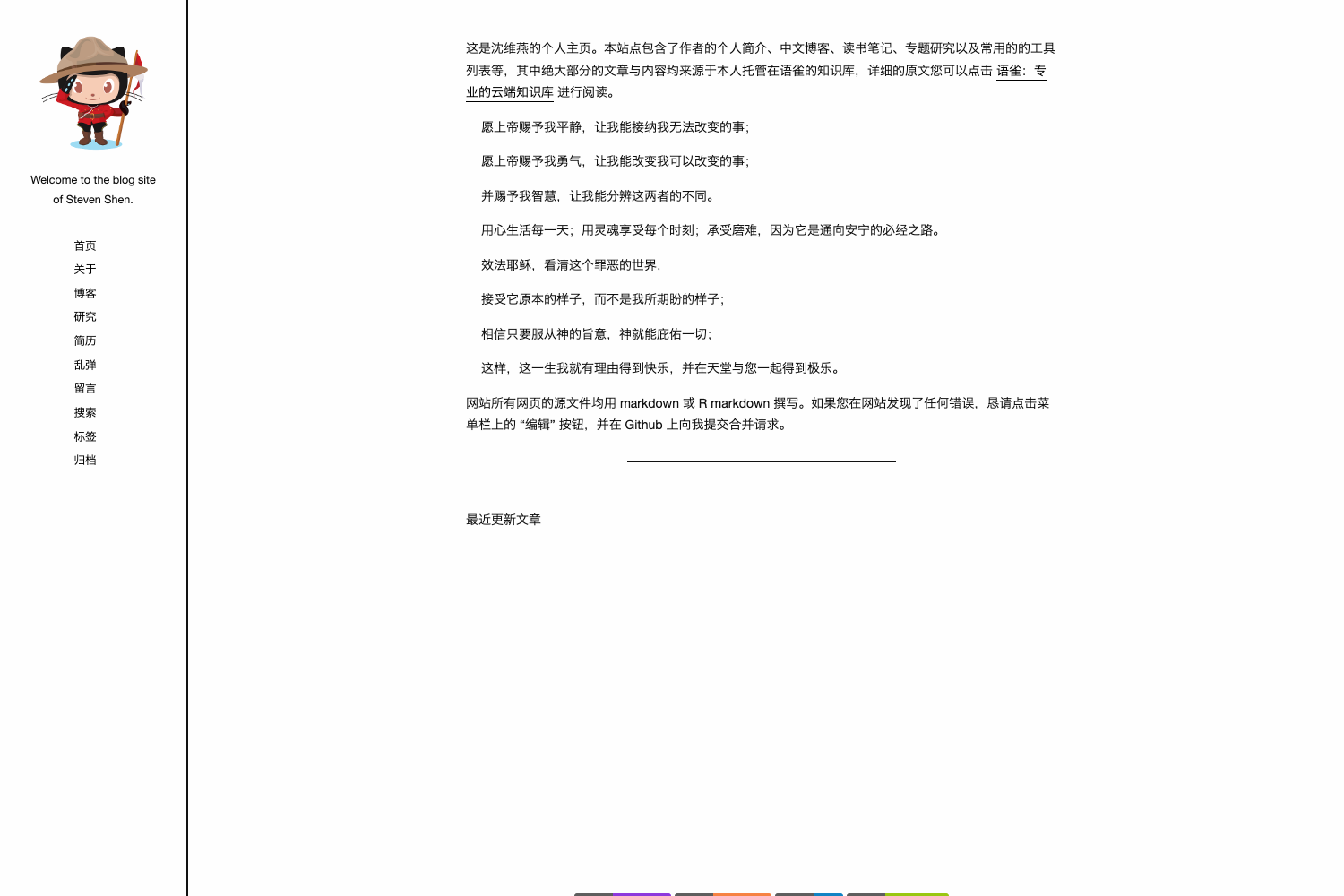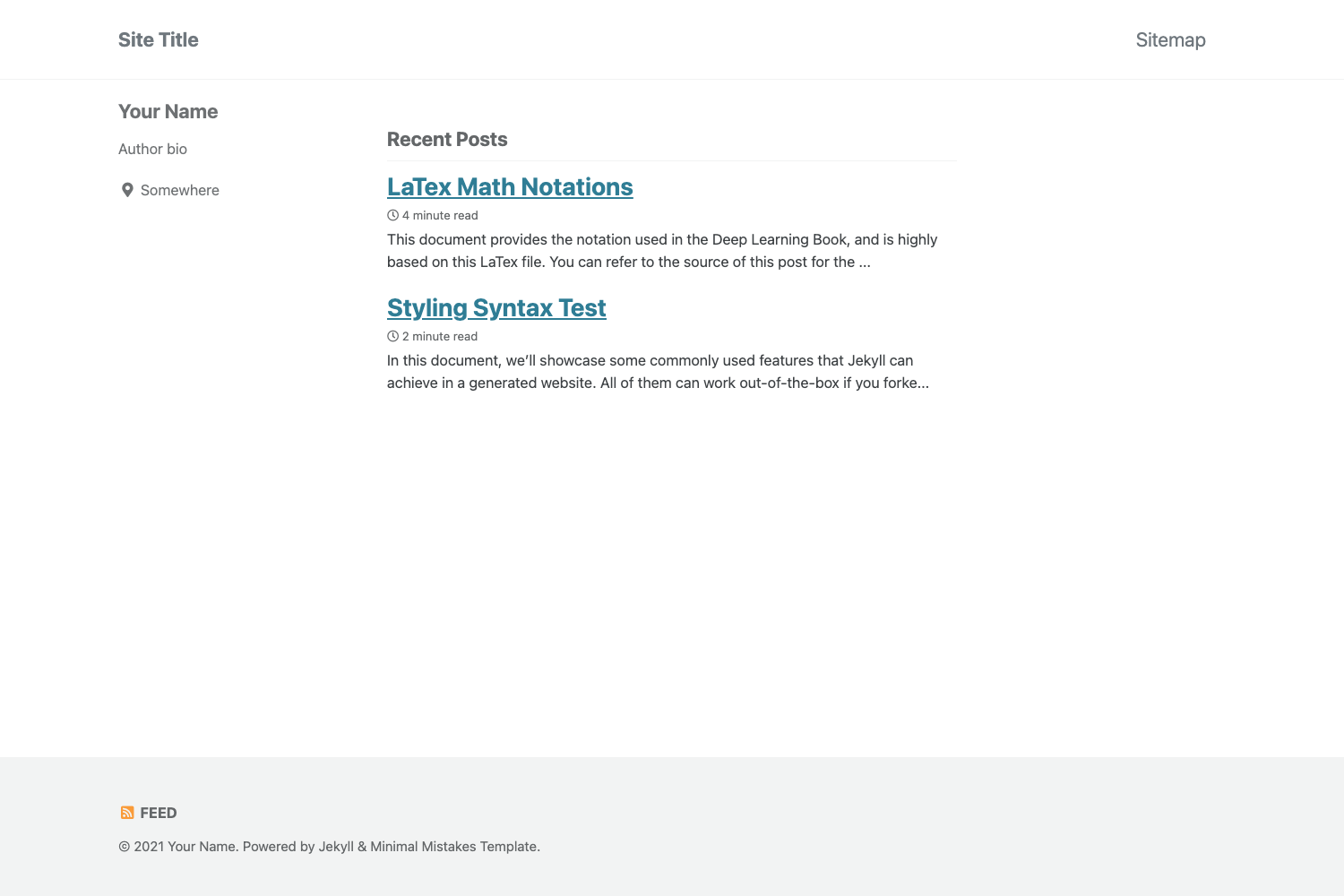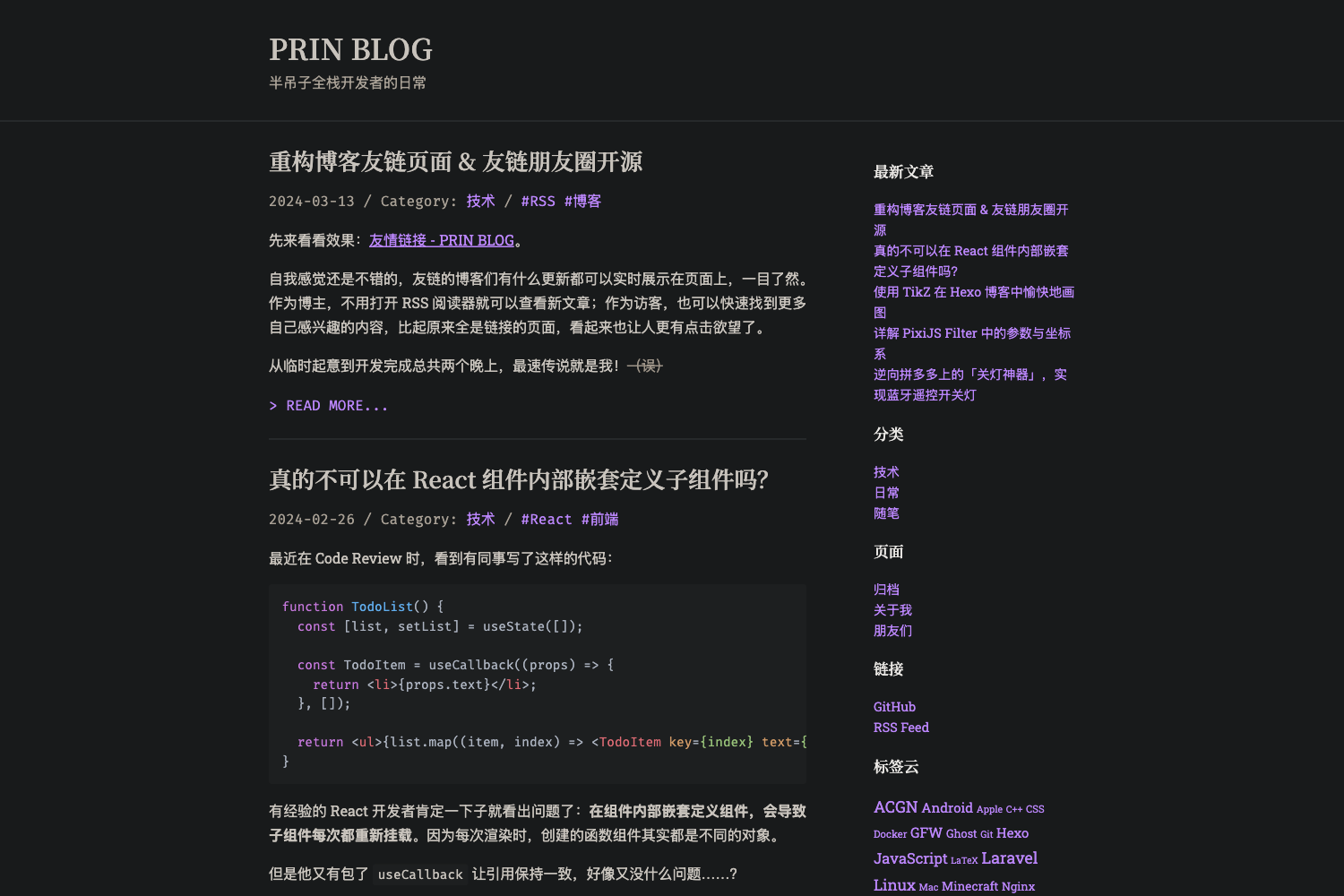
Template details
Hugo Theme Hueman
A Hugo theme named Hueman, configurable via config.yaml, that creates static blog sites with the Hugo static site generator.
About this template
Hugo Theme Hueman is a Hugo blog theme installed by cloning the rinetd/hueman GitHub repository into your site's themes directory and driving configuration from a YAML config file, with a demo at http://blog.pytool.com/.
What is Hugo Theme Hueman?
Hugo Theme Hueman is a theme for the Hugo static site generator, stored in a GitHub repository with topics gohugo, hueman, hugo, theme, and themes. It takes Hugo content files such as about.md and renders them into a static website, using config.yaml for site settings. The theme is created for users who want a functional blog layout without building a Hugo theme from scratch.
Key Features
- Minimal setup workflow - The README outlines five steps: install Hugo, run
hugo new site your-blog-name,git clone https://github.com/rinetd/hueman.git themes/hueman, replace the default config.toml with the theme's config.yaml, and start the server. - config.yaml-based configuration - The theme ships with its own config.yaml; the setup replaces Hugo's default config.toml so all site settings live in one YAML file.
- Git submodule compatibility - The repository can be added as a submodule, letting you keep the theme pinned to a specific commit within your site's git history.
- Hugo-native commands - Standard Hugo commands like
hugo new about.mdandhugo serverare used, requiring no extra tooling beyond Hugo itself. - Local preview - After starting
hugo server, the site is available at http://localhost:1313, where you can iterate on content and config before deployment.
Who is it for?
- Hugo bloggers - People who want a ready-to-run theme for a personal or project blog; they can clone, copy the config, and immediately create posts in Markdown.
- Self-hosted site owners - Developers who prefer the static site approach with Hugo and want a theme that is simple to install and revisit through git submodules.
- Hugo newcomers - The README doubles as an introductory walkthrough, showing the standard Hugo workflow of creating a site, adding a theme, and generating content.
What can you do with Hugo Theme Hueman?
- Launch a new static blog - Run
hugo new site your-blog-name, clone the theme, copy config.yaml, and usehugo new about.mdto add your first page, then preview it locally withhugo server. - Customize site settings - Modify the provided config.yaml to adjust site title, menus, and other Hugo parameters without touching theme templates.
- Track the theme via git - Initialize a git repo for your site and add the theme as a submodule for clean dependency management.
How does Hugo Theme Hueman work?
The README specifies a five-step process: install Hugo, create a new site, clone the theme into themes/hueman, replace config.toml with config.yaml, and run hugo server. The generated static site is then served at http://localhost:1313, where content created through hugo new appears as pages.