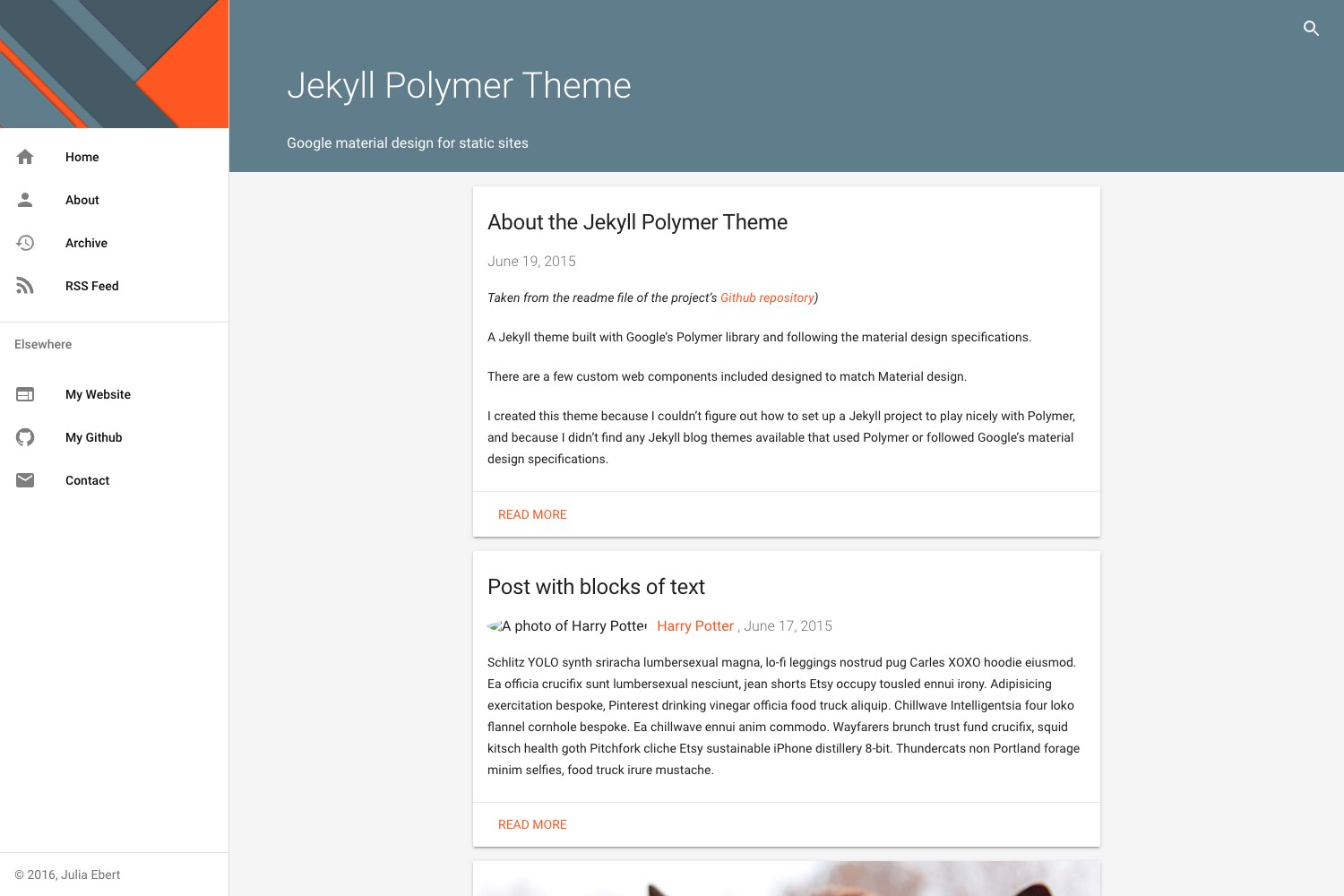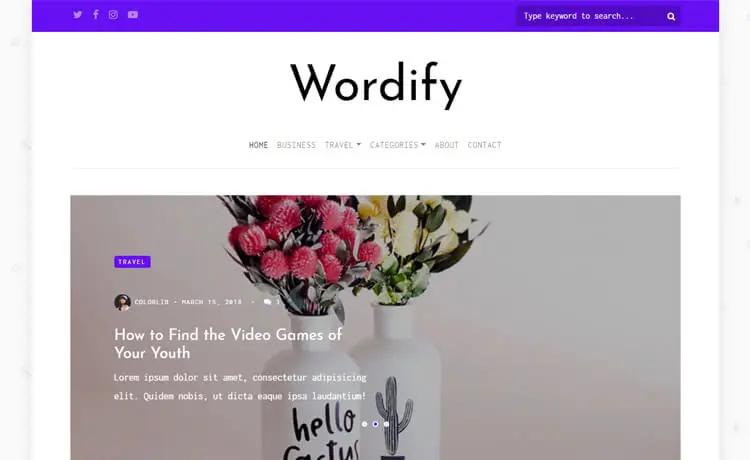
Template details
Hexo Theme Void
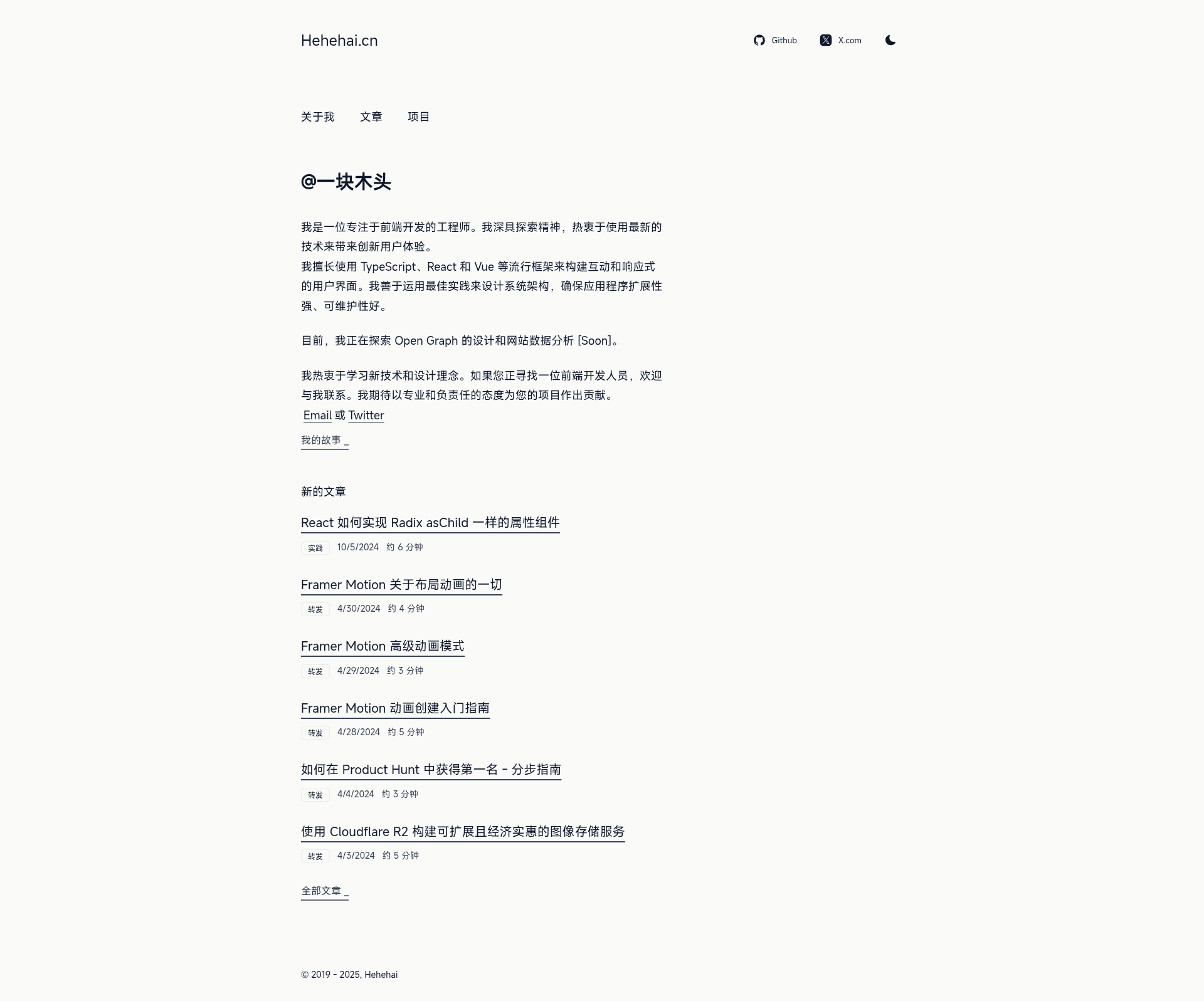
Minimalist black-and-white Hexo theme built with Pug and SCSS, with Disqus, Gitalk, Google Analytics, and MathJax support.
About this template
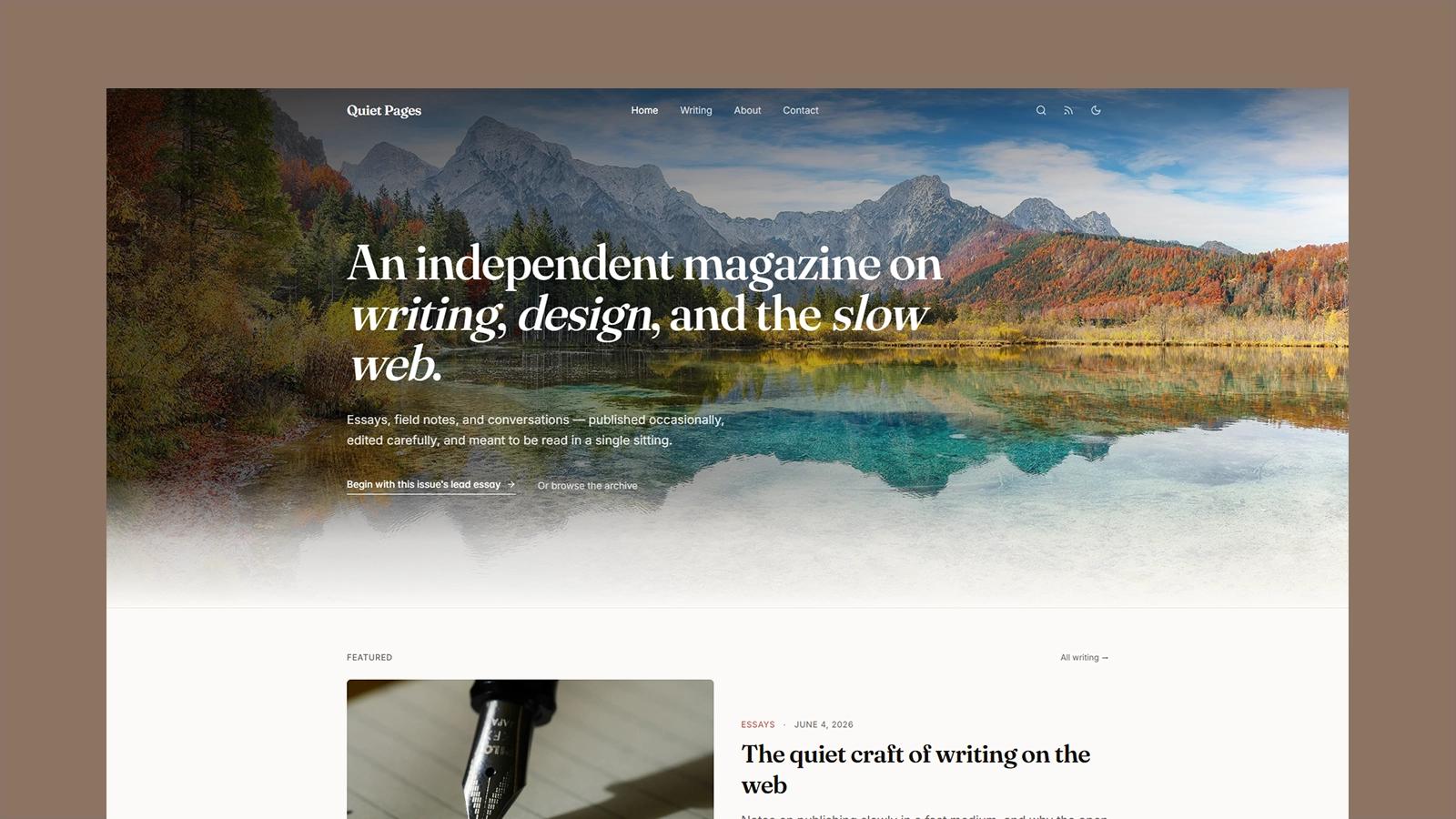
Hexo Theme Void is a minimalist black-and-white theme for the Hexo static site generator that renders Markdown posts into a clean blog with index, post, and archive pages.
What is Hexo Theme Void?
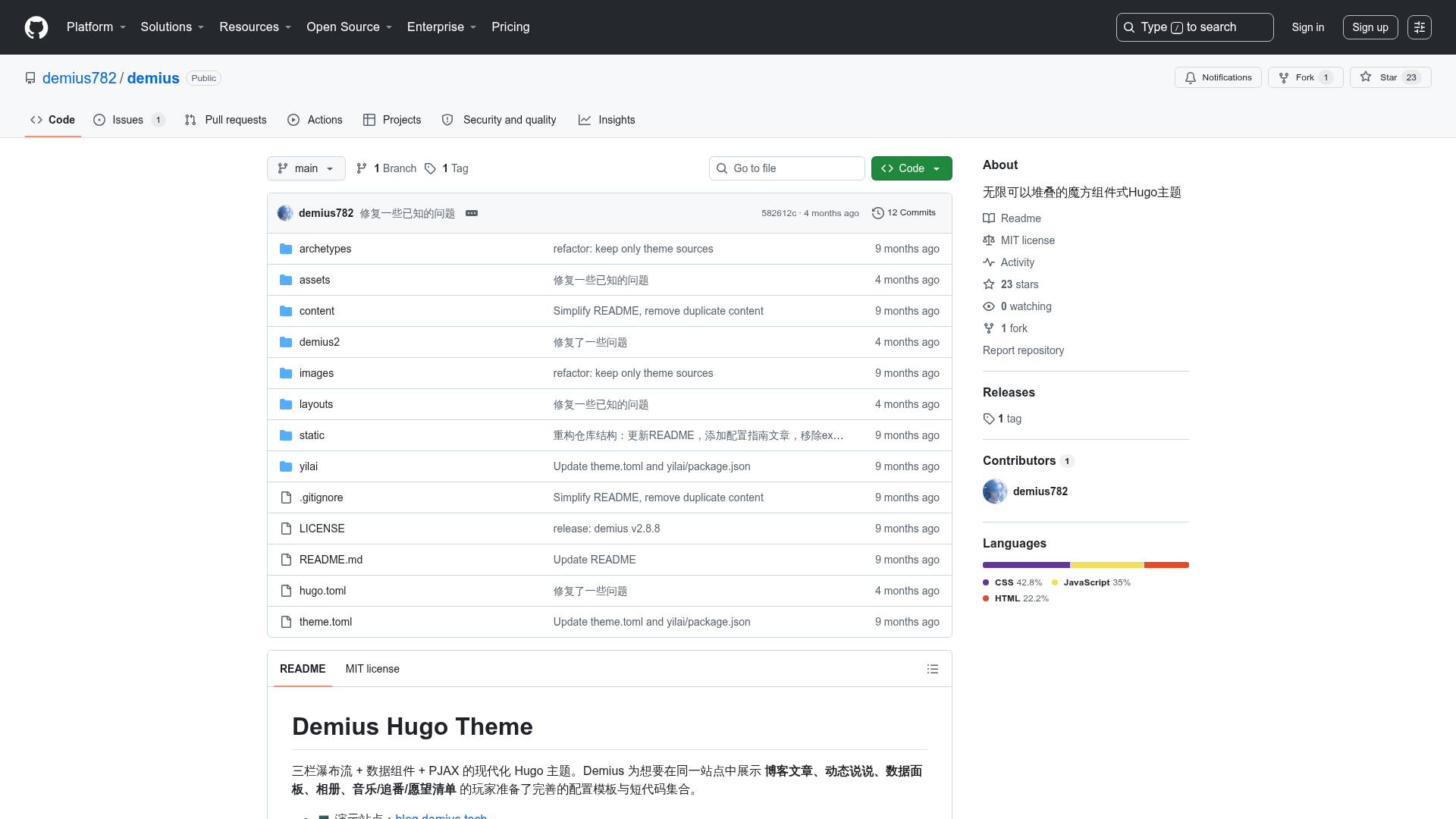
Void is an open-source Hexo theme authored by 河河海 (hehehai), distributed under the MIT License. It takes Hexo's Markdown content and front-matter as input and outputs a static HTML site styled with a pure black-and-white palette. The theme is built on Pug templates for layout and SCSS for styling, and it ships with optional integrations for Disqus, Gitalk, Google Analytics, and MathJax. The repository is published on GitHub as hexo-theme-void.
Key Features
- Pug + SCSS architecture — Layout files are written in Pug under the layout folder (archive.pug, index.pug, post.pug, plus partials and mixins); styles are organized as SCSS partials in source/scss with a main.scss entry point.
- Comment system support — Disqus and Gitalk are both configurable through the theme's _config.yml; both are disabled by default and require an ID or GitHub commit setup.
- Analytics and math — Google Analytics can be enabled by setting an Analytics ID, and MathJax formulas are included via a CDN link when enabled.
- Archive and feed generation — Works with hexo-generator-archive to display all posts on the archive page, and supports hexo-generator-feed for RSS and hexo-generator-sitemap for sitemaps.
- Meta description control — Add a desc field in each Markdown file's front-matter to generate a custom meta description; otherwise Void falls back to the page title and author.
- Excerpts via a comment marker — Place the HTML comment
<!--more-->after the summary in any post to create a preview on the homepage and archive lists. - Tip callout blocks — A div with class tip renders a styled warning block, a pattern borrowed from hexo-theme-apollo.
- Configurable navigation and branding — The theme config exposes menu, social, favicon, logo, and startyear settings.
Who is it for?
Void is aimed at bloggers and developers who want a distraction-free, monochrome reading experience without heavy JavaScript. Developers who are comfortable editing Pug and SCSS can fully customize the layouts by modifying files directly or by running npm run style:watch to rebuild styles. Site owners who deploy on Netlify can follow the author's example project to get automatic deploys from a GitHub repo with free HTTPS.
Use cases
- Personal bloggers: publish Markdown posts with front-matter, and Void will render a minimalist blog with homepage list, post pages, and a full archive page.
- Technical writers: set up MathJax for mathematical formulas and add meta descriptions per post to improve search engine snippets.
- Netlify deployers: fork the author's blog template, connect it to Netlify, and update posts by pushing new Markdown files to the repository.
- Theme customizers: use the documented file structure to modify Pug partials and SCSS partials.
How does Void work?
The installation flow begins with a fresh Hexo site: run hexo init, install the required renderer and generator plugins (hexo-render-pug, hexo-generator-feed, hexo-generator-sitemap, hexo-browsersync, hexo-generator-archive), then clone the theme into themes/void. After setting theme: void in _config.yml, the archive generator can be configured with per_page: 0 to show all posts. To customize styles, run npm install in the theme folder and then npm run style:watch.
Pros and cons
- Pros: MIT-licensed free theme; very lightweight with no bloated scripts; supports modern comment and analytics tools; installation is documented step-by-step.
- Cons: Requires Hexo knowledge to set up; node-sass installation can fail on some systems, and the README suggests using cnpm to work around it; npm WARN deprecated messages may appear but are harmless (per the author).
Pricing
Void is free and open source under the MIT License. There are no paid tiers or premium features.
Alternatives
- Hexo Theme Apollo — the theme that Void credits for its tip-block styling and design inspiration.
FAQ
Is Hexo Theme Void free?
Yes, Void is released under the MIT License, so it is completely free to use, modify, and redistribute. You can clone the repository from GitHub and use it for personal or commercial projects.
How do I install Hexo Theme Void?
After creating a Hexo site, install the required plugins (hexo-render-pug, hexo-generator-feed, hexo-generator-sitemap, hexo-browsersync, hexo-generator-archive), clone the theme into themes/void, and set theme: void in the site's _config.yml. The README gives exact commands.
How do I add a meta description to my posts?
Add a desc field to the front-matter of each Markdown file. Void uses that value to generate a meta description tag; if no desc is present, it falls back to the page title and author for the description.
How do I show a post excerpt on the homepage?
Insert the HTML comment <!--more--> in your Markdown after the summary text and before the rest of the content. Void will display everything before that marker as the excerpt on index and archive pages.
What should I do if node-sass fails during style setup?
The README notes that style compilation depends on node-sass, which can be problematic on some systems. Delete the node_modules folder in the theme directory and run cnpm install instead of npm install, then try npm run style:watch again.